.M ファイル拡張子

Objective-C Implementation File

開発元 Apple
人気度
3.6  |  210 
 

Mファイルとは?

An M file is a class implementation file used by programs written in Objective-C. It begins with the @implementation directive and initializes variables and functions that can be referenced by other Objective-C source files. M files may also reference header (.H) files.

詳細情報

Objective-C is most commonly used to implement applications for Apple's Mac OS X and iOS operating systems. Apple's Cocoa API provides the Objective-C programming interface for Mac OS X, and the iOS API provides the programming interface for the iOS platform.

File Viewer Plusで400種類以上のファイル形式を開けます。無料ダウンロード

Mファイルを開くプログラム

Windows
無料体験版
無料
無料
Mac
Linux
無料体験版
無料
無料
Apple complier (cc)
Stepstone compiler (objcc)
カテゴリ: 開発者
更新日: 2016-08-24

MATLAB Source Code File

開発元 The MathWorks
人気度
3.4  |  84 
 

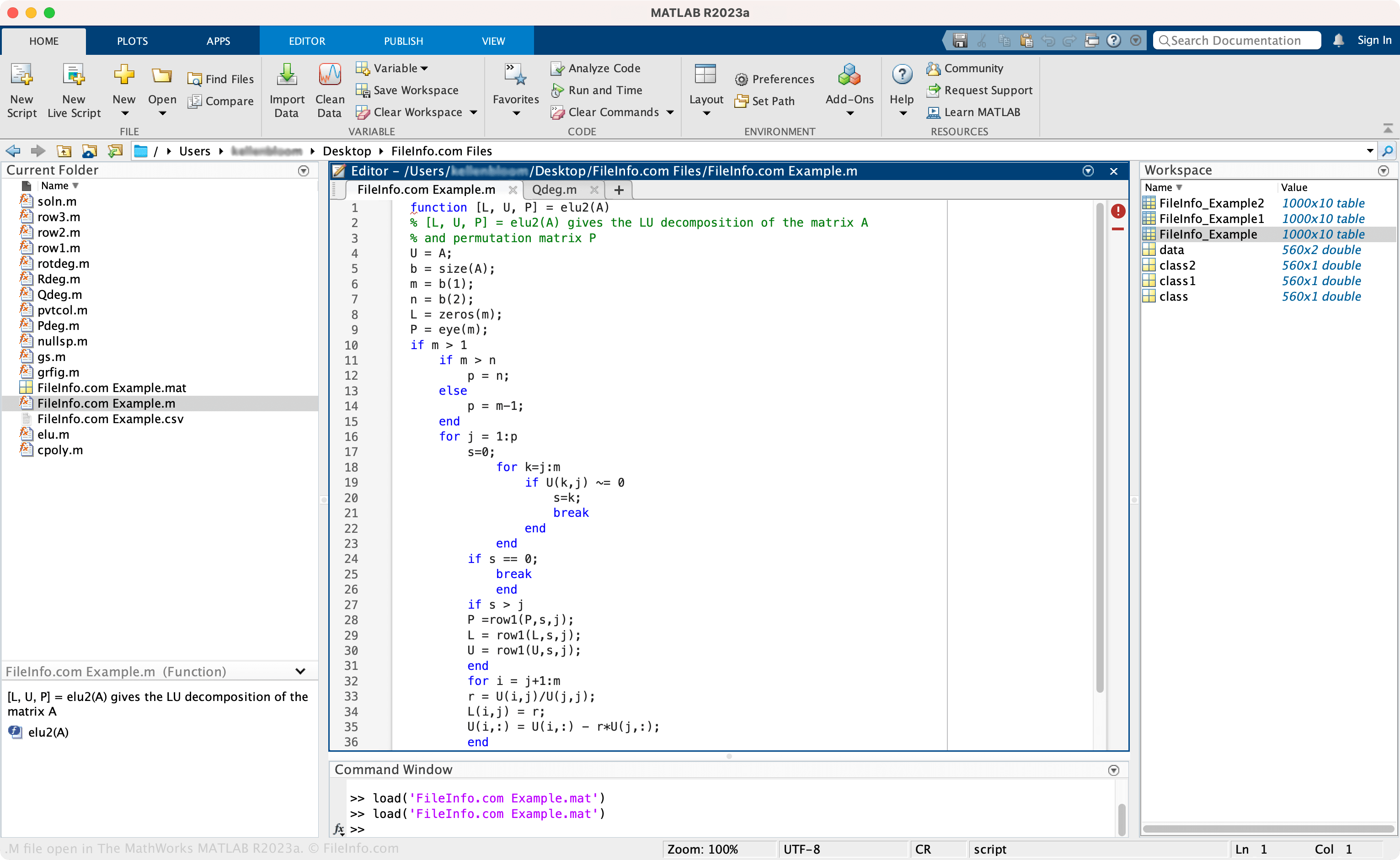
An M file is a source code file used by The MathWorks MATLAB, an advanced application for analyzing data and performing mathematical computations. It may store a script, class, or an individual function in the MATLAB programming language that MATLAB users create to execute algorithms, plot graphs, and perform other mathematical operations. Since M files store plain text, you can use any text editor to open and edit them, although most users open them with MATLAB.

詳細情報

The MathWorks MATLAB R2023aで開いた.mファイルのスクリーンショット
The MathWorks MATLAB R2023aで開いたMファイル

MATLAB provides many features to analyze data, develop algorithms, create models, build apps, and more. One of its primary features is its high-level programming language, which scientists and engineers often use for various purposes, such as running simple data query commands or developing large-scale applications for collecting and visualizing data.

How to create an M file with MATLAB

To create an M file with MATLAB:

  1. Select New in the Editor tab
  2. Choose the type of file ("Script," "Function," etc.)
  3. Select Save → Save As...
  4. Name the file and choose the save location
  5. Select Save

Mファイルの開き方

You can open an M file with The MathWorks MATLAB (multiplatform). To open an M file, select Open from the "HOME" or "EDITOR" tabs, choose the M file, then select Open.

Opening an M file with a text or source code editor

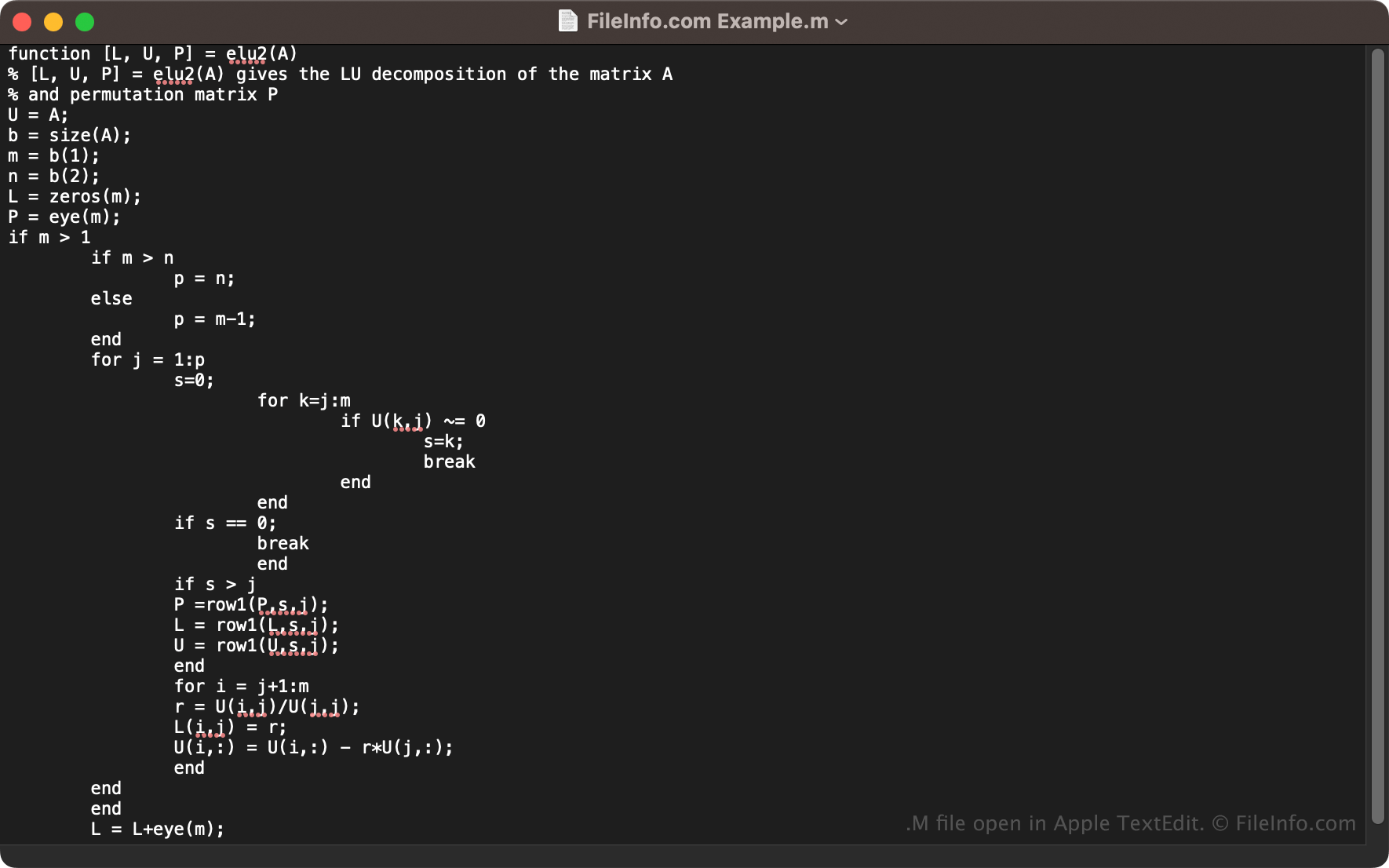
M file open in Apple Text Edit

Since M files store plain text, you can open them with a text editor, such as Microsoft Notepad (Windows) or Apple TextEdit (Mac), or a source code editor. However, most users open and edit M files with MATLAB since the app provides helpful editing tools not available with third-party apps.

Mファイルを開くプログラム

Windows
無料体験版
Mac
無料体験版
Linux
無料体験版
カテゴリ: 開発者
更新日: 2023-05-04

Mercury Source Code File

開発元 The Mercury Project
人気度
3.3  |  26 
 

Source code file written using Mercury, a functional programming language that was developed at the University of Melbourne, Australia; saved using plain text formatting and uses syntax similar to Prolog.

詳細情報

Mercury was written in order to provide a robust language for large real world applications. It includes several error-checking features not provided by other logic programming languages. For example, the language incorporates static analysis that can catch type checking errors before runtime. This enables greater assurance over the correctness of the program and also allows the compiler to generate more efficient code. However, the developer must specify each of the "type," "mode," and "determinism" constructs while programming, which is not necessarily required by other languages.

注: The developmental version of the Mercury compiler is currently distributed in a source code format and does not include compiler binaries. However, a Windows port of Mercury, called winmercury, includes binaries. It also includes Vim syntax highlighting files for source code editing.

Mファイルを開く、または参照するプログラム

Windows
無料
Linux
無料
無料
無料
カテゴリ: 開発者
更新日: 2011-07-19

PC-98 Game Music File

開発元 不明
人気度
3.3  |  23 
 

Sound file format used by Japanese PC-98 computers and emulators; contains synthesizer music that can be used as instruments to create songs; referenced in order to know what music to play.

詳細情報

注: In order to play M files with FMPMD2000, you need to download the WinFMP.dll and PMDWin.dll files, which are available from the same location.

Mファイルを開く、または参照するプログラム

Windows
無料

Wolfram Mathematica Language Package

開発元 Wolfram Research
人気度
3.1  |  25 
 

An M file contains functions or other inputs used by Wolfram Research Mathematica, a technical computing system. These inputs consist of plain text written in the Wolfram Language, a proprietary programming language. Mathematica includes several default M files, and users can create their own, custom M files.

詳細情報

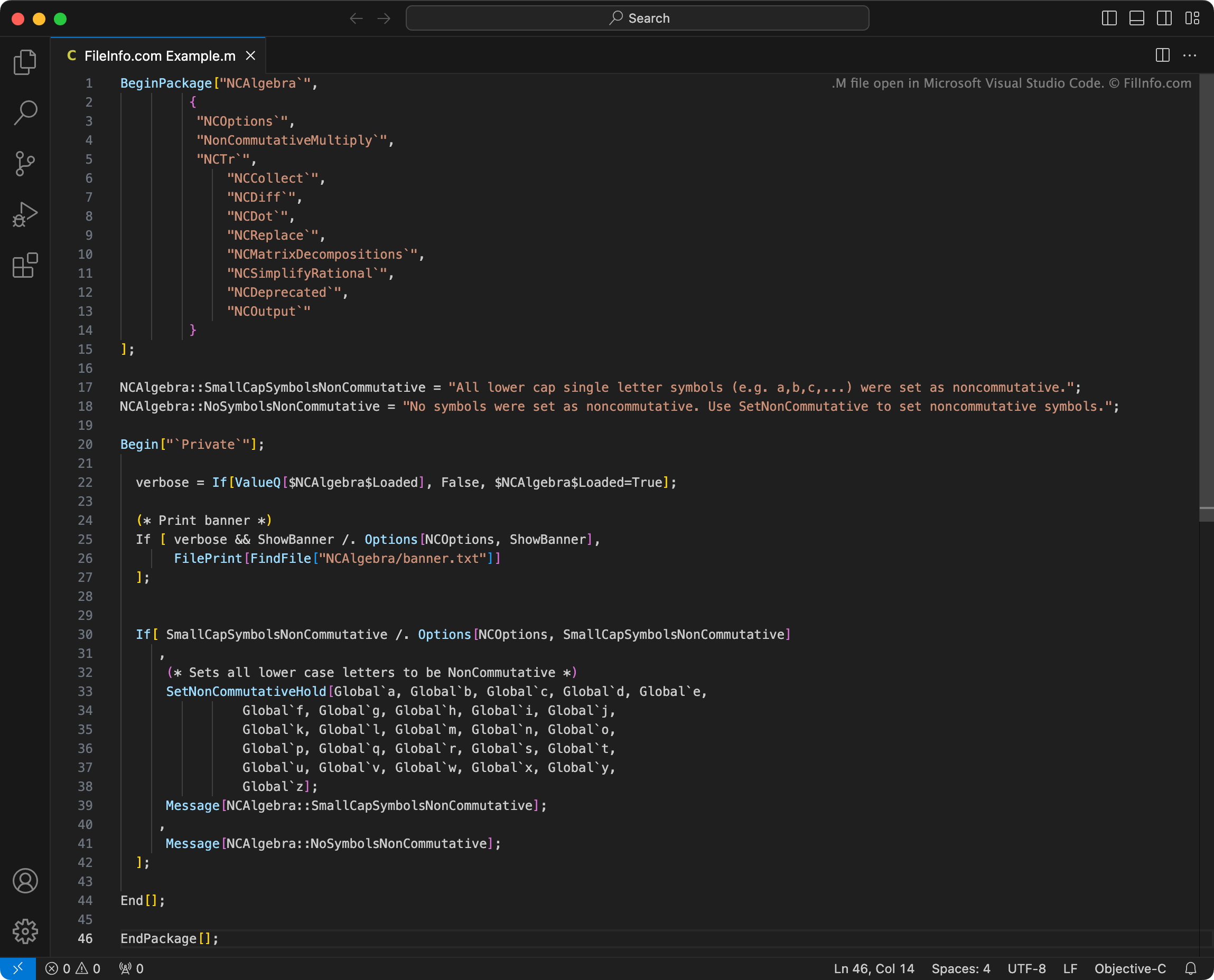
Microsoft Visual Studio Codeで開いた.mファイルのスクリーンショット
Microsoft Visual Studio Codeで開いたMファイル

Using Mathematica, researchers, data analysts, and others can perform several types of mathematical and scientific computations. Typically, Mathematica users work within Mathematica Notebook (.NB) files, to create data analysis visualizations and other outputs.

To perform operations, Mathematica uses Wolfram Language functions and other inputs. These inputs are often stored in M files. Mathematica automatically loads some default M files at startup, to allow users to use the inputs those files contain.

Optionally, users can load other M files included with Mathematica, to use the inputs those files contain. Or, users can create their own M files, using Mathematica or the Wolfram Workbench IDE, and then load those files in Mathematica.

一般的な.Mファイル名

init.m - Initialization files that contain settings Mathematica loads at startup.

Mファイルの開き方

If you want to view or edit an M file's contents, you can open it with any text editor. However, you're best off viewing and editing M files with Wolfram Workbench, an Eclipse-based IDE meant to be used alongside Mathematica.

To use an M file with Wolfram Mathematica:

  1. Select File → Open.
  2. Navigate to and open your M file.

Mathematica will then import the inputs your M file contains into your current NB file. In some cases, you will have to evaluate these inputs manually. In others, Mathematica will automatically ask you whether you want to evaluate the inputs.

You can find more information about how to use M files with Mathematica here.

How to export an M file from an NB file

In some cases, you may want to save Wolfram Language packages that you've created within an NB file as their own, separate M file. To do this manually:

  1. Mark the Input cells that contain your Wolfram Language package's inputs as Initialization cells.
  2. Select File → Save As from Mathematica's menu bar.
  3. Save your NB file as an M file.

Instead of overwriting your NB file, Mathematica will create a new M file that includes the contents of all the cells you marked as Initialization cells. (This file will also include your NB file's other contents, but those contents will be commented out.)

If you want to automatically save all Wolfram Language packages you create within NB files as separate M files, you can do so by adjusting Mathematica's settings as follows:

  1. Select Preferences → Option Inspector → Notebook Options → File Options → AutoGenerated Package.
  2. Set AutoGeneratedPackage to Automatic.

From now on, when you save an NB file that contains Initialization cells, Mathematica will also save an M file that includes the contents of the NB file's Initialization cells (and the NB file's other contents, commented out).

Mファイルを開くプログラム

カテゴリ: データ
更新日: 2023-10-25

検証者 FileInfo.com

FileInfo.comチーム は、このページに掲載されているすべてのファイル形式とソフトウェアについて独自に調査しました。 私たちの目標は100%の正確性であり、検証済みのファイルタイプに関する情報のみを公開しています。

このページへの追加や更新をご提案いただける場合は、お知らせください。