

.M Rozszerzenie pliku
Plik kodu źródłowego MATLAB
| Deweloper | The MathWorks |
| Popularność |
3,4 | 84 Głosy |
Plik M to plik kodu źródłowego używany przez zaawansowaną aplikację The MathWorks MATLAB do analizowania danych i wykonywania obliczeń matematycznych. Może przechowywać skrypt, klasę lub pojedynczą funkcję w języku programowania MATLAB, które użytkownicy MATLAB-a tworzą w celu wykonywania algorytmów, rysowania wykresów i przeprowadzania innych operacji matematycznych. Ponieważ pliki M przechowują zwykły tekst, można je otwierać i edytować w dowolnym edytorze tekstu, choć większość użytkowników otwiera je w MATLAB-ie.
Więcej informacji
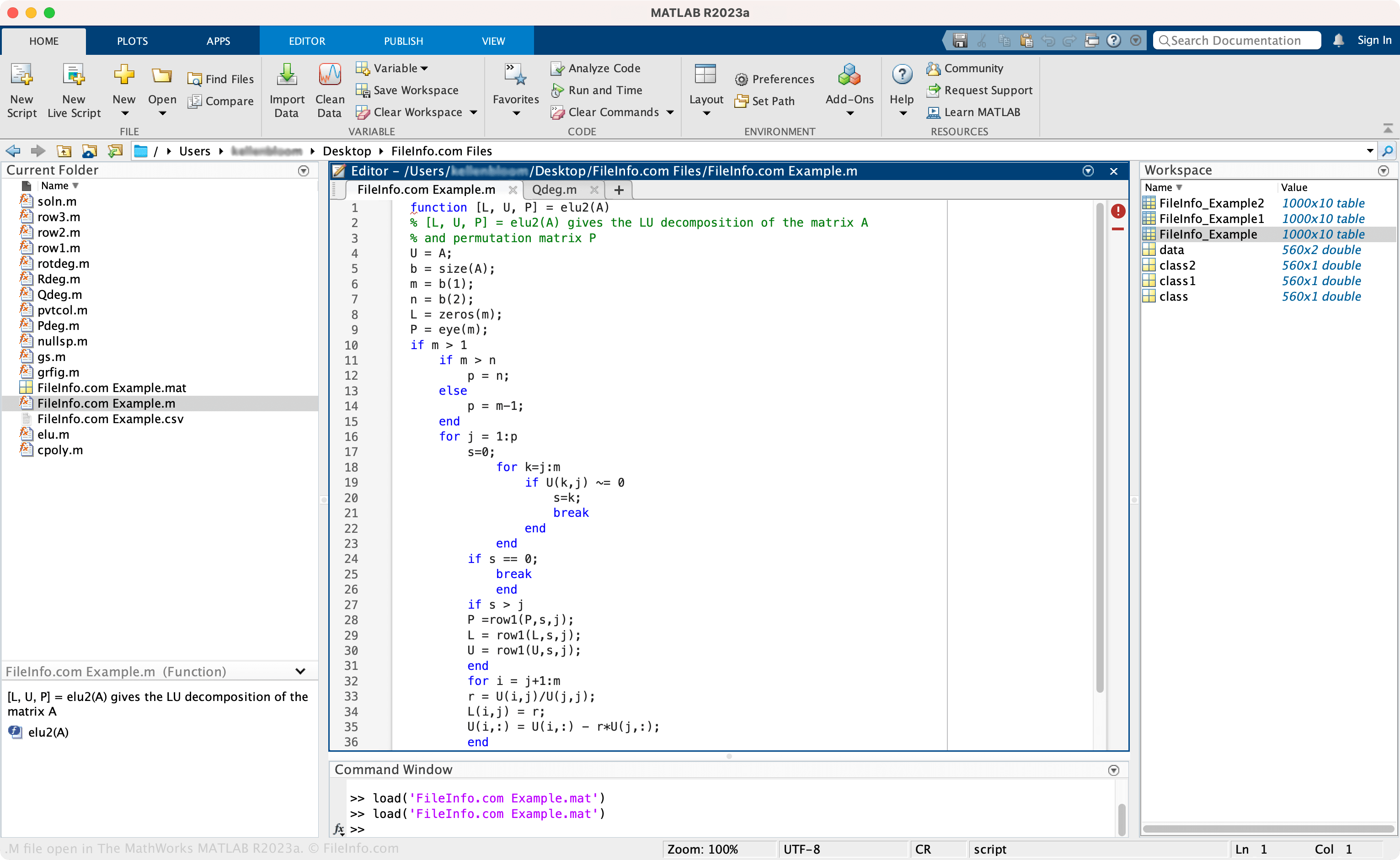
MATLAB oferuje wiele funkcji do analizowania danych, tworzenia algorytmów, budowania modeli, tworzenia aplikacji i nie tylko. Jedną z jego najważniejszych funkcji jest język programowania wysokiego poziomu, którego naukowcy i inżynierowie często używają do różnych celów, takich jak wykonywanie prostych poleceń wyszukiwania danych lub tworzenie aplikacji na dużą skalę do gromadzenia i wizualizacji danych.
Jak utworzyć plik M w MATLAB-ie
Aby utworzyć plik M w MATLAB-ie:
- Wybierz na karcie
- Wybierz typ pliku („Script”, „Function” itd.)
- Wybierz
- Nadaj plikowi nazwę i wybierz lokalizację zapisu
- Wybierz
Jak otworzyć plik M
Plik M można otworzyć za pomocą programu The MathWorks MATLAB (na wielu platformach). Aby otworzyć plik M, wybierz na karcie „HOME” lub „EDITOR”, wybierz plik M, a następnie wybierz .
Otwieranie pliku M za pomocą edytora tekstu lub kodu źródłowego
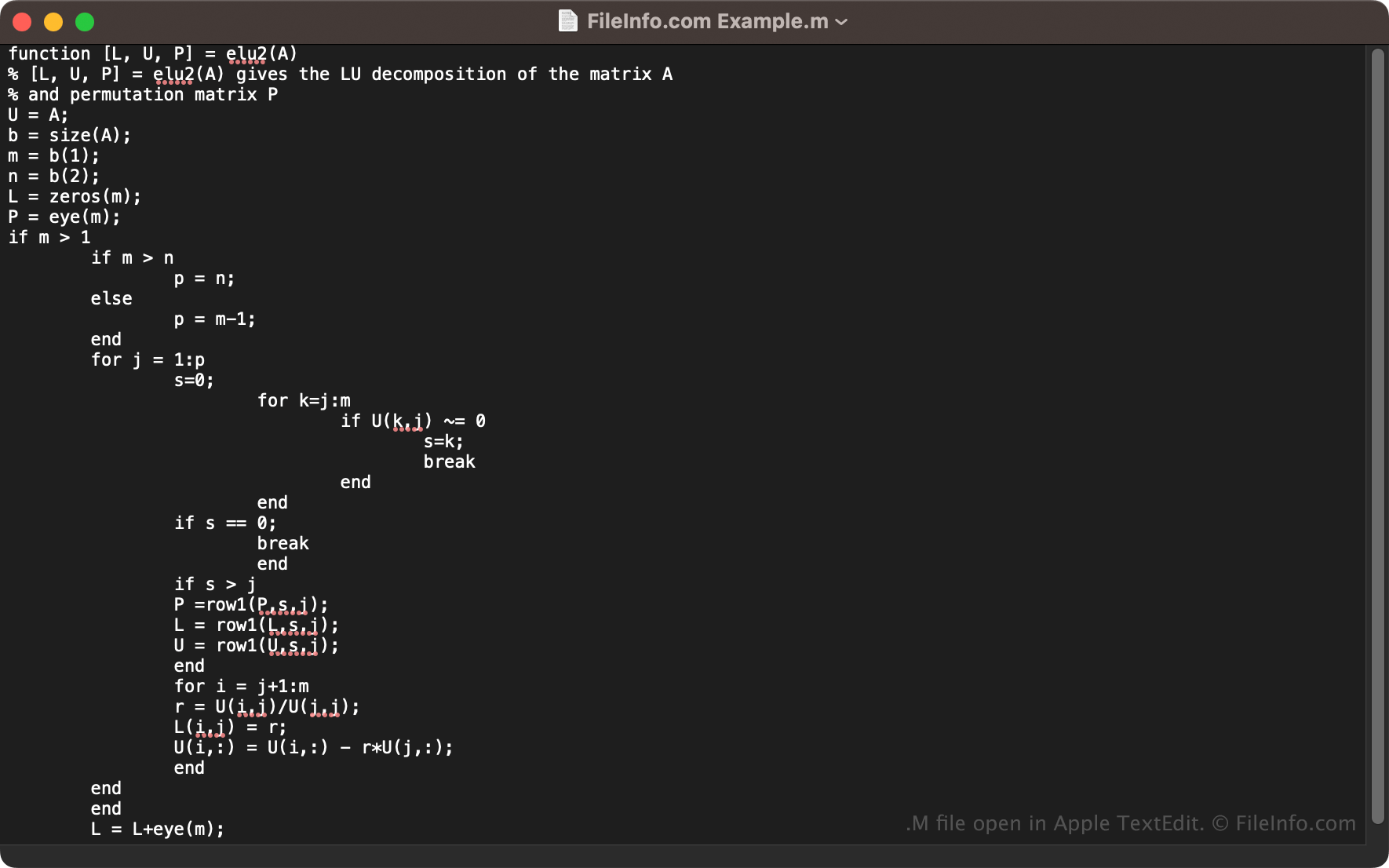
Ponieważ pliki M przechowują zwykły tekst, można je otwierać za pomocą edytora tekstu, takiego jak Microsoft Notepad (Windows) lub Apple TextEdit (Mac), albo edytora kodu źródłowego. Większość użytkowników otwiera jednak pliki M i edytuje je w MATLAB-ie, ponieważ aplikacja oferuje przydatne narzędzia do edycji, które nie są dostępne w aplikacjach innych firm.
Programy otwierające pliki M
Pakiet języka Wolfram Mathematica
| Deweloper | Wolfram Research |
| Popularność |
3,1 | 25 Głosów |
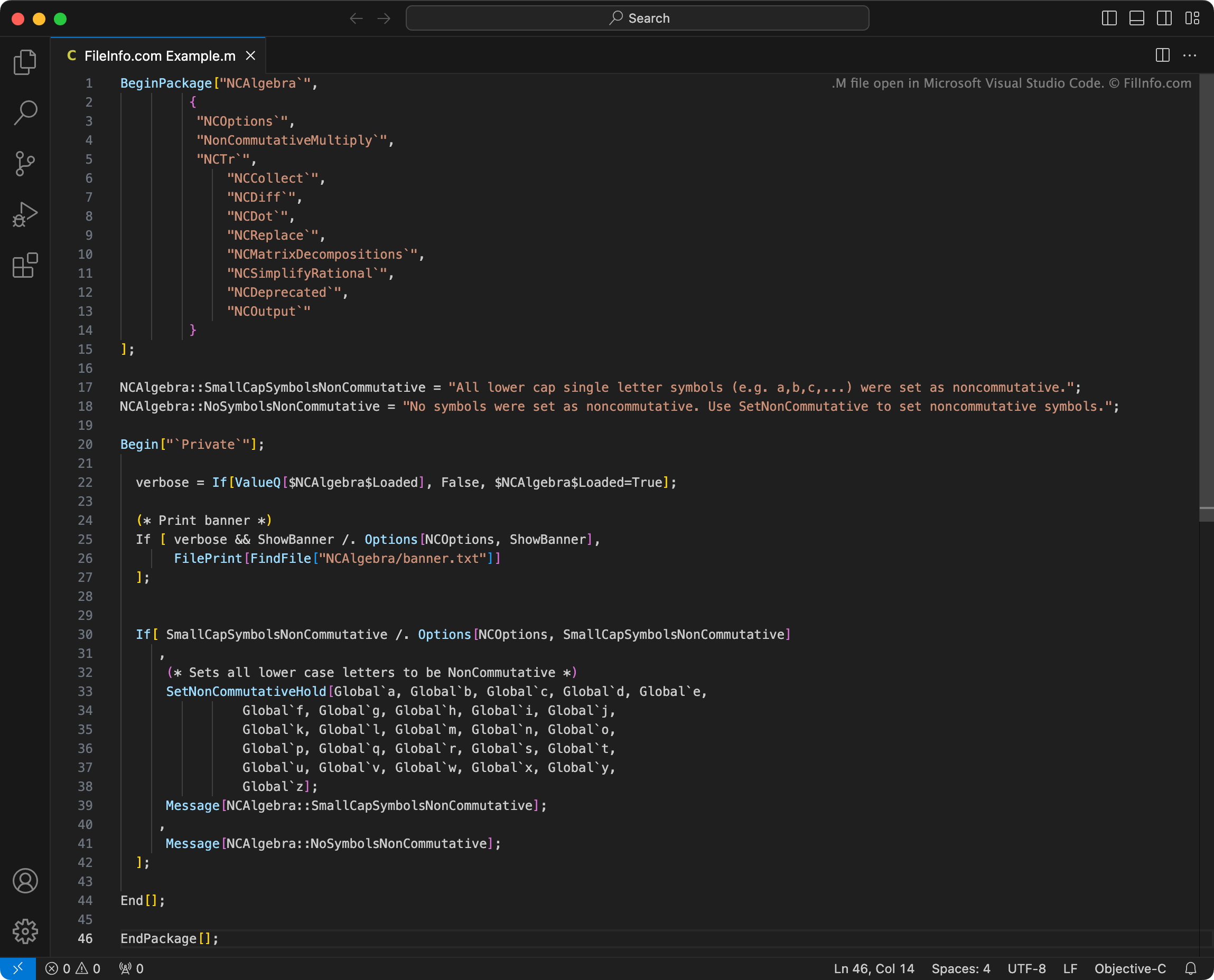
Plik M zawiera funkcje lub inne dane wejściowe używane przez Wolfram Research Mathematica, system do obliczeń technicznych. Dane te składają się ze zwykłego tekstu napisanego w języku Wolfram Language, zastrzeżonym języku programowania. Mathematica zawiera kilka domyślnych plików M, a użytkownicy mogą tworzyć własne, niestandardowe pliki M.
Więcej informacji
Korzystając z programu Mathematica, naukowcy, analitycy danych i inne osoby mogą wykonywać różne rodzaje obliczeń matematycznych i naukowych. Zazwyczaj użytkownicy programu Mathematica pracują w plikach Mathematica Notebook (.NB), aby tworzyć wizualizacje analizy danych i inne wyniki.
Do wykonywania operacji Mathematica używa funkcji języka Wolfram Language i innych danych wejściowych. Dane te są często przechowywane w plikach M. Mathematica automatycznie ładuje niektóre domyślne pliki M podczas uruchamiania, aby umożliwić użytkownikom korzystanie z danych wejściowych zawartych w tych plikach.
Użytkownicy mogą także ładować inne pliki M dołączone do programu Mathematica, aby korzystać z zawartych w nich danych wejściowych. Mogą również tworzyć własne pliki M za pomocą programu Mathematica lub środowiska IDE Wolfram Workbench, a następnie ładować je w programie Mathematica.
Popularne nazwy plików .M
init.m - Pliki Initialization zawierające ustawienia ładowane przez program Mathematica podczas uruchamiania.
Jak otworzyć plik M
Jeśli chcesz wyświetlić lub edytować zawartość pliku M, możesz otworzyć go w dowolnym edytorze tekstu. Najlepiej jednak wyświetlać i edytować pliki M za pomocą Wolfram Workbench, środowiska IDE opartego na Eclipse, przeznaczonego do używania wraz z programem Mathematica.
Aby użyć pliku M w programie Wolfram Mathematica:
- Wybierz .
- Przejdź do pliku M i otwórz go.
Mathematica zaimportuje wtedy dane wejściowe zawarte w pliku M do bieżącego pliku NB. W niektórych przypadkach konieczne będzie ręczne obliczenie tych danych wejściowych. W innych Mathematica automatycznie zapyta, czy chcesz je obliczyć.
Więcej informacji o korzystaniu z plików M w programie Mathematica znajdziesz tutaj.
Jak wyeksportować plik M z pliku NB
W niektórych przypadkach możesz chcieć zapisać pakiety języka Wolfram Language utworzone w pliku NB jako osobny plik M. Aby zrobić to ręcznie:
- Oznacz komórki Input zawierające dane wejściowe pakietu języka Wolfram Language jako komórki Initialization.
- Wybierz na pasku menu programu Mathematica opcję .
- Zapisz plik NB jako plik M.
Zamiast zastępować plik NB, Mathematica utworzy nowy plik M zawierający zawartość wszystkich komórek oznaczonych jako komórki Initialization. (Ten plik będzie także zawierał pozostałą zawartość pliku NB, ale zostanie ona wyłączona z działania za pomocą komentarzy).
Jeśli chcesz automatycznie zapisywać wszystkie pakiety języka Wolfram Language tworzone w plikach NB jako osobne pliki M, możesz to zrobić, zmieniając ustawienia programu Mathematica w następujący sposób:
- Wybierz .
- Ustaw na Automatic.
Od tej pory, gdy zapiszesz plik NB zawierający komórki Initialization, Mathematica zapisze również plik M zawierający zawartość komórek Initialization pliku NB (a pozostała zawartość pliku NB zostanie wyłączona z działania za pomocą komentarzy).