

.ODT Dateiendung
OpenDocument-Textdokument
| Entwickler | OASIS |
| Beliebtheit |
3,5 | 480 Stimmen |
Was ist eine ODT-Datei?
Eine ODT-Datei ist ein Textdokument, das im OpenDocument-Textformat (ODT) gespeichert wurde, das hauptsächlich von den Textverarbeitungsprogrammen LibreOffice Writer und Apache OpenOffice Writer verwendet wird. Sie enthält formatierten Text und kann Bilder, Tabellen, Diagramme und gezeichnete Objekte enthalten. ODT-Dateien sind eine offene Alternative zum Microsoft-Word-Format .DOCX und speichern häufig Lebensläufe, wissenschaftliche Arbeiten, Aufsätze, Berichte und andere textbasierte Dokumente.
Weitere Informationen
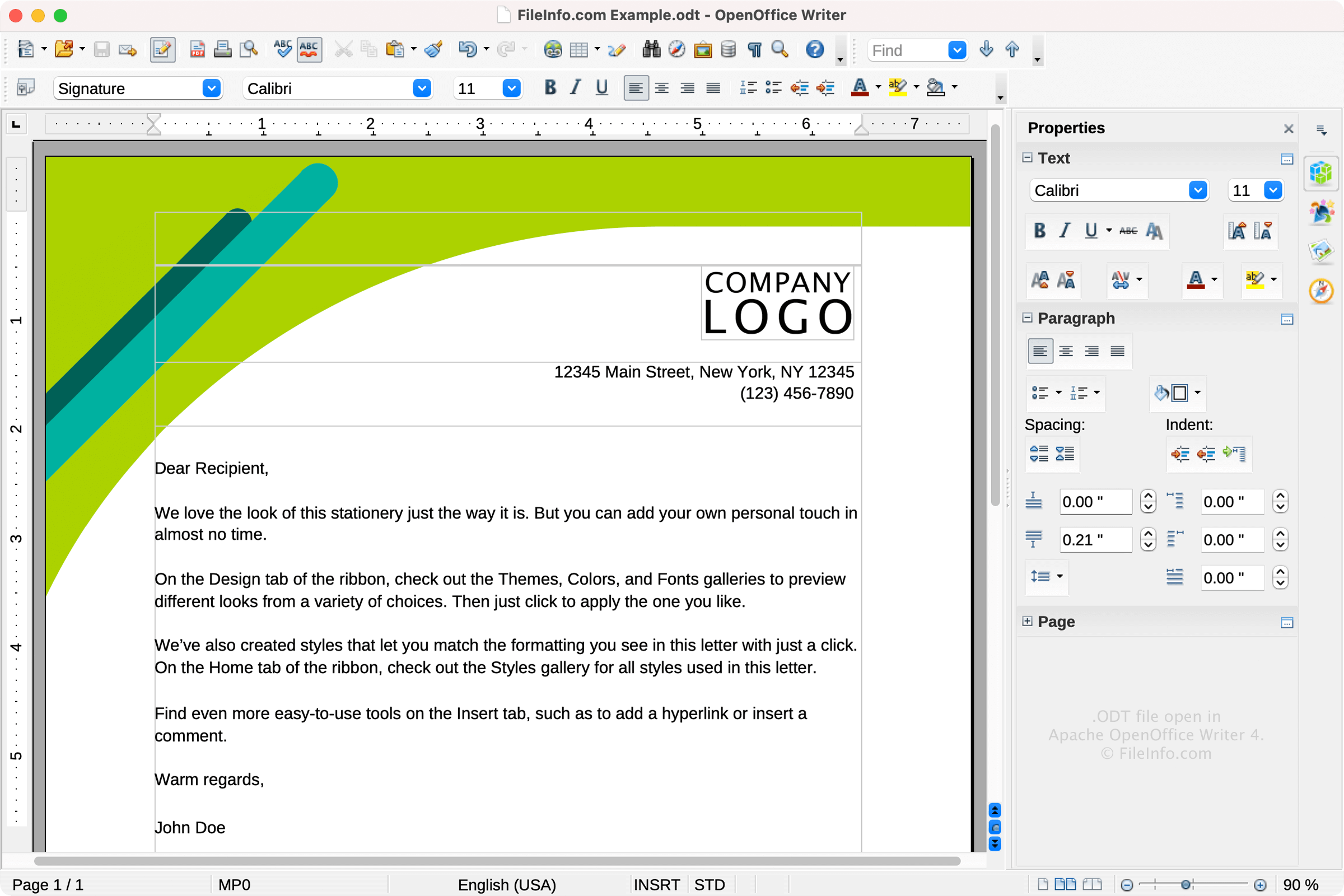
OASIS (Organization for the Advancement of Structured Information Standards) veröffentlichte das ODT-Format 2005 als Teil der Spezifikation OpenDocument Format (ODF) 1.0. Die Organisation entwickelte ODT als offene, XML-basierte Alternative zu proprietären Dokumentformaten wie Microsoft Word .DOC und DOCX.
Seit seiner Veröffentlichung wurde der ODF-Standard mehrmals aktualisiert. Die neueste Version ist ODF 1.3, die 2021 veröffentlicht wurde. Das ODT-Format wird weiterhin häufig in LibreOffice Writer und Apache OpenOffice Writer von Benutzern (oft Studenten) verwendet, die kostenlose Open-Source-Software kommerziellen Alternativen wie Microsoft Word vorziehen.
Technische Details
ODT-Dateien entsprechen dem OpenDocument-Standard, der von der Organization for the Advancement of Structured Information Standards (OASIS) gepflegt wird. Sie sind ZIP-komprimierte Archive, die eine XML-basierte Dokumentstruktur und Inhaltsdateien sowie eingebettete Medien und Informationen zu Formatvorlagen enthalten.
So öffnen Sie eine ODT-Datei
Sie können ODT-Dateien mit verschiedenen Textverarbeitungsprogrammen öffnen, darunter:
Wenn Sie eine ODT-Datei mit einem anderen Programm als LibreOffice Writer oder OpenOffice Writer öffnen, können einige Formatierungen verloren gehen.
So konvertieren Sie eine ODT-Datei
Verschiedene Textverarbeitungsprogramme, darunter LibreOffice Writer, Microsoft Word und Corel WordPerfect, können ODT-Dateien in andere Formate konvertieren.
LibreOffice Writer kann ODT-Dateien beispielsweise in die folgenden Formate konvertieren:
- .DOCX - Microsoft-Word-Dokument
- .DOC - Microsoft-Word-Dokument (älteres Format)
- .PDF - Portable Document Format
- .RTF - Rich-Text-Format
- .TXT - Unformatierter Text
- .EPUB - Offene E-Book-Datei
- .HTML - HTML-Webseite
- .XML - Extensible Markup Language
- .UOT - Einheitliches Office-Dokument
- .OTT - OpenDocument-Dokumentvorlage
Programme, die .ODT-Dateien öffnen
OOMMF-Datentabelle
| Entwickler | National Institute of Standards and Technology |
| Beliebtheit |
2,9 | 22 Stimmen |
Eine ODT-Datei ist eine Datendatei, die von OOMMF (Object Oriented Micromagnetic Framework), einem vom National Institute of Standards and Technology entwickelten Analysepaket für Mikromagnetik, erstellt wird. Sie enthält eine oder mehrere Tabellen mit Daten zur Mikromagnetik, die als ASCII-Klartext gespeichert sind. ODT-Dateien enthalten normalerweise auch Tags und Kommentare, die die darin enthaltenen Daten beschreiben.
Weitere Informationen
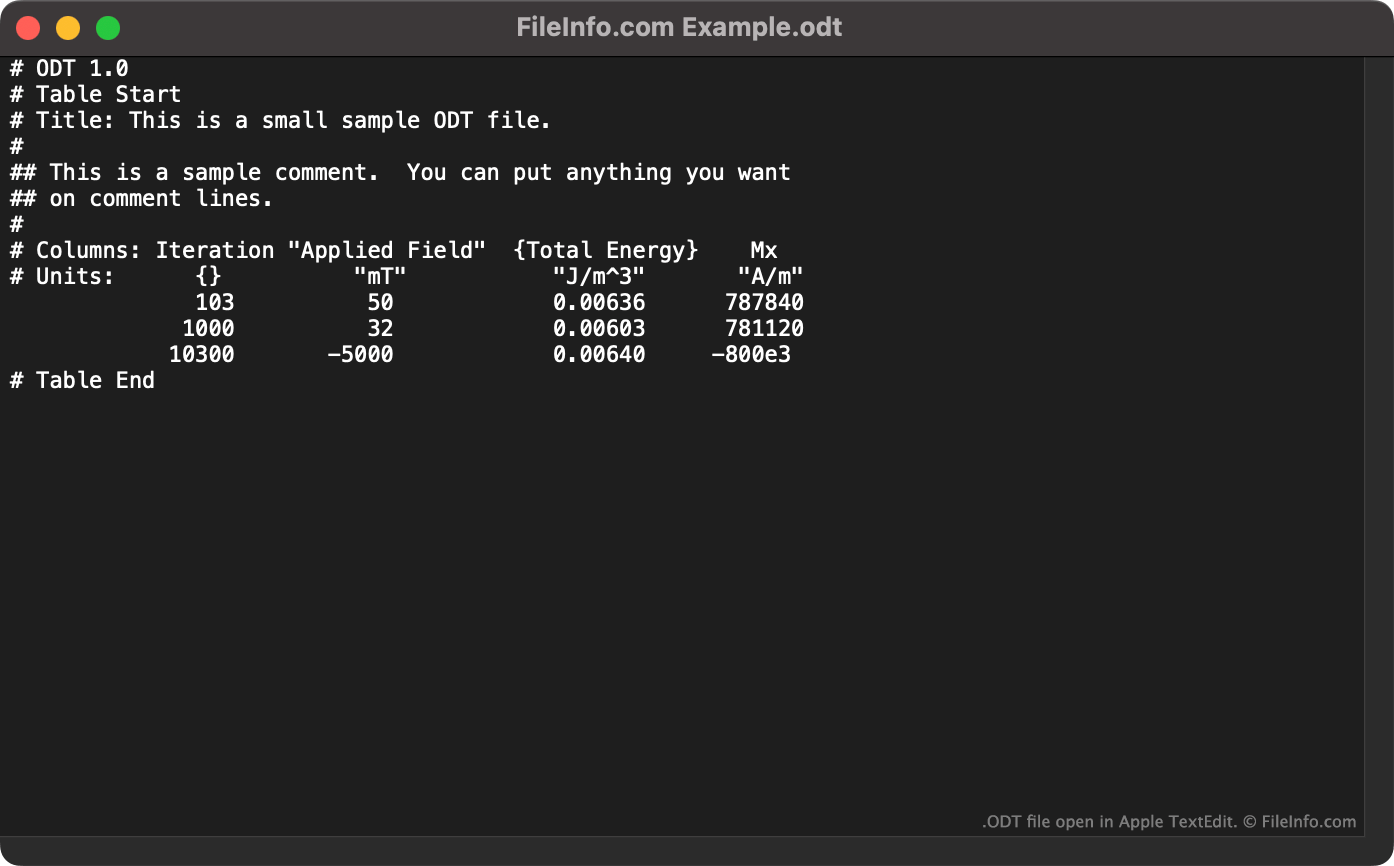
OOMMF ist ein gemeinfreies Paket für Mikromagnetik, mit dem Physiker Probleme der Mikromagnetik lösen können. Wenn ein Physiker ein Problem der Mikromagnetik löst, erstellt OOMMF eine ODT-Datei, die tabellarische Textdaten enthält. Jede Tabelle enthält:
- Die Anzahl der Iterationen des Lösers
- Das nominal angelegte Feld
- Die reduzierte durchschnittliche Magnetisierung
- Die Gesamtenergie
Jede ODT-Datei beginnt mit der Zeile # ODT 1.0, um sie als ODT-Datei zu kennzeichnen. Zusätzlich zu tabellarischen Daten können ODT-Dateien auch die folgenden Tags enthalten:
- Table Start: Wird verwendet, um eine Datei mit mehreren Datentabellen zu unterteilen
- Title: Wird verwendet, um den Titel einer Tabelle anzugeben
- Units: Wird verwendet, um die Maßeinheiten der Daten anzugeben
- Table End: Wird zusammen mit einem entsprechenden Table Start-Tag verwendet
ODT-Dateien können auch Kommentare enthalten, denen ## vorangestellt ist.
So öffnen Sie eine ODT-Datei
Sie können eine ODT-Datei in OOMMF (plattformübergreifend) öffnen. Dadurch werden die in der Datei enthaltenen Daten visuell angezeigt. Sie können eine ODT-Datei auch in jedem Texteditor öffnen, um die darin enthaltenen Daten als Klartext anzuzeigen.