

.ODT Extension de fichier
Document texte OpenDocument
| Développeur | OASIS |
| Popularité |
3,5 | 480 Votes |
Qu'est-ce qu'un fichier ODT ?
Un fichier ODT est un document texte enregistré au format OpenDocument Text (ODT), principalement utilisé par les traitements de texte LibreOffice Writer et Apache OpenOffice Writer. Il contient du texte mis en forme et peut inclure des images, des tableaux, des graphiques et des objets dessinés. Les fichiers ODT constituent une alternative ouverte au format .DOCX de Microsoft Word et servent couramment à enregistrer des CV, des travaux de recherche, des dissertations, des rapports et d'autres documents textuels.
Plus d'informations
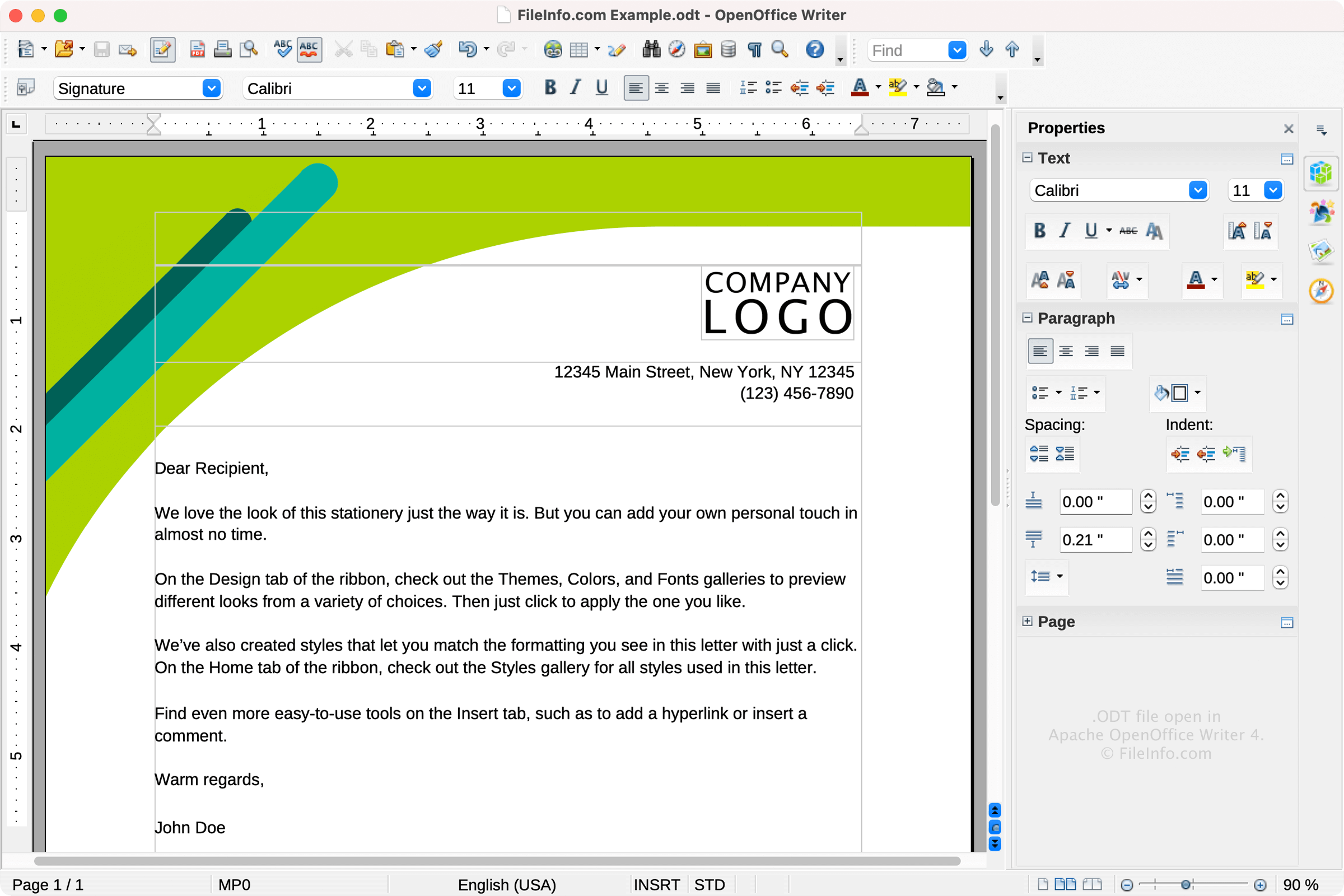
OASIS (Organization for the Advancement of Structured Information Standards) a publié le format ODT en 2005 dans le cadre de la spécification OpenDocument Format (ODF) 1.0. L'organisation a développé ODT pour proposer une alternative ouverte, fondée sur XML, aux formats de documents propriétaires comme le format .DOC et le format DOCX de Microsoft Word.
Depuis sa publication, la norme ODF a fait l'objet de plusieurs mises à jour, la version la plus récente étant ODF 1.3, publiée en 2021. Le format ODT reste largement utilisé dans LibreOffice Writer et Apache OpenOffice Writer par des utilisateurs (souvent des étudiants) qui préfèrent les logiciels gratuits et open source aux solutions commerciales comme Microsoft Word.
Détails techniques
Les fichiers ODT sont conformes à la norme OpenDocument, gérée par l'Organization for the Advancement of Structured Information Standards (OASIS). Il s'agit d'archives compressées au format ZIP qui contiennent des fichiers de structure et de contenu de document fondés sur XML, ainsi que des éléments multimédias intégrés et des informations de style.
Comment ouvrir un fichier ODT
Vous pouvez ouvrir les fichiers ODT avec différents traitements de texte, notamment :
Si vous ouvrez un fichier ODT avec un programme autre que LibreOffice Writer ou OpenOffice Writer, il est possible qu'une partie de sa mise en forme soit perdue.
Comment convertir un fichier ODT
Diverses applications de traitement de texte, notamment LibreOffice Writer, Microsoft Word et Corel WordPerfect, peuvent convertir les fichiers ODT dans d'autres formats.
Par exemple, LibreOffice Writer peut convertir les fichiers ODT dans les formats suivants :
- .DOCX - Document Microsoft Word
- .DOC - Document Microsoft Word (ancien format)
- .PDF - Format de document portable
- .RTF - Format de texte enrichi
- .TXT - Texte brut
- .EPUB - Fichier eBook ouvert
- .HTML - Page web HTML
- .XML - Langage de balisage extensible
- .UOT - Document Office uniforme
- .OTT - Modèle de document OpenDocument
Programmes qui ouvrent les fichiers ODT
Table de données OOMMF
| Développeur | National Institute of Standards and Technology |
| Popularité |
2,9 | 22 Votes |
Un fichier ODT est un fichier de données créé par OOMMF (Object Oriented Micromagnetic Framework), un logiciel d’analyse de micromagnétisme développé par le National Institute of Standards and Technology. Il contient une ou plusieurs tables de données de micromagnétisme enregistrées sous forme de texte brut ASCII. Les fichiers ODT contiennent généralement aussi des balises et des commentaires qui décrivent les données qu’ils contiennent.
Plus d'informations
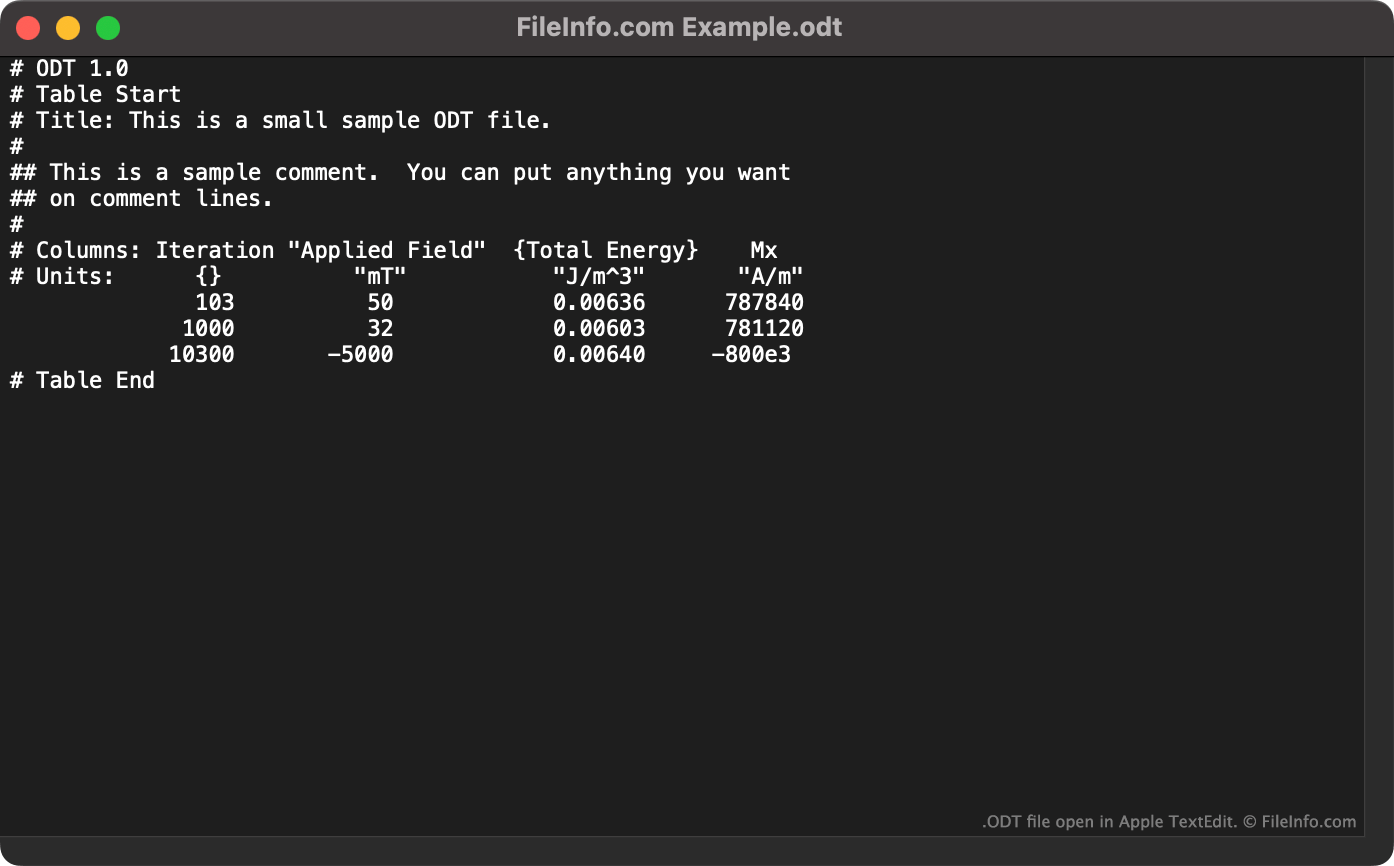
OOMMF est un logiciel de micromagnétisme du domaine public qui permet aux physiciens de résoudre des problèmes de micromagnétisme. Lorsqu’un physicien résout un problème de micromagnétisme, OOMMF produit un fichier ODT contenant des données textuelles sous forme de tableau. Chaque table comprend :
- Le nombre d’itérations du solveur
- Le champ appliqué nominal
- La magnétisation moyenne réduite
- L’énergie totale
Chaque fichier ODT commence par la ligne # ODT 1.0, qui permet de l’identifier comme fichier ODT. En plus des données sous forme de tableau, les fichiers ODT peuvent également contenir les balises suivantes :
- Table Start : utilisée pour séparer un fichier contenant plusieurs tables de données
- Title : utilisée pour spécifier le titre d’une table
- Units : utilisée pour spécifier les unités de mesure des données
- Table End : associée à une balise Table Start correspondante
Les fichiers ODT peuvent également contenir des commentaires, précédés de ##.
Comment ouvrir un fichier ODT
Vous pouvez ouvrir un fichier ODT dans OOMMF (multiplateforme). Les données qu’il contient s’afficheront alors visuellement. Vous pouvez également ouvrir un fichier ODT dans n’importe quel éditeur de texte pour afficher les données qu’il contient sous forme de texte brut.