

.ODT Přípona souboru
Textový dokument OpenDocument
| Vývojář | OASIS |
| Popularita |
3,5 | 480 hlasů |
Co je soubor ODT?
Soubor ODT je textový dokument uložený ve formátu OpenDocument Text (ODT), který používají především textové procesory LibreOffice Writer a Apache OpenOffice Writer textové procesory. Obsahuje formátovaný text a může zahrnovat obrázky, tabulky, grafy a nakreslené objekty. Soubory ODT jsou otevřenou alternativou k formátu .DOCX aplikace Microsoft Word a běžně se používají k ukládání životopisů, výzkumných prací, esejí, zpráv a dalších textových dokumentů.
Další informace
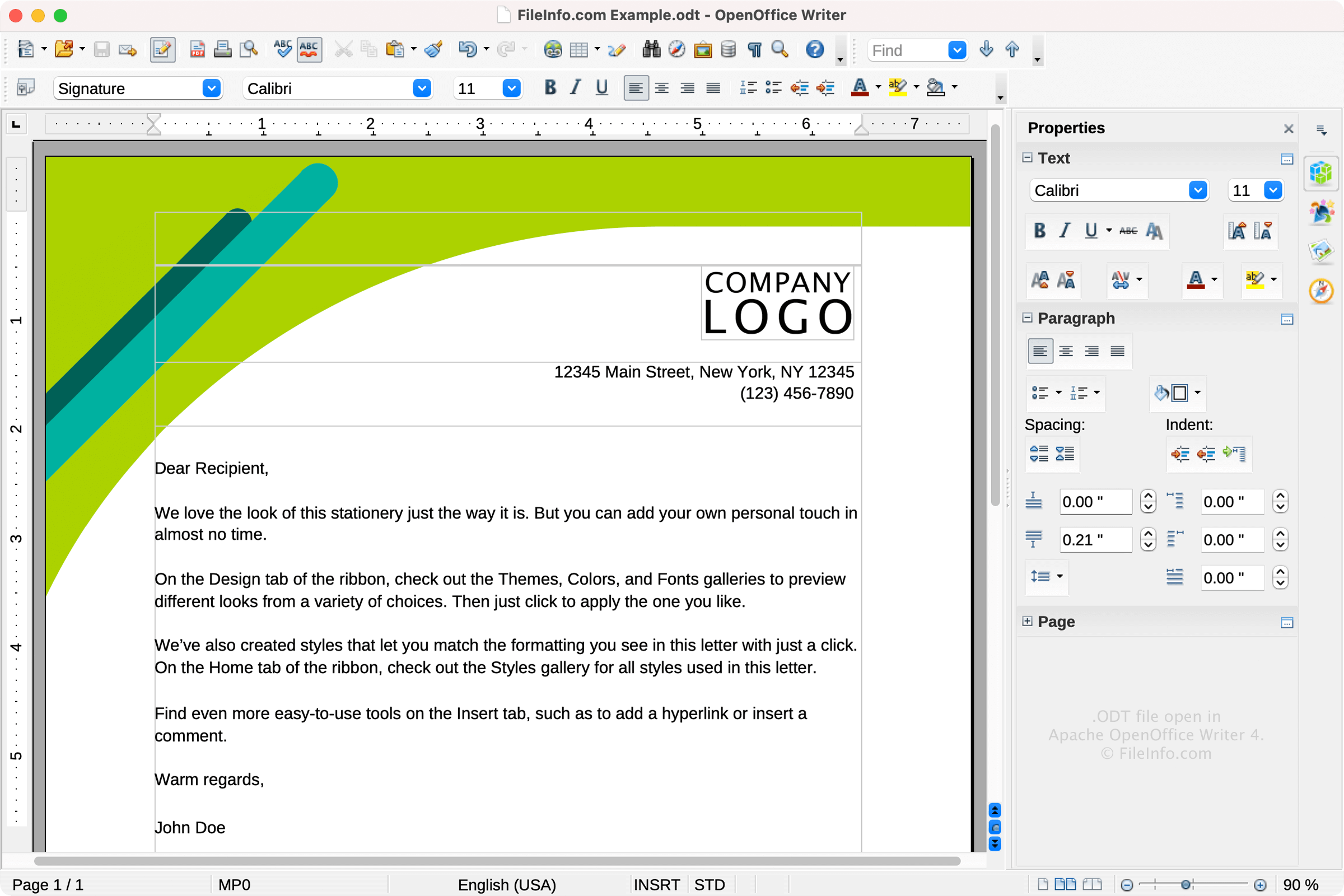
Organizace OASIS (Organization for the Advancement of Structured Information Standards) vydala formát ODT v roce 2005 jako součást specifikace OpenDocument Format (ODF) 1.0. Organizace vyvinula ODT jako otevřenou alternativu k proprietárním formátům dokumentů, jako jsou .DOC a DOCX aplikace Microsoft Word.
Od svého vydání prošel standard ODF několika aktualizacemi; nejnovější verzí je ODF 1.3, vydaná v roce 2021. Formát ODT se stále široce používá v aplikacích LibreOffice Writer a Apache OpenOffice Writer mezi uživateli (často studenty), kteří dávají přednost bezplatnému softwaru s otevřeným zdrojovým kódem před komerčními alternativami, jako je Microsoft Word.
Technické podrobnosti
Soubory ODT odpovídají standardu OpenDocument, který spravuje organizace Organization for the Advancement of Structured Information Standards (OASIS). Jedná se o archivy komprimované pomocí formátu ZIP, které obsahují strukturu dokumentu a soubory s obsahem založené na XML spolu s vloženými médii a informacemi o stylech.
Jak otevřít soubor ODT
Soubory ODT můžete otevřít v různých textových procesorech, například:
Pokud soubor ODT otevřete v jiném programu než LibreOffice Writer nebo OpenOffice Writer, může dojít ke ztrátě části formátování.
Jak převést soubor ODT
Různé aplikace pro zpracování textu, včetně LibreOffice Writer, Microsoft Word a Corel WordPerfect, mohou převádět soubory ODT do jiných formátů.
Například LibreOffice Writer může převádět soubory ODT do následujících formátů:
- .DOCX - Dokument aplikace Microsoft Word
- .DOC - Dokument aplikace Microsoft Word (starší verze)
- .PDF - Portable Document Format
- .RTF - Rich Text Format
- .TXT - Prostý text
- .EPUB - Soubor elektronické knihy Open eBook
- .HTML - Webová stránka HTML
- .XML - Extensible Markup Language
- .UOT - Uniform Office Document
- .OTT - Šablona dokumentu OpenDocument
Programy, které otevírají soubory ODT
Datová tabulka OOMMF
| Vývojář | National Institute of Standards and Technology |
| Popularita |
2,9 | 22 hlasů |
Soubor ODT je datový soubor vytvořený programem OOMMF (Object Oriented Micromagnetic Framework), balíkem pro analýzu mikromagnetismu vyvinutým americkým Národním institutem pro standardy a technologie. Obsahuje jednu nebo více tabulek s údaji o mikromagnetismu uloženými jako ASCII prostý text. Soubory ODT obvykle obsahují také značky a komentáře, které popisují data, jež obsahují.
Další informace
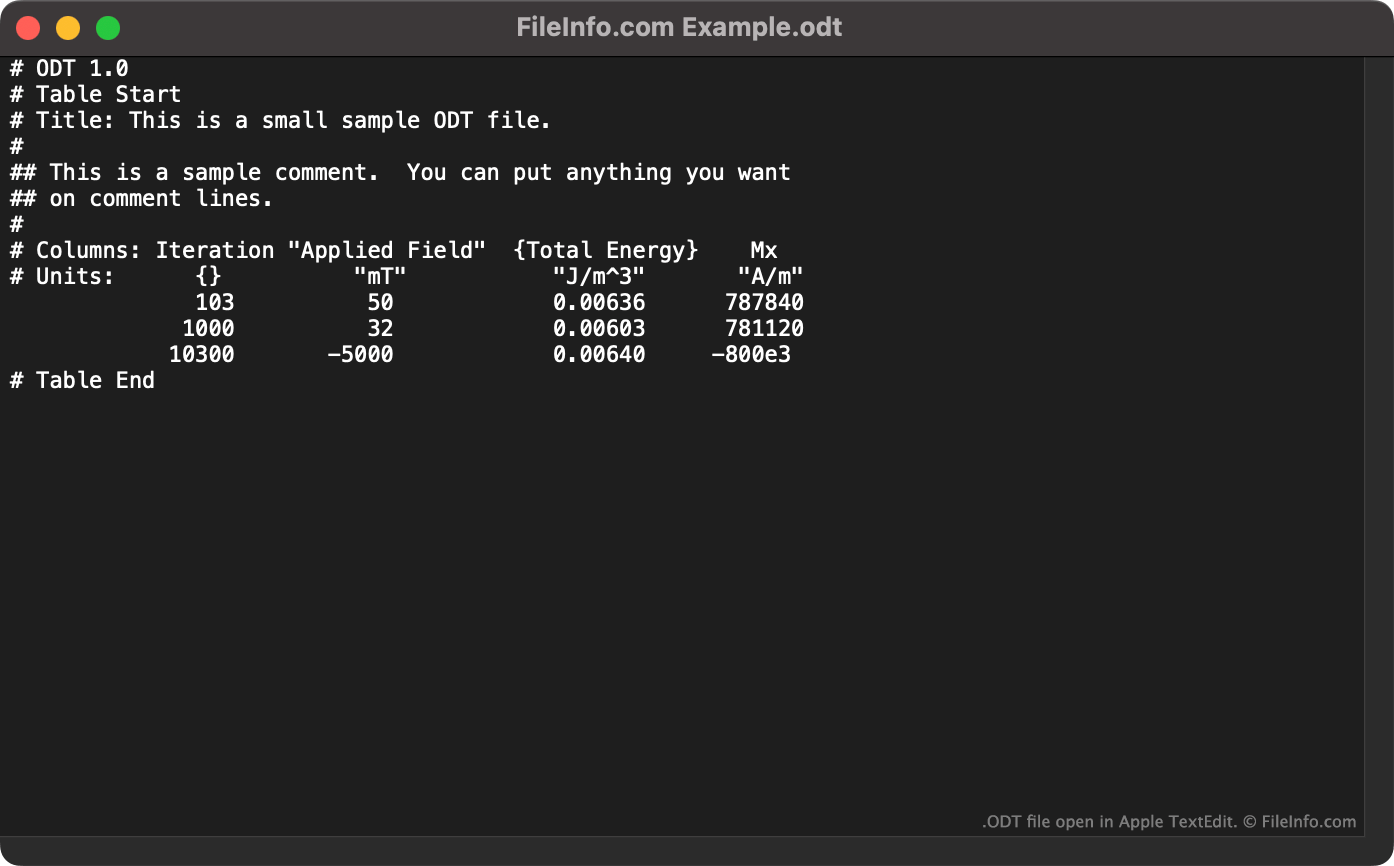
OOMMF je volně dostupný balík pro mikromagnetismus, který fyzikům umožňuje řešit úlohy z oblasti mikromagnetismu. Když fyzik řeší úlohu z oblasti mikromagnetismu, OOMMF vytvoří soubor ODT obsahující textová data v tabulkové podobě. Každá tabulka obsahuje:
- Počet iterací řešiče
- Jmenovité aplikované pole
- Průměrnou redukovanou magnetizaci
- Celkovou energii
Každý soubor ODT začíná řádkem # ODT 1.0, který ho identifikuje jako soubor ODT. Kromě tabulkových dat mohou soubory ODT obsahovat také následující značky:
- Table Start: Slouží k oddělení souboru obsahujícího více datových tabulek
- Title: Slouží k určení názvu tabulky
- Units: Slouží k určení měrných jednotek dat
- Table End: Používá se společně s odpovídající značkou Table Start
Soubory ODT mohou obsahovat také komentáře uvozené znaky ##.
Jak otevřít soubor ODT
Soubor ODT můžete otevřít v programu OOMMF (pro více platforem). Jeho otevřením se data obsažená v souboru zobrazí v grafické podobě. Soubor ODT můžete také otevřít v libovolném textovém editoru a zobrazit si data, která obsahuje, jako prostý text.