

.DOC Dateiendung
Microsoft Word-Dokument (Legacy)
| Entwickler | Microsoft |
| Beliebtheit |
4,0 | 2128 Stimmen |
Was ist eine DOC-Datei?
Eine DOC-Datei ist ein Textverarbeitungsdokument, das mit Microsoft Word erstellt oder von einem anderen Textverarbeitungsprogramm wie OpenOffice Writer oder Apple Pages exportiert wurde. Sie kann formatierten Text, Bilder, Tabellen, Diagramme, Grafiken, Seitenformatierungen und Druckeinstellungen enthalten.
Weitere Informationen
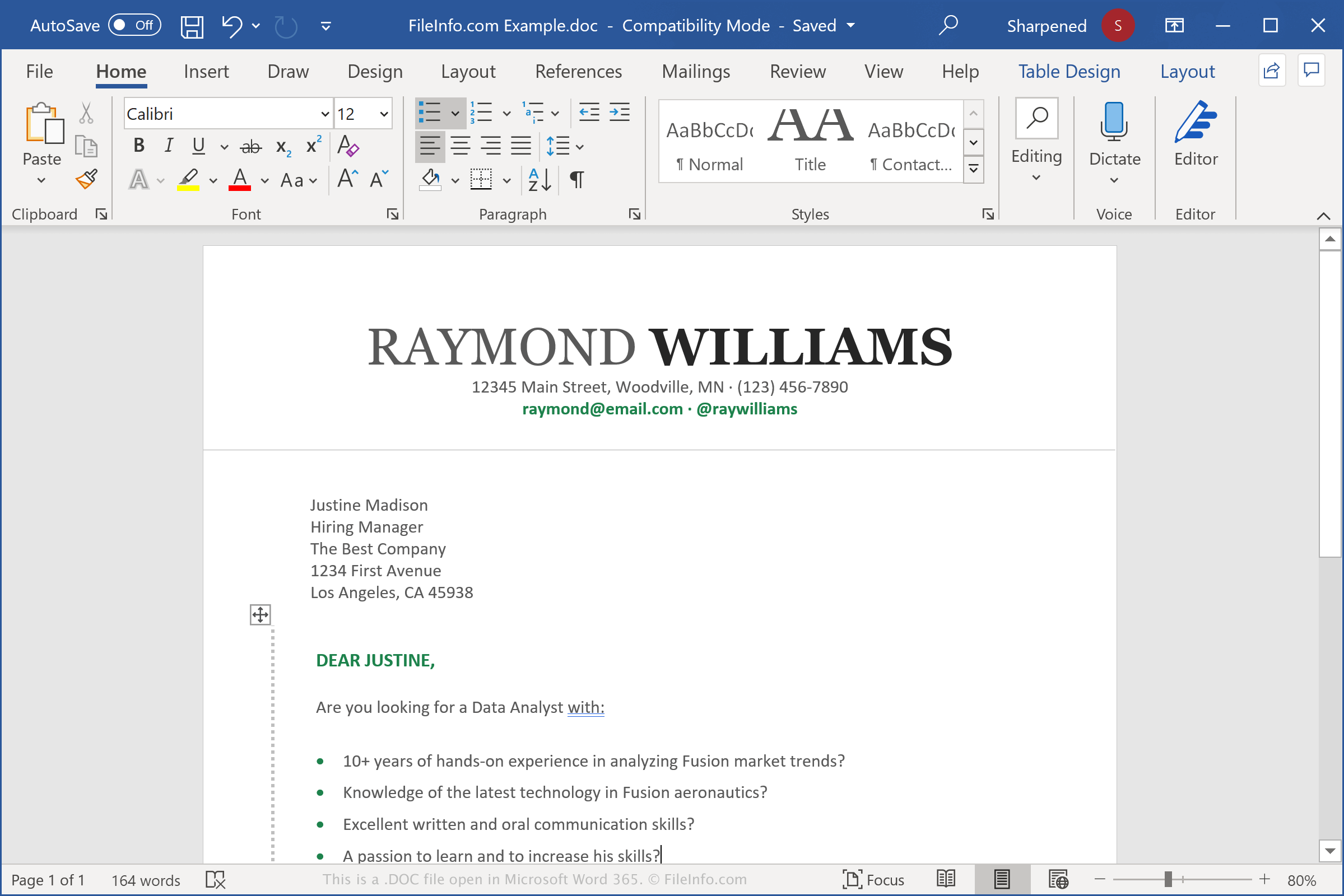
DOC-Dateien werden zum Speichern verschiedener Dokumente erstellt, darunter Briefe, Lebensläufe, Aufsätze und Einladungen. Wenn Sie in Word ein Dokument erstellen, können Sie es im DOC-Dateiformat speichern. Das Programm erstellt dann eine DOC-Datei, in der der Inhalt des Dokuments gespeichert wird. Diese kann geschlossen und zur weiteren Bearbeitung erneut geöffnet werden. Wenn Sie die Bearbeitung Ihrer DOC-Datei abgeschlossen haben, können Sie sie drucken oder als eine andere Datei speichern, z. B. als .PDF- oder .DOT-Dokument.
Die DOC-Datei wurde 1983 als primäres Format von Microsoft Word festgelegt. Word verwendete dasselbe Format bis Word 97, als Microsoft eine aktualisierte Version des Binärformats veröffentlichte. 2006 ersetzte Microsoft das aktualisierte DOC-Dateiformat durch das .DOCX-Dateiformat, als das Unternehmen Word 2007 veröffentlichte. DOCX-Dateien speichern Dokumente im Open-XML-Format.
HINWEIS: Word ist die beliebteste Textverarbeitungsanwendung der Welt. Sie ist in jeder Ausgabe der Microsoft Office-Suite enthalten und wird in privaten, akademischen und geschäftlichen Umgebungen verwendet.
Häufige .DOC-Dateinamen
Document1.doc - Der Standarddateiname, den Microsoft Word neuen Dokumenten vor Word 2007 zuweist (Word 2007 und spätere Versionen verwenden standardmäßig Document1.docx).
So öffnen Sie eine DOC-Datei
Sie können DOC-Dateien unter Windows und macOS mit Microsoft Word öffnen. Word ist die beste Anwendung zum Öffnen von DOC-Dateien, da sie die Formatierung von Word-Dokumenten vollständig unterstützt, einschließlich Textabständen und -ausrichtung, Bildern, Diagrammen und Tabellen. Das Textverarbeitungsprogramm ist auch für Android- und iOS-Geräte verfügbar.
Sie können DOC-Dateien auch mit anderen Textverarbeitungsprogrammen öffnen, aber einige Formatierungen der ursprünglichen Dokumente können verändert werden oder verloren gehen. Zu den Textverarbeitungsprogrammen, die DOC-Dateien unterstützen, gehören Corel WordPerfect (Windows), Apple Pages (Mac) und LibreOffice Writer (plattformübergreifend).
Sie können DOC-Dateien auch mit verschiedenen Webprogrammen öffnen. Google Docs ist eine kostenlose Webanwendung, mit der Sie eine DOC-Datei hochladen und das Dokument anzeigen, bearbeiten, speichern und konvertieren können.
So konvertieren Sie eine DOC-Datei
Verschiedene Textverarbeitungsanwendungen, darunter Microsoft Word, Corel Wordperfect und OpenOffice Writer, können DOC-Dateien in andere Formate konvertieren.
Wählen Sie beispielsweise in den Windows- und Mac-Versionen von Microsoft Word , um DOC-Dateien in eines der folgenden Formate zu konvertieren: