

.DOC Rozszerzenie pliku
Dokument Microsoft Word (starszy format)
| Deweloper | Microsoft |
| Popularność |
4,0 | 2128 Głosów |
Czym jest plik DOC?
Plik DOC to dokument edytora tekstu utworzony przez Microsoft Word lub wyeksportowany przez inny program do edycji tekstu, taki jak OpenOffice Writer lub Apple Pages. Może zawierać sformatowany tekst, obrazy, tabele, grafy, wykresy, formatowanie stron i ustawienia drukowania.
Więcej informacji
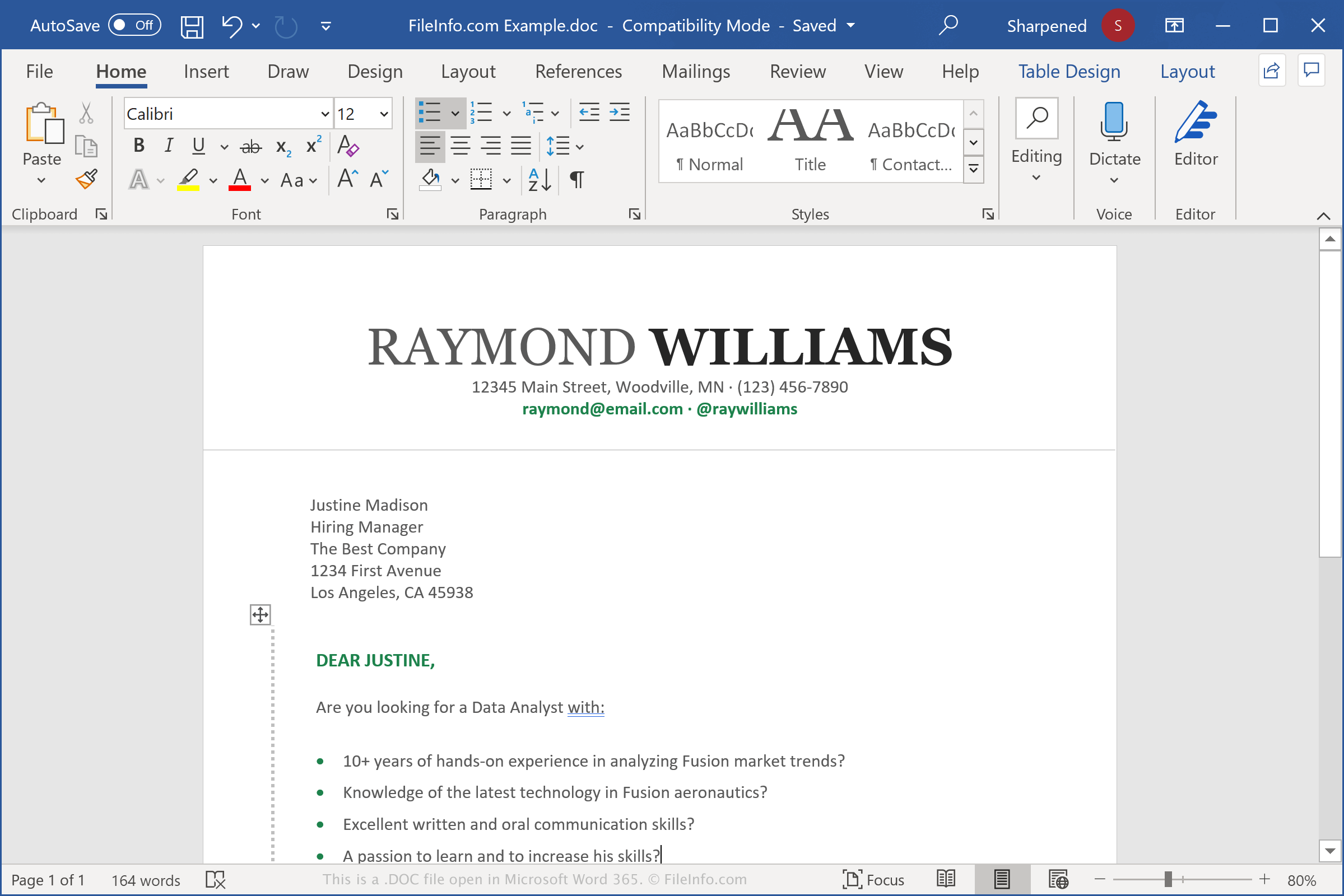
Pliki DOC służą do zapisywania różnych dokumentów, w tym listów, życiorysów, wypracowań i zaproszeń. Podczas tworzenia dokumentu w programie Word możesz wybrać zapisanie go w formacie DOC. Program tworzy wtedy plik DOC, w którym przechowuje zawartość dokumentu. Plik można zamknąć, a następnie ponownie otworzyć w celu dalszej edycji. Po zakończeniu edycji pliku DOC możesz go wydrukować lub zapisać jako inny plik, na przykład dokument .PDF lub .DOT.
Format pliku DOC został wyznaczony jako główny format programu Microsoft Word w 1983 roku. Program Word korzystał z tego samego formatu do wersji Word 97, kiedy firma Microsoft wydała zaktualizowaną wersję formatu binarnego. W 2006 roku firma Microsoft zastąpiła zaktualizowany format pliku DOC formatem .DOCX, gdy wydała program Word 2007. Pliki DOCX przechowują dokumenty w formacie Open XML.
UWAGA: Word to najpopularniejsza aplikacja do edycji tekstu na świecie. Jest dołączany do każdej edycji pakietu Microsoft Office i jest używany w środowiskach domowych, akademickich i biznesowych.
Popularne nazwy plików .DOC
Document1.doc - Domyślna nazwa pliku nadawana przez Microsoft Word nowym dokumentom przed wersją Word 2007 (wersja Word 2007 i nowsze używają domyślnie nazwy Document1.docx).
Jak otworzyć plik DOC
Pliki DOC można otwierać za pomocą programu Microsoft Word w systemach Windows i macOS. Word to najlepsza aplikacja do otwierania plików DOC, ponieważ w pełni obsługuje formatowanie dokumentów programu Word, w tym odstępy i wyrównanie tekstu, obrazy, wykresy i tabele. Ten edytor tekstu jest również dostępny na urządzenia Android i iOS.
Pliki DOC można także otwierać za pomocą innych edytorów tekstu, ale część formatowania oryginalnych dokumentów może zostać zmieniona lub utracona. Niektóre edytory tekstu obsługujące pliki DOC to Corel WordPerfect (Windows), Apple Pages (Mac) i LibreOffice Writer (wiele platform).
Pliki DOC można również otwierać za pomocą różnych programów internetowych. Google Docs to bezpłatna aplikacja internetowa, która umożliwia przesłanie pliku DOC oraz wyświetlanie, edytowanie, zapisywanie i konwertowanie dokumentu.
Jak przekonwertować plik DOC
Różne aplikacje do edycji tekstu, w tym Microsoft Word, Corel WordPerfect i OpenOffice Writer, mogą konwertować pliki DOC na inne formaty.
Na przykład w wersjach programu Microsoft Word dla systemów Windows i Mac wybierz opcję , aby przekonwertować pliki DOC na jeden z następujących formatów: