

.EPUB Dateiendung
EPUB-E-Book
| Entwickler | IDPF |
| Beliebtheit |
3,5 | 750 Stimmen |
Was ist eine EPUB-Datei?
Eine EPUB-Datei ist ein digitales Buch (E-Book), das im offenen Format Electronic Publication (EPUB) gespeichert ist, einem Standardformat für digitale Publikationen, das Verlage und Verbraucher zum Verteilen von E-Books verwenden. Viele Benutzer stoßen auf EPUB-Dateien, wenn sie E-Books herunterladen (z. B. Bücher, Zeitschriften, wissenschaftliche Publikationen usw.). Sie können eine EPUB-Datei mit E-Reader-Apps wie Calibre und Apple Books sowie mit E-Reader-Geräten öffnen.
Weitere Informationen
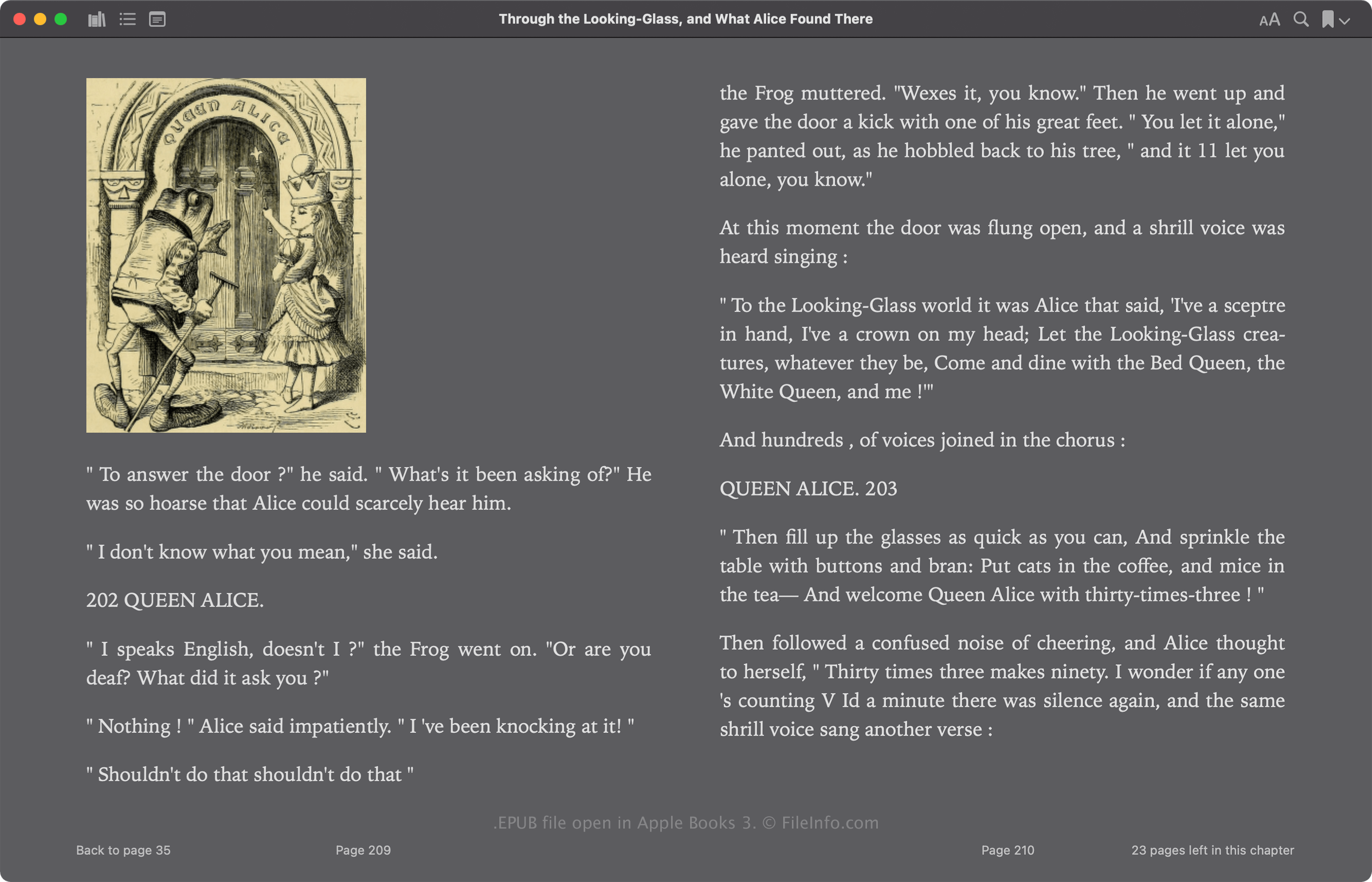
Das International Digital Publishing Forum (IDPF) veröffentlichte das EPUB-Format erstmals 2007 als Ersatz für das Open-eBook-Format (OEB). EPUB wurde seit seiner Veröffentlichung mehrmals überarbeitet. Die aktuelle Version 3.3 wurde im Mai 2023 veröffentlicht.
Das EPUB-Format basiert auf ZIP und speichert Ressourcen, aus denen die Publikation besteht, darunter .XML-, .XHTML-, .NCX-, .CSS- und .SVG-Dateien. Diese Dateien enthalten die Inhalte der Publikation, darunter den Text, Kapitelverknüpfungen, das Titelbild und Bilder. Viele kommerzielle E-Books enthalten außerdem einen Schutz durch digitale Rechteverwaltung (DRM), der die Anzeige auf autorisierte Geräte beschränkt.
So öffnen Sie eine EPUB-Datei
Sie können eine EPUB-Datei öffnen und das darin enthaltene E-Book mit verschiedenen Apps lesen, darunter Calibre, Apple Books, Adobe Digital Editions und Google Play Books.
Sie können EPUB-Dateien ohne DRM-Schutz auch mit mehreren Apps bearbeiten. Einer der am häufigsten verwendeten E-Book-Editoren ist Calibre.
Eine EPUB-Datei als ZIP-Archiv öffnen
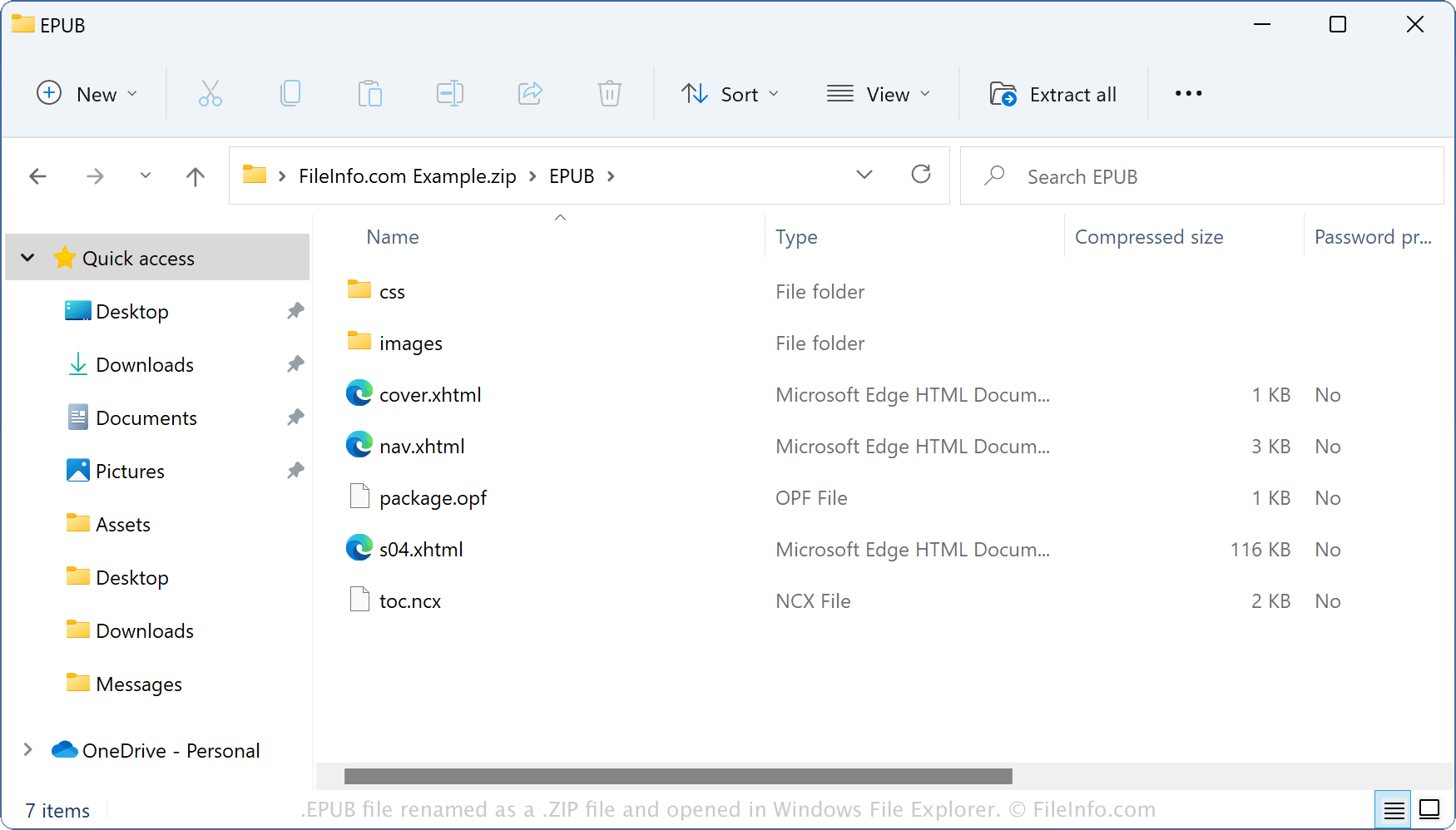
Da EPUB-Dateien ihre Inhalte in einem ZIP-ähnlichen Containerformat speichern, können Sie sie mit Dienstprogrammen zur ZIP-Komprimierung öffnen. Sie können beispielsweise eine EPUB-Datei als ZIP-Archiv mit dem Windows-Datei-Explorer öffnen, indem Sie die Dateierweiterung .epub in .zip ändern. Anschließend können Sie den Inhalt extrahieren, um ihn anzuzeigen oder zu ändern. Beachten Sie jedoch, dass das Bearbeiten der Inhalte einer EPUB-Datei das E-Book beschädigen kann.
So konvertieren Sie eine EPUB-Datei
Calibre kann EPUB-Dateien in verschiedene Dateitypen konvertieren, darunter die folgenden Formate: