

.WMF Bestandsextensie
Windows Metafile
| Ontwikkelaar | Microsoft |
| Populariteit |
3,6 | 59 stemmen |
Wat is een WMF-bestand?
Een WMF-bestand is een vectorafbeelding die is opgeslagen in de eigen Windows Metafile-indeling (WMF), ontwikkeld door Microsoft. Het bevat een reeks metabestandrecords waarin tekenbewerkingen worden opgeslagen, waaronder opdrachten voor het tekenen van lijnen, cirkels en rechthoeken waaruit de afbeelding bestaat. WMF-bestanden ondersteunen ook bitmap-tekenbewerkingen.
Meer informatie
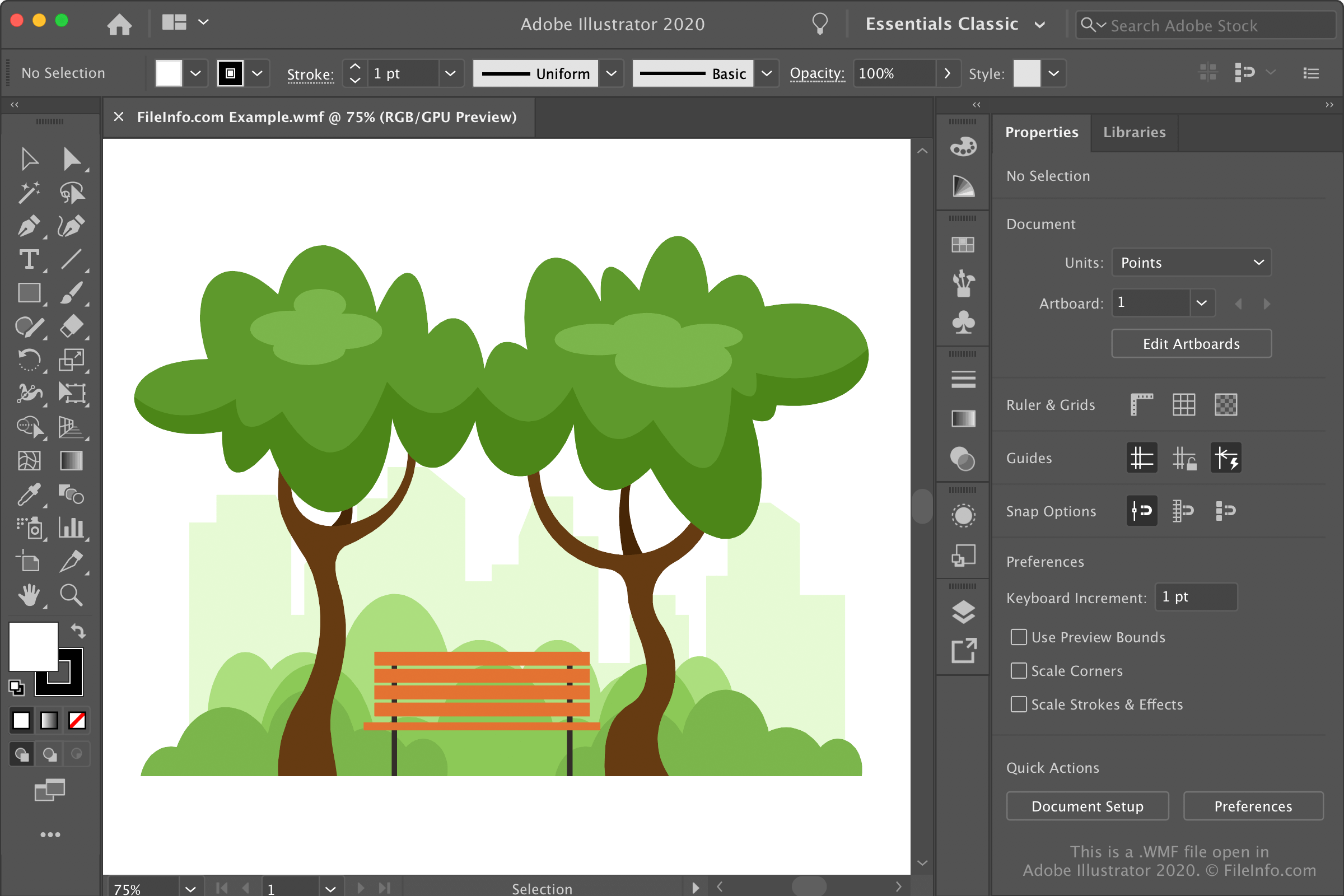
WMF-bestanden verschenen oorspronkelijk in 1988, toen Microsoft Windows 2.0 uitbracht. Microsoft publiceerde later de specificatie van de WMF-bestandsindeling bij de release van Windows 3.0 in 1992 en publiceerde in 2006 een daaropvolgende specificatie. Microsoft blijft regelmatig updates voor de indeling publiceren.
Informatie over de Windows Metafile-indeling (WMF)
WMF wordt voornamelijk gebruikt als container voor vectorafbeeldingen en ondersteunt rasterafbeeldingsgegevens. Daarnaast ondersteunt het 16-bits afbeeldingsgegevens die kunnen worden geschaald en met een hogere resolutie kunnen worden uitgevoerd. Dit is vooral handig bij het aanpassen van afbeeldingen in een afbeeldingseditor en het afdrukken van afbeeldingen van hoge kwaliteit.
De WMF-indeling slaat afbeeldingsgegevens op in een reeks metabestandrecordstructuren. Elk van deze records bevat tekenopdrachten, objectdefinities en configuratie-instellingen.
WMF kwam veel voor in de jaren 90, vooral in Windows-toepassingen zoals Microsoft Word, Publisher en PowerPoint. Vanwege de beperking tot 16-bits gegevens en de afhankelijkheid van apparaten verving Microsoft WMF echter door de indeling Enhanced Windows Metafile (.EMF) in 1992, toen het Windows NT 3.1 uitbracht.
Afbeeldingseditors kunnen vectorafbeeldingen nog steeds opslaan als WMF- en EMF-bestanden. De indelingen Scalable Vector Graphics (.SVG) en Encapsulated PostScript (.EPS) hebben deze indelingen echter grotendeels vervangen.
OPMERKING: Microsoft ontwikkelde de indelingen .WMZ en .EMZ om de bestandsgrootte van WMF- en EMF-bestanden te verkleinen en het eenvoudiger te maken de afbeeldingen tussen toepassingen over te dragen. Deze indelingen gebruiken gzip-compressie om de bestanden te comprimeren.
Een WMF-bestand openen
Je kunt WMF-afbeeldingen openen met verschillende toepassingen voor het bewerken en bekijken van afbeeldingen. Voorbeelden zijn de toepassingen uit de suite Microsoft Office (Windows en macOS), Adobe Illustrator (Windows en macOS), Inkscape (meerdere platforms) en XnViewMP (meerdere platforms).
Als je WMF-afbeeldingen die op je computer zijn opgeslagen wilt openen met Microsoft Word of PowerPoint, selecteer je het tabblad en klik je vervolgens op . Selecteer in Microsoft Excel het tabblad en klik je vervolgens op .
Een WMF-bestand converteren
Veel afbeeldingseditors, waaronder CorelDRAW Graphics Suite, Adobe Illustrator en Inkscape, kunnen WMF-bestanden converteren naar andere afbeeldingsindelingen.
CorelDRAW kan WMF-bestanden bijvoorbeeld converteren naar veel indelingen, waaronder de volgende bestandstypen:
- .JPG - JPEG-afbeelding
- .PNG - Portable Network Graphic
- .BMP - Bitmapafbeelding
- .GIF - Graphical Interchange Format
- .SVG - Scalable Vector Graphics-bestand
- .PDF - Portable Document Format
- .TGA - Targa-afbeelding
- .TIF - Tagged Image File Format
- .PSD - Adobe Photoshop-document
- .AI - Adobe Illustrator Artwork
- .RTF - Rich Text Format
- .DOC - Microsoft Word-document (verouderd)
- .DWG - AutoCAD-tekening
- .DXF - Drawing Exchange Format
- .EMF - Enhanced Windows Metafile
- .EPS - Encapsulated PostScript-bestand