

.WMF Extensão de arquivo
Windows Metafile
| Desenvolvedor | Microsoft |
| Popularidade |
3,6 | 59 Votos |
O que é um arquivo WMF?
Um arquivo WMF é um gráfico vetorial salvo no formato proprietário Windows Metafile Format (WMF), desenvolvido pela Microsoft. Ele contém uma série de registros de metarquivo que armazenam operações de desenho, incluindo comandos para desenhar linhas, círculos e retângulos que compõem o gráfico. Os arquivos WMF também são compatíveis com operações de desenho bitmap.
Mais informações
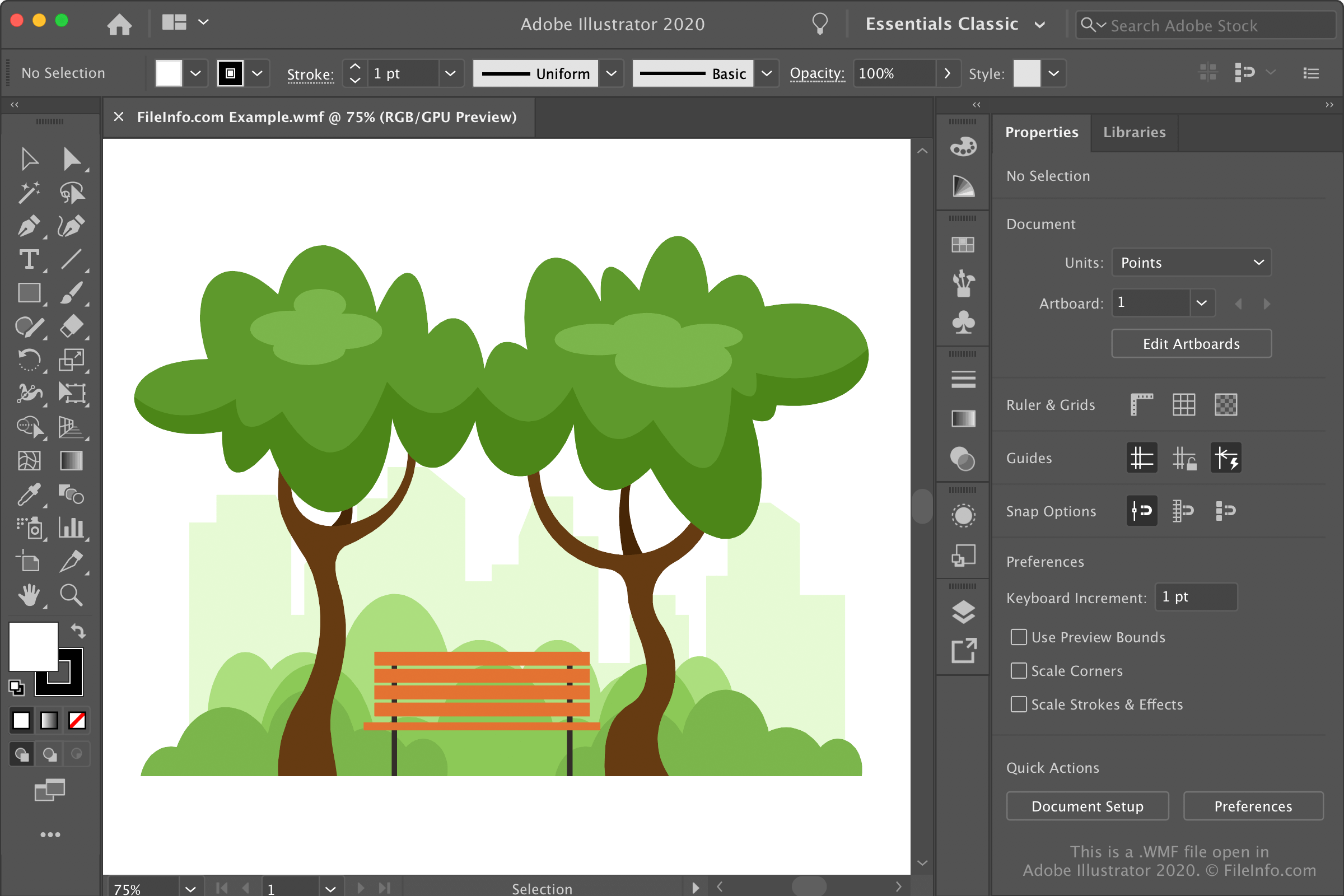
Os arquivos WMF apareceram originalmente em 1988, quando a Microsoft lançou o Windows 2.0. Posteriormente, a Microsoft publicou a especificação do formato de arquivo WMF com o lançamento do Windows 3.0 em 1992 e publicou uma especificação subsequente em 2006. A Microsoft continua publicando atualizações do formato regularmente.
Informações sobre o Windows Metafile Format (WMF)
O WMF é usado principalmente como um contêiner para gráficos vetoriais e é compatível com dados de imagem rasterizada. Além disso, ele é compatível com dados de imagem de 16 bits que podem ser dimensionados e exibidos em uma definição mais alta, o que é especialmente útil ao modificar gráficos em um editor de imagens e imprimir imagens de alta qualidade.
O formato WMF armazena dados de imagem em uma série de estruturas de registros de metarquivo. Cada um desses registros armazena comandos de desenho, definições de objetos e configurações.
O WMF era comum na década de 1990, especialmente em aplicativos do Windows, como Microsoft Word, Publisher e PowerPoint. No entanto, devido à sua limitação de dados de 16 bits e à dependência de dispositivos, a Microsoft substituiu o WMF pelo formato Enhanced Windows Metafile (.EMF) em 1992, quando lançou o Windows NT 3.1.
Os editores de imagens ainda podem salvar gráficos vetoriais como arquivos WMF e EMF. No entanto, os formatos Scalable Vector Graphics (.SVG) e Encapsulated PostScript (.EPS) substituíram amplamente esses formatos.
NOTA: A Microsoft desenvolveu os formatos .WMZ e .EMZ para reduzir o tamanho dos arquivos WMF e EMF e facilitar a transferência dos gráficos entre aplicativos. Esses formatos usam compactação gzip para compactar os arquivos.
Como abrir um arquivo WMF
Você pode abrir gráficos WMF com vários aplicativos de edição e visualização de imagens. Alguns programas incluem o pacote de aplicativos Microsoft Office (Windows e macOS), o Adobe Illustrator (Windows e macOS), o Inkscape (multiplataforma) e o XnViewMP (multiplataforma).
Para abrir gráficos WMF armazenados no computador com o Microsoft Word ou o PowerPoint, selecione a guia e clique em . No Microsoft Excel, selecione a guia e clique em .
Como converter um arquivo WMF
Muitos editores de imagens, incluindo o CorelDRAW Graphics Suite, o Adobe Illustrator e o Inkscape, podem converter arquivos WMF para outros formatos de imagem.
Por exemplo, o CorelDRAW pode converter arquivos WMF para vários formatos, incluindo os seguintes tipos de arquivo:
- .JPG - Imagem JPEG
- .PNG - Gráfico de rede portátil
- .BMP - Imagem bitmap
- .GIF - Formato de intercâmbio de gráficos
- .SVG - Arquivo Scalable Vector Graphics
- .PDF - Portable Document Format
- .TGA - Gráfico Targa
- .TIF - Tagged Image File Format
- .PSD - Documento do Adobe Photoshop
- .AI - Arte do Adobe Illustrator
- .RTF - Rich Text Format
- .DOC - Documento do Microsoft Word (legado)
- .DWG - Desenho do AutoCAD
- .DXF - Drawing Exchange Format
- .EMF - Enhanced Windows Metafile
- .EPS - Arquivo Encapsulated PostScript