

.SPP Bestandsextensie
Substance Painter-project
| Ontwikkelaar | Allegorithmic |
| Populariteit |
3,0 | 5 stemmen |
Een SPP-bestand is een project dat is gemaakt met Allegorithmic Substance Painter, een programma voor 3D-texturen voor Windows, macOS en Linux. Het bevat projectinformatie, waaronder meshes en texturen waaruit het 3D-model bestaat. SPP-bestanden bevatten ook metagegevens die worden gebruikt om het project te configureren.
Meer informatie
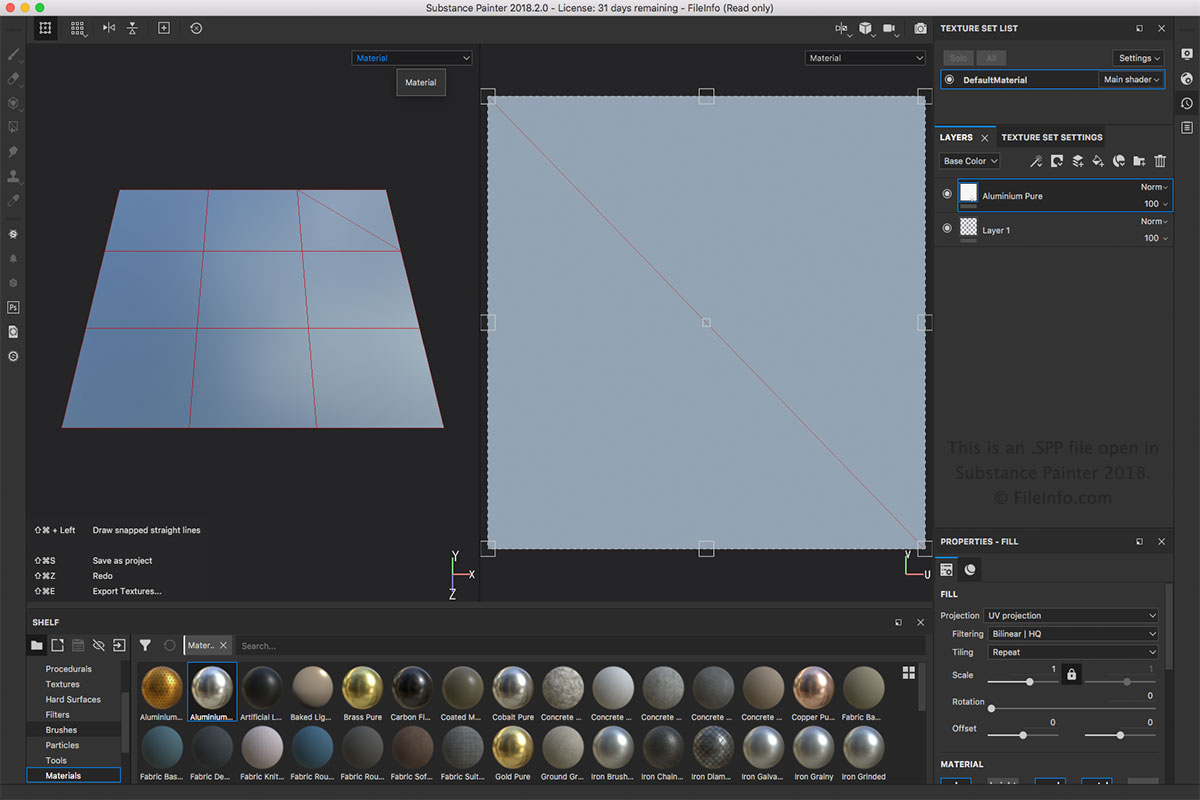
Het SPP-bestand is het belangrijkste bestandstype dat bij Substance Painter hoort. Je kunt een SPP-bestand maken door of te selecteren. Je kunt een SPP-bestand openen door te selecteren. Je kunt het SPP-bestand ook exporteren naar andere indelingen, zoals .BMP, .PSD, .JPEG, .HDR, .TIFF en .GIF, in het menu .
OPMERKING: Substance Painter wordt gebruikt voor verschillende 3D-animatietoepassingen, zoals visuele effecten, animatiefilms en videogames.
Programma's die SPP-bestanden openen
Altova XMLSpy-project
| Ontwikkelaar | Altova |
| Populariteit |
3,0 | 1 stem |
Een SPP-bestand is een project dat is gemaakt door Altova XMLSpy, een XML-editor en IDE voor het modelleren, bewerken en beheren van XML-gebaseerde toepassingen. Het bevat de eigenschappen van een project in de XML-standaard, waaronder paden naar de locaties van bestanden die in het project zijn opgenomen, zoals .XML, .XSL, .XSD en .HTM-bestanden. Met SPP-projecten kunnen XMLSpy-gebruikers meerdere bronbestanden binnen één werkruimte beheren en organiseren om hun workflow te stroomlijnen.
Meer informatie
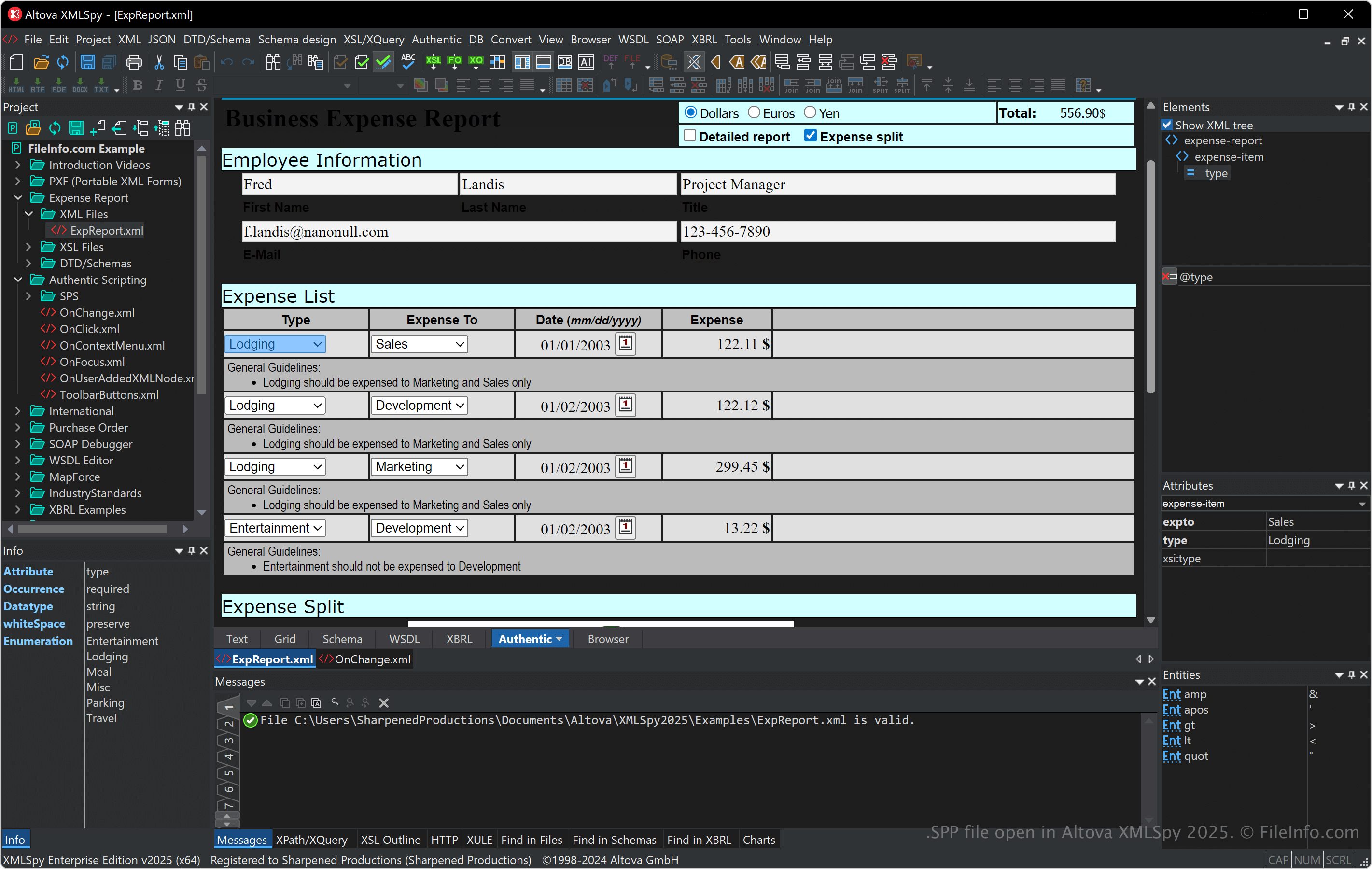
XMLSpy ondersteunt verschillende XML-gerelateerde indelingen, waaronder XSLT, XQuery en XSD, en biedt hulpmiddelen voor XML-validatie, transformatie en foutopsporing. De software bevat ook een visuele schema-editor, een codegenerator en geavanceerde functies voor het werken met databases, JSON en andere gegevensindelingen, waardoor het programma handig is voor ontwikkelaars die werken aan gegevensintegratie en webservices.
Je kunt bestanden koppelen en mappen organiseren binnen een SPP-project. Dit is vooral handig voor het beheren van afhankelijkheden en het uitvoeren van batchbewerkingen tijdens het ontwikkelen. SPP-projecten verbeteren ook de samenwerking doordat je teamleden toegang kunt geven tot dezelfde gebruiksklare projectconfiguratie.
Een SPP-bestand openen
Je kunt SPP-bestanden in Windows openen met Altova XMLSpy. Als je een SPP-bestand wilt openen, selecteer je .
Omdat SPP-bestanden platte tekst in XML opslaan, kun je ze openen met een tekst- of XML-editor. Als je SPP-bestanden echter opent met een tekst- of XML-editor, zien ze er niet hetzelfde uit als wanneer je ze opent met XMLSpy.