

.SPP Dateiendung
Substance Painter-Projekt
| Entwickler | Allegorithmic |
| Beliebtheit |
3,0 | 5 Stimmen |
Eine SPP-Datei ist ein von Allegorithmic Substance Painter erstelltes Projekt. Substance Painter ist ein 3D-Texturierungsprogramm für Windows, macOS und Linux. Sie enthält Projektinformationen, darunter Netze und Texturen, aus denen das 3D-Modell besteht. SPP-Dateien enthalten außerdem Metadaten, die zur Konfiguration des Projekts verwendet werden.
Weitere Informationen
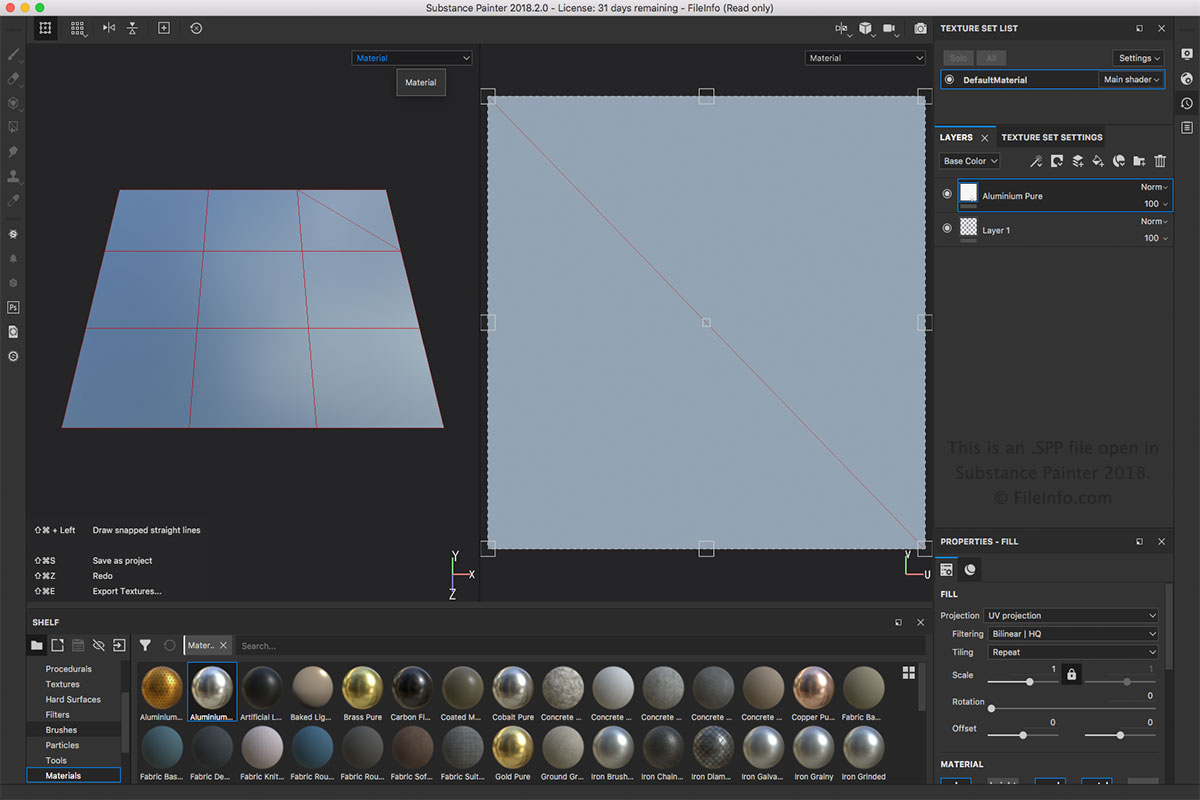
Die SPP-Datei ist der hauptsächliche Dateityp von Substance Painter. Sie können eine SPP-Datei erstellen, indem Sie oder auswählen. Sie können eine SPP-Datei öffnen, indem Sie auswählen. Sie können die SPP-Datei auch im Menü in andere Formate exportieren, z. B. als .BMP, .PSD, .JPEG, .HDR, .TIFF und .GIF.
HINWEIS: Substance Painter wird in verschiedenen Bereichen der 3D-Animation eingesetzt, etwa für visuelle Effekte, Animationsfilme und Videospiele.
Programme, die .SPP-Dateien öffnen
Altova XMLSpy-Projekt
| Entwickler | Altova |
| Beliebtheit |
3,0 | 1 Stimme |
Eine SPP-Datei ist ein von Altova XMLSpy erstelltes Projekt. Altova XMLSpy ist ein XML-Editor und eine integrierte Entwicklungsumgebung, die zum Modellieren, Bearbeiten und Verwalten von XML-basierten Anwendungen entwickelt wurde. Sie speichert die Eigenschaften eines Projekts im XML-Standard, einschließlich der Pfade zu den Speicherorten der im Projekt enthaltenen Dateien, wie etwa .XML, .XSL, .XSD und .HTM-Dateien. SPP-Projekte ermöglichen XMLSpy-Benutzern, mehrere Quelldateien innerhalb eines einzigen Arbeitsbereichs zu verwalten und zu organisieren, um ihren Arbeitsablauf zu vereinfachen.
Weitere Informationen
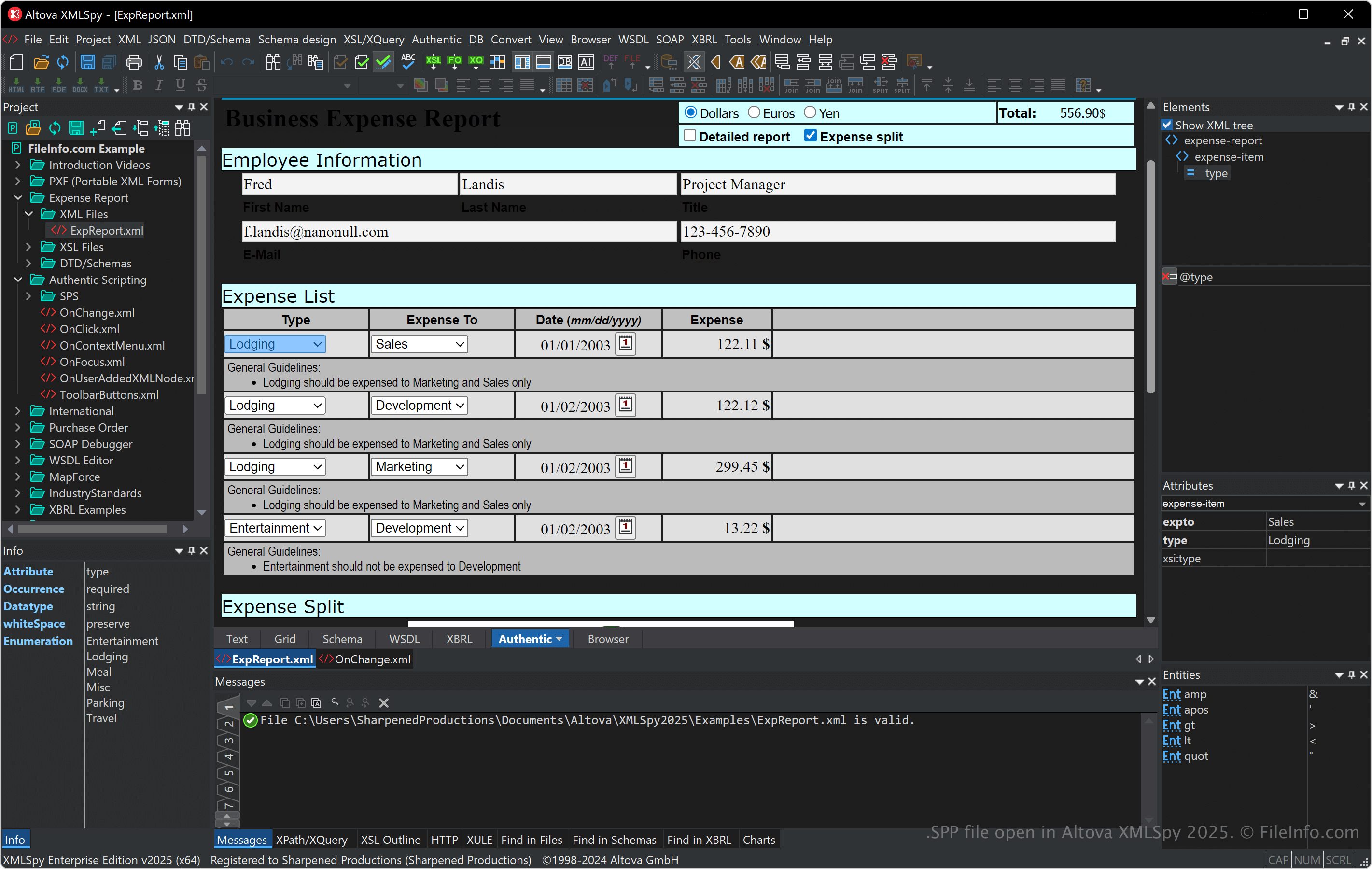
XMLSpy unterstützt verschiedene XML-bezogene Formate, darunter XSLT, XQuery und XSD, und bietet Werkzeuge zur XML-Validierung, -Transformation und -Fehlerbehebung. Die Software verfügt außerdem über einen visuellen Schema-Editor, einen Codegenerator und erweiterte Funktionen für die Arbeit mit Datenbanken, JSON und anderen Datenformaten. Dadurch eignet sie sich für Entwickler, die sich mit Datenintegration und Webdiensten beschäftigen.
Sie können Dateien verknüpfen und Ordner innerhalb eines SPP-Projekts organisieren. Dies ist besonders hilfreich beim Verwalten von Abhängigkeiten und beim Ausführen von Stapelvorgängen während der Entwicklung. Außerdem verbessern SPP-Projekte die Zusammenarbeit, da Sie Teammitgliedern Zugriff auf dieselbe einsatzbereite Projekteinstellung geben können.
So öffnen Sie eine SPP-Datei
Sie können SPP-Dateien mit Altova XMLSpy unter Windows öffnen. Um eine SPP-Datei zu öffnen, wählen Sie .
Da SPP-Dateien Klartext im XML-Format speichern, können Sie sie mit einem Text- oder XML-Editor öffnen. Wenn Sie SPP-Dateien jedoch mit einem Text- oder XML-Editor öffnen, werden sie nicht genauso dargestellt wie beim Öffnen mit XMLSpy.