

.XSL Dateiendung
XML-Stylesheet
| Entwickler | W3C |
| Beliebtheit |
3,4 | 40 Stimmen |
Was ist eine XSL-Datei?
Eine XSL-Datei ist ein Stylesheet, das zum Transformieren des Inhalts eines .XML-Dokuments verwendet wird. Die in der Datei enthaltenen Formatierungsinformationen sind im XSLT-Format (Extensible Stylesheet Language Transformations) geschrieben, einer Erweiterung von XML. Typischerweise werden XSL-Dateien verwendet, um ein oder mehrere XML-Dokumente in .HTML-Inhalte zur Verwendung als Webseite umzuwandeln.
Weitere Informationen
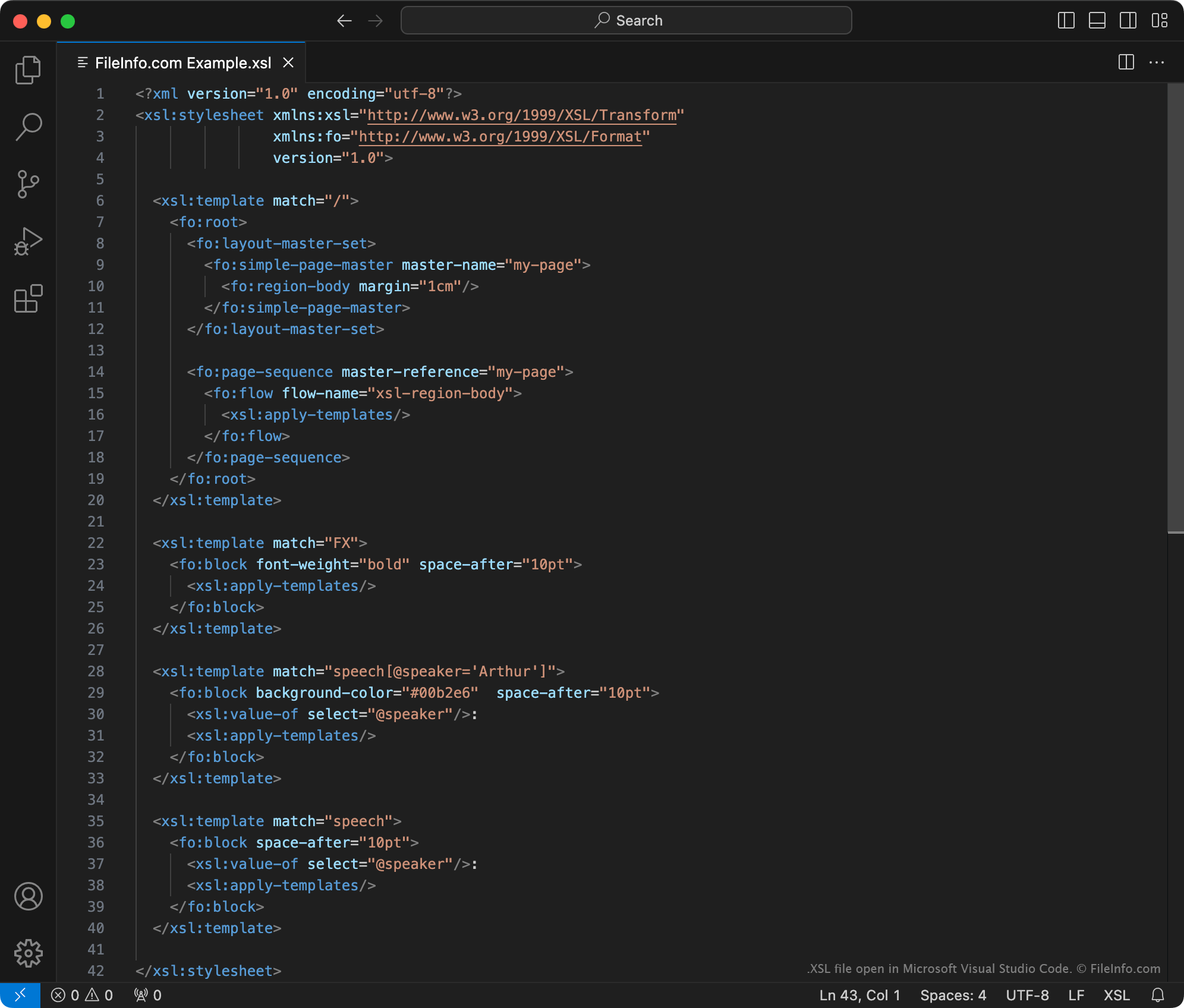
Das World Wide Web Consortium (W3C) entwickelte die XSLT-Auszeichnungssprache im Jahr 1998. Mithilfe von XSLT-Stylesheets und einem XSLT-Prozessor können Benutzer:
- Elemente innerhalb einer XML-Datei hinzufügen, entfernen, neu anordnen und sortieren
- den Inhalt einer XML-Datei in andere Arten von Inhalten umwandeln, z. B. HTML, einfachen Text oder PDF-Dokumente
Beispielsweise könnte ein Webentwickler, der einen XML-Datensatz auf seiner Website anzeigen möchte, folgendermaßen vorgehen:
- Ein XSLT-Stylesheet erstellen, das festlegt, wie der Datensatz in eine HTML-Tabelle umgewandelt werden soll.
- Einen XSLT-Prozessor und das Stylesheet verwenden, um den XML-Datensatz in eine formatierte HTML-Tabelle umzuwandeln.
XSLT-Stylesheets können als XSL- oder .XSLT-Dateien gespeichert werden. Offiziell empfiehlt das W3C inzwischen, XSLT-Stylesheets als XSLT-Dateien zu speichern. Daher enthalten XSL-Dateien wahrscheinlich alte XSLT-Stylesheets, die erstellt wurden, bevor das W3C diese Empfehlung ausgesprochen hat.
HINWEIS: XSL-Dateien können auch Formatierungsinformationen enthalten, die mit der Sprache XSL Formatting Objects (XSL-FO) geschrieben wurden, einer weiteren Erweiterung von XML.
So öffnen Sie eine XSL-Datei
Sie können eine XSL-Datei mit Microsoft Visual Studio Code oder jedem anderen Texteditor öffnen. Wenn Sie jedoch den Inhalt einer XSL-Datei bearbeiten möchten, sollten Sie die Datei in einem speziellen XML-Editor öffnen. XML-Editoren bieten hilfreiche Werkzeuge zur Syntaxhervorhebung, Bearbeitung und Validierung, die das Arbeiten mit XSL-Dateien erleichtern.
Zu den beliebten XML-Editoren gehören: