

.XSL Bestandsextensie
XML-stylesheet
| Ontwikkelaar | W3C |
| Populariteit |
3,4 | 40 stemmen |
Wat is een XSL-bestand?
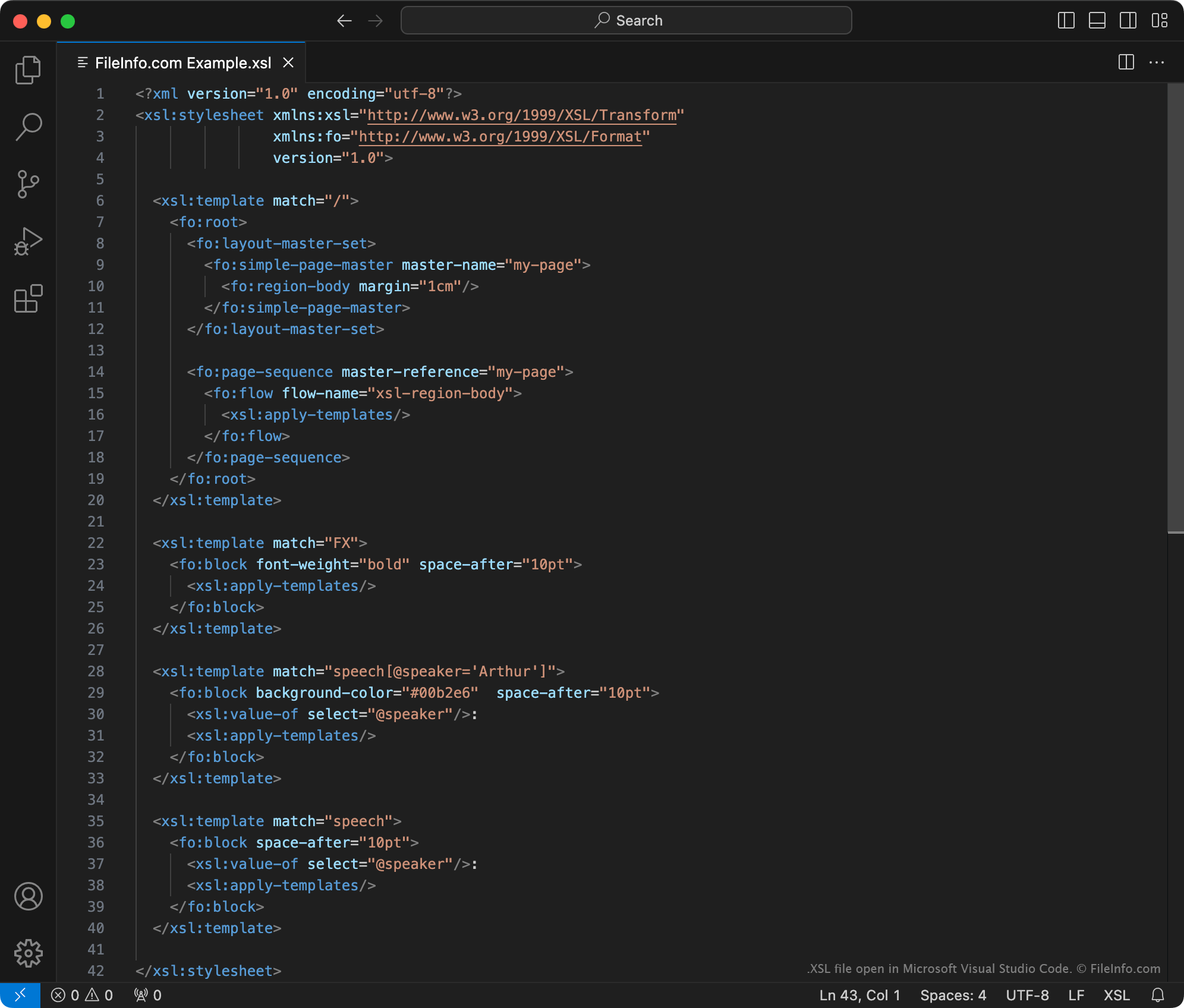
Een XSL-bestand is een stylesheet die wordt gebruikt om de inhoud van een .XML-document te transformeren. De opmaakinformatie in het bestand is geschreven in de indeling XSLT (Extensible Stylesheet Language Transformations), een uitbreiding van XML. Doorgaans worden XSL-bestanden gebruikt om een of meer XML-documenten te transformeren naar .HTML-inhoud, voor gebruik als webpagina.
Meer informatie
Het World Wide Web Consortium (W3C) heeft de XSLT-opmaaktaal in 1998 gemaakt. Met XSLT-stylesheets en een XSLT-processor kun je:
- Elementen in een XML-bestand toevoegen, verwijderen, herschikken en sorteren
- De inhoud van een XML-bestand transformeren naar andere typen inhoud, zoals HTML, platte tekst of PDF-documenten
Een webontwikkelaar die bijvoorbeeld een XML-dataset op een website wil weergeven, kan:
- Een XSLT-stylesheet maken waarin wordt vastgelegd hoe de dataset naar een HTML-tabel moet worden vertaald.
- Een XSLT-processor en de stylesheet gebruiken om de XML-dataset naar een opgemaakte HTML-tabel te transformeren.
XSLT-stylesheets kunnen worden opgeslagen als XSL- of .XSLT-bestanden. Officieel raadt W3C nu aan om XSLT-stylesheets op te slaan als XSLT-bestanden. XSL-bestanden bevatten daarom waarschijnlijk oude XSLT-stylesheets, die zijn gemaakt voordat W3C deze aanbeveling deed.
OPMERKING: XSL-bestanden kunnen ook opmaakinformatie bevatten die is geschreven met de taal XSL Formatting Objects (XSL-FO), een andere uitbreiding van XML.
Een XSL-bestand openen
Je kunt een XSL-bestand openen met Microsoft Visual Studio Code of een andere teksteditor. Als je echter de inhoud van een XSL-bestand wilt bewerken, kun je het bestand het beste openen in een speciale XML-editor. XML-editors bieden handige hulpmiddelen voor syntaxismarkering, bewerking en validatie, waardoor het werken met XSL-bestanden eenvoudiger wordt.
Enkele populaire XML-editors zijn: