

.SPP Estensione file
Progetto Substance Painter
| Sviluppatore | Allegorithmic |
| Popolarità |
3,0 | 5 Voti |
Un file SPP è un progetto creato da Allegorithmic Substance Painter, un programma di texturing 3D per Windows, macOS e Linux. Contiene informazioni sul progetto, tra cui mesh e texture che compongono il modello 3D. I file SPP includono anche metadati utilizzati per configurare il progetto.
Maggiori informazioni
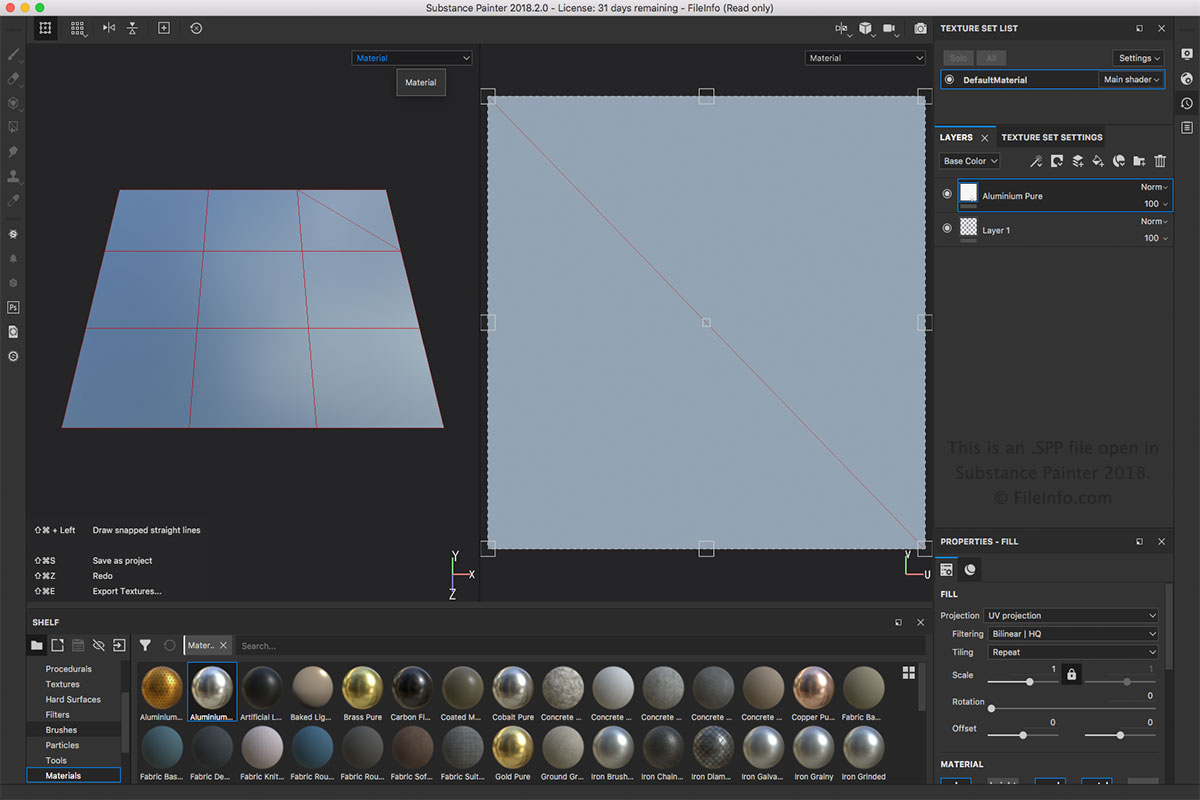
Il file SPP è il principale tipo di file associato a Substance Painter. Puoi creare un file SPP selezionando o . Puoi aprire un file SPP selezionando . Puoi anche esportare il file SPP in altri formati, come .BMP, .PSD, .JPEG, .HDR, .TIFF e .GIF, nel menu .
NOTA: Substance Painter viene utilizzato in diversi ambiti dell'animazione 3D, come effetti visivi, animazioni cinematografiche e videogiochi.
Programmi che aprono i file SPP
Progetto Altova XMLSpy
| Sviluppatore | Altova |
| Popolarità |
3,0 | 1 Voto |
Un file SPP è un progetto creato da Altova XMLSpy, un editor XML e un'ambiente di sviluppo integrato progettato per modellare, modificare e gestire applicazioni basate su XML. Memorizza le proprietà di un progetto nello standard XML, inclusi i percorsi delle posizioni dei file inclusi nel progetto, come i file .XML, .XSL, .XSD e .HTM. I progetti SPP consentono agli utenti di XMLSpy di gestire e organizzare più file di origine all'interno di un'unica area di lavoro per semplificare il flusso di lavoro.
Maggiori informazioni
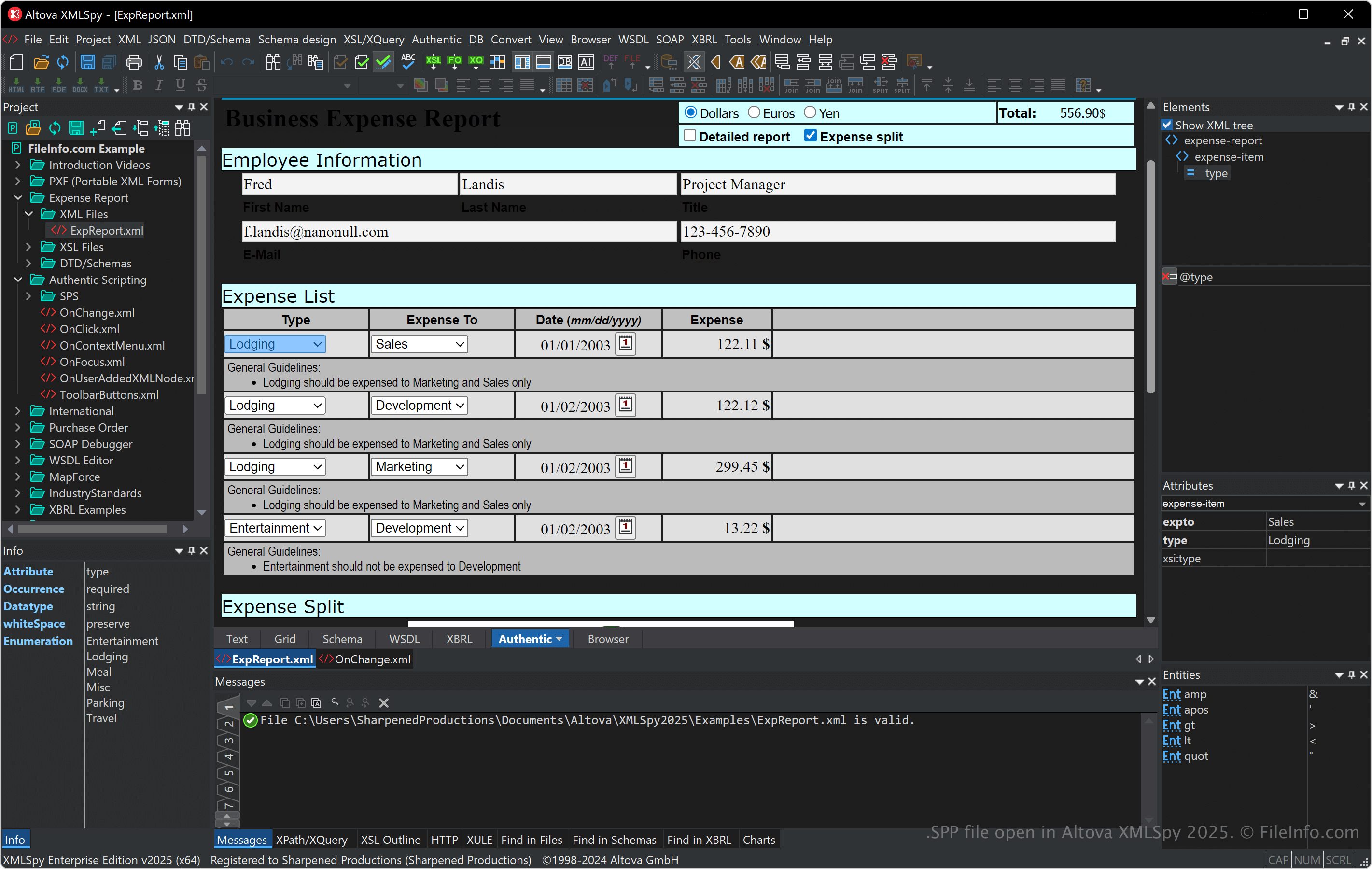
XMLSpy supporta vari formati correlati a XML, tra cui XSLT, XQuery e XSD, e fornisce strumenti per la convalida, la trasformazione e il debug di XML. Il software offre anche un editor visuale di schemi, un generatore di codice e funzionalità avanzate per lavorare con database, JSON e altri formati di dati, risultando utile agli sviluppatori che gestiscono l'integrazione dei dati e i servizi web.
Puoi collegare i file e organizzare le cartelle all'interno di un progetto SPP, una funzione particolarmente utile per gestire le dipendenze ed eseguire operazioni batch durante lo sviluppo. Inoltre, i progetti SPP migliorano la collaborazione consentendoti di condividere con i membri del team l'accesso alla stessa configurazione di progetto pronta all'uso.
Come aprire un file SPP
Puoi aprire i file SPP con Altova XMLSpy in Windows. Per aprire un file SPP, seleziona .
Poiché i file SPP memorizzano testo semplice in XML, puoi aprirli con un editor di testo o XML. Tuttavia, l'apertura dei file SPP con un editor di testo o XML non mostrerà lo stesso risultato dell'apertura con XMLSpy.