

.SPP Extension de fichier
Projet Substance Painter
| Développeur | Allegorithmic |
| Popularité |
3,0 | 5 Votes |
Un fichier SPP est un projet créé par Allegorithmic Substance Painter, un logiciel de texturation 3D pour Windows, macOS et Linux. Il contient des informations sur le projet, notamment les maillages et les textures qui composent le modèle 3D. Les fichiers SPP incluent également des métadonnées utilisées pour configurer le projet.
Plus d'informations
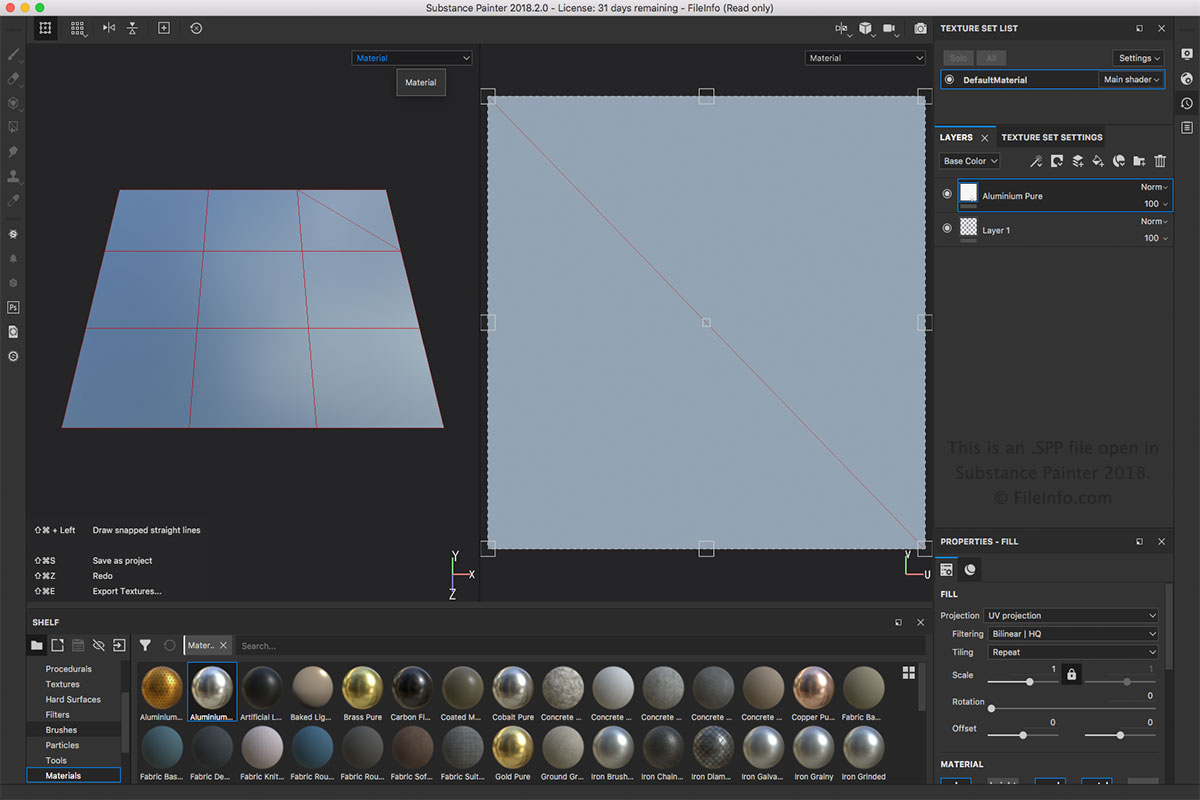
Le fichier SPP est le principal type de fichier associé à Substance Painter. Vous pouvez créer un fichier SPP en sélectionnant ou . Vous pouvez ouvrir un fichier SPP en sélectionnant . Vous pouvez également exporter le fichier SPP vers d’autres formats, tels que .BMP, .PSD, .JPEG, .HDR, .TIFF et .GIF, dans le menu .
REMARQUE : Substance Painter est utilisé dans divers domaines de l’animation 3D, notamment les effets visuels, les longs métrages d’animation et les jeux vidéo.
Programmes qui ouvrent les fichiers SPP
Projet Altova XMLSpy
| Développeur | Altova |
| Popularité |
3,0 | 1 Vote |
Un fichier SPP est un projet créé par Altova XMLSpy, un éditeur XML et un environnement de développement intégré conçu pour modéliser, modifier et gérer des applications basées sur XML. Il stocke les propriétés d’un projet au format XML, notamment les chemins d’accès aux emplacements des fichiers inclus dans le projet, tels que les fichiers .XML, .XSL, .XSD et .HTM. Les projets SPP permettent aux utilisateurs de XMLSpy de gérer et d’organiser plusieurs fichiers sources au sein d’un même espace de travail afin de simplifier leur flux de travail.
Plus d'informations
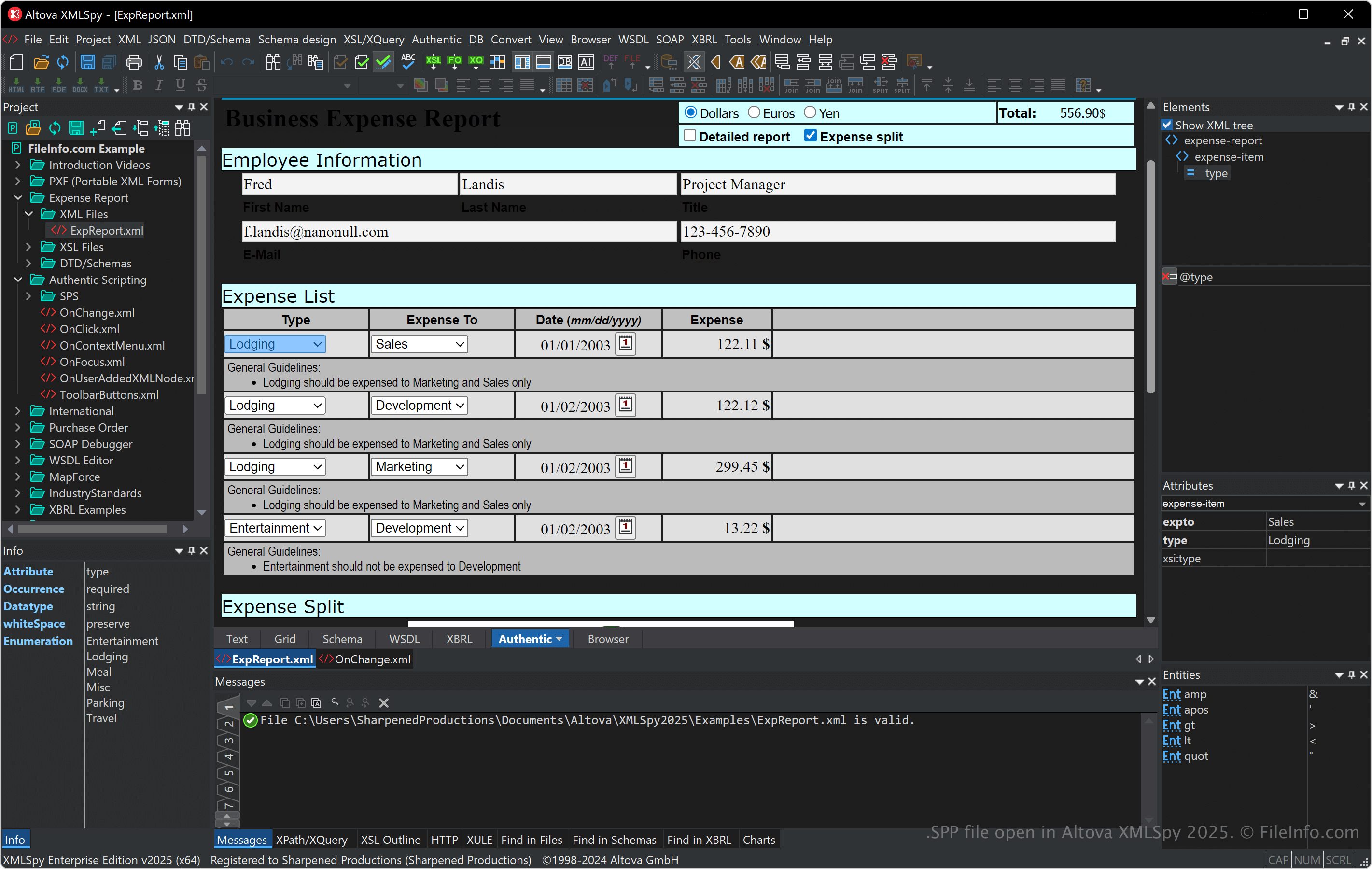
XMLSpy prend en charge différents formats associés à XML, notamment XSLT, XQuery et XSD, et fournit des outils de validation, de transformation et de débogage XML. Le logiciel propose également un éditeur visuel de schémas, un générateur de code et des fonctionnalités avancées pour travailler avec des bases de données, JSON et d’autres formats de données, ce qui le rend utile aux développeurs qui travaillent sur l’intégration de données et les services web.
Vous pouvez lier des fichiers et organiser des dossiers au sein d’un projet SPP, ce qui est particulièrement utile pour gérer les dépendances et effectuer des opérations par lots lors du développement. De plus, les projets SPP facilitent la collaboration en vous permettant de partager avec les membres de votre équipe l’accès à la même configuration de projet prête à l’emploi.
Comment ouvrir un fichier SPP
Vous pouvez ouvrir les fichiers SPP avec Altova XMLSpy sous Windows. Pour ouvrir un fichier SPP, sélectionnez .
Comme les fichiers SPP stockent du texte brut au format XML, vous pouvez les ouvrir avec un éditeur de texte ou un éditeur XML. Toutefois, l’ouverture de fichiers SPP avec un éditeur de texte ou un éditeur XML ne donnera pas le même résultat que leur ouverture avec XMLSpy.