

.SPP Přípona souboru
Projekt Substance Painter
| Vývojář | Allegorithmic |
| Popularita |
3,0 | 5 hlasů |
Soubor SPP je projekt vytvořený v programu Allegorithmic Substance Painter, 3D texturovacím programu pro Windows, macOS a Linux. Obsahuje informace o projektu, včetně sítí a textur, ze kterých se skládá 3D model. Soubory SPP také obsahují metadata používaná ke konfiguraci projektu.
Další informace
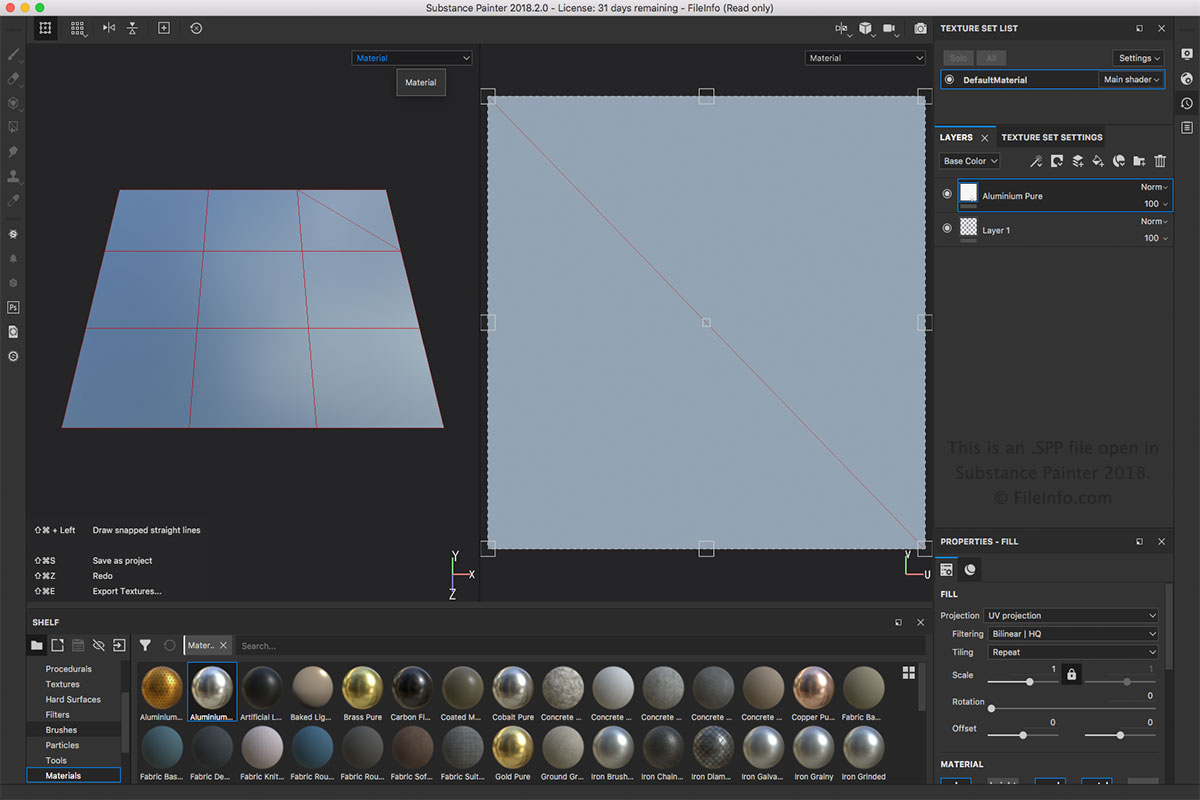
Soubor SPP je hlavním typem souboru spojeným s programem Substance Painter. Soubor SPP můžete vytvořit výběrem možnosti nebo . Soubor SPP můžete otevřít výběrem možnosti . Soubor SPP můžete také exportovat do jiných formátů, jako jsou .BMP, .PSD, .JPEG, .HDR, .TIFF a .GIF, v nabídce .
POZNÁMKA: Substance Painter se používá v různých oblastech 3D animace, například pro vizuální efekty, celovečerní animace a videohry.
Programy, které otevírají soubory SPP
Projekt Altova XMLSpy
| Vývojář | Altova |
| Popularita |
3,0 | 1 hlas |
Soubor SPP je projekt vytvořený v programu Altova XMLSpy, editoru XML a IDE určeném k modelování, úpravám a správě aplikací založených na XML. Ukládá vlastnosti projektu ve standardu XML včetně cest k umístěním souborů zahrnutých v projektu, jako jsou soubory .XML, .XSL, .XSD a .HTM. Projekty SPP umožňují uživatelům XMLSpy spravovat a organizovat více zdrojových souborů v jednom pracovním prostoru, a zefektivnit tak jejich práci.
Další informace
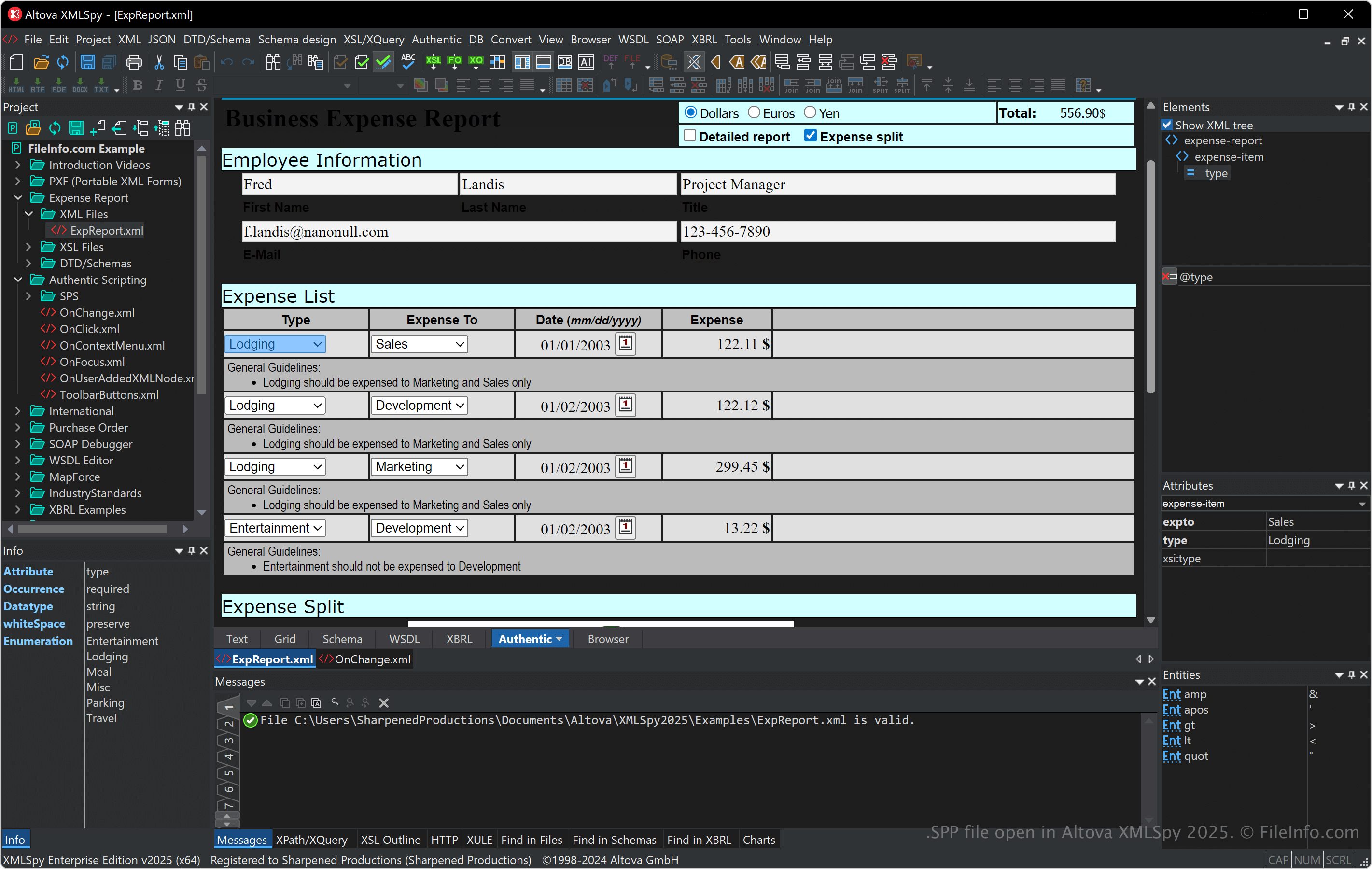
XMLSpy podporuje různé formáty související s XML, včetně XSLT, XQuery a XSD, a poskytuje nástroje pro ověřování XML, transformace a ladění. Software také nabízí vizuální editor schémat, generátor kódu a pokročilé funkce pro práci s databázemi, JSON a dalšími datovými formáty, takže je užitečný pro vývojáře pracující s integrací dat a webovými službami.
V projektu SPP můžete propojovat soubory a organizovat složky, což je užitečné zejména při správě závislostí a provádění hromadných operací během vývoje. Projekty SPP také usnadňují spolupráci, protože umožňují členům týmu sdílet přístup ke stejnému připravenému nastavení projektu.
Jak otevřít soubor SPP
Soubory SPP můžete otevřít v programu Altova XMLSpy v systému Windows. Chcete-li otevřít soubor SPP, vyberte.
Protože soubory SPP ukládají prostý text ve formátu XML, můžete je otevřít v textovém editoru nebo editoru XML. Po otevření souborů SPP v textovém editoru nebo editoru XML však nebude jejich zobrazení stejné jako při otevření v programu XMLSpy.