

.CIN Bestandsextensie
Kodak Cineon-bitmapafbeelding
| Ontwikkelaar | Kodak |
| Populariteit |
3,2 | 19 stemmen |
Wat is een CIN-bestand?
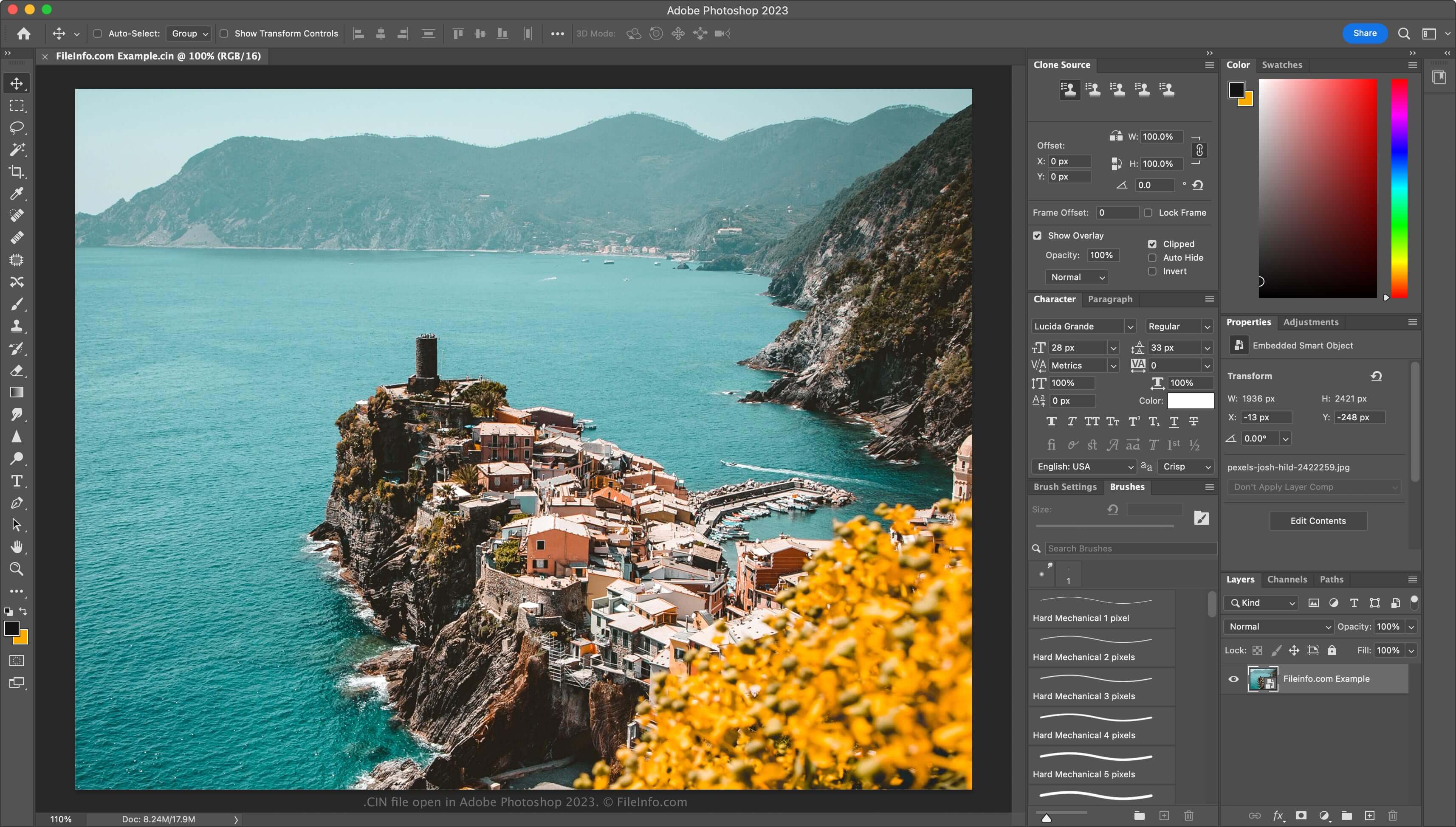
Een CIN-bestand is een bitmapafbeelding die is opgeslagen in de Cineon-indeling (CIN), die Kodak ontwikkelde om filmbeelden over te zetten naar een digitaal formaat voor elektronische compositie, bewerking en verbetering. Het bevat één frame uit een film of een videogegevensstroom en ondersteunt een 10-bits kleurdiepte per RGB-kanaal. Het Cineon System-systeem kan CIN-bestanden maken, evenals andere toepassingen van derden, zoals Adobe Photoshop of XnViewMP.
Meer informatie
Kodak bracht het Cineon System in 1992 uit. Hollywoodstudio's gebruikten het voornamelijk om oude films te restaureren en naar een digitaal formaat om te zetten. Filmkunstenaars gebruikten het Cineon System om film te scannen en elk frame als een CIN-bestand op te slaan. Vervolgens bewerkten ze de frames digitaal met software die bij het Cineon System was inbegrepen en zetten ze deze via de Cineon System-recorder weer om naar film, zonder verlies van beeldkwaliteit.
Hoewel het Cineon System niet meer wordt gebruikt (het werd eind jaren 90 stopgezet toen Kodak de .DPX-indeling introduceerde), is de indeling blijven bestaan. Daarom kun je nog steeds CIN-bestanden tegenkomen als je als kunstenaar voor visuele effecten werkt.
Een CIN-bestand openen
Je kunt CIN-bestanden openen met verschillende toepassingen voor visuele effecten en beeldbewerking. Enkele opties zijn Adobe Photoshop (multiplatform), Adobe After Effects (multiplatform) en XnViewMP (multiplatform).
Een CIN-bestand converteren
Verschillende beeldbewerkingsprogramma's, waaronder Adobe Photoshop en XnViewMP, kunnen CIN-bestanden omzetten naar andere afbeeldingsindelingen.
Photoshop kan CIN-bestanden bijvoorbeeld omzetten naar veel bestandstypen, waaronder de volgende indelingen:
Programma's die CIN-bestanden openen
Bitmapafbeelding van Champions' Interlace
| Ontwikkelaar | N.v.t. |
| Populariteit |
1,0 | 1 stem |
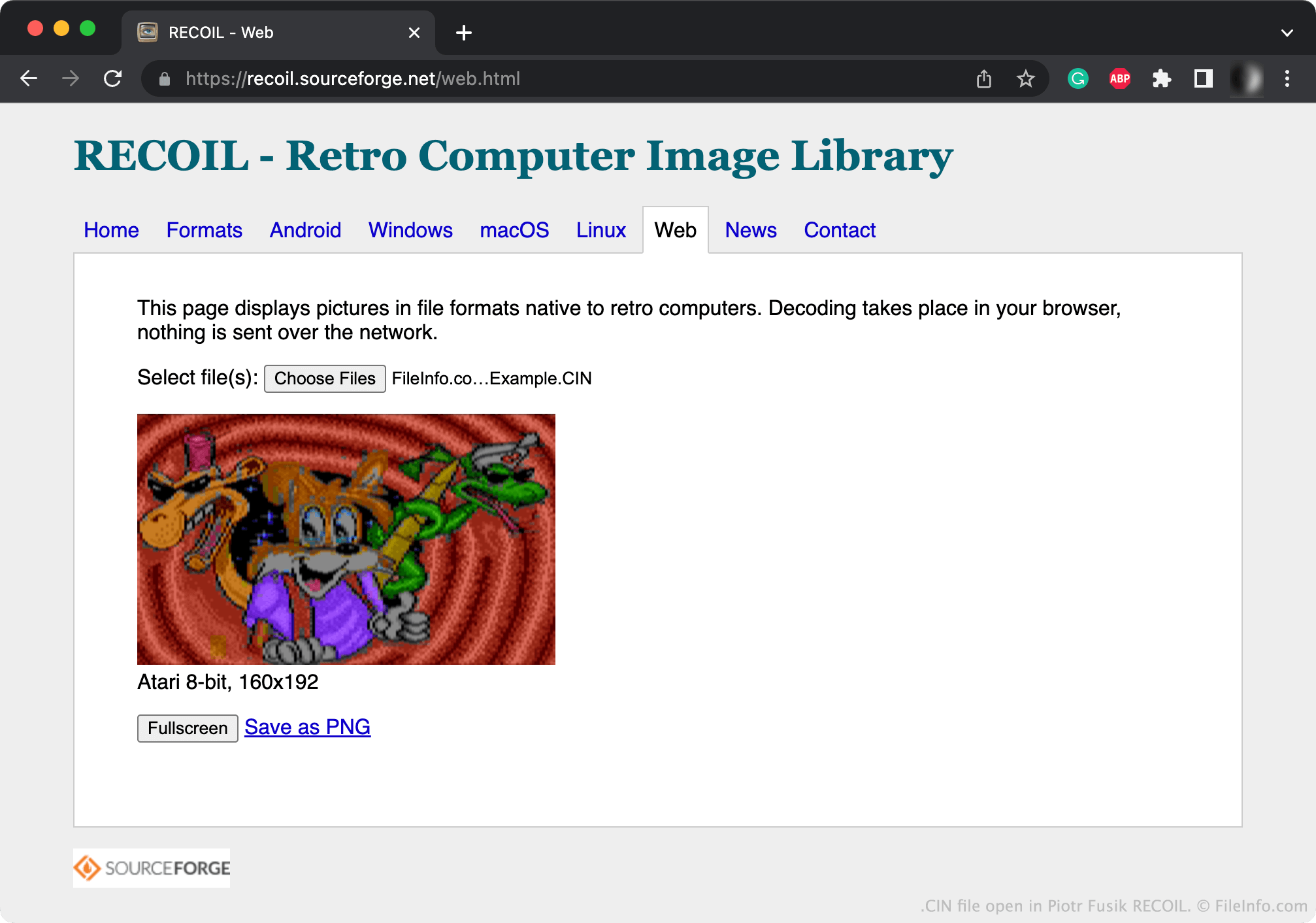
Een CIN-bestand is een bitmapafbeelding die is gemaakt met Champions' Interlace, een grafisch programma voor Atari-computers. Het bevat een afbeelding van maximaal 160 x 200 pixels. De meeste CIN-afbeeldingen zijn 160 x 192 pixels.
Meer informatie
Bitmapafbeeldingen zijn digitale afbeeldingen die bestaan uit een matrix van punten, ook wel pixels genoemd. Met Champions' Interlace kunnen gebruikers kleine bitmapafbeeldingen maken.
Doorgaans slaat Champions' Interlace de afbeeldingen die gebruikers maken op als CIN-bestanden. Champions Interlace kan afbeeldingen ook opslaan als gecomprimeerde .CCI-bestanden (Compressed Champions' Interlace Bitmap).
Een CIN-bestand openen
Je kunt een CIN-bestand openen met Piotr Fusik RECOIL (meerdere platforms) of Tom's Editor (webbrowser) om de afbeelding erin te bekijken.
Een CIN-bestand converteren
Je kunt RECOIL of Tom's Editor gebruiken om CIN-bestanden te converteren naar gangbaardere afbeeldingsindelingen. Tom's Editor kan CIN-bestanden bijvoorbeeld converteren naar de volgende indelingen: