

.CIN Dateiendung
Kodak Cineon-Bitmapbild
| Entwickler | Kodak |
| Beliebtheit |
3,2 | 19 Stimmen |
Was ist eine CIN-Datei?
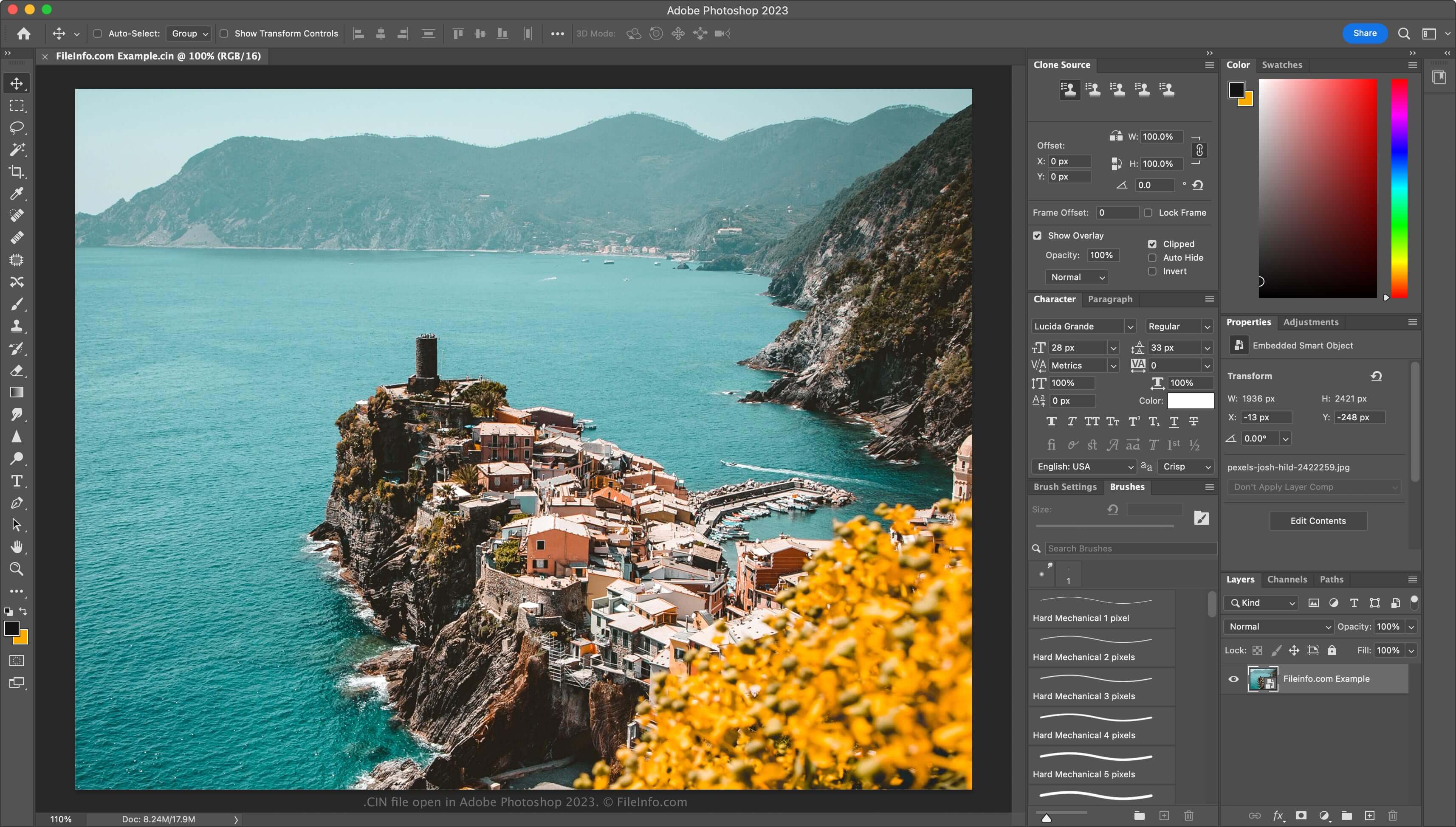
Eine CIN-Datei ist ein Bitmapbild, das im Cineon- (CIN-)Format gespeichert wird. Kodak entwickelte dieses Format, um Filmaufnahmen für die elektronische Nachbearbeitung, Bearbeitung und Verbesserung in ein digitales Format zu übertragen. Die Datei speichert ein einzelnes Bild aus einem Spielfilm oder Videodatenstrom und unterstützt eine Farbtiefe von 10 Bit pro RGB-Kanal. Das Cineon System von Kodak kann CIN-Dateien erstellen, ebenso wie andere Anwendungen von Drittanbietern, darunter Adobe Photoshop und XnViewMP.
Weitere Informationen
Kodak veröffentlichte sein Cineon System 1992. Hollywood-Studios nutzten es hauptsächlich, um alte Filme zu restaurieren und in ein digitales Format umzuwandeln. Filmkünstler scannten Filme mit dem Cineon System und speicherten jedes Bild als CIN-Datei. Anschließend bearbeiteten sie die Bilder digital mit der im Cineon System enthaltenen Software und gaben sie über den Cineon-System-Recorder wieder auf Film aus, ohne dass die Bildqualität verloren ging.
Obwohl das Cineon System nicht mehr verwendet wird (es wurde Ende der 1990er-Jahre eingestellt, als Kodak das .DPX-Format einführte), besteht das Format weiterhin. Daher können Sie noch auf CIN-Dateien stoßen, wenn Sie als Künstler für visuelle Effekte arbeiten.
So öffnen Sie eine CIN-Datei
Sie können CIN-Dateien mit mehreren Anwendungen für visuelle Effekte und Bildbearbeitung öffnen. Zu den Möglichkeiten gehören Adobe Photoshop (für mehrere Plattformen), Adobe After Effects (für mehrere Plattformen) und XnViewMP (für mehrere Plattformen).
So konvertieren Sie eine CIN-Datei
Verschiedene Bildbearbeitungsprogramme, darunter Adobe Photoshop und XnViewMP, können CIN-Dateien in andere Bildformate umwandeln.
Beispielsweise kann Photoshop CIN-Dateien in viele Dateitypen umwandeln, darunter die folgenden Formate:
Programme, die .CIN-Dateien öffnen
Bitmap des Champions' Interlace
| Entwickler | k. A. |
| Beliebtheit |
1,0 | 1 Stimme |
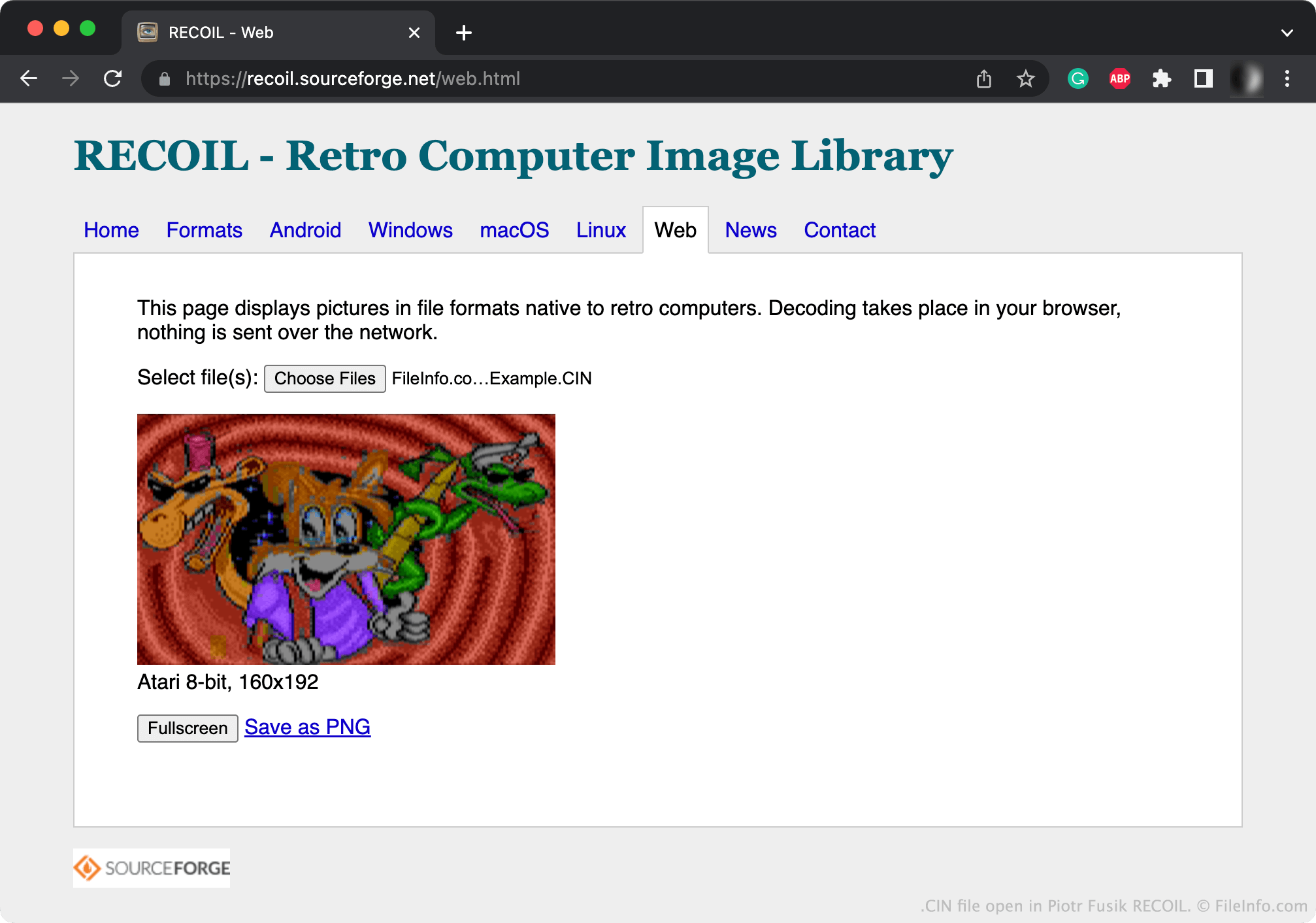
Eine CIN-Datei ist ein Bitmapbild, das von Champions' Interlace, einem Grafikprogramm für Atari-Computer, erstellt wurde. Sie enthält ein bis zu 160 x 200 Pixel großes Bild. Die meisten CIN-Bilder sind 160 x 192 Pixel groß.
Weitere Informationen
Bitmapgrafiken sind digitale Bilder, die aus einer Matrix von Punkten bestehen, die als Pixel bezeichnet werden. Mit Champions' Interlace können Benutzer kleine Bitmapgrafiken erstellen.
Normalerweise speichert Champions' Interlace die von Benutzern erstellten Grafiken als CIN-Dateien. Champions Interlace kann Bilder auch als komprimierte .CCI-Dateien (Compressed Champions' Interlace Bitmap) speichern.
So öffnen Sie eine CIN-Datei
Sie können eine CIN-Datei mit Piotr Fusik RECOIL (plattformübergreifend) oder Tom's Editor (Web) öffnen, um das darin enthaltene Bild anzuzeigen.
So konvertieren Sie eine CIN-Datei
Sie können RECOIL oder Tom's Editor verwenden, um CIN-Dateien in gängigere Bildformate zu konvertieren. Tom's Editor kann CIN-Dateien beispielsweise in die folgenden Formate konvertieren: