

.CIN Extension de fichier
Image bitmap Kodak Cineon
| Développeur | Kodak |
| Popularité |
3,2 | 19 Votes |
Qu'est-ce qu'un fichier CIN ?
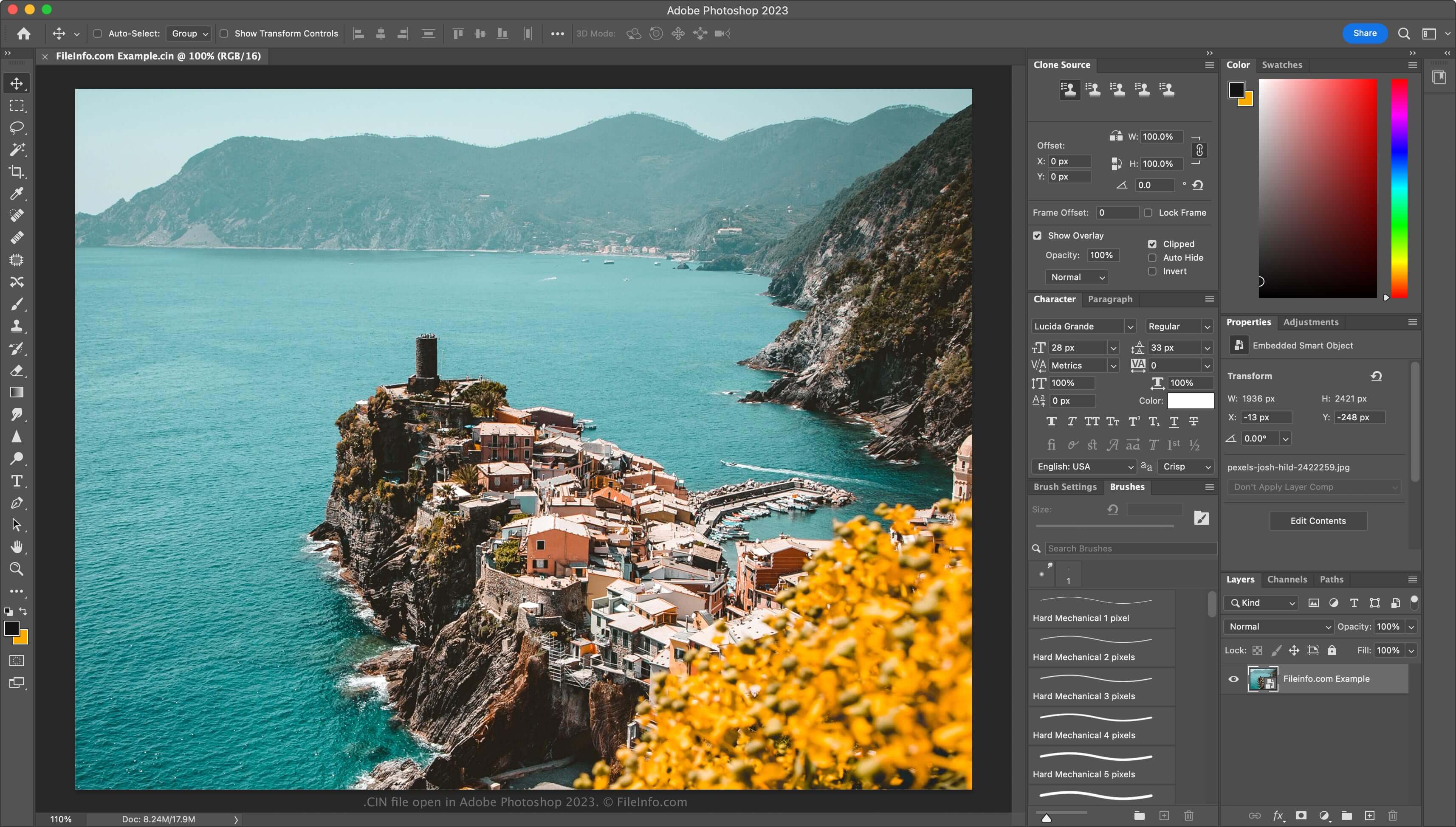
Un fichier CIN est une image bitmap enregistrée au format Cineon (CIN), que Kodak a développé pour transférer des images de film vers un format numérique destiné à la composition électronique, à la manipulation et à l'amélioration. Il stocke une seule image d'un film ou d'un flux de données vidéo et prend en charge une profondeur de couleur de 10 bits par canal RVB. Le système Cineon de Kodak peut créer des fichiers CIN, tout comme d'autres applications tierces telles qu'Adobe Photoshop ou XnViewMP.
Plus d'informations
Kodak a commercialisé son système Cineon en 1992, les studios hollywoodiens l'utilisant principalement pour restaurer d'anciens films et les convertir au format numérique. Les artistes du cinéma utilisaient le système Cineon pour numériser les films, en enregistrant chaque image dans un fichier CIN. Ils modifiaient ensuite les images numériquement avec les logiciels inclus dans le système Cineon, puis les restituaient sur film à l'aide de l'enregistreur du système Cineon, sans perte de qualité d'image.
Bien que le système Cineon ne soit plus utilisé (abandonné à la fin des années 1990, lorsque Kodak a introduit le format .DPX), le format a perduré. Vous pouvez donc encore rencontrer des fichiers CIN si vous êtes un artiste des effets visuels.
Comment ouvrir un fichier CIN
Vous pouvez ouvrir les fichiers CIN avec plusieurs applications d'effets visuels et de retouche d'image. Parmi les options disponibles figurent Adobe Photoshop (multiplateforme), Adobe After Effects (multiplateforme) et XnViewMP (multiplateforme).
Comment convertir un fichier CIN
Divers éditeurs d'images, notamment Adobe Photoshop et XnViewMP, peuvent convertir les fichiers CIN vers d'autres formats d'image.
Par exemple, Photoshop peut convertir les fichiers CIN vers de nombreux types de fichiers, notamment les formats suivants :
Programmes qui ouvrent les fichiers CIN
Image bitmap Champions' Interlace
| Développeur | N/D |
| Popularité |
1,0 | 1 Vote |
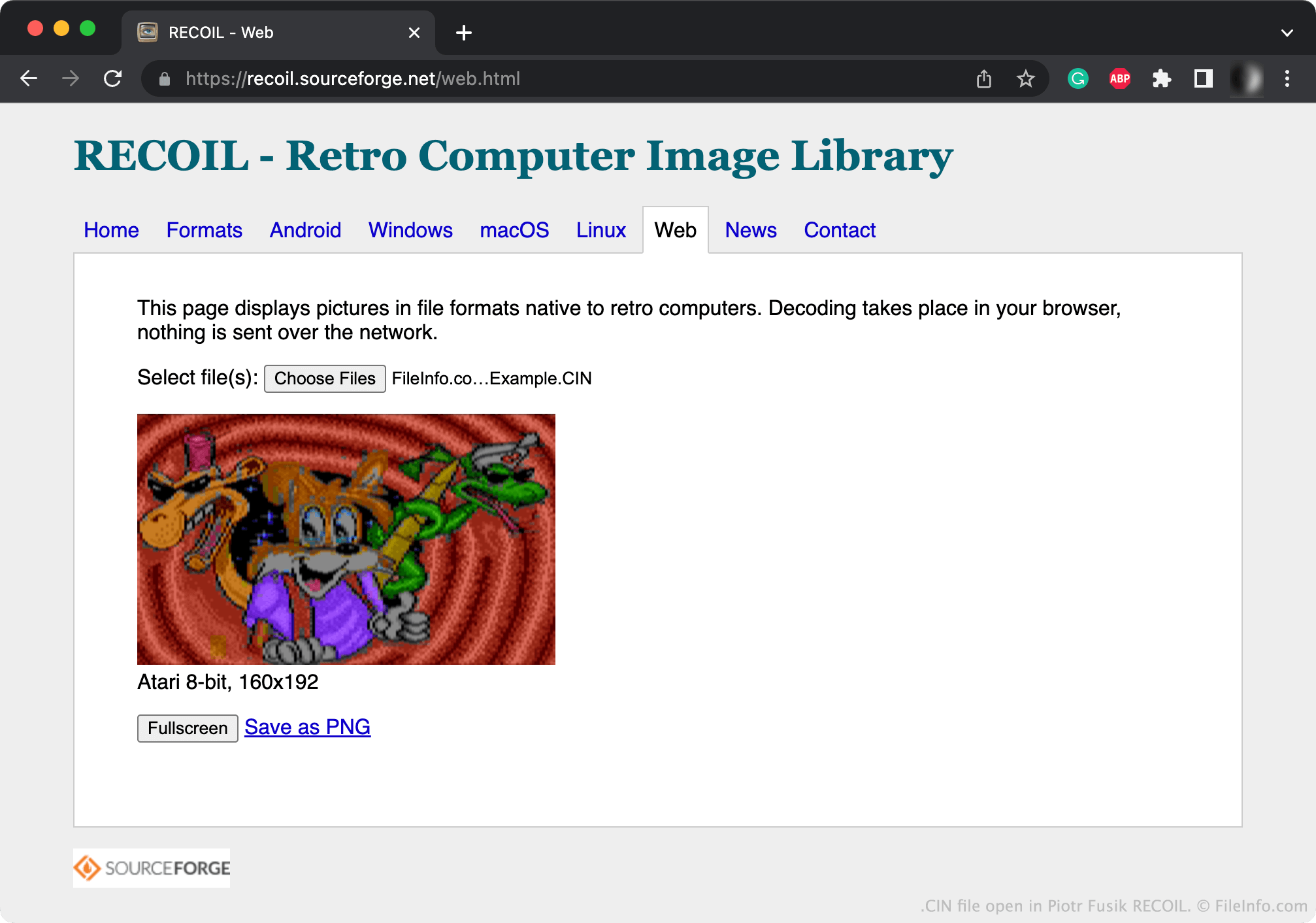
Un fichier CIN est une image bitmap créée par Champions' Interlace, un programme graphique pour ordinateurs Atari. Il contient une image pouvant atteindre 160 x 200 pixels. La plupart des images CIN font 160 x 192 pixels.
Plus d'informations
Les images bitmap sont des images numériques constituées d'une matrice de points appelés pixels. Champions' Interlace permet aux utilisateurs de créer de petites images bitmap.
Généralement, Champions' Interlace enregistre les images créées par les utilisateurs dans des fichiers CIN. Champions Interlace peut également enregistrer les images sous forme de fichiers .CCI (Compressed Champions' Interlace Bitmap) compressés.
Comment ouvrir un fichier CIN
Vous pouvez ouvrir un fichier CIN avec Piotr Fusik RECOIL (multiplateforme) ou Tom's Editor (Web) pour afficher l'image qu'il contient.
Comment convertir un fichier CIN
Vous pouvez utiliser RECOIL ou Tom's Editor pour convertir les fichiers CIN dans des formats d'image plus courants. Par exemple, Tom's Editor peut convertir les fichiers CIN dans les formats suivants :