

.CIN Extensão de arquivo
Imagem bitmap Kodak Cineon
| Desenvolvedor | Kodak |
| Popularidade |
3,2 | 19 Votos |
O que é um arquivo CIN?
Um arquivo CIN é uma imagem bitmap salva no formato Cineon (CIN), que a Kodak desenvolveu para transferir imagens de filmes para um formato digital para composição, manipulação e aprimoramento eletrônicos. Ele armazena um único quadro de um filme ou fluxo de dados de vídeo e é compatível com profundidade de cor de 10 bits por canal RGB. O Cineon System da Kodak pode criar arquivos CIN, assim como outros aplicativos de terceiros, como o Adobe Photoshop ou o XnViewMP.
Mais informações
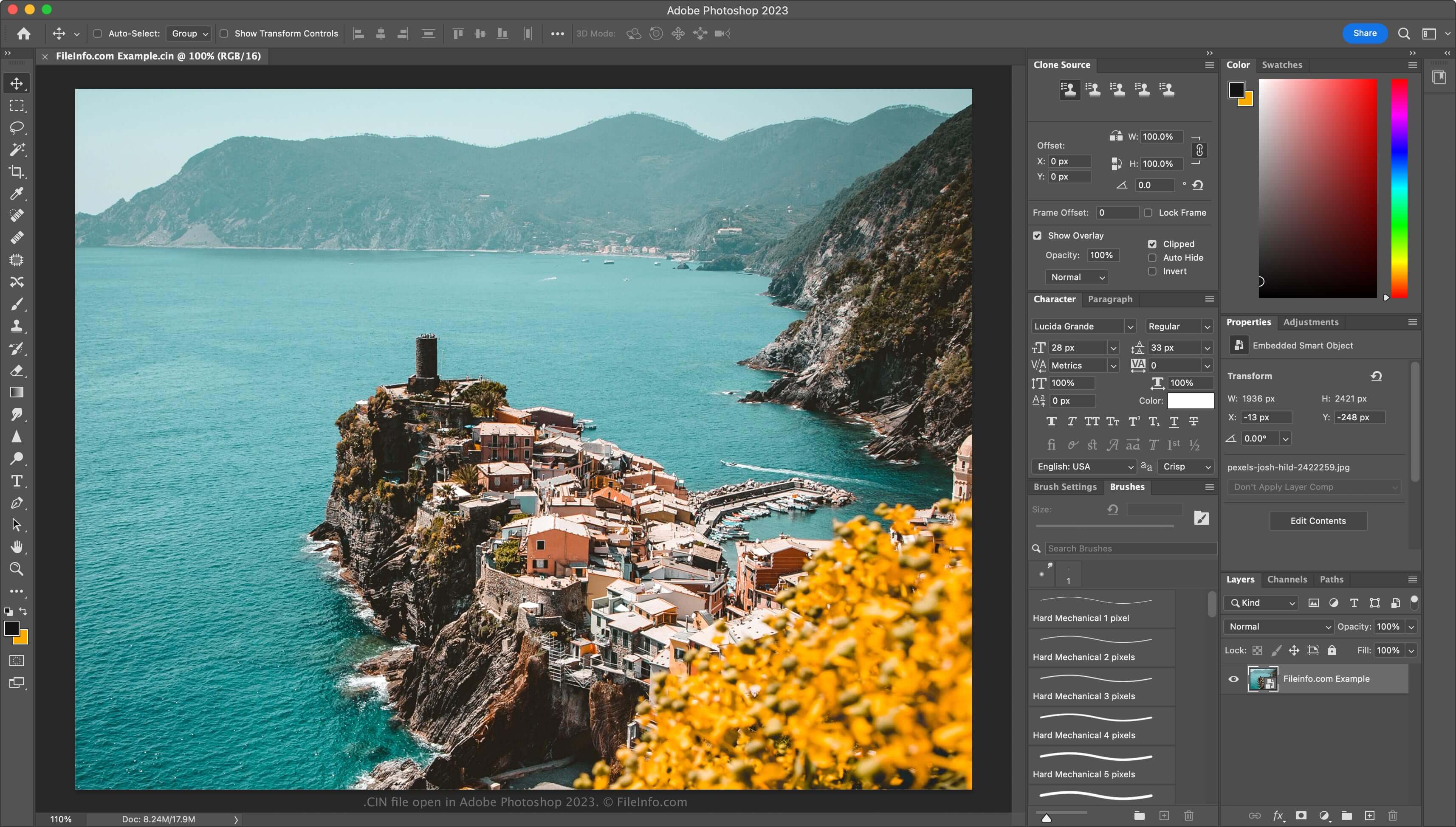
A Kodak lançou o Cineon System em 1992, e os estúdios de Hollywood o usavam principalmente para restaurar filmes antigos e convertê-los para o formato digital. Artistas de cinema usavam o sistema Cineon para digitalizar filmes, salvando cada quadro como um arquivo CIN. Em seguida, modificavam os quadros digitalmente com o software incluído no Cineon System e os transferiam de volta para o filme por meio do gravador do Cineon System, sem perda de qualidade da imagem.
Embora o Cineon System não esteja mais em uso (foi descontinuado no final dos anos 1990, quando a Kodak introduziu o .DPX formato), o formato persistiu. Portanto, você ainda pode encontrar arquivos CIN se trabalhar com efeitos visuais.
Como abrir um arquivo CIN
Você pode abrir arquivos CIN com vários aplicativos de efeitos visuais e edição de imagens. Algumas opções incluem o Adobe Photoshop (multiplataforma), o Adobe After Effects (multiplataforma) e o XnViewMP (multiplataforma).
Como converter um arquivo CIN
Vários editores de imagens, incluindo o Adobe Photoshop e o XnViewMP, podem converter arquivos CIN para outros formatos de imagem.
Por exemplo, o Photoshop pode converter arquivos CIN para muitos tipos de arquivo, incluindo os seguintes formatos:
Programas que abrem arquivos CIN
Bitmap do Champions' Interlace
| Desenvolvedor | N/D |
| Popularidade |
1,0 | 1 Voto |
Um arquivo CIN é uma imagem bitmap criada pelo Champions' Interlace, um programa gráfico para computadores Atari. Ele contém uma imagem de até 160 x 200 pixels. A maioria das imagens CIN tem 160 x 192 pixels.
Mais informações
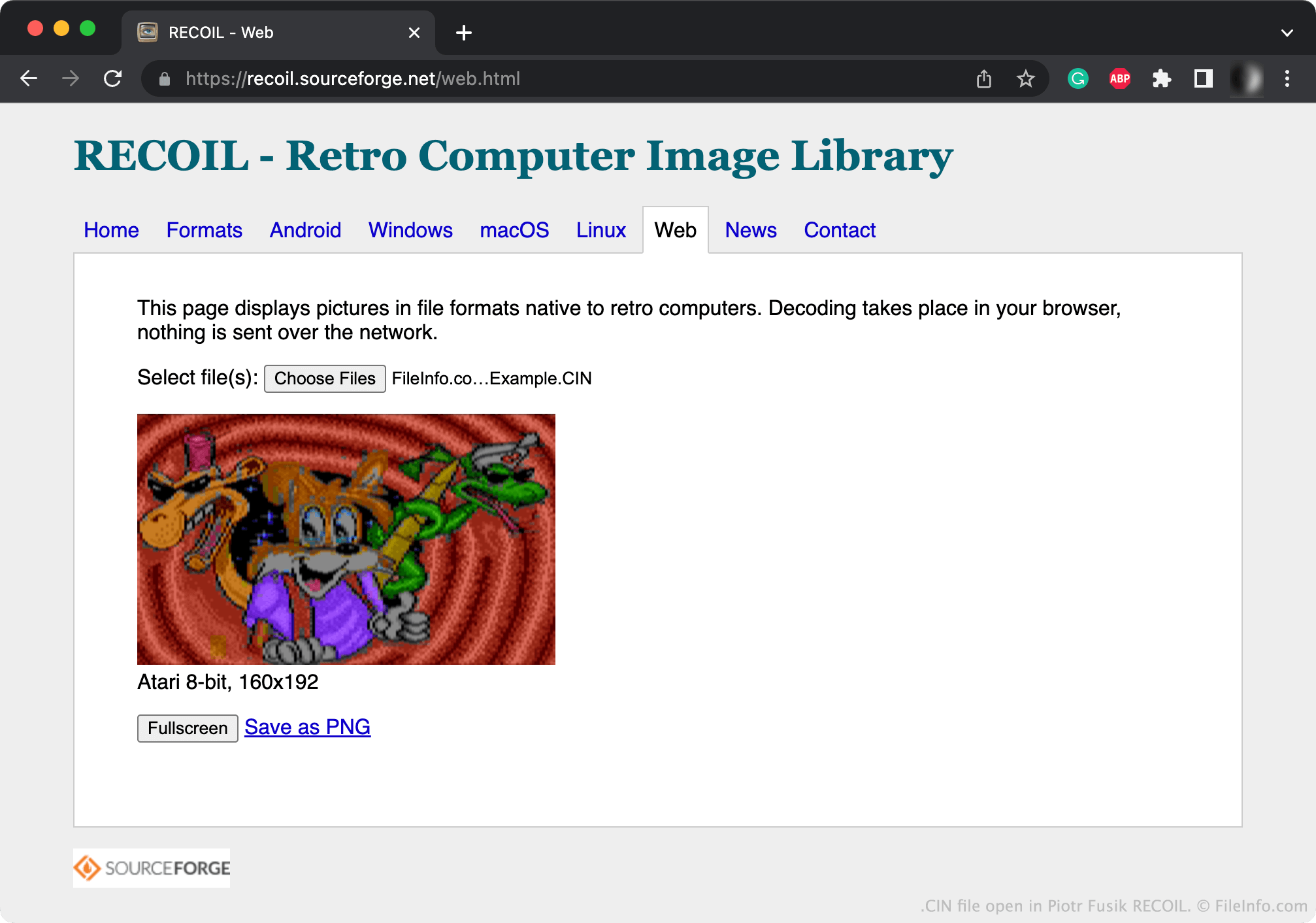
Os gráficos bitmap são imagens digitais compostas por uma matriz de pontos conhecidos como pixels. O Champions' Interlace permite que os usuários criem pequenos gráficos bitmap.
Normalmente, o Champions' Interlace salva os gráficos criados pelos usuários como arquivos CIN. O Champions' Interlace também pode salvar imagens como arquivos .CCI (bitmap compactado do Champions' Interlace).
Como abrir um arquivo CIN
Você pode abrir um arquivo CIN com o Piotr Fusik RECOIL (multiplataforma) ou o Tom's Editor (Web) para visualizar a imagem que ele contém.
Como converter um arquivo CIN
Você pode usar o RECOIL ou o Tom's Editor para converter arquivos CIN em formatos de imagem mais comuns. Por exemplo, o Tom's Editor pode converter arquivos CIN nos seguintes formatos: