.MD 파일 확장자
Markdown Documentation File
| 개발사 | John Gruber |
| 인기도 |
4.0 | 406 투표 |
MD 파일이란 무엇인가요?
An MD file is a text file written in Markdown, a lightweight markup language used to format plain text. It is saved in plain text format but may include inline symbols that define how to format the text (e.g., bold, indentations, headers, table formatting). Although MD files are saved as plain text, users typically convert them to HTML for display on webpages or documentation systems.
추가 정보
John Gruber created Markdown in 2004, with the help of Aaron Swartz, to design a simple and readable markup language that could be easily converted to HTML. Gruber released the original Markdown Perl script alongside the specification on his website, Daring Fireball.
However, Gruber has not actively developed the official Markdown implementation or updated the original specification in many years. Since then, many others have created extended versions and implementations of Markdown, such as CommonMark and GitHub Flavored Markdown (GFM), as well as tools like Pandoc, to add features and improve consistency across platforms.
Markdown Users
Various types of users, including software developers, technical writers, and researchers, use the Markdown language. For example, software developers may use MD files to create project documentation, such as README.md files that explain the purpose, installation, and usage of their software.
Technical writers often rely on Markdown to produce user guides, internal wikis, and developer documentation that can be easily converted to HTML or other formats using tools like MkDocs or Jekyll. Finally, researchers may use Markdown for writing papers, notes, and reports, often integrating it with platforms like R Markdown or Jupyter Notebooks.
참고: Markdown files may also use the .markdown extension (.MARKDOWN files).
MD 파일을 여는 방법
You can open MD files with any text editor, including:
- Microsoft Notepad (Windows)
- Apple TextEdit (Mac)
- Vim (Linux, Mac)
- Google Chrome Text (Chrome OS)
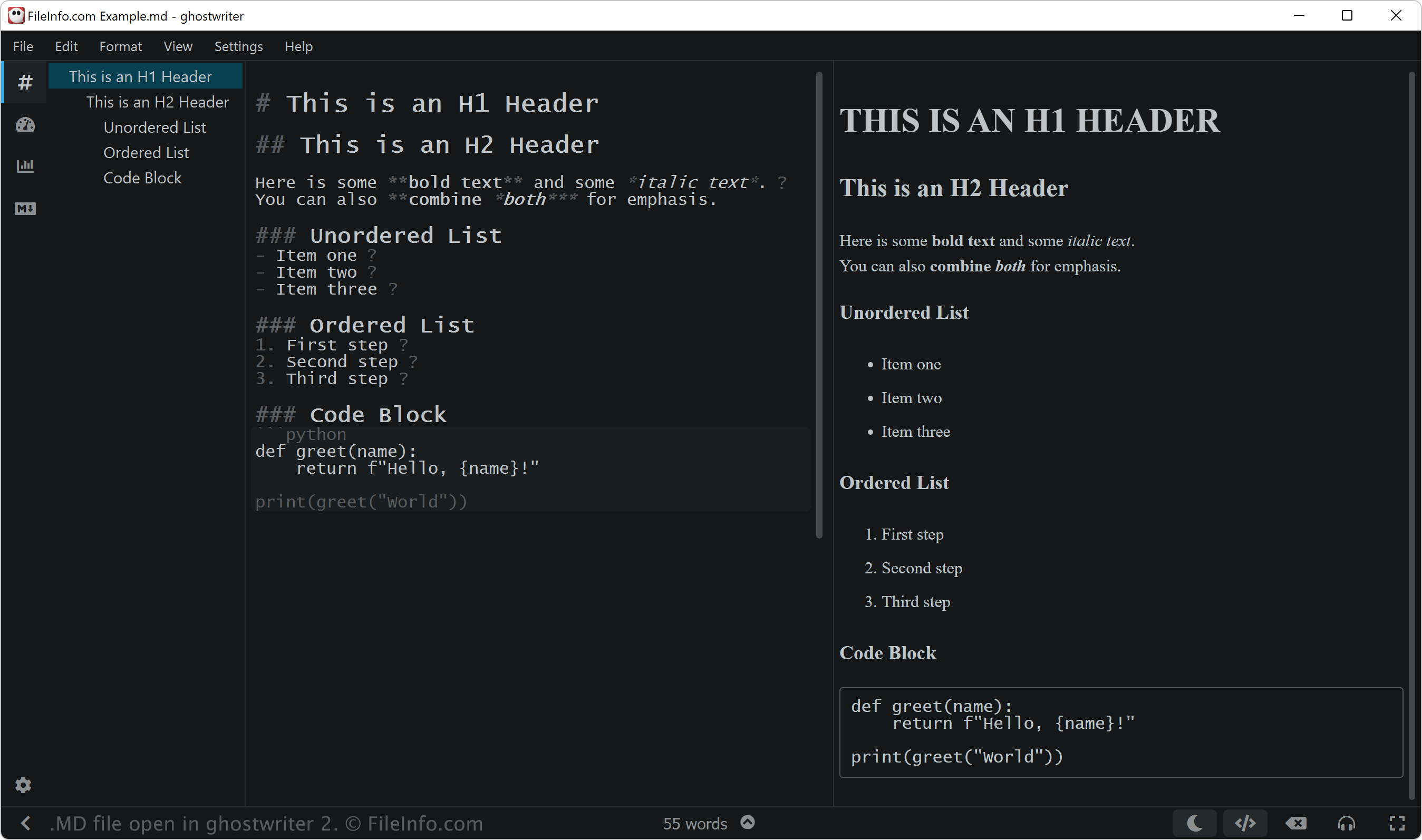
However, if you intend to edit an MD file, you may want to open it with a Markdown editor. Markdown editors provide editing and review tools that will help you apply Markdown syntax correctly. Some Markdown editors include:
- ghostwriter (Windows, Linux)
- MacDown (Mac)
- Caret (cross-platform)
- StackEdit (Web)
MD 파일을 여는 프로그램
SEGA Mega Drive ROM
| 개발사 | 해당 없음 |
| 인기도 |
3.3 | 43 투표 |
Game ROM used by emulation software for the SEGA Mega Drive, an older game console (called the SEGA Genesis in North America); stores the contents of a game cartridge; used for running older games on the PC.
추가 정보
참고: SBWin can be used to convert MD files to the .BIN SEGA game ROM format, which can be played by many different SEGA Master Drive/Genesis emulators.
MD 파일을 여는 프로그램
Machine Description File
| 개발사 | 해당 없음 |
| 인기도 |
3.4 | 25 투표 |
Programming file that contains an instruction pattern for each instruction that the target machine supports; referenced by the GNU Compiler Collection (GCC), commonly used for compiling programs on Unix systems.
MD 파일을 열거나 참조하는 프로그램
MDCD Compressed Archive
| 개발사 | Mike Davenport |
| 인기도 |
2.9 | 20 투표 |
An MD file is a compressed archive created by MDCD, an archiving utility available for MS-DOS. It contains one or more compressed files. MD files are compressed using Lempel-Ziv-Welch (LZW) compression.
추가 정보
Developer Mike Davenport created MDCD in 1988. The compressed archives MDCD creates are similar to .ZOO files, in that both are compressed using LZW compression. However, while zoo was available primarily for Unix systems, MDCD was available only for MS-DOS.
참고: Some MDCD archives may use the .cd extension, instead of .md.
MD 파일을 여는 방법
You can open an MD file and extract the files it contains with Deark (multiplatform) or MDCD. Because MDCD is available only for MS-DOS, you may have to run it in an MS-DOS emulator, such as DOSbox.
MD 파일을 여는 프로그램
MuseData Musical Score
| 개발사 | Walter B. Hewlett |
| 인기도 |
3.2 | 9 투표 |
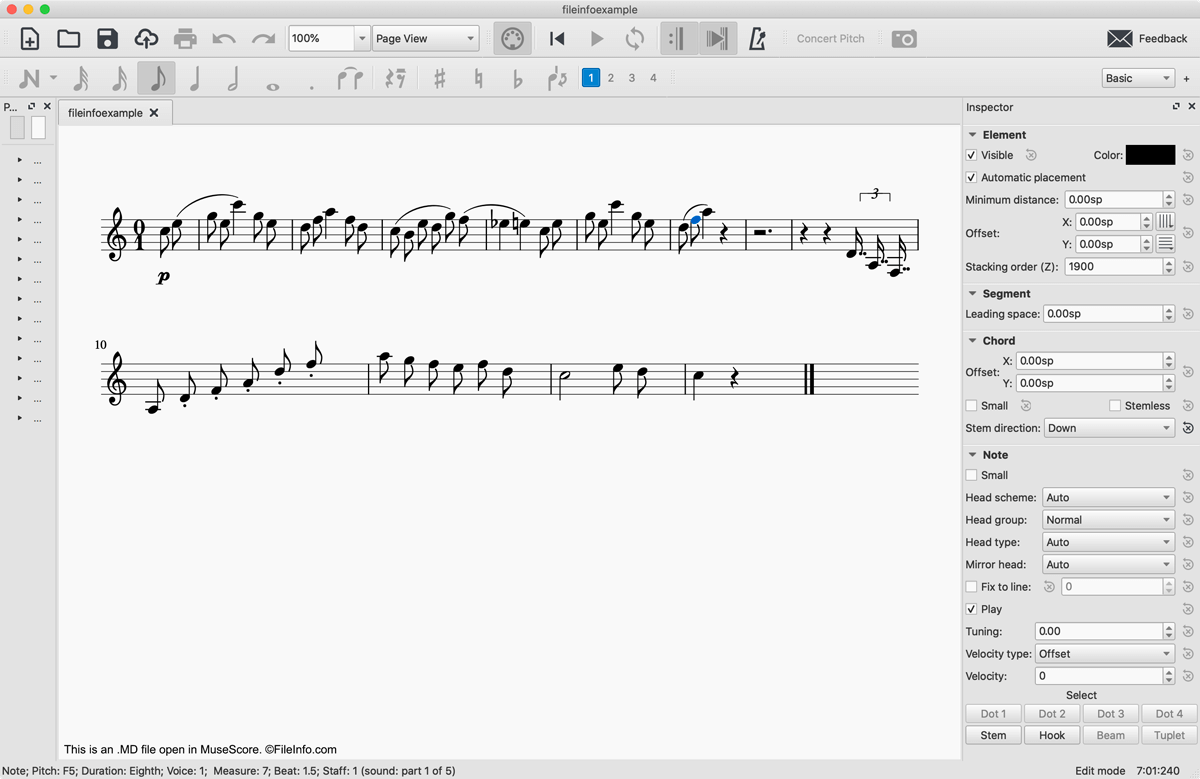
An MD file is a MuseData musical score. It contains plain text code that represents a piece of music and metadata describing that work. While MD files are no longer widely used, you can still open them with MuseScore and create sheet music from them.
추가 정보
In 1983, developer Walter B. Hewlett created the MuseData music notation file format to represent the logical content of musical scores in a software-neutral fashion. To do this, Hewlett developed a format that utilized plain text notation to represent the measures, notes, rests, and emphases included in a piece of music. MD files also include a plain text header containing general information about the file, including when the file was created, what musical score, movement, or part it represents, and the instruments used to play it.
As digital music notation developed further, MD files largely became obsolete. However, many MD files are still available online, and you can open them with MuseScore, a free music composition and notation program.
MD 파일을 여는 방법
You can open an MD file with MuseScore by selecting File → Open. If you receive an error message notifying you that your MD file is corrupted. If you do, click Ignore. The MD file will then appear in MuseScore as a musical score.
If you need only to see the plain text notation that an MD file contains, you can open it with any text editor, such as Microsoft Notepad, Apple TextEdit, or Github Atom.
MD 파일을 변환하는 방법
MuseScore can convert MD files to several different formats:
- .MSCZ - MuseScore Compressed Score
- .MSCX - MuseScore Music Score
- .MXL - Compressed MusicXML File
- .MUSICXML - MusicXML File
- .MID, .MIDI - MIDI File
- .PDF - Portable Document Format
- .PNG - Portable Network Graphic
- .SVG - Scalable Vector Graphics
- .WAV - WAVE Audio File
- .MP3 - MP3 Audio File
- .FLAC - Free Lossless Audio Codec File
- .OGG - Ogg Vorbis Audio File
MD 파일을 여는 프로그램
Sharkport Saved Game File
| 개발사 | Sharkport |
| 인기도 |
2.3 | 18 투표 |
File created by Sharkport, a hardware accessory for the PlayStation 2; contains a PS2 saved game created by the Sharkport device; used for copying saved games to the PC and sharing them with other players; can be converted to other saved game formats, such as .PSU, using the PS2 Save Builder.
추가 정보
참고: Sharkport also now uses the .PS2 extension for saved games.
MD 파일을 여는 프로그램
Moneydance Financial Data File
| 개발사 | Reilly Technologies |
| 인기도 |
2.2 | 22 투표 |
Data file saved by Moneydance, a personal finance software program similar to Intuit Quicken or Microsoft Money; stores bank accounts, transactions, budgets, stock portfolios, and other information.
추가 정보
Moneydance supports Mac, Windows, Linux, OS/2, Solaris, and Unix platforms.