

.MD Dateiendung
Markdown-Dokumentationsdatei
| Entwickler | John Gruber |
| Beliebtheit |
4,0 | 408 Stimmen |
Was ist eine MD-Datei?
Eine MD-Datei ist eine Textdatei, die in Markdown geschrieben wurde, einer leichtgewichtigen Auszeichnungssprache zum Formatieren von einfachem Text. Sie wird im Reintext-Format gespeichert, kann aber eingebettete Symbole enthalten, die festlegen, wie der Text formatiert wird (z. B. Fettdruck, Einrückungen, Überschriften und Tabellenformatierung). Obwohl MD-Dateien als Reintext gespeichert werden, wandeln Benutzer sie normalerweise in HTML um, damit sie auf Webseiten oder in Dokumentationssystemen angezeigt werden können.
Weitere Informationen
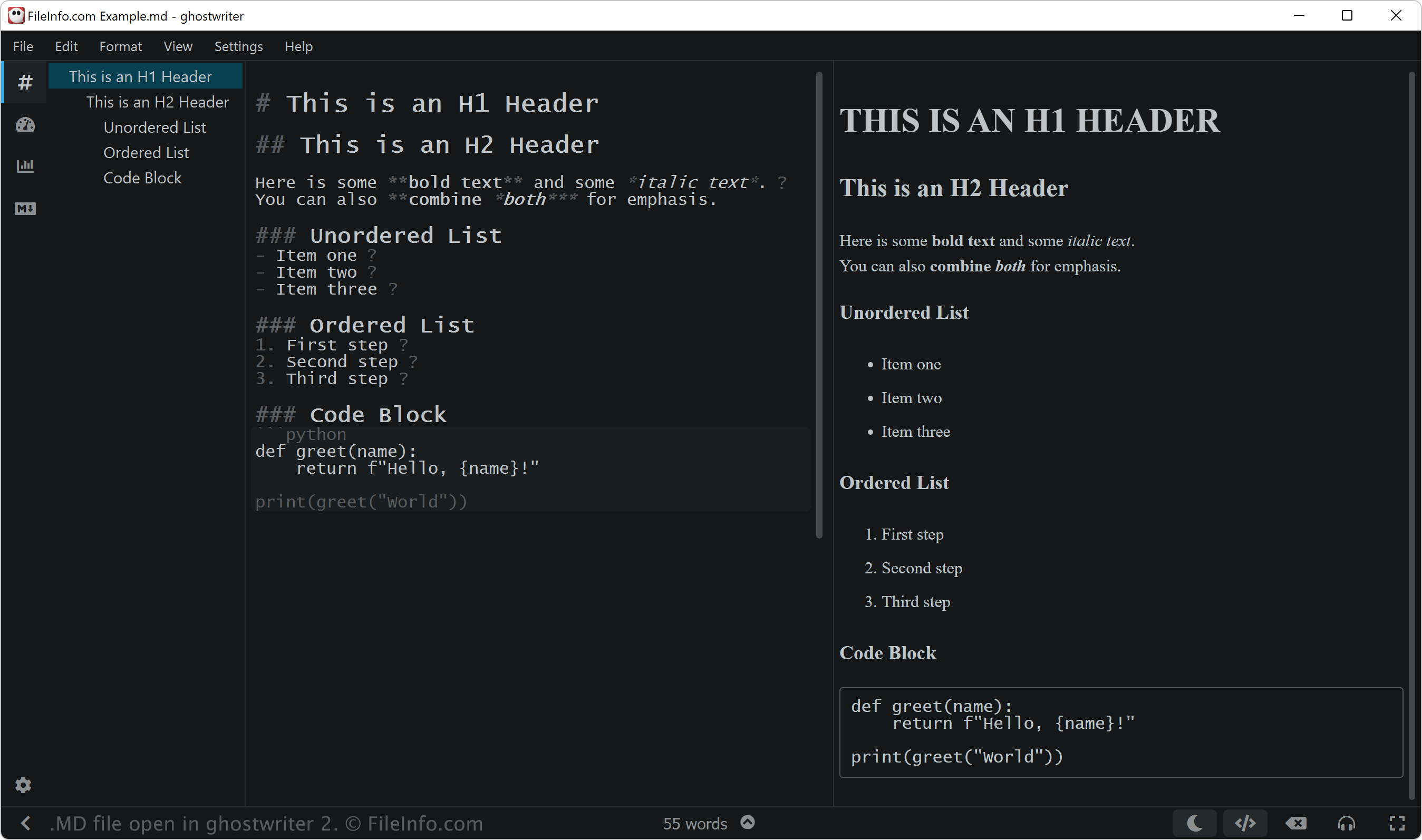
John Gruber entwickelte Markdown 2004 mit Unterstützung von Aaron Swartz, um eine einfache und gut lesbare Auszeichnungssprache zu entwerfen, die problemlos in HTML umgewandelt werden konnte. Gruber veröffentlichte das ursprüngliche Markdown-Perl-Skript zusammen mit der Spezifikation auf seiner Website Daring Fireball.
Gruber hat die offizielle Markdown-Implementierung jedoch seit vielen Jahren nicht mehr aktiv weiterentwickelt oder die ursprüngliche Spezifikation aktualisiert. Seitdem haben viele andere erweiterte Versionen und Implementierungen von Markdown entwickelt, darunter CommonMark und GitHub Flavored Markdown (GFM), sowie Werkzeuge wie Pandoc, um zusätzliche Funktionen bereitzustellen und die Konsistenz auf verschiedenen Plattformen zu verbessern.
Markdown-Benutzer
Verschiedene Benutzergruppen, darunter Softwareentwickler, technische Redakteure und Forscher, verwenden die Sprache Markdown. Softwareentwickler können beispielsweise MD-Dateien erstellen, um Projektdokumentationen anzulegen, etwa README.md-Dateien, die den Zweck, die Installation und die Verwendung ihrer Software erklären.
Technische Redakteure nutzen Markdown häufig, um Benutzerhandbücher, interne Wikis und Entwicklerdokumentationen zu erstellen, die mithilfe von Werkzeugen wie MkDocs oder Jekyll problemlos in HTML oder andere Formate umgewandelt werden können. Forscher verwenden Markdown schließlich möglicherweise zum Schreiben von wissenschaftlichen Arbeiten, Notizen und Berichten und integrieren es häufig in Plattformen wie R Markdown oder Jupyter Notebooks.
HINWEIS: Markdown-Dateien können auch die Erweiterung .markdown (.MARKDOWN-Dateien) verwenden.
So öffnen Sie eine MD-Datei
Sie können MD-Dateien mit jedem Texteditor öffnen, darunter:
- Microsoft Notepad (Windows)
- Apple TextEdit (Mac)
- Vim (Linux, Mac)
- Google Chrome Text (Chrome OS)
Wenn Sie eine MD-Datei jedoch bearbeiten möchten, sollten Sie sie möglicherweise mit einem Markdown-Editor öffnen. Markdown-Editoren bieten Bearbeitungs- und Prüfwerkzeuge, die Ihnen helfen, die Markdown-Syntax korrekt anzuwenden. Zu den Markdown-Editoren gehören:
- ghostwriter (Windows, Linux)
- MacDown (Mac)
- Caret (plattformübergreifend)
- StackEdit (Web)
Programme, die .MD-Dateien öffnen
MuseData-Musikpartitur
| Entwickler | Walter B. Hewlett |
| Beliebtheit |
3,2 | 9 Stimmen |
Weitere Informationen
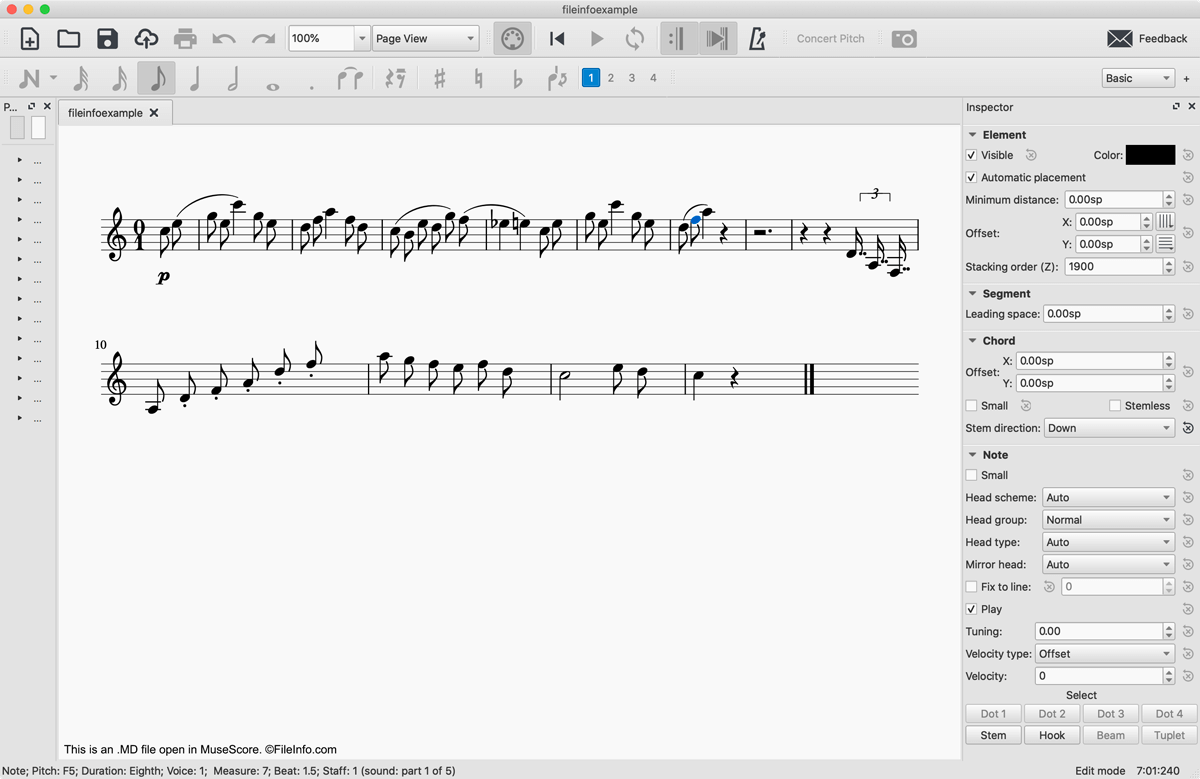
1983 entwickelte der Programmierer Walter B. Hewlett das MuseData-Musiknotationsdateiformat, um den logischen Inhalt von Partituren auf softwareunabhängige Weise darzustellen. Dazu entwickelte Hewlett ein Format, das Klartextnotation verwendete, um die Takte, Noten, Pausen und Betonungen eines Musikstücks darzustellen. MD-Dateien enthalten außerdem einen Klartext-Header mit allgemeinen Informationen über die Datei, darunter das Erstellungsdatum, die darin dargestellte Partitur, der Satz oder die Stimme sowie die zum Spielen verwendeten Instrumente.
Mit der Weiterentwicklung der digitalen Musiknotation wurden MD-Dateien weitgehend veraltet. Viele MD-Dateien sind jedoch weiterhin online verfügbar und können mit MuseScore geöffnet werden, einem kostenlosen Programm zum Komponieren und Notieren von Musik.
So öffnen Sie eine MD-Datei
Sie können eine MD-Datei mit MuseScore öffnen, indem Sie auswählen. Wenn Sie eine Fehlermeldung erhalten, die Sie darüber informiert, dass Ihre MD-Datei beschädigt ist. Klicken Sie in diesem Fall auf . Die MD-Datei wird anschließend in MuseScore als Musikpartitur angezeigt.
Wenn Sie lediglich die in einer MD-Datei enthaltene Klartextnotation anzeigen möchten, können Sie sie mit jedem Texteditor öffnen, etwa mit Microsoft Notepad, Apple TextEdit oder Github Atom.
So konvertieren Sie eine MD-Datei
MuseScore kann MD-Dateien in verschiedene Formate konvertieren:
- .MSCZ - Komprimierte MuseScore-Partitur
- .MSCX - MuseScore-Musikpartitur
- .MXL - Komprimierte MusicXML-Datei
- .MUSICXML - MusicXML-Datei
- .MID, .MIDI - MIDI-Datei
- .PDF - Portable-Document-Format-Datei
- .PNG - Portable-Network-Graphics-Datei
- .SVG - Scalable-Vector-Graphics-Datei
- .WAV - WAVE-Audiodatei
- .MP3 - MP3-Audiodatei
- .FLAC - Datei im verlustfreien Free-Lossless-Audio-Codec-Format
- .OGG - Ogg-Vorbis-Audiodatei