

.MD Estensione file
File di documentazione Markdown
| Sviluppatore | John Gruber |
| Popolarità |
4,0 | 408 Voti |
Che cos'è un file MD?
Un file MD è un file di testo scritto in Markdown, un linguaggio di markup leggero usato per formattare il testo normale. Viene salvato in formato testo normale, ma può includere simboli in linea che definiscono come formattare il testo (ad esempio, grassetto, rientri, intestazioni, formattazione delle tabelle). Sebbene i file MD vengano salvati come testo normale, in genere gli utenti li convertono in HTML per visualizzarli su pagine web o sistemi di documentazione.
Maggiori informazioni
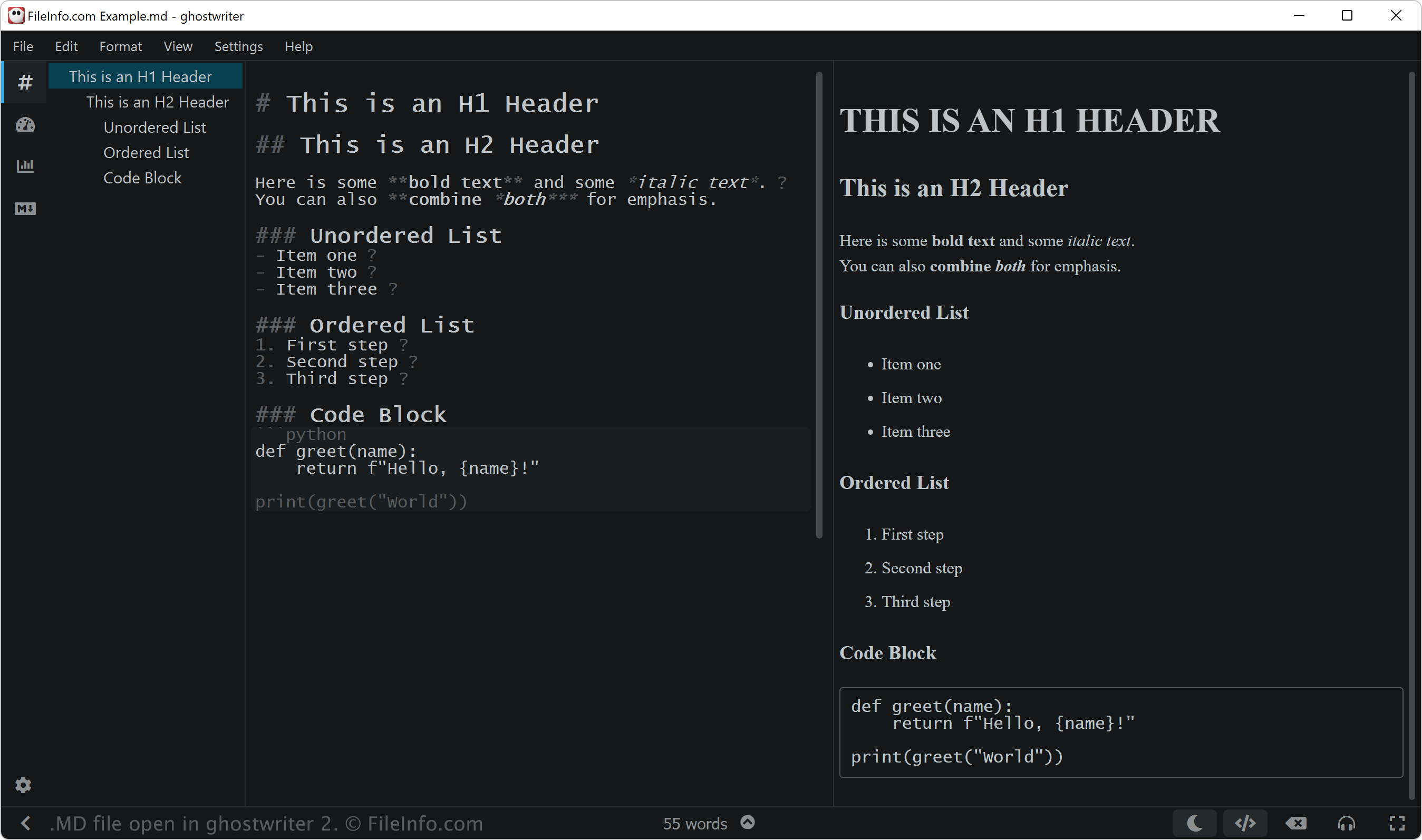
John Gruber ha creato Markdown nel 2004, con l'aiuto di Aaron Swartz, per progettare un linguaggio di markup semplice e leggibile che potesse essere facilmente convertito in HTML. Gruber ha pubblicato lo script originale di Markdown in Perl insieme alle specifiche sul suo sito web, Daring Fireball.
Tuttavia, Gruber non ha sviluppato attivamente l'implementazione ufficiale di Markdown né aggiornato le specifiche originali per molti anni. Da allora, molte altre persone hanno creato versioni estese e implementazioni di Markdown, come CommonMark e GitHub Flavored Markdown (GFM), oltre a strumenti come Pandoc, per aggiungere funzionalità e migliorare la coerenza tra le piattaforme.
Utenti di Markdown
Diversi tipi di utenti, tra cui sviluppatori di software, redattori tecnici e ricercatori, usano il linguaggio Markdown. Ad esempio, gli sviluppatori di software possono usare i file MD per creare la documentazione dei progetti, come i file README.md che spiegano lo scopo, l'installazione e l'utilizzo del loro software.
I redattori tecnici si affidano spesso a Markdown per produrre guide per gli utenti, wiki interni e documentazione per sviluppatori che possono essere facilmente convertiti in HTML o in altri formati usando strumenti come MkDocs o Jekyll. Infine, i ricercatori possono usare Markdown per scrivere articoli, appunti e relazioni, spesso integrandolo con piattaforme come R Markdown o Jupyter Notebooks.
NOTA: I file Markdown possono usare anche l'estensione .markdown (.MARKDOWN file).
Come aprire un file MD
Puoi aprire i file MD con qualsiasi editor di testo, tra cui:
- Microsoft Notepad (Windows)
- Apple TextEdit (Mac)
- Vim (Linux, Mac)
- Google Chrome Text (Chrome OS)
Tuttavia, se intendi modificare un file MD, potresti volerlo aprire con un editor Markdown. Gli editor Markdown forniscono strumenti di modifica e revisione che ti aiutano ad applicare correttamente la sintassi Markdown. Alcuni editor Markdown includono:
- ghostwriter (Windows, Linux)
- MacDown (Mac)
- Caret (multipiattaforma)
- StackEdit (Web)
Programmi che aprono i file MD
Partitura musicale MuseData
| Sviluppatore | Walter B. Hewlett |
| Popolarità |
3,2 | 9 Voti |
Un file MD è una partitura musicale MuseData. Contiene codice in testo semplice che rappresenta un brano musicale e metadati che descrivono quel brano. Sebbene i file MD non siano più ampiamente utilizzati, puoi ancora aprirli con MuseScore e creare spartiti a partire da essi.
Maggiori informazioni
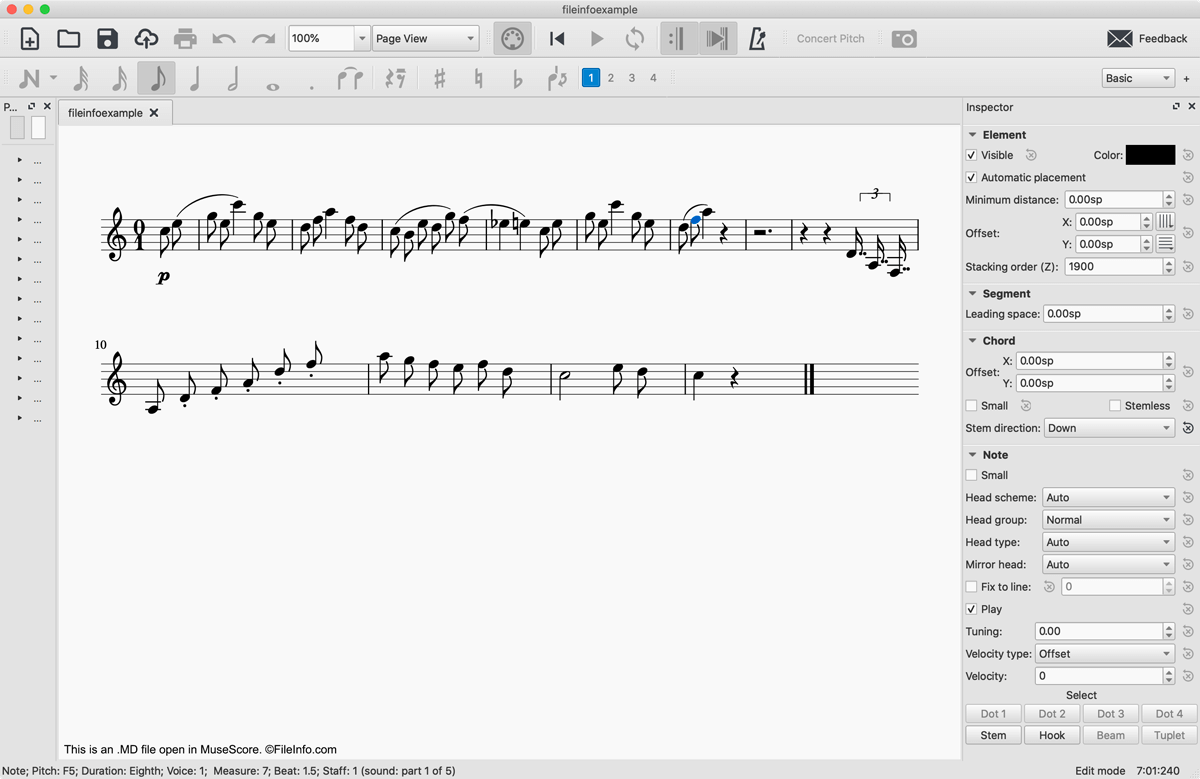
Nel 1983, lo sviluppatore Walter B. Hewlett creò il formato di file per la notazione musicale MuseData per rappresentare il contenuto logico delle partiture in modo indipendente dal software. A questo scopo, Hewlett sviluppò un formato che utilizzava la notazione in testo semplice per rappresentare le battute, le note, le pause e le indicazioni dinamiche incluse in un brano musicale. I file MD includono anche un'intestazione in testo semplice contenente informazioni generali sul file, tra cui quando è stato creato, quale partitura, movimento o parte rappresenta e quali strumenti vengono utilizzati per eseguirlo.
Con l'ulteriore sviluppo della notazione musicale digitale, i file MD sono diventati in gran parte obsoleti. Tuttavia, molti file MD sono ancora disponibili online e puoi aprirli con MuseScore, un programma gratuito per la composizione e la notazione musicale.
Come aprire un file MD
Puoi aprire un file MD con MuseScore selezionando . Se ricevi un messaggio di errore che ti informa che il file MD è danneggiato, fai clic su . Il file MD apparirà quindi in MuseScore come partitura musicale.
Se hai bisogno solo di visualizzare la notazione in testo semplice contenuta in un file MD, puoi aprirlo con qualsiasi editor di testo, come Microsoft Notepad, Apple TextEdit o Github Atom.
Come convertire un file MD
MuseScore può convertire i file MD in diversi formati:
- .MSCZ - Partitura compressa MuseScore
- .MSCX - Partitura musicale MuseScore
- .MXL - File MusicXML compresso
- .MUSICXML - File MusicXML
- .MID, .MIDI - File MIDI
- .PDF - Portable Document Format
- .PNG - Grafica di rete portatile
- .SVG - Grafica vettoriale scalabile
- .WAV - File audio WAVE
- .MP3 - File audio MP3
- .FLAC - File Free Lossless Audio Codec
- .OGG - File audio Ogg Vorbis