.PJPEG ファイル拡張子

Progressive JPEG Image

開発元 不明
人気度
2.6  |  12 
 

PJPEGファイルとは?

A PJPEG file is a bitmap image created in the Progressive JPEG format (PJPEG), which stores multiple "scans" of an image a web browser displays progressively at a higher quality to provide the user a preview of the image as it loads. Since PJPEG files are a variation of the baseline JPEG format, you can open them by renaming the .pjpeg extension to .jpg.

詳細情報

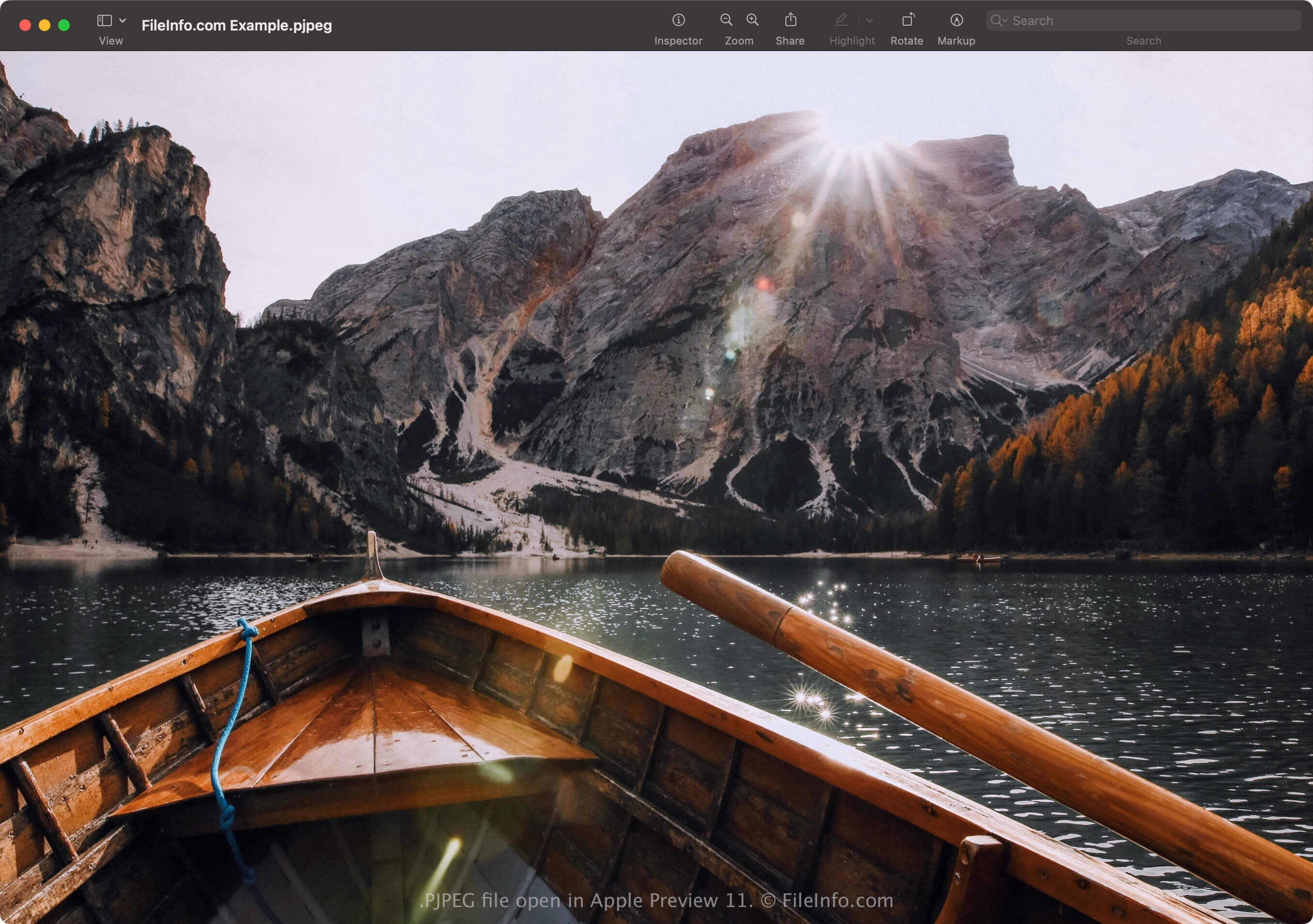
Apple Preview 11で開いた.pjpegファイルのスクリーンショット
Apple Preview 11で開いたPJPEGファイル

The progressive JPEG format allows you to preview an image in a web browser as it loads the image instead of waiting for it to load completely, like with images saved in the baseline JPEG format. For example, if your internet connection is slow, you might wait 20 seconds for an image saved in the baseline JPEG format to completely load line by line on a blank space on the page.

However, a web browser loading a PJPEG image loads scans of the image that progressively increase in quality with each pass. The first scan is a low-resolution version of the image (likely blurry and pixelated) that improves (becomes sharper and less pixelated) as the browser loads the scans (typically 3 to 5).

注: PJPEG files more often use the .pjpg extension (.PJPG files). However, both files are rare, and most progressive JPEG image files use the .jpg extension (.JPG files).

PJPEGファイルの開き方

You can open a PJPEG file with applications that support the JPEG format, including Microsoft Photos in Windows and Apple Preview in macOS. If the app does not open the file, you may need to rename the .pjpeg extension to .jpg.

Additionally, if the program still does not open the PJPEG file renamed with the .jpg extension, you can open it with Microsoft Photos or Apple Preview, then convert it to a different format to view it with other programs.

PJPEGファイルの変換方法

Image editors that support the JPEG format (most image editors) can convert PJPEG files to other formats, such as Baseline JPEG images or .PNG. The image editors may detect the PJPEG format and open the PJPEG file automatically. However, you may need to rename the .pjpeg extension to .jpg, then open it with the image editor.

For example, to convert a PJPEG file with Microsoft Photos:

  1. Rename the .pjpeg extension to .jpg.
  2. Open the renamed file with Photos.
  3. Select the ellipsis "See more" icon, then choose Save as.
File Viewer Plusで400種類以上のファイル形式を開けます。無料ダウンロード

PJPEGファイルを開くプログラム

All Platforms
Any image viewer (you may need to rename the ".pjpeg" extension to ".jpg")

検証者 FileInfo.com

FileInfo.comチーム は、このページに掲載されているProgressive JPEG Imageファイル形式とWindowsアプリについて独自に調査しました。 私たちの目標は100%の正確性であり、検証済みのファイルタイプに関する情報のみを公開しています。

このページへの追加や更新をご提案いただける場合は、お知らせください。