.PJPEG 文件扩展名
Progressive JPEG Image
| 开发者 | 不适用 |
| 受欢迎程度 |
2.6 | 12 票 |
什么是 PJPEG 文件?
A PJPEG file is a bitmap image created in the Progressive JPEG format (PJPEG), which stores multiple "scans" of an image a web browser displays progressively at a higher quality to provide the user a preview of the image as it loads. Since PJPEG files are a variation of the baseline JPEG format, you can open them by renaming the .pjpeg extension to .jpg.
更多信息
The progressive JPEG format allows you to preview an image in a web browser as it loads the image instead of waiting for it to load completely, like with images saved in the baseline JPEG format. For example, if your internet connection is slow, you might wait 20 seconds for an image saved in the baseline JPEG format to completely load line by line on a blank space on the page.
However, a web browser loading a PJPEG image loads scans of the image that progressively increase in quality with each pass. The first scan is a low-resolution version of the image (likely blurry and pixelated) that improves (becomes sharper and less pixelated) as the browser loads the scans (typically 3 to 5).
注: PJPEG files more often use the .pjpg extension (.PJPG files). However, both files are rare, and most progressive JPEG image files use the .jpg extension (.JPG files).
如何打开 PJPEG 文件
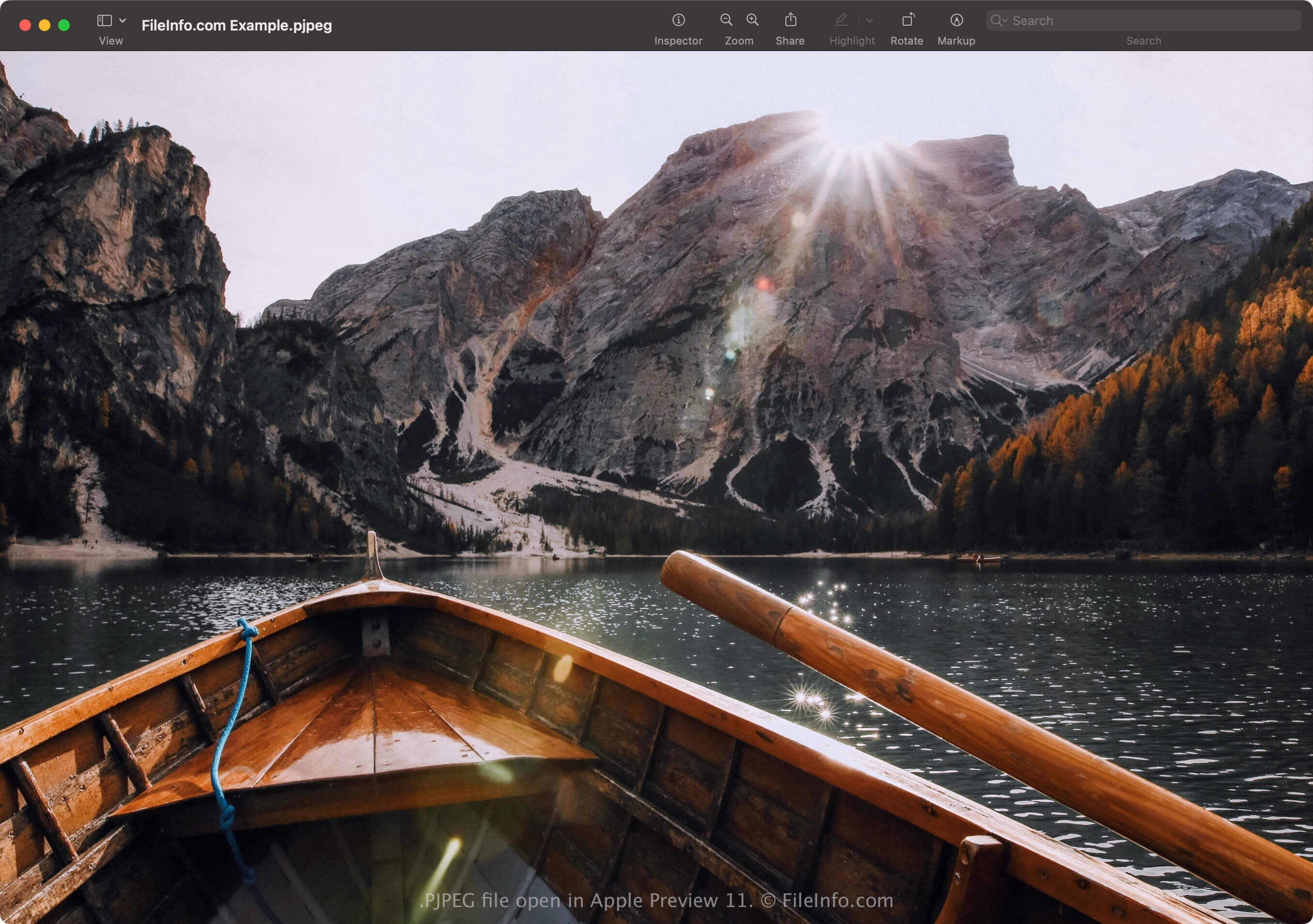
You can open a PJPEG file with applications that support the JPEG format, including Microsoft Photos in Windows and Apple Preview in macOS. If the app does not open the file, you may need to rename the .pjpeg extension to .jpg.
Additionally, if the program still does not open the PJPEG file renamed with the .jpg extension, you can open it with Microsoft Photos or Apple Preview, then convert it to a different format to view it with other programs.
如何转换 PJPEG 文件
Image editors that support the JPEG format (most image editors) can convert PJPEG files to other formats, such as Baseline JPEG images or .PNG. The image editors may detect the PJPEG format and open the PJPEG file automatically. However, you may need to rename the .pjpeg extension to .jpg, then open it with the image editor.
For example, to convert a PJPEG file with Microsoft Photos:
- Rename the .pjpeg extension to .jpg.
- Open the renamed file with Photos.
- Select the ellipsis "See more" icon, then choose Save as.