

.PJPEG Přípona souboru
Obrázek Progressive JPEG
| Vývojář | Neuvedeno |
| Popularita |
2,6 | 12 hlasů |
Co je soubor PJPEG?
Soubor PJPEG je bitmapový obrázek vytvořený ve formátu Progressive JPEG (PJPEG), který ukládá několik „skenů“ obrázku, jež webový prohlížeč postupně zobrazuje ve stále vyšší kvalitě, aby uživateli při načítání poskytl náhled obrázku. Protože soubory PJPEG jsou variantou formátu JPEG v základní podobě, můžete je otevřít přejmenováním přípony .pjpeg na .jpg.
Další informace
Formát Progressive JPEG umožňuje zobrazit náhled obrázku ve webovém prohlížeči už během jeho načítání, místo abyste čekali, až se načte celý, jako u obrázků uložených ve formátu JPEG v základní podobě. Pokud je například vaše internetové připojení pomalé, můžete čekat 20 sekund, než se obrázek uložený ve formátu JPEG v základní podobě úplně načte řádek po řádku do prázdného místa na stránce.
Webový prohlížeč načítající obrázek PJPEG však načítá jednotlivé skeny obrázku, jejichž kvalita se při každém průchodu postupně zvyšuje. První sken je verze obrázku v nízkém rozlišení (pravděpodobně rozmazaná a kostičkovaná), která se zlepšuje (je ostřejší a méně kostičkovaná), jak prohlížeč načítá další skeny (obvykle 3 až 5).
POZNÁMKA: Soubory PJPEG častěji používají příponu .pjpg (soubory .PJPG). Oba typy souborů jsou však vzácné a většina souborů s obrázky Progressive JPEG používá příponu .jpg (soubory .JPG).
Jak otevřít soubor PJPEG
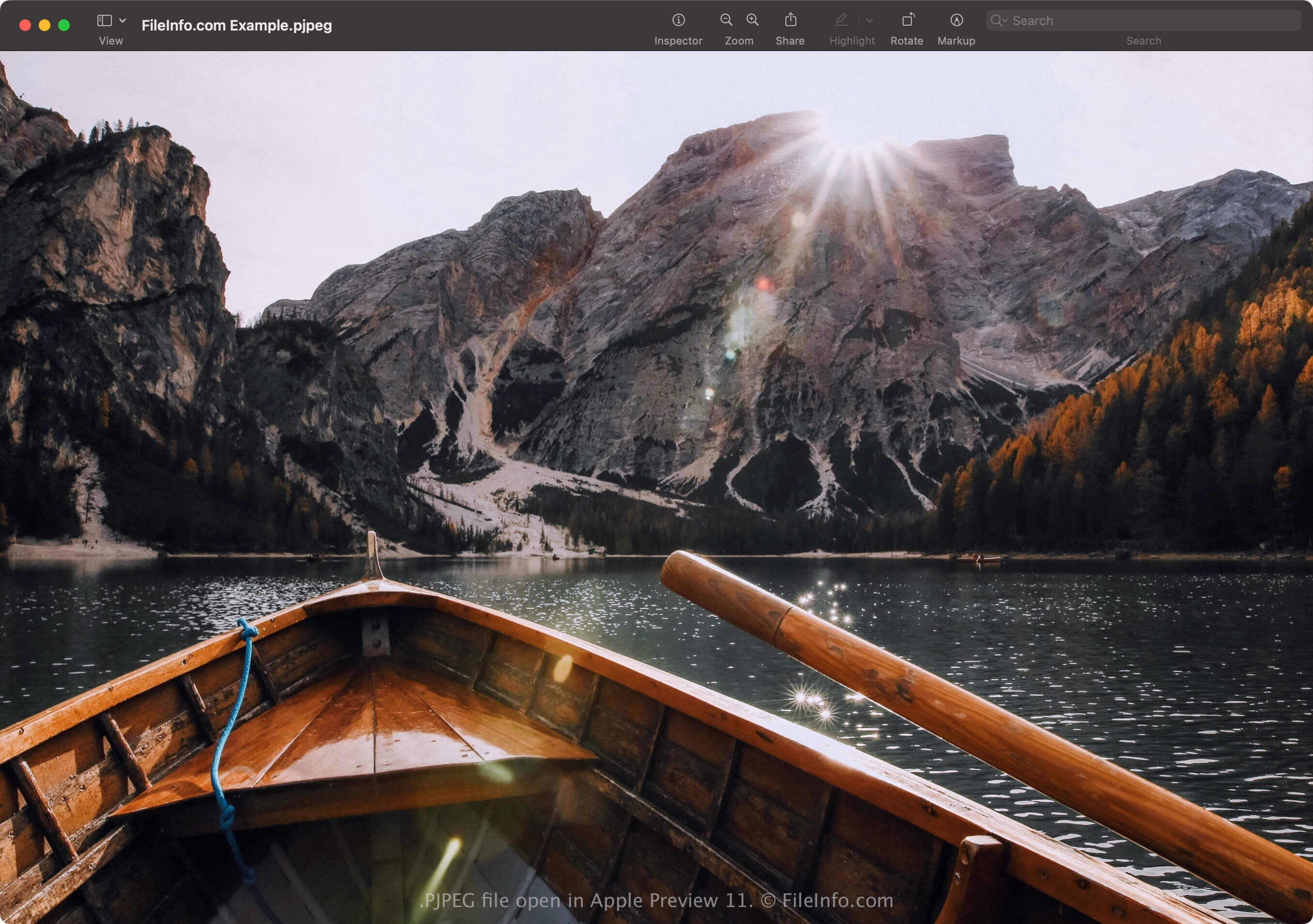
Soubor PJPEG můžete otevřít v aplikacích, které podporují formát JPEG, včetně aplikací Microsoft Photos ve Windows a Apple Preview v macOS. Pokud aplikace soubor neotevře, možná budete muset přejmenovat příponu .pjpeg na .jpg.
Pokud program stále neotevře soubor PJPEG přejmenovaný s příponou .jpg, můžete jej otevřít v aplikaci Microsoft Photos nebo Apple Preview a poté jej převést do jiného formátu, abyste jej mohli zobrazit v dalších programech.
Jak převést soubor PJPEG
Editory obrázků, které podporují formát JPEG (většina editorů obrázků), mohou převádět soubory PJPEG do jiných formátů, například do obrázků JPEG v základní podobě nebo do formátu .PNG. Editory obrázků mohou formát PJPEG rozpoznat a soubor PJPEG otevřít automaticky. Možná však budete muset přejmenovat příponu .pjpeg na .jpg a poté soubor otevřít v editoru obrázků.
Příklad převodu souboru PJPEG pomocí aplikace Microsoft Photos:
- Přejmenujte příponu .pjpeg na .jpg.
- Otevřete přejmenovaný soubor v aplikaci Photos.
- Vyberte ikonu tří teček „See more“ a poté zvolte .