

.PJPEG Bestandsextensie
Progressieve JPEG-afbeelding
| Ontwikkelaar | N.v.t. |
| Populariteit |
2,6 | 12 stemmen |
Wat is een PJPEG-bestand?
Een PJPEG-bestand is een bitmapafbeelding die is gemaakt in de indeling Progressive JPEG (PJPEG). Deze indeling slaat meerdere "scans" van een afbeelding op die een webbrowser geleidelijk met een hogere kwaliteit weergeeft, zodat de gebruiker een voorbeeld van de afbeelding ziet terwijl deze wordt geladen. Omdat PJPEG-bestanden een variant zijn van de standaardindeling JPEG, kun je ze openen door de extensie .pjpeg te wijzigen in .jpg.
Meer informatie
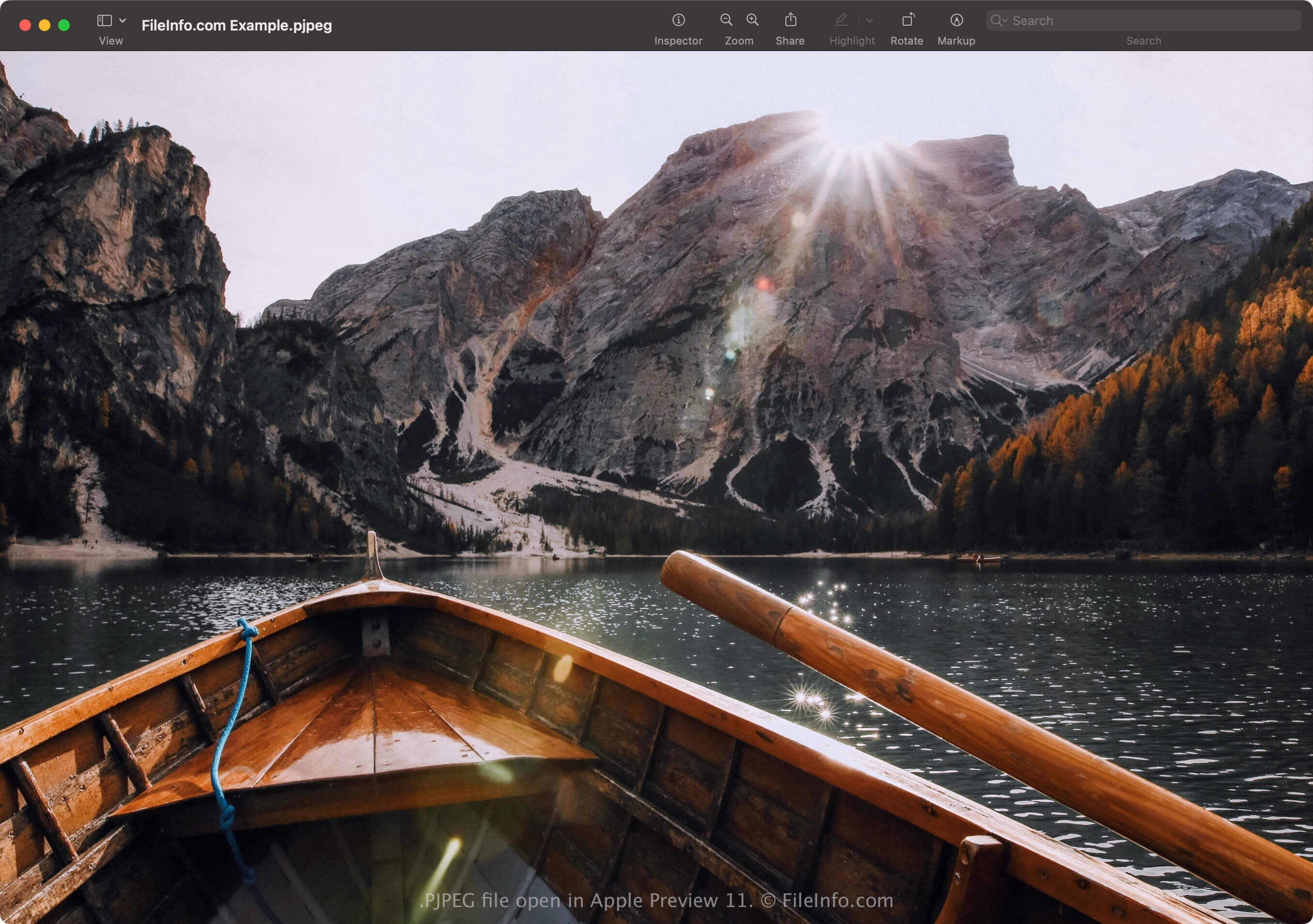
Met de indeling Progressive JPEG kun je een voorbeeld van een afbeelding in een webbrowser bekijken terwijl de afbeelding wordt geladen, in plaats van te wachten tot deze volledig is geladen, zoals bij afbeeldingen die zijn opgeslagen in de standaardindeling JPEG. Als je internetverbinding bijvoorbeeld traag is, moet je misschien 20 seconden wachten tot een afbeelding die is opgeslagen in de standaardindeling JPEG regel voor regel volledig is geladen in een lege ruimte op de pagina.
Een webbrowser die een PJPEG-afbeelding laadt, laadt echter scans van de afbeelding die bij elke doorgang geleidelijk in kwaliteit toenemen. De eerste scan is een versie met lage resolutie van de afbeelding (waarschijnlijk wazig en korrelig), die verbetert (scherper en minder korrelig wordt) terwijl de browser de scans laadt (meestal 3 tot 5).
OPMERKING: PJPEG-bestanden gebruiken vaker de extensie .pjpg (.PJPG-bestanden). Beide bestandstypen zijn echter zeldzaam en de meeste progressieve JPEG-afbeeldingsbestanden gebruiken de extensie .jpg (.JPG-bestanden).
Een PJPEG-bestand openen
Je kunt een PJPEG-bestand openen met toepassingen die de indeling JPEG ondersteunen, waaronder Microsoft Photos in Windows en Apple Preview in macOS. Als de app het bestand niet opent, moet je mogelijk de extensie .pjpeg wijzigen in .jpg.
Als het programma het PJPEG-bestand dat is hernoemd met de extensie .jpg nog steeds niet opent, kun je het openen met Microsoft Photos of Apple Preview en het vervolgens converteren naar een andere indeling om het met andere programma's te bekijken.
Een PJPEG-bestand converteren
Afbeeldingseditors die de indeling JPEG ondersteunen (de meeste afbeeldingseditors) kunnen PJPEG-bestanden converteren naar andere indelingen, zoals afbeeldingen in de standaardindeling JPEG of .PNG. De afbeeldingseditors herkennen mogelijk de indeling PJPEG en openen het PJPEG-bestand automatisch. Het kan echter nodig zijn om de extensie .pjpeg te wijzigen in .jpg en het bestand vervolgens te openen met de afbeeldingseditor.
Je kunt een PJPEG-bestand bijvoorbeeld als volgt converteren met Microsoft Photos:
- Wijzig de extensie .pjpeg in .jpg.
- Open het hernoemde bestand met Photos.
- Selecteer het pictogram met het beletselteken "See more" en kies vervolgens .