

.PJPEG Estensione file
Immagine JPEG progressiva
| Sviluppatore | N/D |
| Popolarità |
2,6 | 12 Voti |
Che cos'è un file PJPEG?
Un file PJPEG è un'immagine bitmap creata nel formato JPEG progressivo (PJPEG), che archivia più "scansioni" di un'immagine che un browser web visualizza progressivamente a una qualità superiore per fornire all'utente un'anteprima dell'immagine mentre viene caricata. Poiché i file PJPEG sono una variante del formato JPEG di base, puoi aprirli rinominando l'estensione .pjpeg in .jpg.
Maggiori informazioni
Il formato JPEG progressivo ti consente di visualizzare in anteprima un'immagine in un browser web mentre viene caricata, invece di aspettare che venga caricata completamente, come accade con le immagini salvate nel formato JPEG di base. Ad esempio, se la tua connessione Internet è lenta, potresti aspettare 20 secondi affinché un'immagine salvata nel formato JPEG di base venga caricata completamente, riga per riga, su uno spazio vuoto della pagina.
Tuttavia, un browser web che carica un'immagine PJPEG carica scansioni dell'immagine che aumentano progressivamente di qualità a ogni passaggio. La prima scansione è una versione a bassa risoluzione dell'immagine, probabilmente sfocata e pixelata, che migliora, diventando più nitida e meno pixelata, mentre il browser carica le scansioni, in genere da 3 a 5.
NOTA: I file PJPEG utilizzano più spesso l'estensione .pjpg (file .PJPG). Tuttavia, entrambi i file sono rari e la maggior parte dei file immagine JPEG progressivi utilizza l'estensione .jpg (file .JPG).
Come aprire un file PJPEG
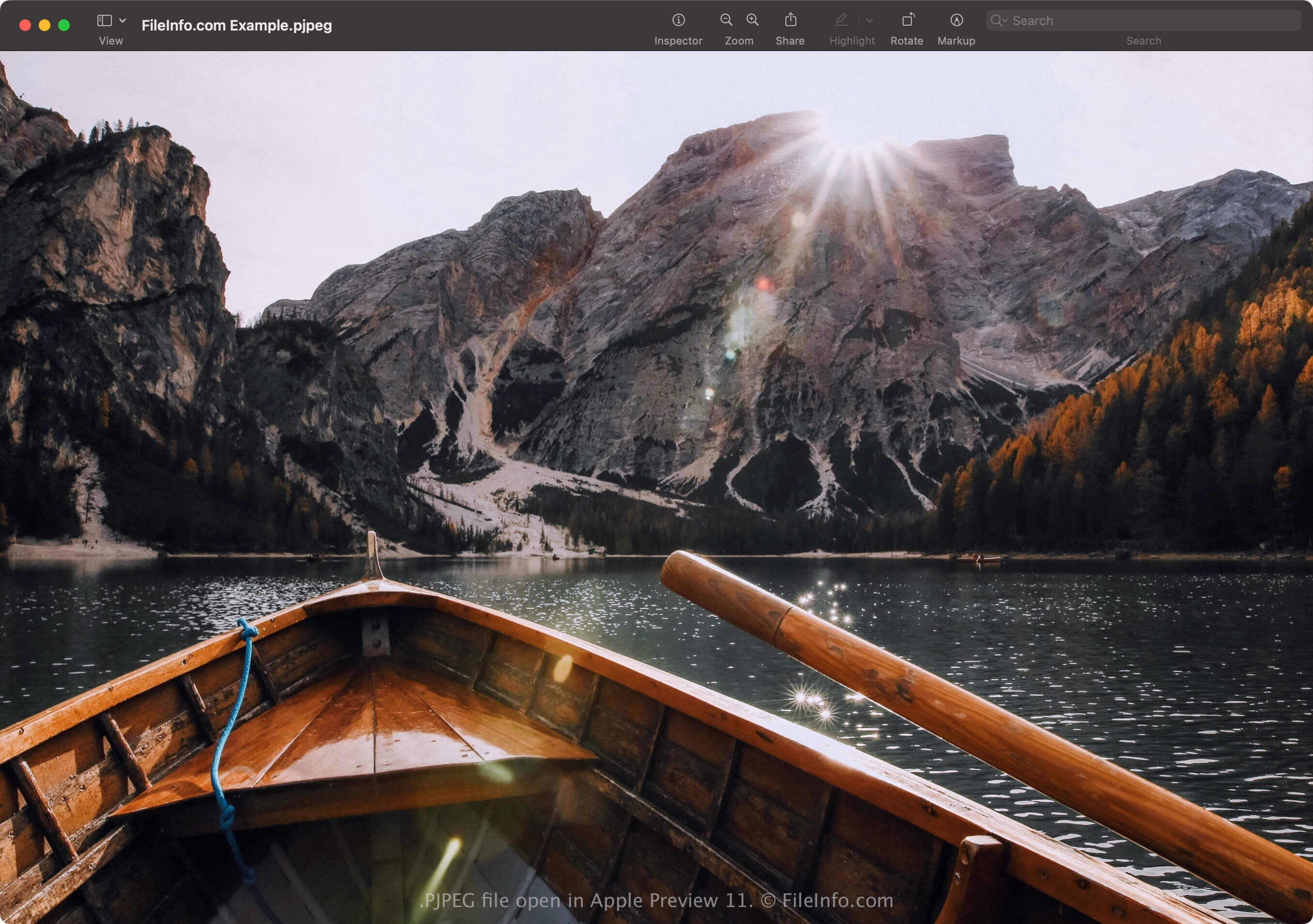
Puoi aprire un file PJPEG con applicazioni che supportano il formato JPEG, tra cui Microsoft Photos in Windows e Apple Preview in macOS. Se l'app non apre il file, potresti dover rinominare l'estensione .pjpeg in .jpg.
Inoltre, se il programma non apre ancora il file PJPEG rinominato con l'estensione .jpg, puoi aprirlo con Microsoft Photos o Apple Preview e poi convertirlo in un altro formato per visualizzarlo con altri programmi.
Come convertire un file PJPEG
Gli editor di immagini che supportano il formato JPEG, ovvero la maggior parte degli editor di immagini, possono convertire i file PJPEG in altri formati, come immagini JPEG di base o .PNG. Gli editor di immagini potrebbero rilevare il formato PJPEG e aprire automaticamente il file PJPEG. Tuttavia, potresti dover rinominare l'estensione .pjpeg in .jpg e poi aprirlo con l'editor di immagini.
Ad esempio, per convertire un file PJPEG con Microsoft Photos:
- Rinomina l'estensione .pjpeg in .jpg.
- Apri il file rinominato con Photos.
- Seleziona l'icona con i puntini di sospensione "See more", quindi scegli .