

.PJPG Estensione file
Immagine JPEG progressiva
| Sviluppatore | N/D |
| Popolarità |
3,5 | 13 Voti |
Che cos'è un file PJPG?
Un file PJPG è un'immagine raster salvata nel formato Progressive JPEG (PJPEG), che memorizza più livelli, o "scansioni", di un'immagine renderizzata da un browser Web per mostrare all'utente un'anteprima dell'immagine mentre viene caricata. Sebbene fosse più comune tra la fine degli anni '90 e i primi anni 2000 (a causa del suo utilizzo da parte di Microsoft Internet Explorer), oggi i file PJPG sono rari e le immagini PJPEG vengono in genere salvate con l'estensione .jpg (file .JPG). Puoi aprire un file PJPG rinominando l'estensione .pjpg in .jpg, quindi aprendolo con un programma che supporta le immagini JPEG, come Microsoft Photos in Windows o Apple Preview in macOS.
Maggiori informazioni
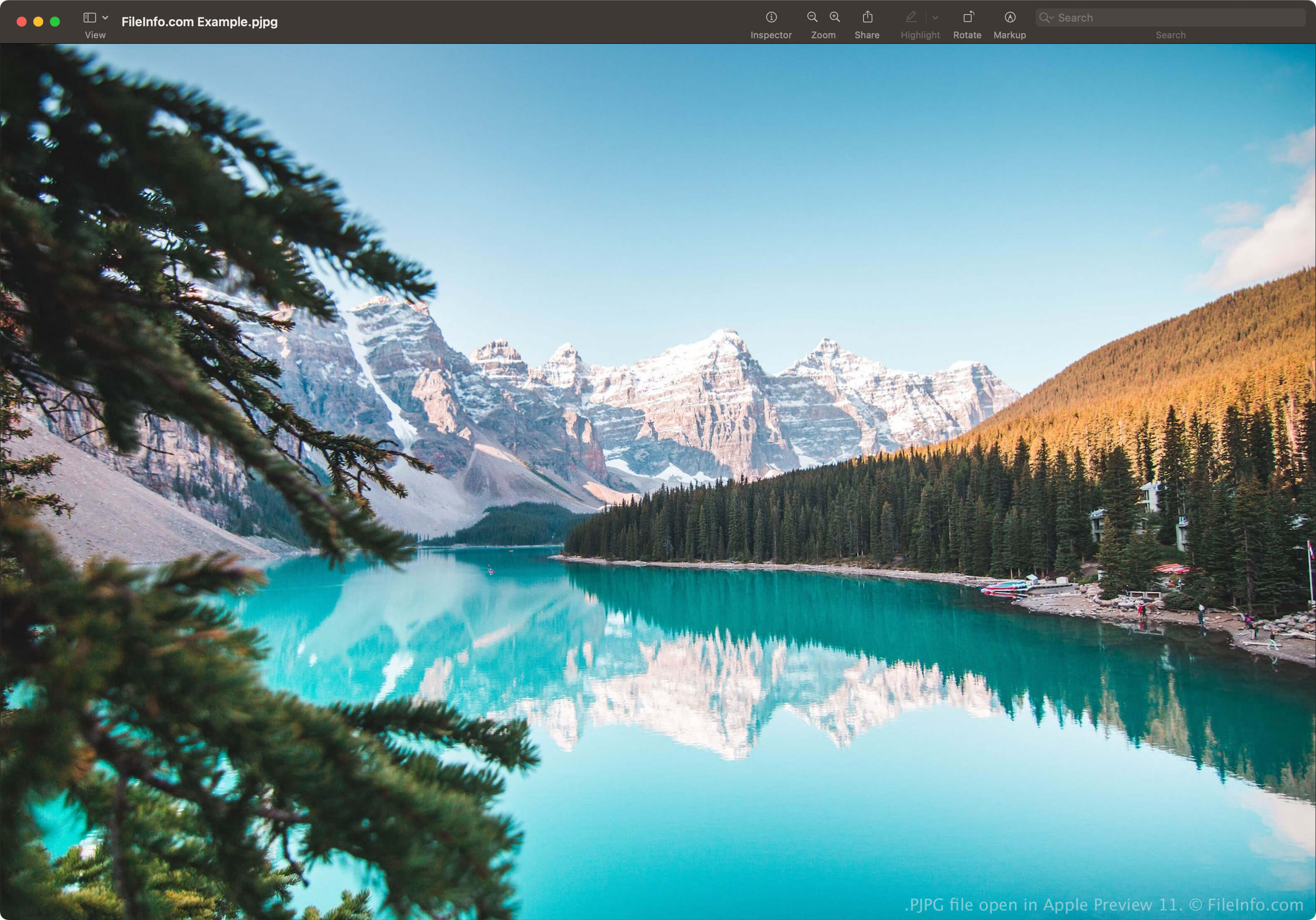
Lo scopo del formato PJPEG è fornire un'anteprima a bassa risoluzione di un'immagine mentre un browser Web la carica attraverso più passaggi, aumentando progressivamente la qualità dell'immagine durante il caricamento delle scansioni (in genere da 3 a 5). Il formato PJPEG differisce dal formato JPEG Baseline standard, che memorizza una scansione completa dell'immagine dall'alto verso il basso (la scansione finale nel formato PJPEG).
Ad esempio, quando navighi sul Web con una connessione Internet lenta, potresti dover attendere 30 secondi affinché un'immagine di una pagina Web salvata nel formato JPEG Baseline venga caricata riga per riga in uno spazio vuoto della pagina. Tuttavia, un browser Web che carica un'immagine salvata nel formato PJPEG carica scansioni dell'immagine che aumentano progressivamente in qualità a ogni passaggio, permettendoti di vedere rapidamente una versione a bassa risoluzione dell'immagine (probabilmente sfocata e pixelata) che migliora (diventa più nitida e meno pixelata) man mano che il browser carica le scansioni progressive dell'immagine PJPEG.
Come salvare un'immagine nel formato Progressive JPEG

Diversi editor di immagini ti consentono di salvare le immagini JPEG nel formato Progressive JPEG. Ad esempio, Adobe Photoshop può esportare immagini nel formato Progressive JPEG e ti consente di scegliere il numero di scansioni (da 3 a 5). Per farlo:
- Seleziona .
- Scegli dal menu a discesa "Format" e fai clic su .
- Seleziona in "Format Options", scegli il numero di scansioni, quindi fai clic su .
NOTA: Sebbene Photoshop salvi l'immagine nel formato Progressive JPEG, la salva come file JPG, non come file PJPG.
Come aprire un file PJPG
Puoi aprire un file PJPG con applicazioni che supportano il formato JPEG, come Microsoft Photos in Windows o Apple Preview in macOS. Le app potrebbero rilevare il formato PJPEG e aprire automaticamente il file PJPG. Tuttavia, alcuni programmi potrebbero non riconoscere il formato se non rinomini l'estensione .pjpg in .jpg.
Alcuni programmi che supportano le immagini JPEG potrebbero comunque non aprire un file PJPG rinominato con l'estensione .jpg. In questi casi, puoi aprirlo con Microsoft Photos o Apple Preview, quindi convertirlo nel formato JPEG Baseline per visualizzarlo con altri programmi.
Come convertire un file PJPG
Gli editor di immagini che supportano le immagini JPEG possono convertire i file PJPG in altri formati, come immagini JPEG Baseline o .PNG. Gli editor di immagini potrebbero rilevare il formato PJPEG e aprire automaticamente il file PJPG. Tuttavia, potrebbe essere necessario rinominare l'estensione .pjpg in .jpg, quindi aprirlo con l'editor di immagini.
Ad esempio, per convertire un file PJPG con Apple Preview:
- Rinomina l'estensione .pjpg in .jpg.
- Apri il file rinominato con Preview.
- Seleziona .