

.PJPEG 파일 확장자
프로그레시브 JPEG 이미지
| 개발사 | 해당 없음 |
| 인기도 |
2.6 | 12 표 |
PJPEG 파일이란 무엇인가요?
PJPEG 파일은 Progressive JPEG 형식(PJPEG)으로 만들어진 비트맵 이미지입니다. 이 형식은 이미지의 여러 "스캔"을 저장하며, 웹 브라우저는 이미지를 불러오는 동안 사용자에게 이미지 미리 보기를 제공하기 위해 더 높은 품질로 이미지를 점진적으로 표시합니다. PJPEG 파일은 기본 JPEG 형식의 변형이므로 .pjpeg 확장자를 .jpg로 이름을 변경하면 열 수 있습니다.
추가 정보
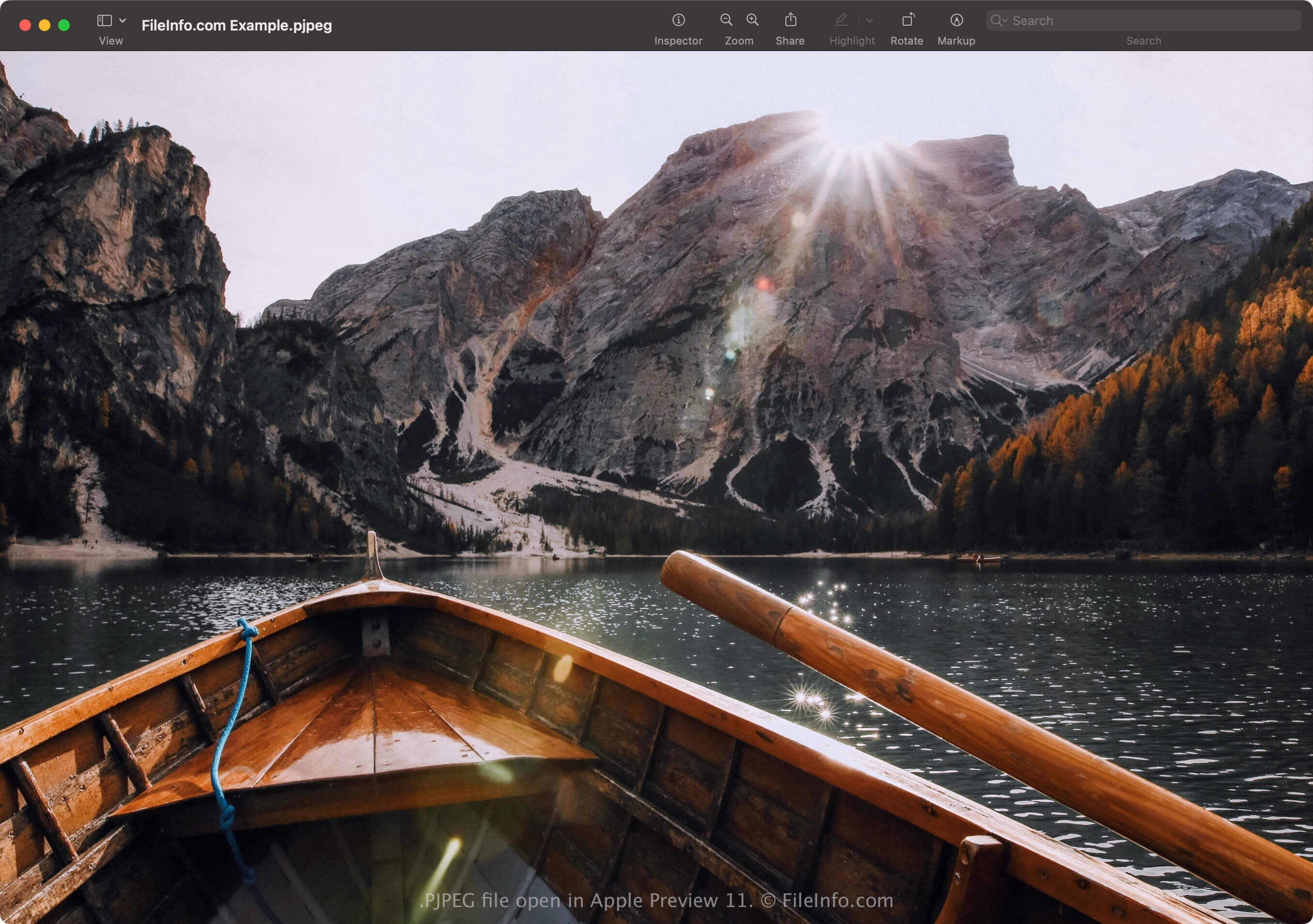
프로그레시브 JPEG 형식을 사용하면 기본 JPEG 형식으로 저장된 이미지처럼 이미지가 완전히 로드될 때까지 기다리지 않고, 이미지가 로드되는 동안 웹 브라우저에서 이미지를 미리 볼 수 있습니다. 예를 들어 인터넷 연결이 느리다면 기본 JPEG 형식으로 저장된 이미지가 페이지의 빈 공간에 한 줄씩 완전히 로드될 때까지 20초를 기다려야 할 수 있습니다.
그러나 PJPEG 이미지를 로드하는 웹 브라우저는 각 단계마다 품질이 점진적으로 향상되는 이미지 스캔을 로드합니다. 첫 번째 스캔은 이미지의 저해상도 버전이며(흐릿하고 픽셀화되어 있을 가능성이 높음), 브라우저가 스캔을 로드할수록(일반적으로 3~5개) 이미지가 개선되어(더 선명해지고 픽셀화가 줄어들어) 표시됩니다.
참고: PJPEG 파일은 .pjpg 확장자를 더 자주 사용합니다(.PJPG 파일). 그러나 두 파일 모두 드물며, 대부분의 프로그레시브 JPEG 이미지 파일은 .jpg 확장자를 사용합니다(.JPG 파일).
PJPEG 파일을 여는 방법
Windows의 Microsoft Photos와 macOS의 Apple Preview를 비롯하여 JPEG 형식을 지원하는 애플리케이션으로 PJPEG 파일을 열 수 있습니다. 앱에서 파일이 열리지 않으면 .pjpeg 확장자를 .jpg로 이름을 변경해야 할 수 있습니다.
또한 .jpg 확장자로 이름을 변경한 PJPEG 파일이 프로그램에서 여전히 열리지 않으면 Microsoft Photos 또는 Apple Preview로 파일을 연 다음, 다른 형식으로 변환하여 다른 프로그램에서 볼 수 있습니다.
PJPEG 파일을 변환하는 방법
JPEG 형식을 지원하는 이미지 편집기(대부분의 이미지 편집기)는 PJPEG 파일을 기본 JPEG 이미지 또는 .PNG와 같은 다른 형식으로 변환할 수 있습니다. 이미지 편집기는 PJPEG 형식을 감지하여 PJPEG 파일을 자동으로 열 수 있습니다. 그러나 .pjpeg 확장자를 .jpg로 이름을 변경한 다음 이미지 편집기로 열어야 할 수 있습니다.
예를 들어 Microsoft Photos로 PJPEG 파일을 변환하려면 다음과 같이 하세요.
- .pjpeg 확장자를 .jpg로 이름을 변경합니다.
- 이름을 변경한 파일을 Photos로 엽니다.
- 줄임표 "더 보기" 아이콘을 선택한 다음 를 선택합니다.