

.PJPEG Extensão de arquivo
Imagem JPEG progressiva
| Desenvolvedor | N/D |
| Popularidade |
2,6 | 12 Votos |
O que é um arquivo PJPEG?
Um arquivo PJPEG é uma imagem bitmap criada no formato JPEG progressivo (PJPEG), que armazena várias "varreduras" de uma imagem que um navegador da web exibe progressivamente em uma qualidade maior para fornecer ao usuário uma prévia da imagem enquanto ela é carregada. Como os arquivos PJPEG são uma variação do formato JPEG básico, você pode abri-los renomeando a extensão .pjpeg para .jpg.
Mais informações
O formato JPEG progressivo permite visualizar uma imagem em um navegador da web enquanto ela é carregada, em vez de esperar que seja carregada completamente, como acontece com imagens salvas no formato JPEG básico. Por exemplo, se sua conexão com a internet for lenta, talvez você espere 20 segundos para que uma imagem salva no formato JPEG básico seja carregada completamente, linha por linha, em um espaço em branco na página.
No entanto, um navegador da web que carrega uma imagem PJPEG carrega varreduras da imagem que aumentam progressivamente de qualidade a cada passagem. A primeira varredura é uma versão de baixa resolução da imagem (provavelmente borrada e pixelada), que melhora (fica mais nítida e menos pixelada) à medida que o navegador carrega as varreduras (normalmente de 3 a 5).
NOTA: Os arquivos PJPEG usam com mais frequência a extensão .pjpg (arquivos .PJPG). No entanto, ambos os arquivos são raros, e a maioria dos arquivos de imagem JPEG progressiva usa a extensão .jpg (arquivos .JPG).
Como abrir um arquivo PJPEG
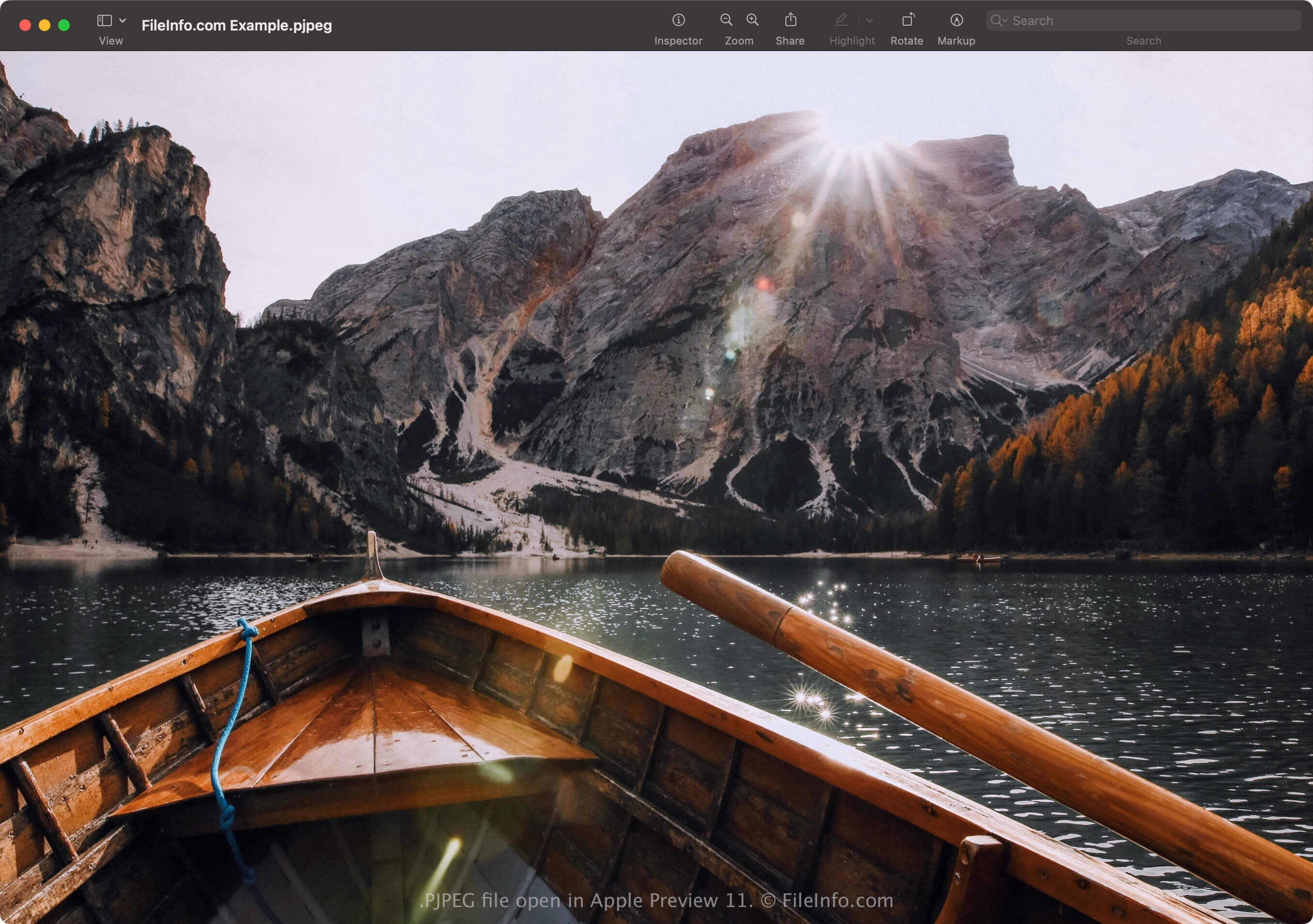
Você pode abrir um arquivo PJPEG com aplicativos compatíveis com o formato JPEG, incluindo o Microsoft Photos no Windows e o Apple Preview no macOS. Se o aplicativo não abrir o arquivo, talvez seja necessário renomear a extensão .pjpeg para .jpg.
Além disso, se o programa ainda não abrir o arquivo PJPEG renomeado com a extensão .jpg, você poderá abri-lo com o Microsoft Photos ou o Apple Preview e, em seguida, convertê-lo para outro formato para visualizá-lo com outros programas.
Como converter um arquivo PJPEG
Editores de imagens compatíveis com o formato JPEG (a maioria dos editores de imagens) podem converter arquivos PJPEG para outros formatos, como imagens JPEG básicas ou .PNG. Os editores de imagens podem detectar o formato PJPEG e abrir o arquivo PJPEG automaticamente. No entanto, talvez seja necessário renomear a extensão .pjpeg para .jpg e, em seguida, abrir o arquivo com o editor de imagens.
Por exemplo, para converter um arquivo PJPEG com o Microsoft Photos:
- Renomeie a extensão .pjpeg para .jpg.
- Abra o arquivo renomeado com o Photos.
- Selecione o ícone de reticências "See more" e escolha .