

.FLA ファイル拡張子
Animateアニメーション
| 開発元 | Adobe Systems |
| 人気度 |
3.9 | 257 票 |
FLAファイルとは?
FLAファイルは、インタラクティブアニメーションの描画と公開に使用されるAdobe Animateで作成されたアニメーションプロジェクトです。グラフィック、動画、テキスト要素、音声、その他のアセットに加えて、プロジェクト設定とメタデータが含まれています。FLAファイルには、広告、エンターテインメント、情報提供、ソーシャルメディア向けのさまざまなアニメーションを保存できます。
詳細情報
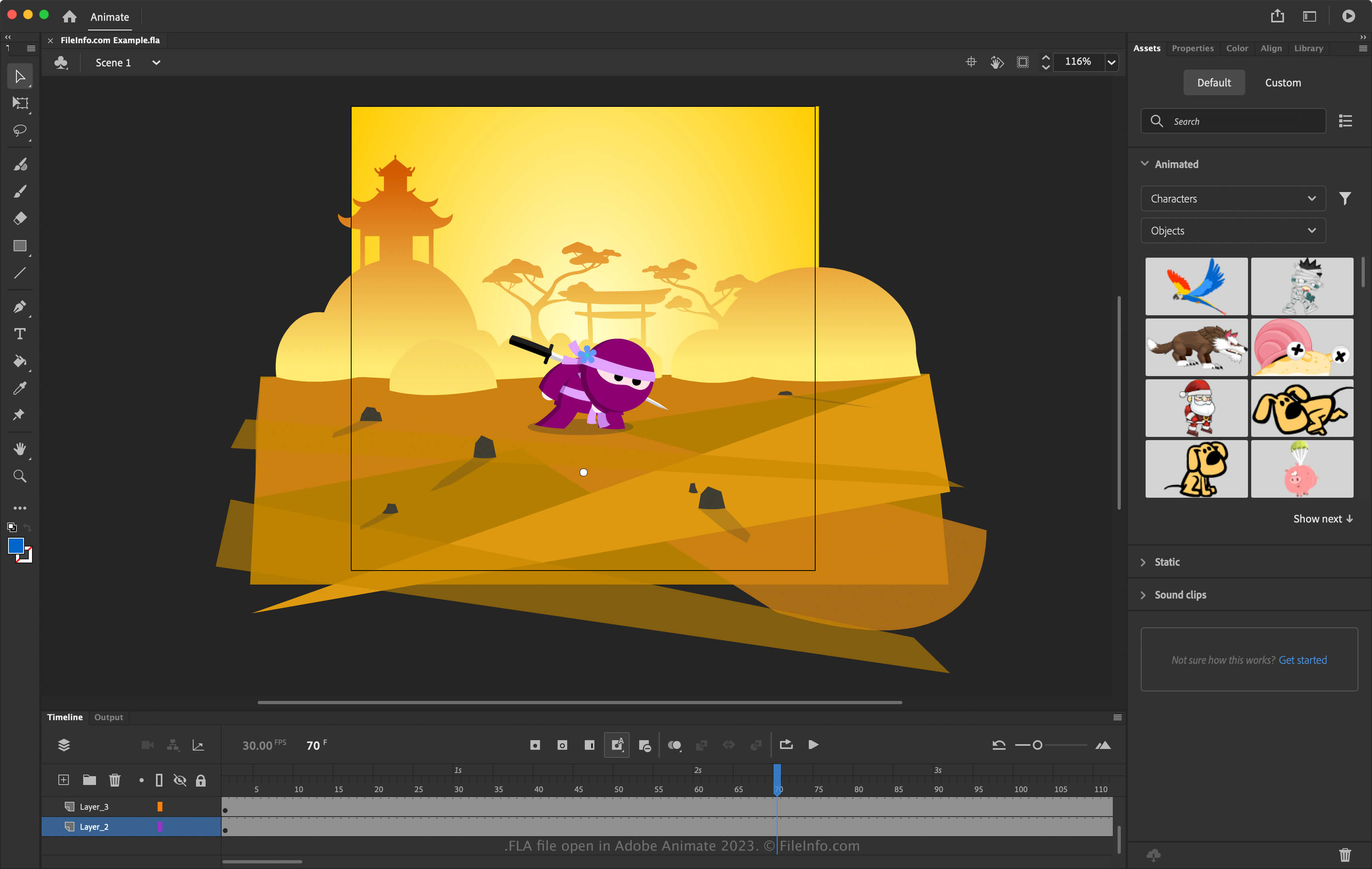
Animateは以前Flashと呼ばれていました。FlashはもともとMacromediaが開発し、その後2005年にAdobeと合併しました。FlashではプロジェクトをFLAファイルとして保存し、ユーザーはウェブ上で使用するために.SWFアニメーションや動画として書き出すことがよくありました。ほとんどのウェブブラウザーがFlashプラグインを通じて対応していたためです。
HTML5などの他の技術がFlashを上回ると、Adobeは2016年にFlashソフトウェアをAnimateに置き換え、2020年にFlashプラグインのサポートを終了しました。現在、FLAファイルはAdobe Animateソフトウェアに関連付けられています。
Adobe AnimateでFLAファイルを作成する方法
Animateでは、ウェブサイトのバナー広告、チュートリアル、楽しいアニメーションなど、さまざまな種類のアニメーションを作成し、複数のマルチメディア形式に書き出せます。アニメーションを作成するときは、進行状況を保持するためにFLAファイルとして保存できます。AnimateでアニメーションをFLAファイルとして保存するには、またはを選択します。
FLAファイルの開き方
FLAファイルはAdobe Animate(複数のプラットフォームに対応)で開けます。FLAファイルを開くには、を選択します。
FLAファイルの変換方法
FLAファイルを開くプログラム
Free Lossless Audioファイル
| 開発元 | Xiph.Org Foundation |
| 人気度 |
3.2 | 9 票 |
詳細情報
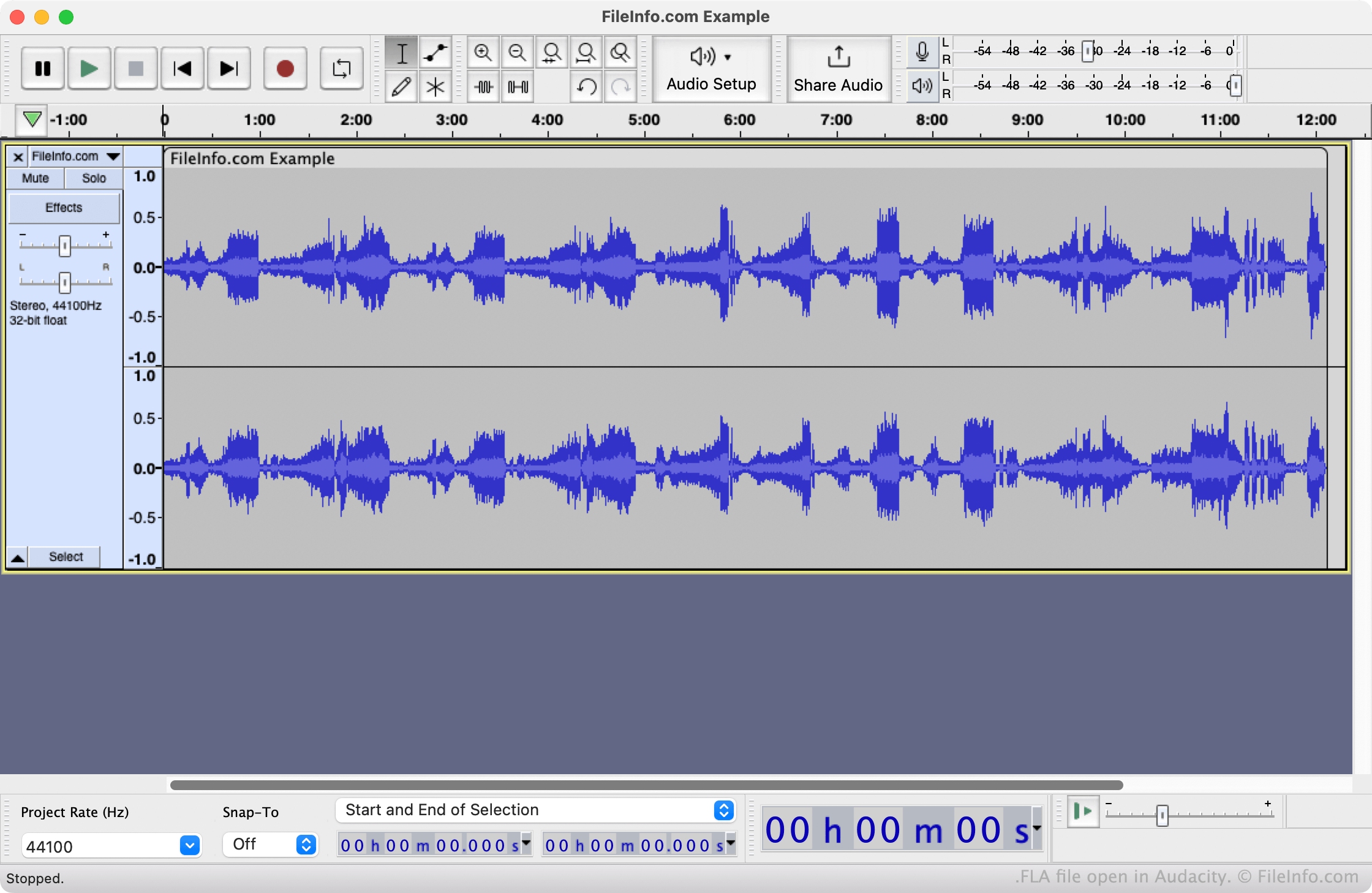
FLACは、オーディオ関連の多くのプログラムで使用および認識されている、オープンソースの可逆オーディオ圧縮形式です。以前は、FLACファイルを作成する一部のプログラムで、3文字を超えるファイル拡張子を割り当てられないことがありました。そのため、これらのプログラムはFLACファイルを.fla拡張子で保存していました。たとえば、NeroはFLACファイルを.fla拡張子で保存することがありました。
.fla拡張子を使用していることを除けば、FLAファイルはFLACファイルと同一です。そのため、ファイル名を変更して.flac拡張子を使用すれば、通常のFLACファイルと同じように開いて再生できます。
FLAファイルの開き方
VideoLAN VLC media player(マルチプラットフォーム)またはAudacity(マルチプラットフォーム)でFLAファイルを開けます。ファイルの拡張子を.flacに変更すれば、追加のメディア再生およびオーディオ編集プログラムで開けるようになります。