.AC3 ファイル拡張子

Audio Codec 3 File

開発元 Dolby Laboratories
人気度
3.8  |  30 
 
🔍.AC3ファイルFile Helperでウェブブラウザから直接開けます。オンラインで表示

AC3ファイルとは?

An AC3 file is an audio file saved in the AC-3 (Dolby Digital) audio format. It can include up to six channels of audio (DD 5.1 surround sound with subwoofer output). Cinema movies, DVDs, Blu-rays, and video games often use audio saved as AC3 files.

詳細情報

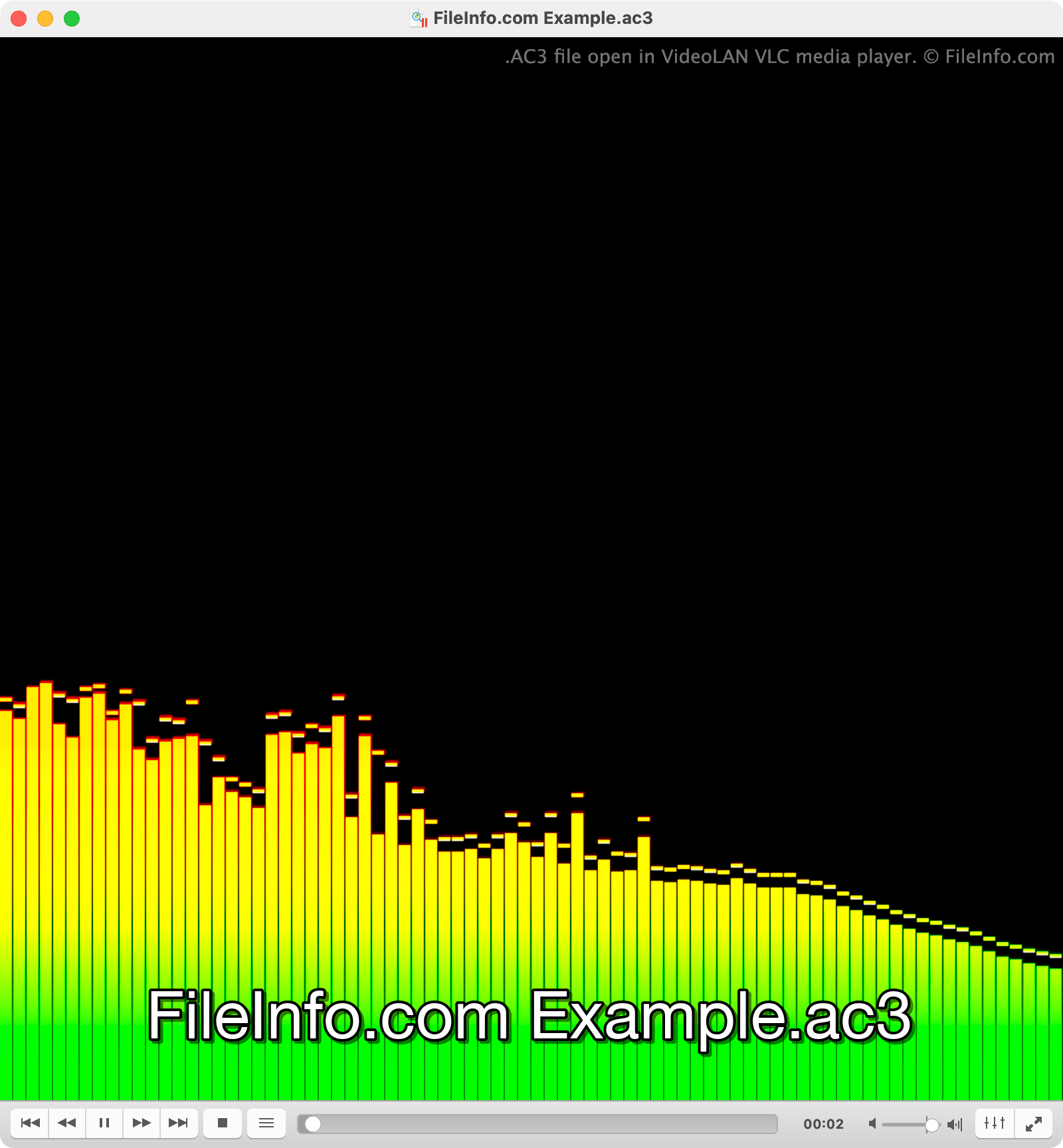
VideoLAN VLC media playerで開いた.ac3ファイルのスクリーンショット
VideoLAN VLC media playerで開いたAC3ファイル

Dolby created the Dolby Digital format for use in cinemas and home theaters with surround sound capabilities. Each of an AC3 file's primary audio channels is meant to be played on a different surround sound speaker (left, center, right, left surround, right surround). The sixth channel, known as the low-frequency effects (LFE) channel, contains intense low-frequency sounds meant to be played on a subwoofer.

However, televisions, PCs, and other devices can also play the audio an AC3 file contains. To do so, these devices downmix the AC3 file's audio, playing multiple channels worth of audio out the same output device. For example, a computer with only left and right speakers will play an AC3 file's center channel out both speakers, to approximate surround sound playback as best it can.

AC3ファイルの開き方

You can open an AC3 file with many media players, including VideoLAN VLC media player (multiplatform), Microsoft Media Player (Windows), and Apple QuickTime Player (Mac).

AC3ファイルの変換方法

Several audio conversion tools, including Movavi Video Converter (Windows, Mac), FFmpeg (multiplatform), and VideoLAN VLC media player (multiplatform), can convert AC3 files to other audio formats. For example, VLC can convert AC3 files to:

  • .MP3 - MP3 Audio
  • .OGG - Ogg Vorbis Audio
  • .FLAC - Free Lossless Audio Codec

AC3ファイルを開くプログラム

検証者 FileInfo.com

FileInfo.comチーム は、このページに掲載されているAudio Codec 3ファイル形式とMac, Windows, Linux, Android, and iOSアプリについて独自に調査しました。 私たちの目標は100%の正確性であり、検証済みのファイルタイプに関する情報のみを公開しています。

このページへの追加や更新をご提案いただける場合は、お知らせください。