

.AC3 파일 확장자
Audio Codec 3 파일
| 개발사 | Dolby Laboratories |
| 인기도 |
3.8 | 30 표 |
AC3 파일이란 무엇인가요?
AC3 파일은 AC-3(Dolby Digital) 오디오 형식으로 저장된 오디오 파일입니다. 최대 6개의 오디오 채널(서브우퍼 출력을 포함한 DD 5.1 서라운드 사운드)을 포함할 수 있습니다. 영화관 영화, DVD, Blu-ray, 비디오 게임에서는 오디오를 AC3 파일로 저장하는 경우가 많습니다.
추가 정보
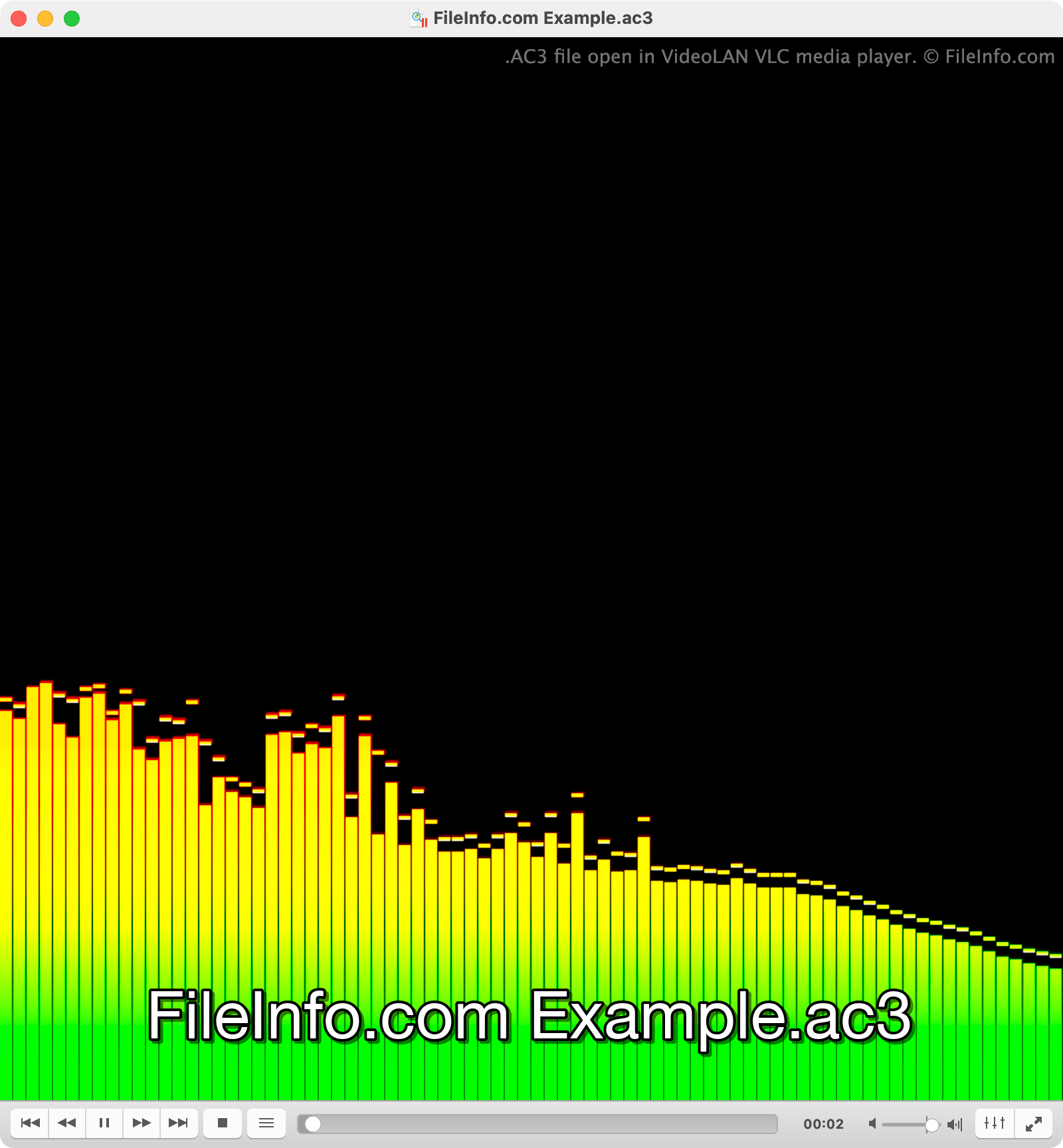
Dolby는 서라운드 사운드 기능을 갖춘 영화관과 홈 시어터에서 사용하기 위해 Dolby Digital 형식을 만들었습니다. AC3 파일의 각 기본 오디오 채널은 서로 다른 서라운드 사운드 스피커(왼쪽, 중앙, 오른쪽, 왼쪽 서라운드, 오른쪽 서라운드)에서 재생되도록 만들어졌습니다. 저주파 효과(LFE) 채널이라고 하는 여섯 번째 채널에는 서브우퍼에서 재생되도록 만들어진 강한 저주파 사운드가 포함됩니다.
하지만 텔레비전, PC 및 기타 장치에서도 AC3 파일에 포함된 오디오를 재생할 수 있습니다. 이를 위해 이러한 장치는 AC3 파일의 오디오를 다운믹스하여 여러 채널의 오디오를 동일한 출력 장치로 재생합니다. 예를 들어 왼쪽과 오른쪽 스피커만 있는 컴퓨터는 AC3 파일의 중앙 채널을 두 스피커 모두에서 재생하여 가능한 한 서라운드 사운드 재생에 가깝게 구현합니다.
AC3 파일을 여는 방법
VideoLAN VLC media player(멀티플랫폼), Microsoft Media Player(Windows), Apple QuickTime Player(Mac)를 비롯한 여러 미디어 플레이어로 AC3 파일을 열 수 있습니다.
AC3 파일을 변환하는 방법
Movavi Video Converter(Windows, Mac), FFmpeg(멀티플랫폼), VideoLAN VLC media player(멀티플랫폼)를 비롯한 여러 오디오 변환 도구로 AC3 파일을 다른 오디오 형식으로 변환할 수 있습니다. 예를 들어 VLC는 AC3 파일을 다음 형식으로 변환할 수 있습니다: