

.AC3 文件扩展名
Audio Codec 3文件
| 开发者 | Dolby Laboratories |
| 受欢迎程度 |
3.8 | 30 票 |
什么是 AC3 文件?
AC3文件是以AC-3(杜比数字)音频格式保存的音频文件。它最多可以包含六个音频声道(带低音炮输出的DD 5.1环绕声)。电影院电影、DVD、蓝光光盘和电子游戏通常会使用以AC3文件形式保存的音频。
更多信息
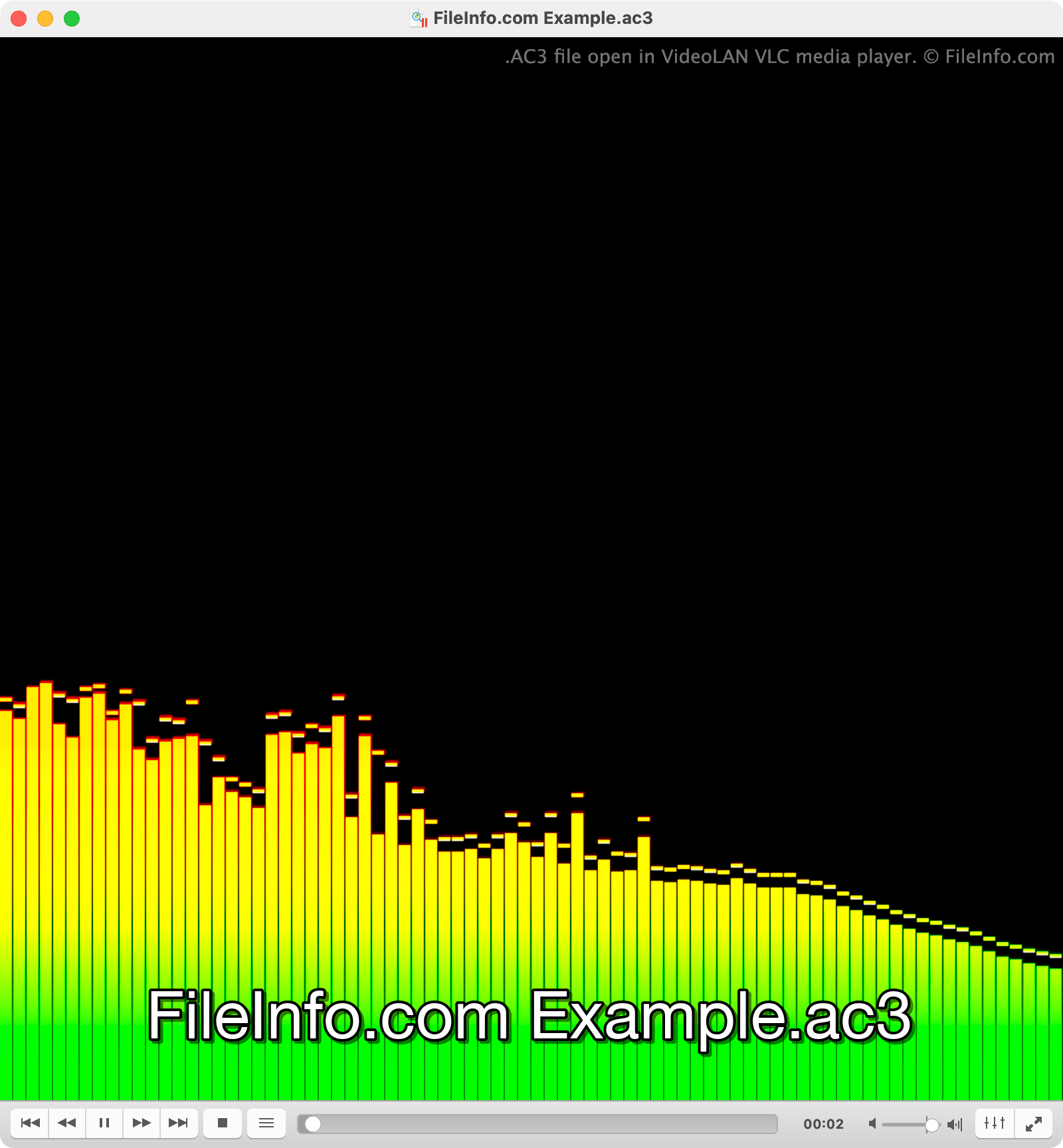
杜比为电影院和支持环绕声的家庭影院创建了杜比数字格式。AC3文件的每个主要音频声道都用于在不同的环绕声扬声器上播放(左、中、右、左环绕、右环绕)。第六个声道称为低频效果(LFE)声道,其中包含用于低音炮播放的强烈低频声音。
不过,电视、PC和其他设备也可以播放AC3文件包含的音频。为此,这些设备会对AC3文件的音频进行下混音,将多个声道的音频通过同一个输出设备播放。例如,只有左右扬声器的计算机会将AC3文件的中置声道通过两个扬声器播放,尽可能近似环绕声播放效果。
如何打开 AC3 文件
你可以使用许多媒体播放器打开AC3文件,包括VideoLAN VLC media player(多平台)、Microsoft Media Player(Windows)和Apple QuickTime Player(Mac)。
如何转换 AC3 文件
Several audio conversion tools, including Movavi Video Converter (Windows, Mac), FFmpeg (multiplatform), and VideoLAN VLC media player (multiplatform), can convert AC3 files to other audio formats. For example, VLC can convert AC3 files to:
可打开 AC3 文件的程序
Windows
Linux
Web
Android