.OGG ファイル拡張子

2個のファイルタイプ.ogg拡張子を使用しています。

Ogg Vorbis Audio

開発元 Xiph.Org
人気度
3.9  |  318 
 
🔍.OGGファイルFile Helperでウェブブラウザから直接開けます。オンラインで表示

OGGファイルとは?

An OGG file is an audio file, similar to an .MP3 file, that typically stores music. It contains audio data saved in the Ogg container format and compressed with Vorbis audio compression. OGG files may also include song metadata, such as artist information and track data.

詳細情報

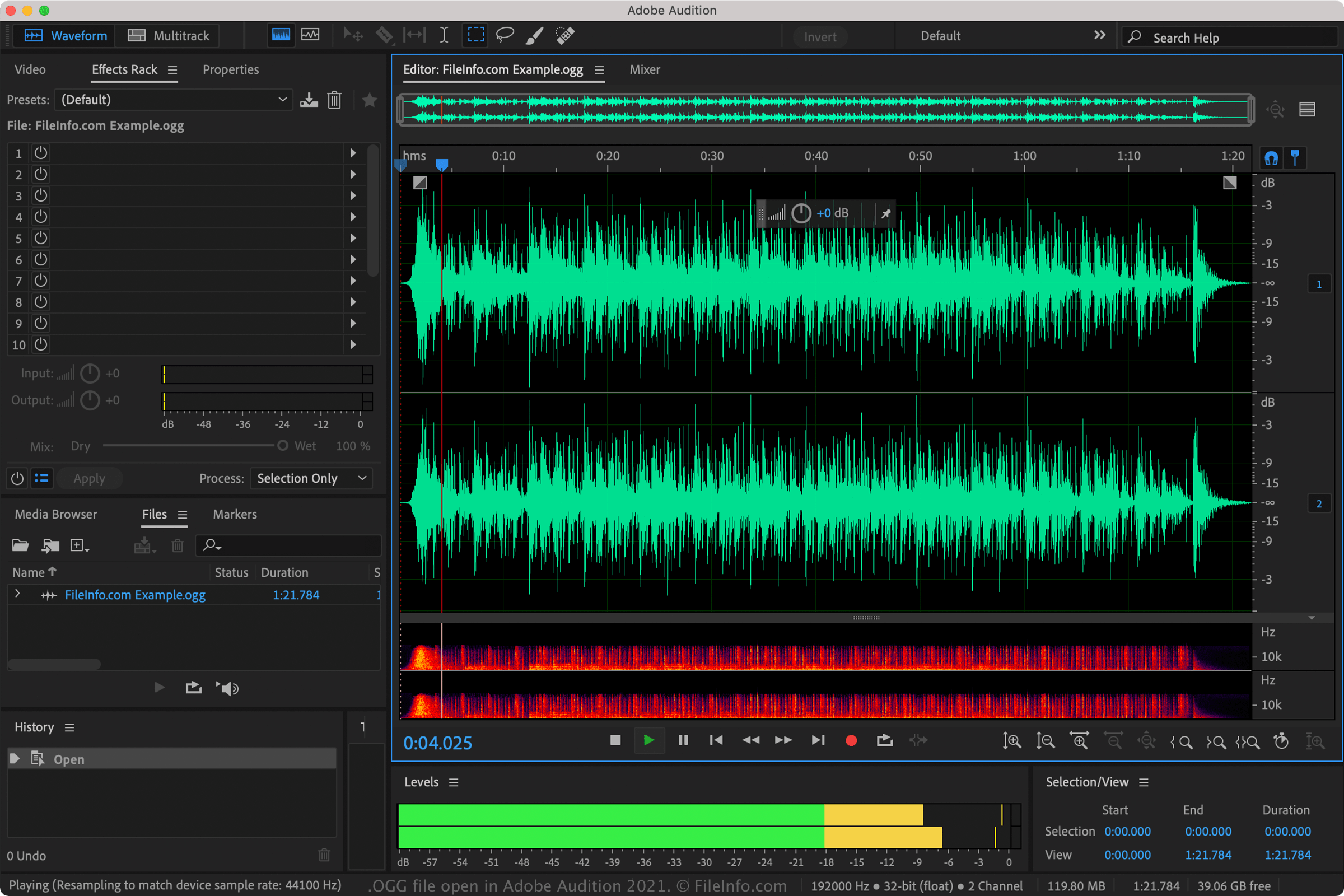
Adobe Audition 2021で開いた.oggファイルのスクリーンショット
Adobe Audition 2021で開いたOGGファイル

The Ogg container format is a multimedia format that supports multiple streams of video, audio, text, and metadata. The individual streams may be compressed with different compression methods, including Theora (video), Vorbis (audio), Opus (audio), FLAC (audio), and OggPCM (audio).

Before 2007, OGG files were used to store various types of media, but since then the Xiph.Org Foundation recommends that OGG files store only audio data. Now, you will most likely encounter only OGG files that store audio data compressed with Vorbis compression.

However, OGG files can also use other types of audio compression, including FLAC and Speex. These files cannot officially be referred to as Vorbis files, since they use a different compression scheme. Also, they are typically saved as .OGA files.

While OGG files are not as common as MP3 files, they contain higher-quality audio than MP3s of equal size.

OGGファイルの開き方

You can open OGG files with various audio players. Examples of software you can play OGG files with include Microsoft Media Player (bundled with Windows), VideoLAN VLC media player (multiplatform), Nullsoft Winamp (Windows), MPlayer (multiplatform), and Adobe Audition (multiplatform).

OGGファイルの変換方法

Many audio editors and media players, including Audacity, VideoLAN VLC media player, and Adobe Audition, can convert OGG files to other formats.

For example, Audacity can convert OGG files to the following audio formats:

  • .MP3 - MP3 Audio
  • .WAV - WAVE Audio
  • .AIFF - Audio Interchange File Format
  • .FLAC - Free Lossless Audio Codec
  • .MP2 - MP2 Audio
  • .M4A - MPEG-4 Audio
  • .AC3 - Audio Codec 3
  • .AMR - Adaptive Multi-rate Codec
  • .OPUS - Opus Audio
  • .WMA - Windows Media Audio

OGGファイルを開くプログラム

Origin Graph File

開発元 OriginLab
人気度
2.4  |  32 
 

An OGG file contains a graph created by Origin, a data analysis and graphing application used by various scientists and engineers. It stores a graph generated from imported data, such as a column, bar, pie, line, symbol, waterfall, 3D, polar, or statistical graph. OGG files also store metadata about the graph, such as the title and colors.

詳細情報

You can open OGG files with Origin and Origin Viewer. Origin is only available for Windows and is the primary program used to create, open, and edit OGG files. When open in Origin, the graph appears as a window in an open project (.OPJ or .OPJU file). Origin Viewer is also commonly used since it is a free alternative to Origin and can be used in Windows and macOS.

To open an OGG file in Origin, select File → Open..., select the "Origin Window .ogg" file type, navigate to the OGW file location, and click Open.

You can save Origin graphs as templates in order to preserve settings to be used with other graphs you create. To do this, select File → Save Template As... and Origin will create an .OTP file to store the template.

注: The release of Origin 2018 included an updated unicode format for saving workbooks (.OGGU), which features performance advantages over the older, non-unicode OGG file format.

OGGファイルを開くプログラム

Windows
カテゴリ: データ
更新日: 2018-02-01

検証者 FileInfo.com

FileInfo.comチーム は、このページに掲載されているすべてのファイル形式とソフトウェアについて独自に調査しました。 私たちの目標は100%の正確性であり、検証済みのファイルタイプに関する情報のみを公開しています。

このページへの追加や更新をご提案いただける場合は、お知らせください。