.FLA 文件扩展名
Animate Animation
| 开发者 | Adobe Systems |
| 受欢迎程度 |
3.9 | 257 票 |
什么是 FLA 文件?
An FLA file is an animation project created by Adobe Animate, a program used to draw and publish interactive animations. It contains graphics, video, text elements, audio, and other assets, along with project settings and metadata. FLA files may store various animations for advertising, entertainment, informational, and social media purposes.
更多信息
Animate was formerly known as Flash, which Macromedia originally developed, but then merged with Adobe in 2005. Flash saved projects as FLA files, and users often exported them as .SWF animations and videos for use on the web, as most web browsers supported them via the Flash plugin.
As other technologies, such as HTML5, surpassed Flash, Adobe replaced the Flash software with Animate in 2016 and ended support for the Flash plugin in 2020. Now, FLA files are associated with Adobe Animate software
How to create an FLA file with Adobe Animate
You can create many types of animations with Animate, including website banner advertisements, tutorials, and playful cartoons, then export them to various multimedia formats. As you create your animation, you can save it as an FLA file to preserve your progress. To save an animation as an FLA file with Animate, select File → Save or Save As.
如何打开 FLA 文件
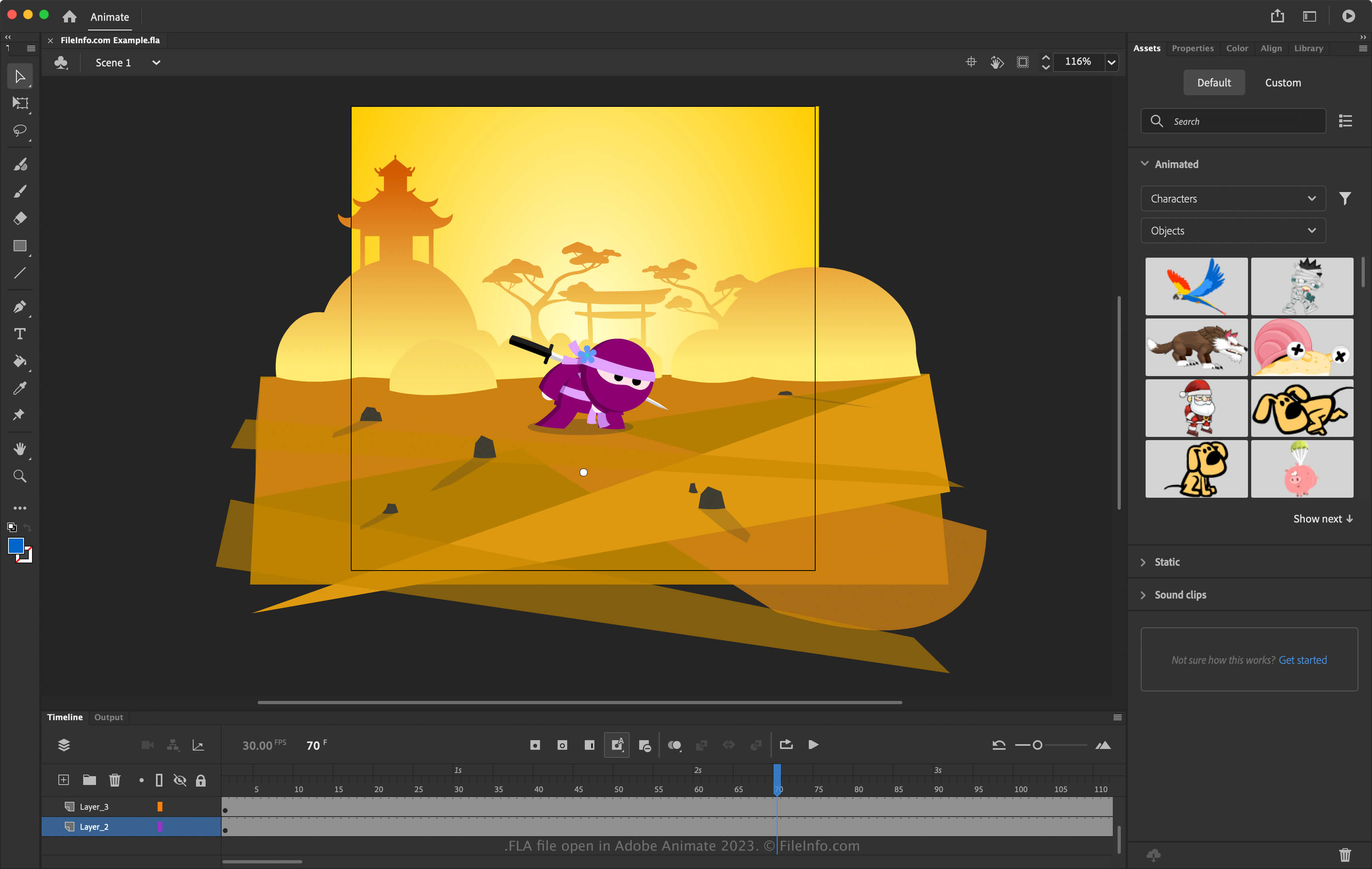
You can open FLA files with Adobe Animate (multiplatform). To open an FLA file, select File → Open.
如何转换 FLA 文件
Adobe Animate can convert FLA files to several file types, including the following formats:
可打开 FLA 文件的程序
Free Lossless Audio File
| 开发者 | Xiph.Org Foundation |
| 受欢迎程度 |
3.2 | 9 票 |
An FLA file is an audio file saved in the Free Lossless Audio Codec (FLAC) format. Some CD ripping software saves FLAC files with the .fla extension instead of the .FLAC extension. To use these files more easily, change their extension to .flac.
更多信息
FLAC is an open-source lossless audio compression format, used and recognized by many audio-related programs. In the past, some programs that created FLAC files could not assign file extensions longer than three letters. Thus, these programs saved FLAC files with the .fla extension. For example, Nero sometimes saved FLAC files with the .fla extension.
Other than using the .fla extension, FLA files are identical to FLAC files. Therefore, renaming the files to use the .flac extension will allow you to open and play them as you would any FLAC file.
如何打开 FLA 文件
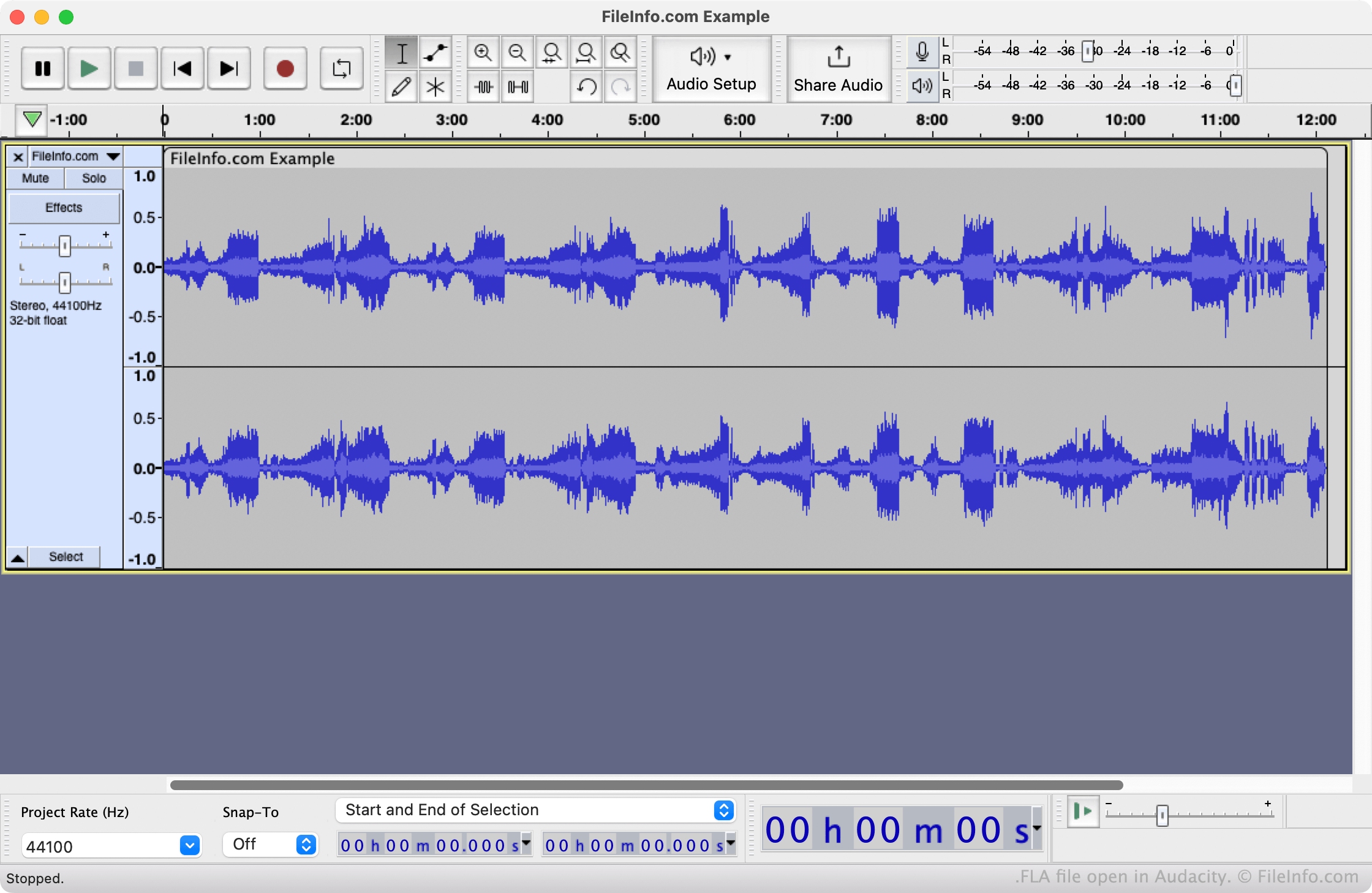
You can open an FLA file with VideoLAN VLC media player (multiplatform) or Audacity (multiplatform). If you change the file's extension to .flac, you'll be able to open it in additional media-playing and audio-editing programs.
如何转换 FLA 文件
You can use VideoLAN VLC media player or Audacity to convert FLA files to other audio formats. For example, Audacity can convert FLA files to the following formats: