

.FLA Extensão de arquivo
Animação do Animate
| Desenvolvedor | Adobe Systems |
| Popularidade |
3,9 | 257 Votos |
O que é um arquivo FLA?
Um arquivo FLA é um projeto de animação criado pelo Adobe Animate, um programa usado para desenhar e publicar animações interativas. Ele contém gráficos, vídeos, elementos de texto, áudio e outros recursos, além de configurações do projeto e metadados. Os arquivos FLA podem armazenar várias animações para fins publicitários, de entretenimento, informativos e de redes sociais.
Mais informações
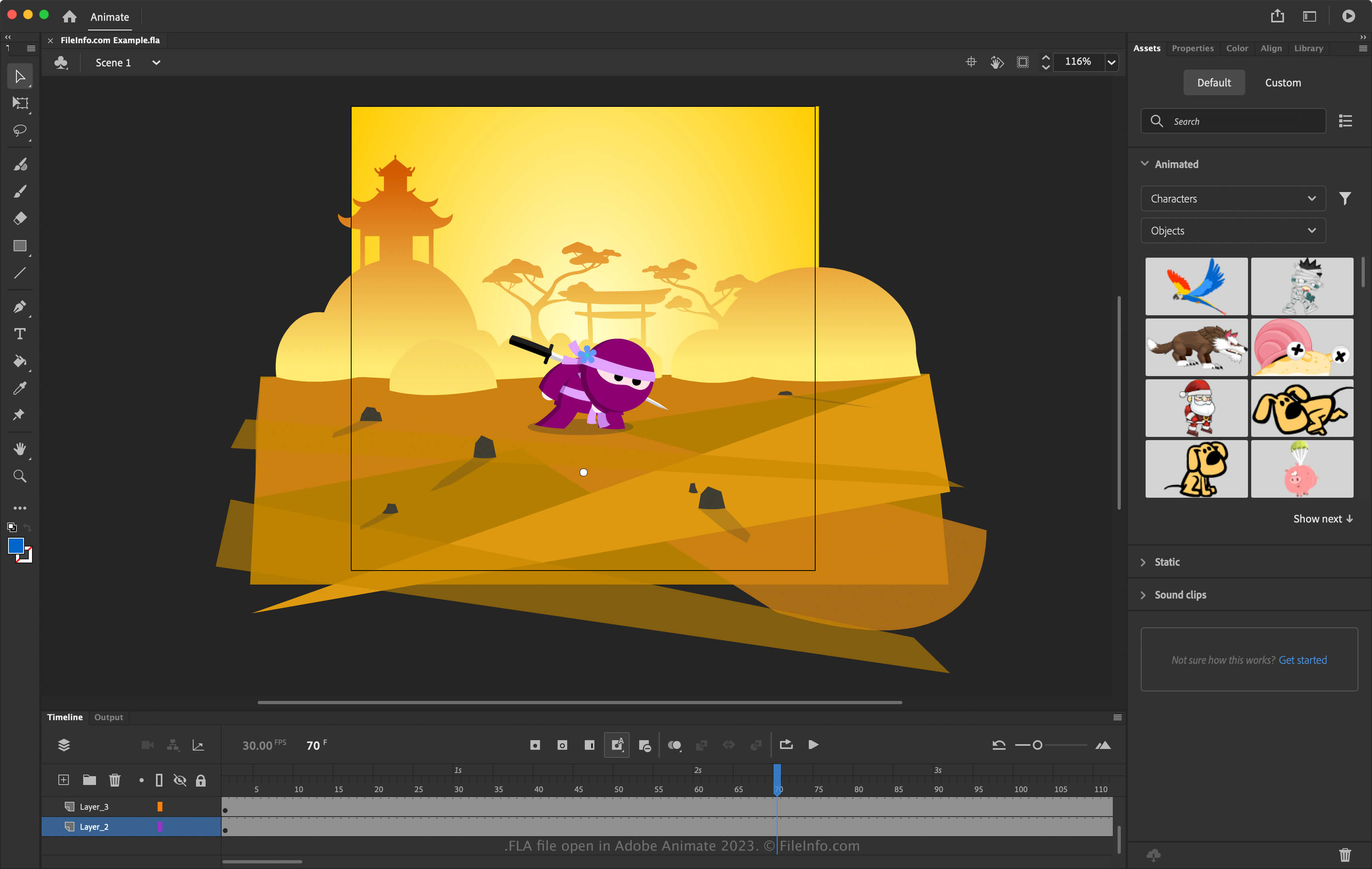
O Animate era conhecido anteriormente como Flash, desenvolvido originalmente pela Macromedia, que depois se fundiu com a Adobe em 2005. O Flash salvava os projetos como arquivos FLA, e os usuários frequentemente os exportavam como animações e vídeos .SWF para uso na web, pois a maioria dos navegadores era compatível com eles por meio do plugin Flash.
À medida que outras tecnologias, como HTML5, superaram o Flash, a Adobe substituiu o software Flash pelo Animate em 2016 e encerrou o suporte ao plugin Flash em 2020. Agora, os arquivos FLA estão associados ao software Adobe Animate.
Como criar um arquivo FLA com o Adobe Animate
Você pode criar muitos tipos de animações com o Animate, incluindo anúncios em banner para sites, tutoriais e desenhos animados divertidos, e depois exportá-las para vários formatos multimídia. Ao criar sua animação, você pode salvá-la como um arquivo FLA para preservar seu progresso. Para salvar uma animação como um arquivo FLA com o Animate, selecione ou .
Como abrir um arquivo FLA
Você pode abrir arquivos FLA com o Adobe Animate (multiplataforma). Para abrir um arquivo FLA, selecione .
Como converter um arquivo FLA
O Adobe Animate pode converter arquivos FLA para vários tipos de arquivo, incluindo os seguintes formatos:
Programas que abrem arquivos FLA
Arquivo de áudio sem perdas
| Desenvolvedor | Xiph.Org Foundation |
| Popularidade |
3,2 | 9 Votos |
Um arquivo FLA é um arquivo de áudio salvo no formato Free Lossless Audio Codec (FLAC). Alguns programas de extração de CDs salvam arquivos FLAC com a extensão .fla em vez da extensão .FLAC. Para usar esses arquivos com mais facilidade, altere a extensão deles para .flac.
Mais informações
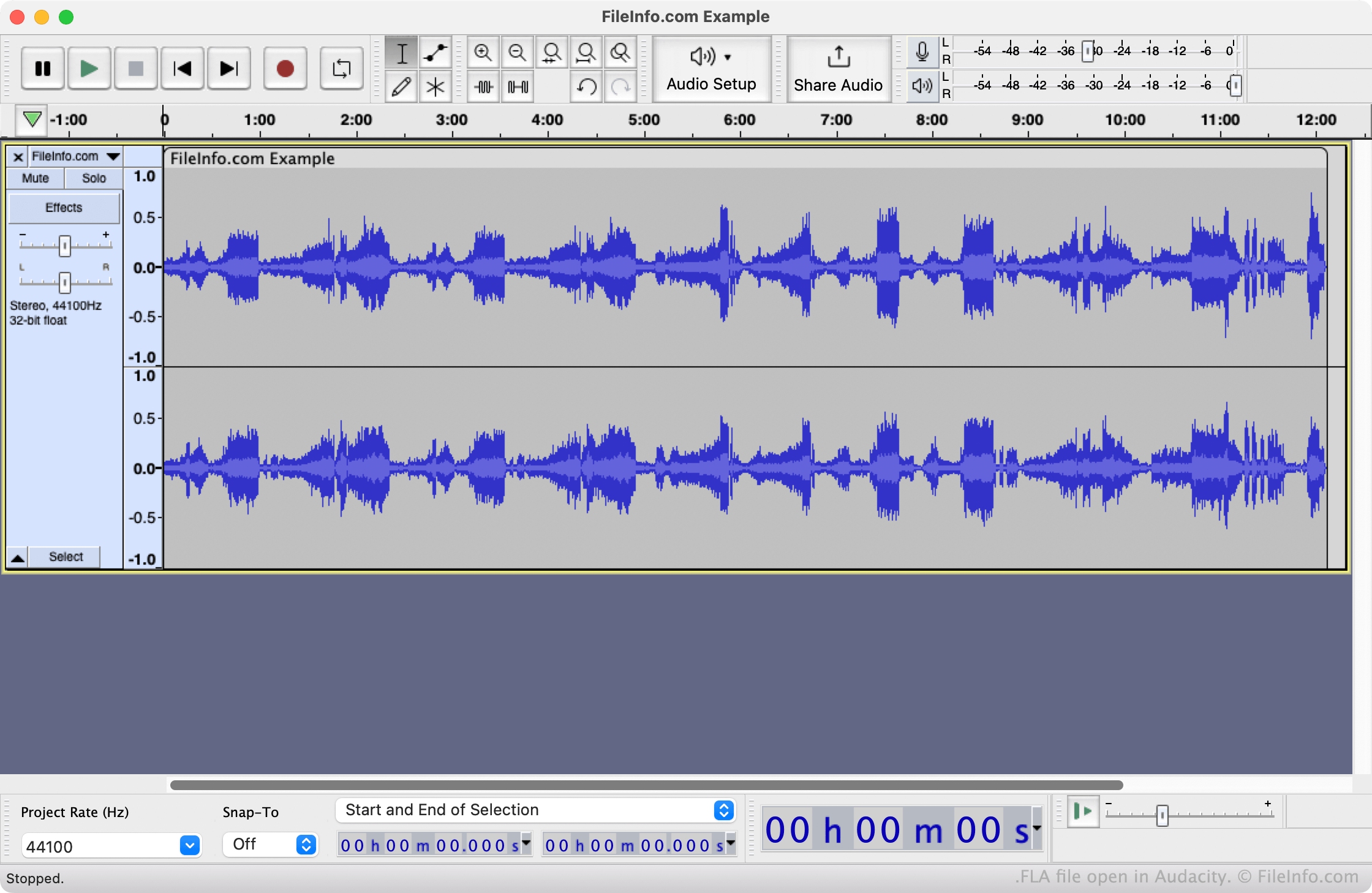
FLAC é um formato de compressão de áudio sem perdas de código aberto, usado e reconhecido por muitos programas relacionados a áudio. No passado, alguns programas que criavam arquivos FLAC não podiam atribuir extensões de arquivo com mais de três letras. Por isso, esses programas salvavam arquivos FLAC com a extensão .fla. Por exemplo, o Nero às vezes salvava arquivos FLAC com a extensão .fla.
Além de usarem a extensão .fla, os arquivos FLA são idênticos aos arquivos FLAC. Portanto, renomear os arquivos para usar a extensão .flac permitirá que você os abra e reproduza como faria com qualquer arquivo FLAC.
Como abrir um arquivo FLA
Você pode abrir um arquivo FLA com o VideoLAN VLC media player (multiplataforma) ou o Audacity (multiplataforma). Se alterar a extensão do arquivo para .flac, você poderá abri-lo em programas adicionais de reprodução de mídia e edição de áudio.
Como converter um arquivo FLA
Você pode usar o VideoLAN VLC media player ou o Audacity para converter arquivos FLA para outros formatos de áudio. Por exemplo, o Audacity pode converter arquivos FLA para os seguintes formatos: