.FIG ファイル拡張子

MATLAB Figure File

開発元 The MathWorks
人気度
3.8  |  16 
 

FIGファイルとは?

A FIG file contains a figure created by The MathWorks MATLAB, an application for mathematical computations and data analysis. It stores one or more plots or graphs, which MATLAB uses to visualize data. FIG files store information in a format similar to the MAT-file (.MAT) binary data container format.

詳細情報

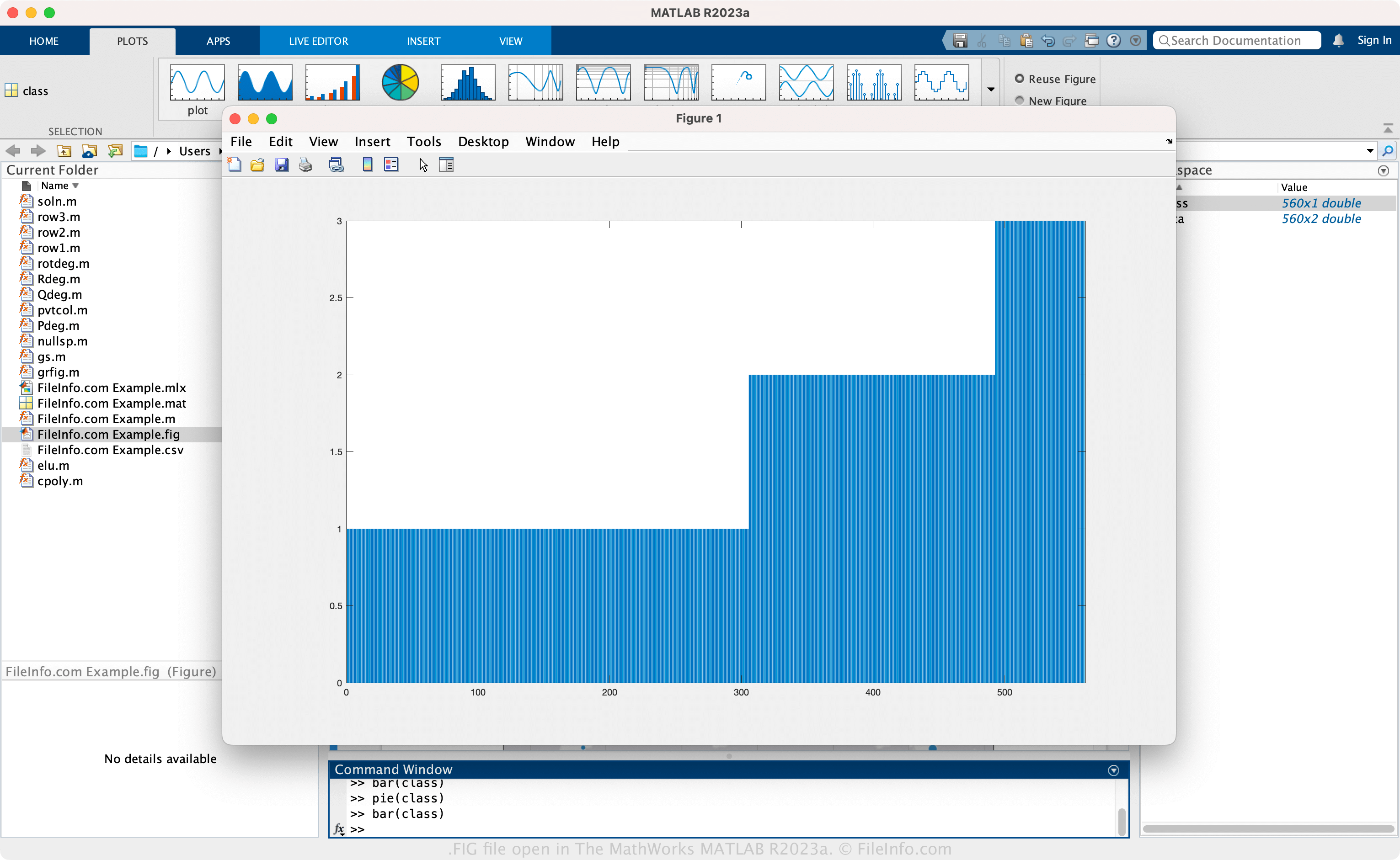
The MathWorks MATLAB R2023aで開いた.figファイルのスクリーンショット
The MathWorks MATLAB R2023aで開いたFIGファイル

MATLAB is an advanced application that provides various tools to analyze data, develop algorithms, create models, build apps, and more. In MATLAB, a figure is data visualized as a plot, such as a histogram or pie graph, output from mathematical data. Additionally, the figure function creates a figure (window), which allows you to insert plots and graphs.

How to create a FIG file with MATLAB

To create a FIG file:

  1. Choose the variable you want to plot in the "Workspace" pane.
  2. Click a plot in the PLOTS tab.
  3. Select File → Save or Save As.
  4. Name the file and choose the save location
  5. Select Save

注: You can also save a figure as a FIG file with the saveas(fig,filename) function.

FIGファイルの開き方

You can open a FIG file with The MathWorks MATLAB (multiplatform). To open a FIG file, click a plot in the "PLOTS" tab, then select File → Open. You can also open a FIG file using the openfig(filename) function.

FIGファイルの変換方法

The MathWorks MATLAB can convert FIG files to other file types, including the following formats:

  • .JPG - JPEG Image
  • .PNG - Portable Network Graphic
  • .BMP - Bitmap Image
  • .TIF - Tagged Image File Format
  • .EPS - Encapsulated PostScript
  • .PCX - Paintbrush Bitmap Image
  • .PPM - Portable Pixmap Image
  • .PDF - Portable Document Format

To convert a FIG file, click a plot in the "PLOTS" tab, then select File → Save As.

File Viewer Plusで400種類以上のファイル形式を開けます。無料ダウンロード

FIGファイルを開くプログラム

Windows
無料体験版
Mac
無料体験版
Linux
無料体験版
カテゴリ: データ
更新日: 2023-05-05

Figma Design

開発元 Figma
人気度
4.6  |  5 
 

A FIG file is a design created by Figma, a collaborative tool for teams to create and share mockups and ideas. It is saved in the proprietary Figma Design (FIG) format, storing design information, which includes one or more pages (with one or more layers) and the placement of design and prototype elements. Figma users save their designs as FIG files to preserve their progress and then share them with other Figma users or export them to image or document formats, such as .JPG or .PDF.

詳細情報

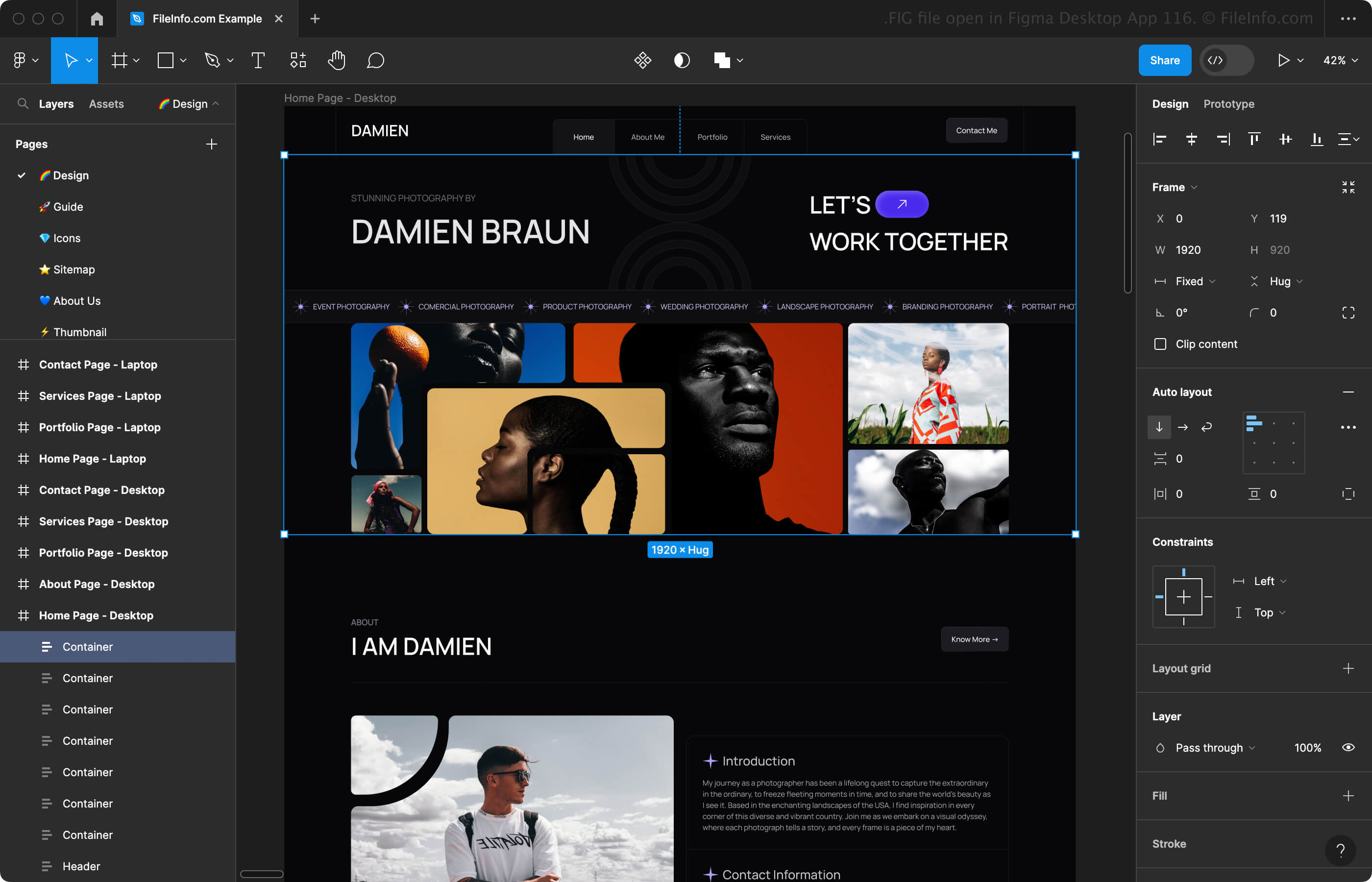
Figma Desktop App 116で開いた.figファイルのスクリーンショット
Figma Desktop App 116で開いたFIGファイル

Figma is an online program, a desktop app for Windows and macOS, and a mobile app for Android and iOS. The app consists of two workspaces:

  • Figma design - Allows you to mock up designs for websites, apps, digital products, and other types of user experiences.
  • FigJam - Allows you to create and share online whiteboards for meetings, brainstorming sessions, diagrams, and more.

When designing your mockup in the Figma design workspace, you can select the frame (phone, tablet, desktop, presentation, custom size, etc.) you want to design and choose from an array of design elements (text, shapes, images. etc.) and prototype elements (connections, components, etc.) to add. As you compose your mockup design, you can save it as a FIG file to preserve your progress.

To save a FIG file with Figma in a web browser or desktop app, click the Figma icon in the upper-left corner and select File → Save local copy (the web browser automatically downloads the FIG file). You can also choose to save your design to the version history connected to your online account by selecting Save to version history instead of Save local copy.

FIGファイルの開き方

You can open a FIG file with Figma in a web browser, the Windows or macOS desktop app, or the mobile app for Android or iOS. For example, you can open a FIG file with the desktop version of Figma by selecting the Home icon in the upper-left corner and then clicking Import in the upper-right corner.

FIGファイルの変換方法

Figma can convert FIG files to various file types, including the following formats:

  • .JPG - JPEG Image
  • .PNG - Portable Network Graphic
  • .SVG - Scalable Vector Graphic
  • .PDF - Portable Document Format

FIGファイルを開くプログラム

Windows
無料
Mac
無料
Web
無料
iOS
無料
Android
無料

Xfig Drawing

開発元 Xfig
人気度
3.2  |  14 
 

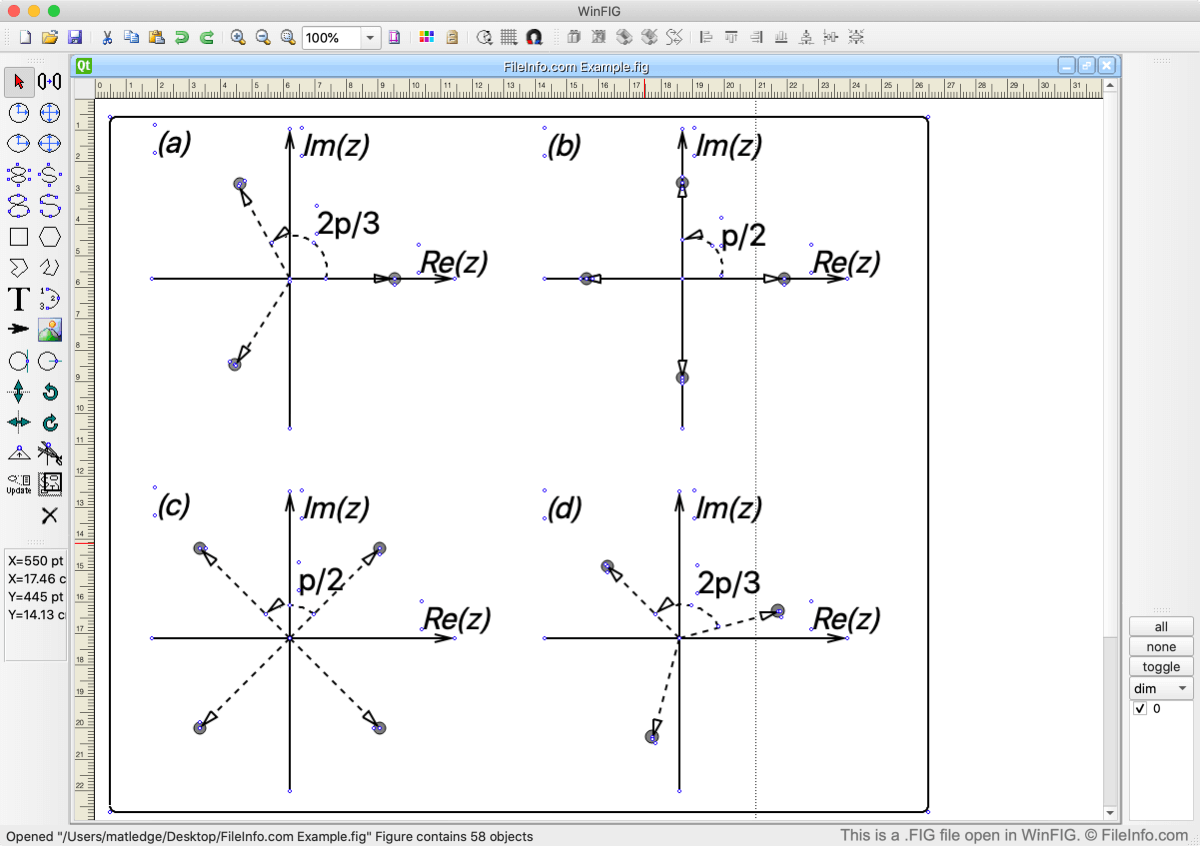
A FIG file is a line drawing created using either the Xfig or WinFIG applications. It is a vector image file that might include shapes, arcs, splines, arrows, and text objects. Users can also add images, colors, and patterns to their FIG drawings.

詳細情報

WinFIGで開いた.figファイルのスクリーンショット
WinFIGで開いたFIGファイル

The FIG format was originally developed for Xfig, a Linux-based drawing program released in 1985. Many other developers have expanded upon Xfig's capabilities and released their own versions of the program, which are available for Windows and Mac PCs. Of these newer applications, only WinFIG still allows users to open, edit, and create FIG drawings.

FIGファイルの開き方

You can open FIG files in WinFIG, a cross-platform vector graphics editor application. To do so, select File → Open... from WinFIG's menu bar. Then, navigate to and open your FIG file.

FIGファイルの変換方法

You can use WinFIG to convert FIG files to many other file formats. Some of those formats include:

  • .PDF - Portable Document Format
  • .GIF - Graphical Interchange Format
  • .JPEG - JPEG Image
  • .PCX - Paintbrush Bitmap Image
  • .PNG - Portable Network Graphic
  • .EMF - Enhanced Windows Metafile
  • .TEX - LaTeX Source Document
  • .PS - PostScript File
  • .EPS - Encapsulated PostScript File

FIGファイルを開くプログラム

Windows
Mac
Linux
無料

3ds Max Figure File

開発元 Autodesk
人気度
2.8  |  6 
 

A FIG file is a 3D model file created by 3ds Max, a 3D modeling and animation program. It stores the figure structure for a biped, which is a two-footed figure, and all link positions, twist links, and scales for the current pose. FIG files allow modelers to save a biped's structure and then rig similar characters with the same poses with 3ds Max.

詳細情報

Autodesk 3ds Max is a graphics program for creating 3D models, images, and animations. Video game animators often use 3ds Max to create models and scenes for video games, but film and television animators, engineers, and architects also use the software.

How to create a FIG file

To save a biped figure structure as a FIG file:

  1. Select a biped
  2. Click the Motion panel
  3. Select Biped rollout
  4. Click Figure Mode
  5. Select Save File

3ds Max often saves FIG files with .CAL files, which add pose adjustment information.

注: FIG files do not contain actual skeletal mesh or animation data.

FIGファイルの開き方

You can open a FIG file with Autodesk 3ds Max in Windows. To open a FIG file:

  1. Select a biped
  2. Click the Motion panel
  3. Select Biped rollout
  4. Click Figure Mode
  5. Select Load File

注: When you open a FIG file, 3ds Max replaces the selected biped's pose and base parameters with the new figure. Therefore, you should save the current pose as a FIG file before you load the biped figure in another FIG file.

FIGファイルの変換方法

While users do not convert FIG files to other formats, you can load a FIG file, apply the pose to a biped, then save it to various formats with Autodesk 3ds Max, including the following file types:

  • .FBX - Autodesk FBX Interchange File
  • .AI - Adobe Illustrator Artwork
  • .DWG - AutoCAD Drawing
  • .DXF - Drawing Exchange Format
  • .IGS - IGES Drawing
  • .SAT - ACIS SAT 3D Model
  • .STL - Stereolithography File

FIGファイルを開く、または参照するプログラム

Windows
無料体験版
カテゴリ: 3D画像
更新日: 2023-01-12

検証者 FileInfo.com

FileInfo.comチーム は、このページに掲載されているすべてのファイル形式とソフトウェアについて独自に調査しました。 私たちの目標は100%の正確性であり、検証済みのファイルタイプに関する情報のみを公開しています。

このページへの追加や更新をご提案いただける場合は、お知らせください。