.DSV ファイル拡張子

DeSmuME Saved Game

開発元 DeSmuME
人気度
4.4  |  17 
 

DSVファイルとは?

A DSV file is a saved game created by DeSmuME, a Nintendo DS emulator. It stores a player's progress up to the last time they used a game's in-game Save feature. DSV files are identical to .SAV files, except that they contain a DeSmuME-specific footer.

詳細情報

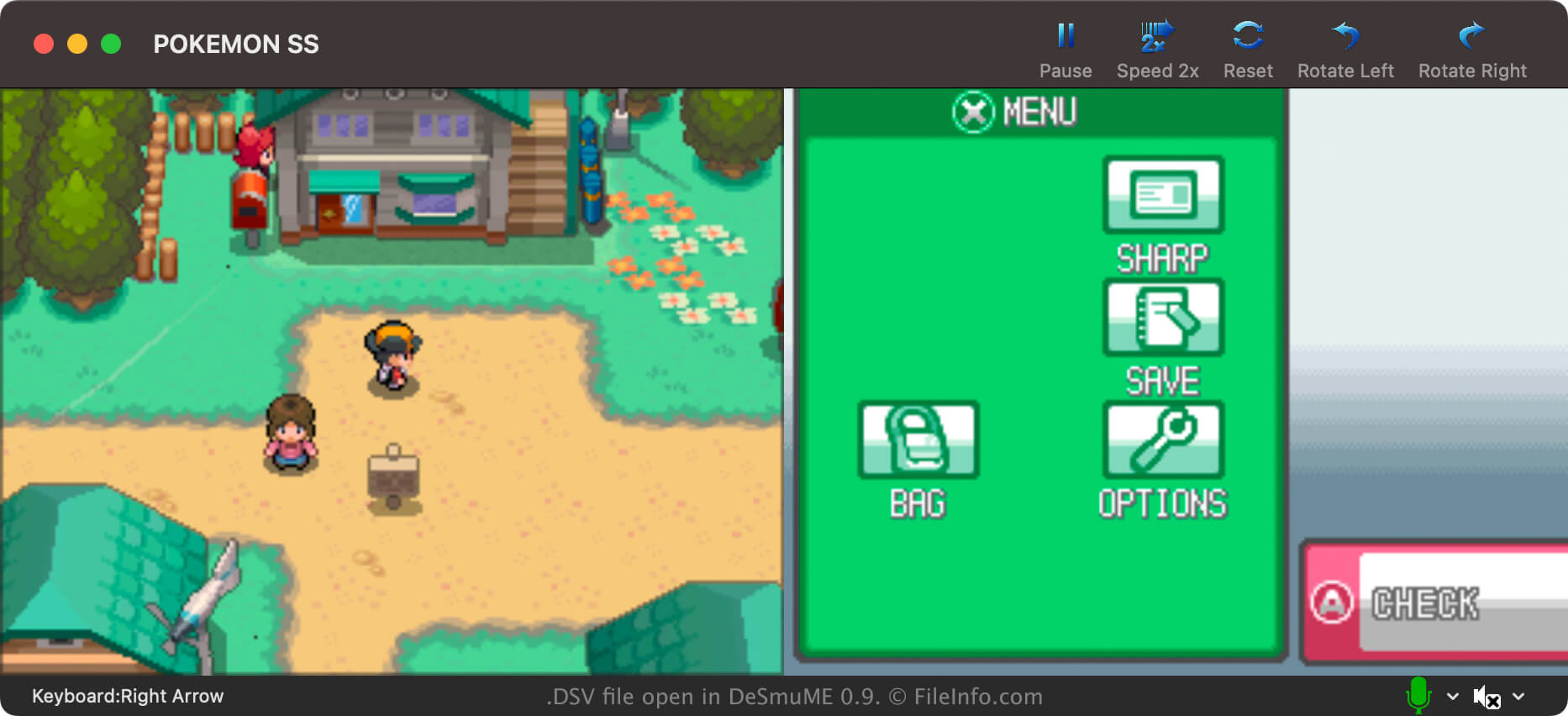
DeSmuMEで開いた.dsvファイルのスクリーンショット
DeSmuMEで開いたDSVファイル

DeSmuMe is an open-source Nintendo DS emulator available for Windows, macOS, and Linux. It allows players to play DS games on their PCs.

In most cases, DeSmuME players save their game progress in .DST files. Players can conveniently create these save state files from DeSmuME's own menu at any point during gameplay. This allows players to save their progress at any time, not just at in-game save points.

However, DeSmuME players can also save their game progress in DSV files. Unlike DST files, DSV files store a player's progress only up to their last in-game save. Primarily, players save their progress as DSV files to make it easier to transfer that progress to another Nintendo DS emulator. The DSV format is nearly identical to the SAV format, which many other emulators use.

How to create a DSV file in DeSmuME

To save your game progress as a DSV file in DeSmuME, select File → Export ROM Save File.... Remember, your DSV file will contain only your progress up to your last in-game save.

DSVファイルの開き方

You can open a DSV file with DeSmuME. To do so:

  1. Load the game ROM (likely an .NDS file) from which your DSV file was created.
  2. From DeSmuME's menu, select File → Import ROM Save File....
  3. Navigate to and open your DSV file.

DSVファイルの変換方法

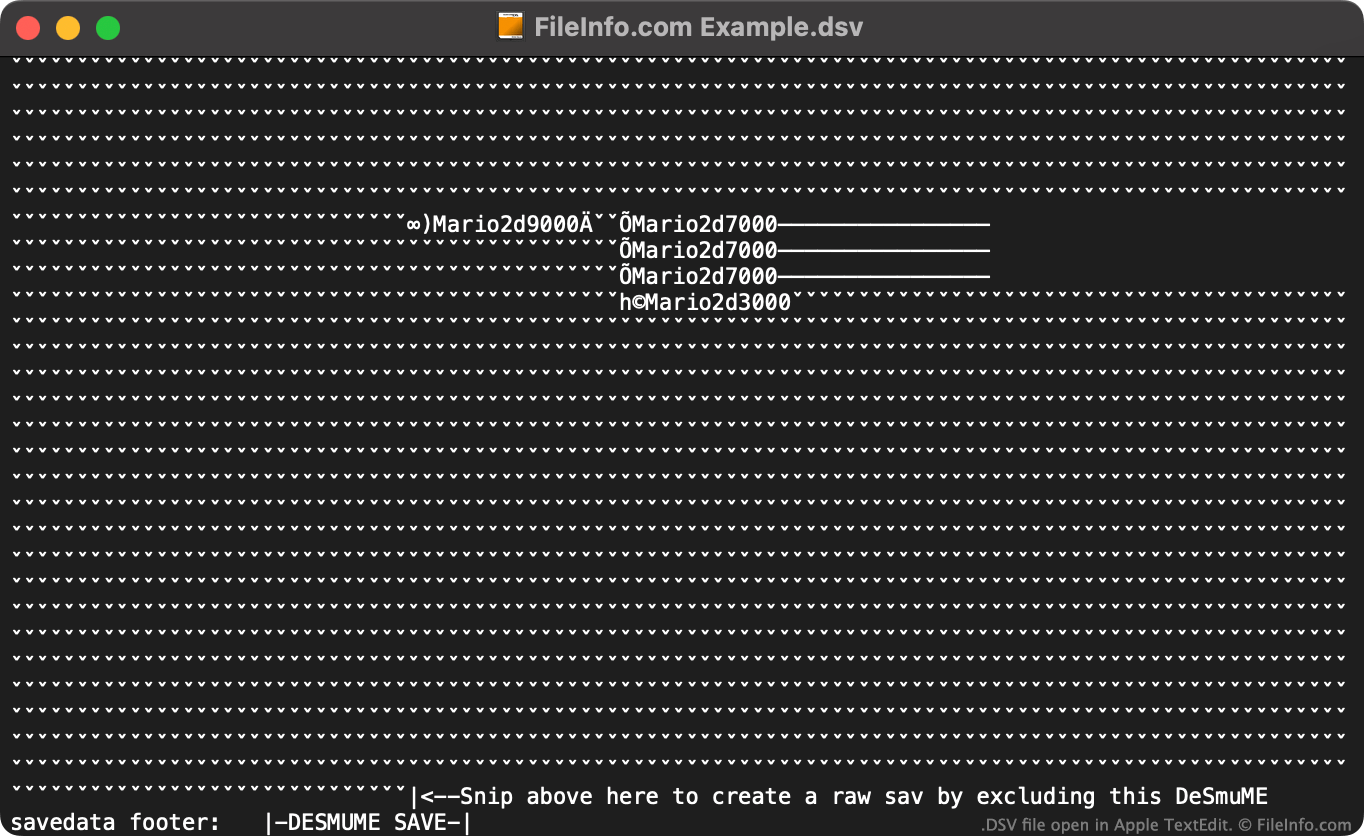
DSV file open in Apple TextEdit

You can use the online DeSmuME Save Converter to convert DSV files to the .SAV format, for use with other Nintendo DS emulators.

If you don't want to use the online DeSmuME Save Converter, you can manually convert a DSV file to a SAV file by:

  1. Opening the DSV file in a text editor.
  2. Deleting the file's DeSmuME-specific footer (using the instructions specified at the end of the file).
  3. Renaming the file to use the .sav extension.

Then, you can use your new SAV file with any Nintendo DS emulator that supports the SAV format.

File Viewer Plusで400種類以上のファイル形式を開けます。無料ダウンロード

DSVファイルを開くプログラム

Windows
無料
Mac
無料
Linux
無料
カテゴリ: ゲーム
更新日: 2023-07-19

DAZ Studio UV Mapping File

開発元 DAZ Productions
人気度
4.3  |  4 
 

File created by DAZ Studio, a 3D character modeling application; contains UV map data for objects in the scene; referenced by the .DAZ 3D scene file and used with .DSO and .DSD files to comprise the scene.

詳細情報

注: UV mapping is the process by which textures, or 2D graphics, are projected onto 3D surfaces. This process is used when applying graphics to skeletal meshes so that figures take on the appearance of a painted solid surface.

DSVファイルを開く、または参照するプログラム

Windows
カテゴリ: 3D画像
更新日: 2012-02-28

Delimiter-Separated Values File

開発元 不明
人気度
3.0  |  2 
 

A DSV file is a delimiter-separated values file, which contains a plain text data set divided into "columns" and "rows." Columns are defined using a comma, tab, semi-colon, or other delimiting special character. Rows are defined using newlines. DSV files are more commonly saved as .CSV (Comma-Separated Values) or .TSV (Tab-Separated Values) files.

詳細情報

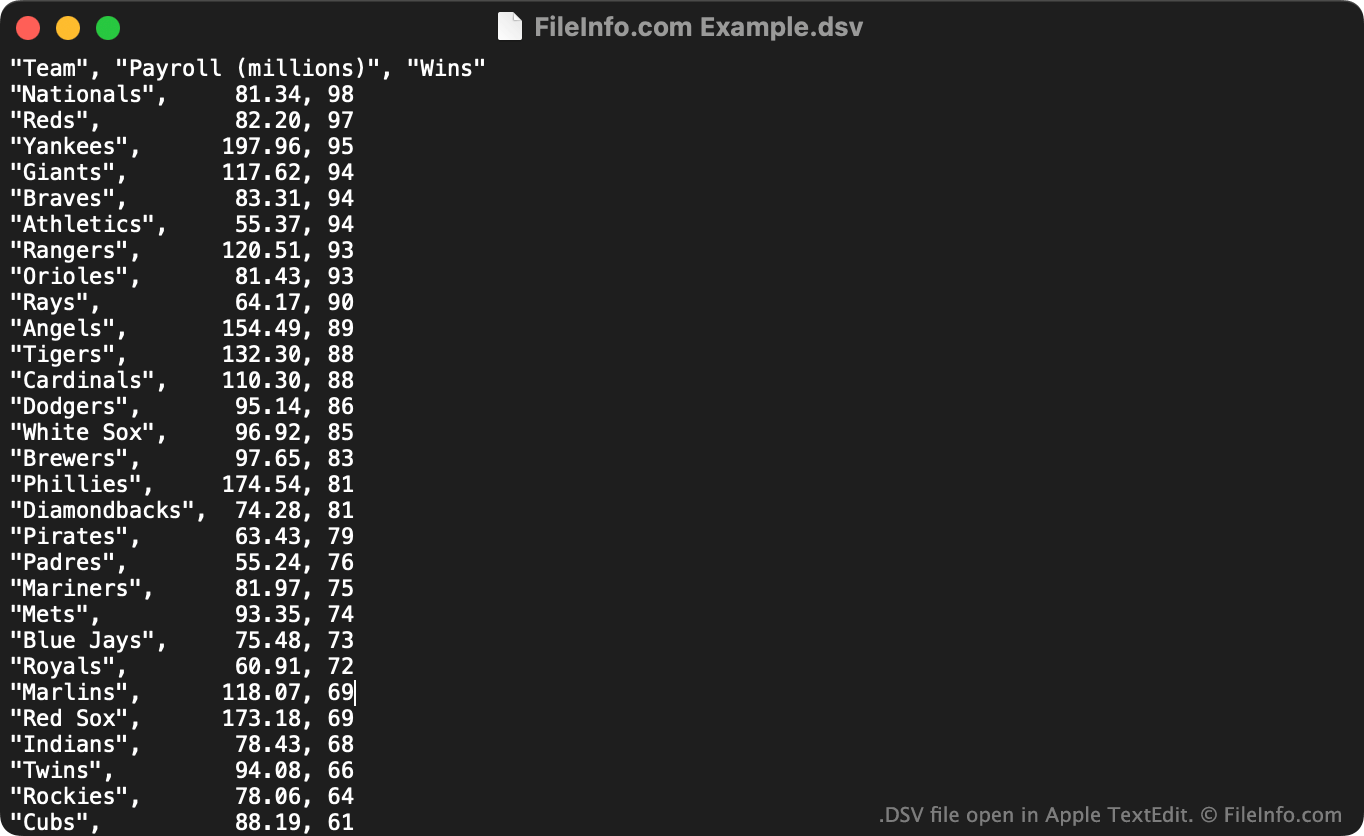
Apple TextEditで開いた.dsvファイルのスクリーンショット
Apple TextEditで開いたDSVファイル

DSV files are useful for saving large, tabular data sets in a plain text format. Any user can open a DSV file in a text editor to view the data set it contains. More commonly, users import DSV files into spreadsheet and statistic programs, to view the data they contain in a more intelligible format.

The first line in a DSV file typically defines the data included in each of the data set's columns. For example, the first line of a DSV file might read "Date","Vendor","Amount Paid". The next line (and following lines) typically list values associated with those columns, such as "October 29 2012","FileInfo.com","$5,125".

Unlike CSV and TSV files, which respectively always contain comma-separated and tab-separated values, DSV files can contain data separated by any sort of special character. Some common examples include colons (:), semi-colons (;), and pipes (|). However, most DSV files use commas or tabs as their delimiting character.

DSVファイルの開き方

You can open a DSV file and view the text it contains in any text editor, such as Microsoft Notepad (Windows) or Apple TextEdit (Mac).

If your DSV file contains comma-separated values or tab-separated values, you can also open it in Microsoft Excel (multiplatform), Apple Numbers (Mac), LibreOffice Calc (multiplatform), and other spreadsheet programs. To do so, you must change the file's extension from .dsv to .csv or .tsv. Then, you can open the file as you would any CSV or TSV file.

DSVファイルを開くプログラム

Windows
無料
Mac
OSに同梱
無料
Linux
無料
無料
Chrome OS
カテゴリ: データ
更新日: 2022-07-14

検証者 FileInfo.com

FileInfo.comチーム は、このページに掲載されているすべてのファイル形式とソフトウェアについて独自に調査しました。 私たちの目標は100%の正確性であり、検証済みのファイルタイプに関する情報のみを公開しています。

このページへの追加や更新をご提案いただける場合は、お知らせください。