

.DSV Dateiendung
DeSmuME-Spielstand
| Entwickler | DeSmuME |
| Beliebtheit |
4,4 | 17 Stimmen |
Was ist eine DSV-Datei?
Eine DSV-Datei ist ein gespeicherter Spielstand, der von DeSmuME, einem Nintendo-DS-Emulator, erstellt wurde. Sie speichert den Spielfortschritt bis zu dem Zeitpunkt, an dem der Spieler zuletzt die -Funktion eines Spiels verwendet hat. DSV-Dateien sind identisch mit .SAV-Dateien, enthalten jedoch einen DeSmuME-spezifischen Footer.
Weitere Informationen
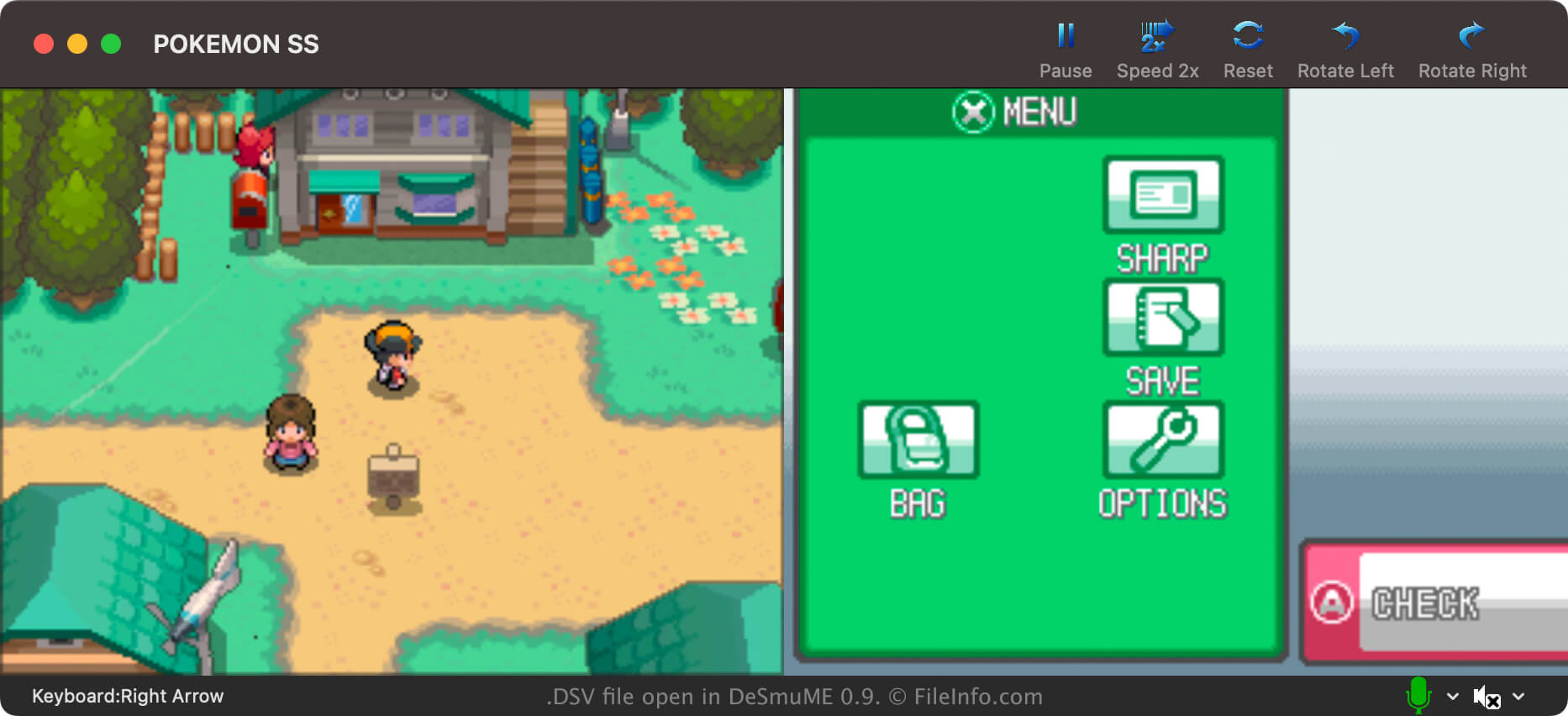
DeSmuMe ist ein quelloffener Nintendo-DS-Emulator, der für Windows, macOS und Linux verfügbar ist. Er ermöglicht es Spielern, DS-Spiele auf ihren PCs zu spielen.
In den meisten Fällen speichern DeSmuME-Spieler ihren Spielfortschritt in .DST-Dateien. Spieler können diese Dateien mit gespeicherten Spielständen jederzeit während des Spiels bequem über das eigene Menü von DeSmuME erstellen. So können Spieler ihren Fortschritt jederzeit speichern, nicht nur an Speicherpunkten im Spiel.
DeSmuME-Spieler können ihren Spielfortschritt jedoch auch in DSV-Dateien speichern. Im Gegensatz zu DST-Dateien speichern DSV-Dateien den Spielfortschritt nur bis zum letzten Speichervorgang im Spiel. Spieler speichern ihren Fortschritt hauptsächlich als DSV-Dateien, um ihn leichter auf einen anderen Nintendo-DS-Emulator übertragen zu können. Das DSV-Format ist nahezu identisch mit dem SAV-Format, das viele andere Emulatoren verwenden.
So erstellst du eine DSV-Datei in DeSmuME
Um deinen Spielfortschritt in DeSmuME als DSV-Datei zu speichern, wähle . Beachte, dass deine DSV-Datei nur den Fortschritt bis zu deinem letzten Speichervorgang im Spiel enthält.
So öffnen Sie eine DSV-Datei
So konvertieren Sie eine DSV-Datei
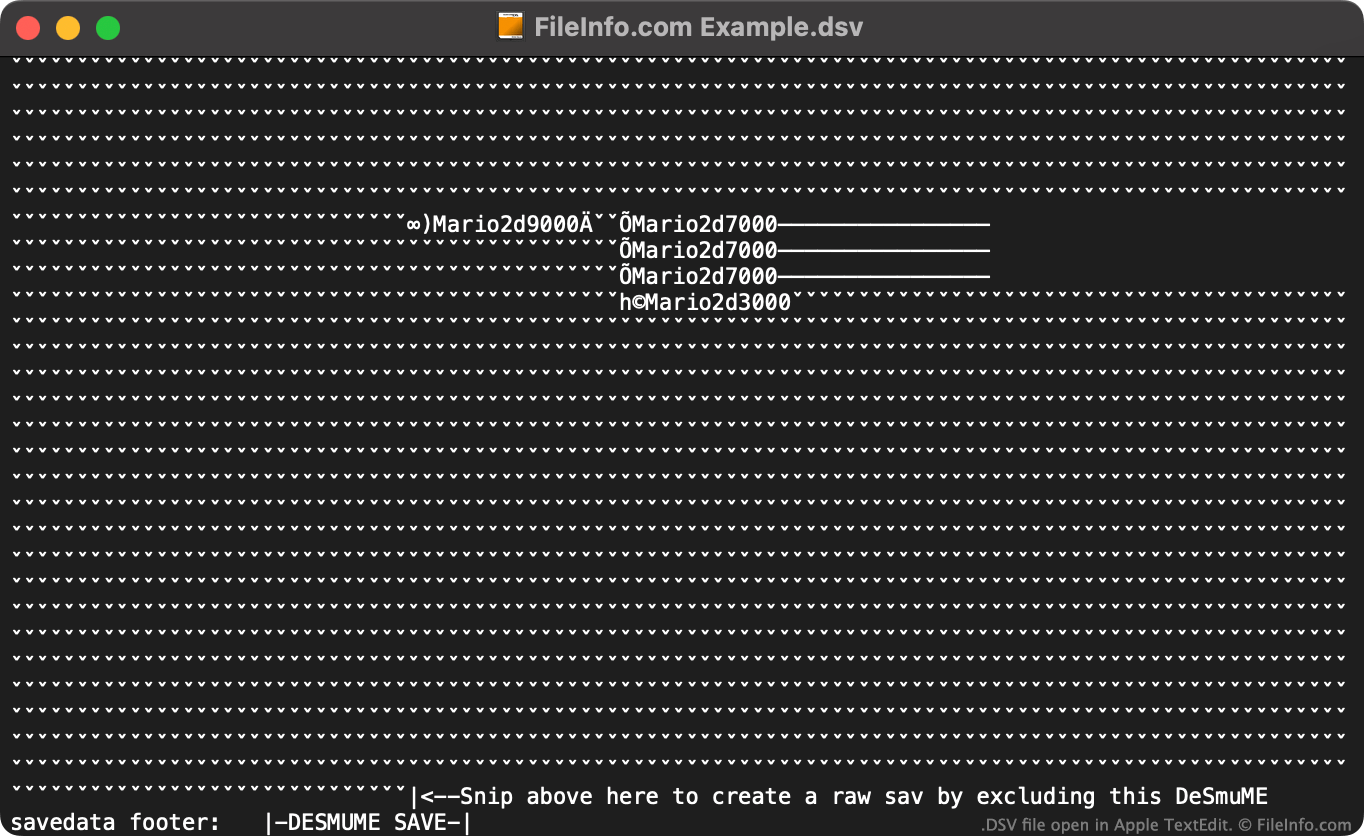
Du kannst den DeSmuME Save Converter online verwenden, um DSV-Dateien in das .SAV-Format zu konvertieren und sie mit anderen Nintendo-DS-Emulatoren zu verwenden.
Wenn du den Online-Konverter DeSmuME Save Converter nicht verwenden möchtest, kannst du eine DSV-Datei manuell in eine SAV-Datei konvertieren, indem du:
- die DSV-Datei in einem Texteditor öffnest.
- den DeSmuME-spezifischen Footer der Datei löschst (mithilfe der am Ende der Datei angegebenen Anweisungen).
- die Datei umbenennst, sodass sie die Erweiterung .sav verwendet.
Anschließend kannst du deine neue SAV-Datei mit jedem Nintendo-DS-Emulator verwenden, der das SAV-Format unterstützt.
Programme, die .DSV-Dateien öffnen
Datei mit durch Trennzeichen getrennten Werten
| Entwickler | k. A. |
| Beliebtheit |
3,0 | 2 Stimmen |
Eine DSV-Datei ist eine Datei mit durch Trennzeichen getrennten Werten. Sie enthält einen Klartext-Datensatz, der in „Spalten“ und „Zeilen“ unterteilt ist. Spalten werden mithilfe eines Kommas, Tabulators, Semikolons oder eines anderen speziellen Trennzeichens definiert. Zeilen werden durch Zeilenumbrüche definiert. DSV-Dateien werden häufiger als .CSV-Dateien (durch Kommas getrennte Werte) oder .TSV-Dateien (durch Tabulatoren getrennte Werte) gespeichert.
Weitere Informationen
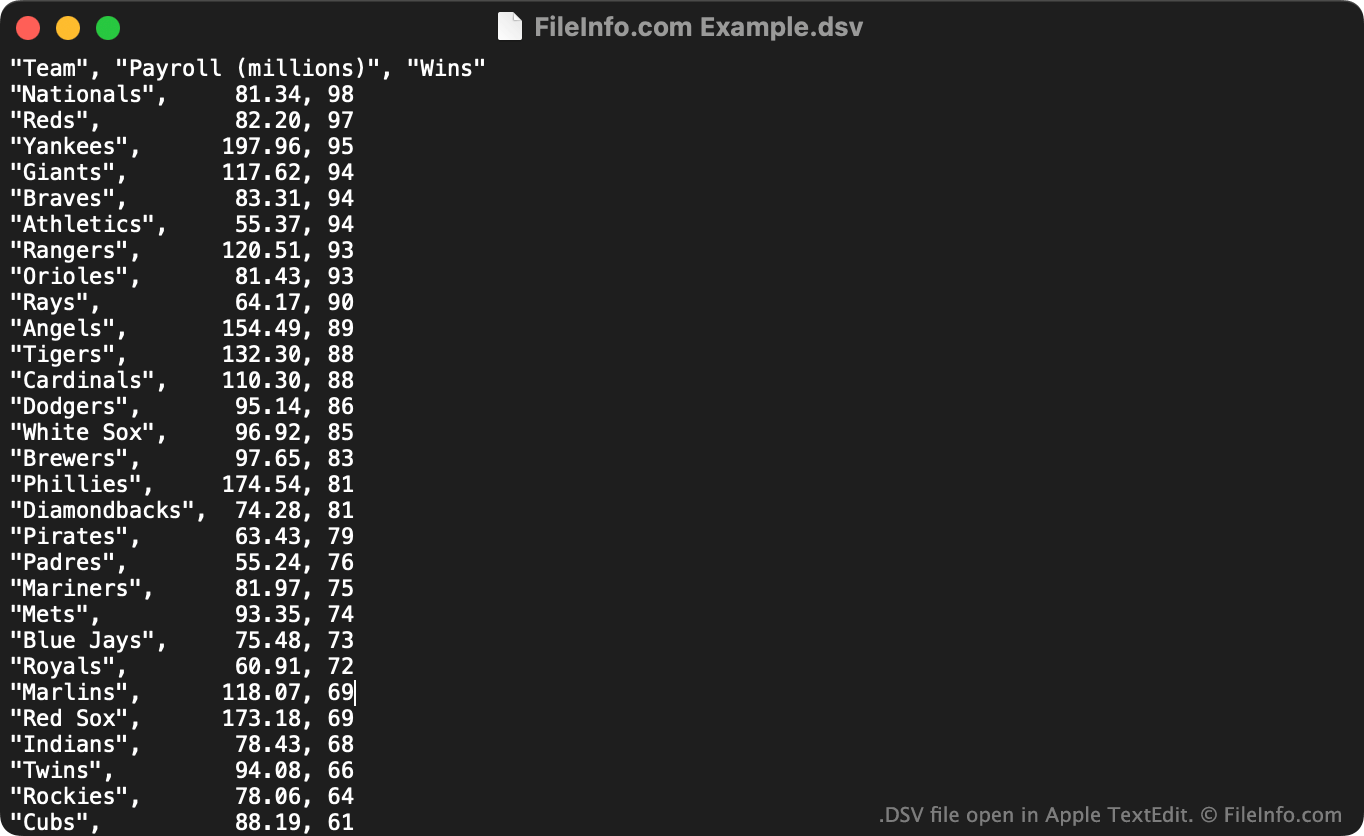
DSV-Dateien eignen sich zum Speichern großer tabellarischer Datensätze im Klartextformat. Jeder Benutzer kann eine DSV-Datei in einem Texteditor öffnen, um den darin enthaltenen Datensatz anzuzeigen. Häufiger importieren Benutzer DSV-Dateien in Tabellenkalkulations- und Statistikprogramme, um die darin enthaltenen Daten in einem besser verständlichen Format anzuzeigen.
Die erste Zeile einer DSV-Datei definiert normalerweise die Daten, die in den einzelnen Spalten des Datensatzes enthalten sind. Beispielsweise könnte die erste Zeile einer DSV-Datei "Date","Vendor","Amount Paid" lauten. Die nächste Zeile (und die folgenden Zeilen) enthält normalerweise Werte, die diesen Spalten zugeordnet sind, etwa "October 29 2012","FileInfo.com","$5,125".
Im Gegensatz zu CSV- und TSV-Dateien, die jeweils immer durch Kommas beziehungsweise Tabulatoren getrennte Werte enthalten, können DSV-Dateien Daten enthalten, die durch jede Art von Sonderzeichen getrennt sind. Häufige Beispiele sind Doppelpunkte (:), Semikolons (;) und senkrechte Striche (|). Die meisten DSV-Dateien verwenden jedoch Kommas oder Tabulatoren als Trennzeichen.
So öffnen Sie eine DSV-Datei
Sie können eine DSV-Datei in jedem Texteditor öffnen und den darin enthaltenen Text anzeigen, beispielsweise in Microsoft Notepad (Windows) oder Apple TextEdit (Mac).
Wenn Ihre DSV-Datei durch Kommas oder Tabulatoren getrennte Werte enthält, können Sie sie auch in Microsoft Excel (mehrere Plattformen), Apple Numbers (Mac), LibreOffice Calc (mehrere Plattformen) und anderen Tabellenkalkulationsprogrammen öffnen. Dazu müssen Sie die Dateierweiterung von .dsv in .csv oder .tsv ändern. Anschließend können Sie die Datei wie jede andere CSV- oder TSV-Datei öffnen.