

.DSV Extension de fichier
Sauvegarde de jeu DeSmuME
| Développeur | DeSmuME |
| Popularité |
4,4 | 17 Votes |
Qu'est-ce qu'un fichier DSV ?
Un fichier DSV est une sauvegarde de jeu créée par DeSmuME, un émulateur Nintendo DS. Il stocke la progression d'un joueur jusqu'à la dernière fois où celui-ci a utilisé la fonction du jeu. Les fichiers DSV sont identiques aux fichiers .SAV, sauf qu'ils contiennent un pied de page spécifique à DeSmuME.
Plus d'informations
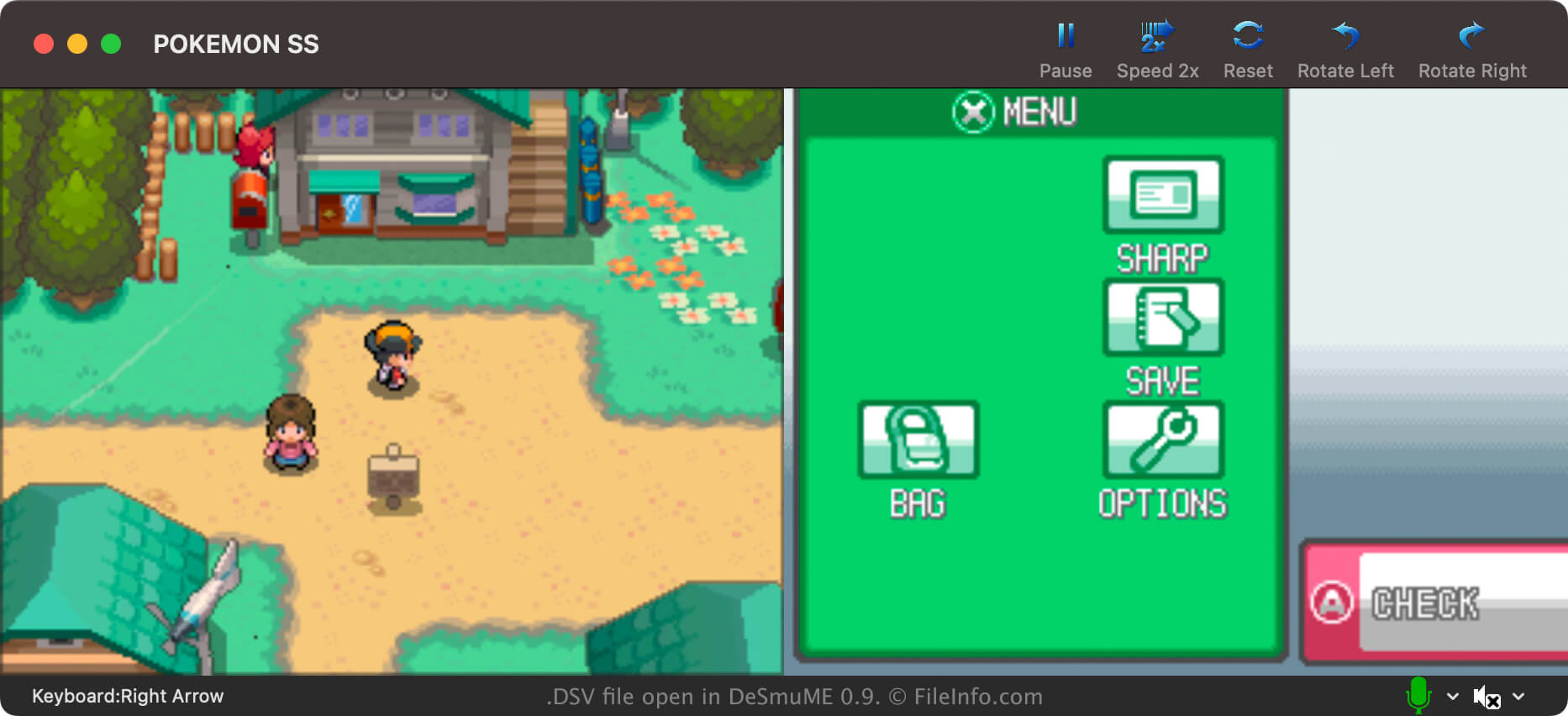
DeSmuMe est un émulateur Nintendo DS open source disponible pour Windows, macOS et Linux. Il permet aux joueurs de jouer à des jeux DS sur leur PC.
Dans la plupart des cas, les joueurs de DeSmuME enregistrent leur progression dans des fichiers .DST. Ils peuvent facilement créer ces fichiers de sauvegarde d'état à partir du propre menu de DeSmuME, à tout moment pendant le jeu. Cela leur permet d'enregistrer leur progression à tout moment, et pas seulement aux points de sauvegarde du jeu.
Cependant, les joueurs de DeSmuME peuvent également enregistrer leur progression dans des fichiers DSV. Contrairement aux fichiers DST, les fichiers DSV stockent la progression d'un joueur uniquement jusqu'à sa dernière sauvegarde dans le jeu. Les joueurs enregistrent principalement leur progression sous forme de fichiers DSV afin de faciliter le transfert de cette progression vers un autre émulateur Nintendo DS. Le format DSV est presque identique au format SAV, utilisé par de nombreux autres émulateurs.
Comment créer un fichier DSV dans DeSmuME
Pour enregistrer votre progression sous forme de fichier DSV dans DeSmuME, sélectionnez . N'oubliez pas que votre fichier DSV contiendra uniquement votre progression jusqu'à votre dernière sauvegarde dans le jeu.
Comment ouvrir un fichier DSV
Comment convertir un fichier DSV
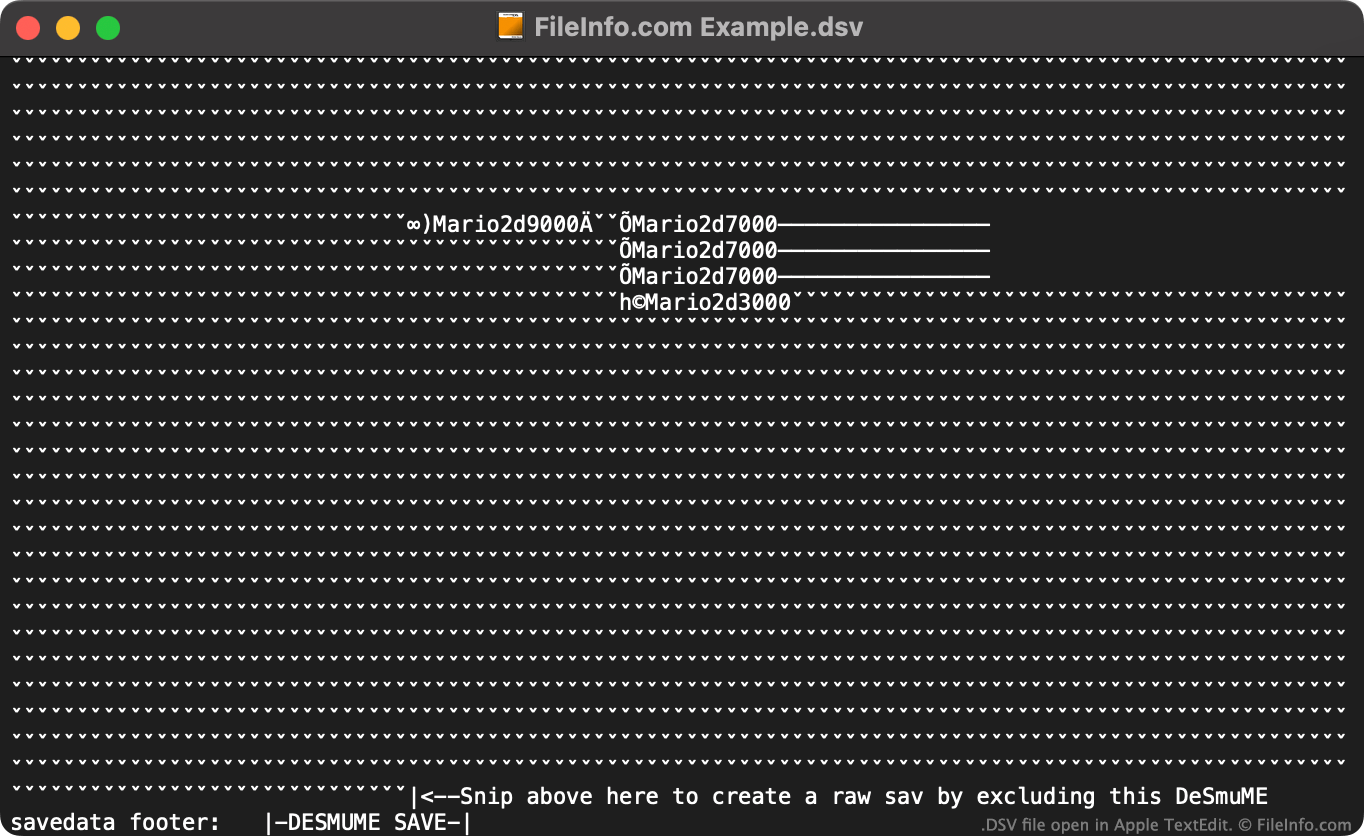
Vous pouvez utiliser le DeSmuME Save Converter en ligne pour convertir des fichiers DSV au format .SAV, afin de les utiliser avec d'autres émulateurs Nintendo DS.
Si vous ne souhaitez pas utiliser le DeSmuME Save Converter en ligne, vous pouvez convertir manuellement un fichier DSV en fichier SAV en :
- Ouvrant le fichier DSV dans un éditeur de texte.
- Supprimant le pied de page spécifique à DeSmuME du fichier, en suivant les instructions indiquées à la fin du fichier.
- Renommant le fichier pour utiliser l'extension .sav.
Vous pouvez ensuite utiliser votre nouveau fichier SAV avec tout émulateur Nintendo DS prenant en charge le format SAV.
Programmes qui ouvrent les fichiers DSV
Fichier de valeurs séparées par des délimiteurs
| Développeur | N/D |
| Popularité |
3,0 | 2 Votes |
Un fichier DSV est un fichier de valeurs séparées par des délimiteurs, qui contient un ensemble de données en texte brut divisé en « colonnes » et « lignes ». Les colonnes sont définies à l'aide d'une virgule, d'une tabulation, d'un point-virgule ou d'un autre caractère spécial servant de délimiteur. Les lignes sont définies par des retours à la ligne. Les fichiers DSV sont plus souvent enregistrés en tant que fichiers .CSV (valeurs séparées par des virgules) ou .TSV (valeurs séparées par des tabulations).
Plus d'informations
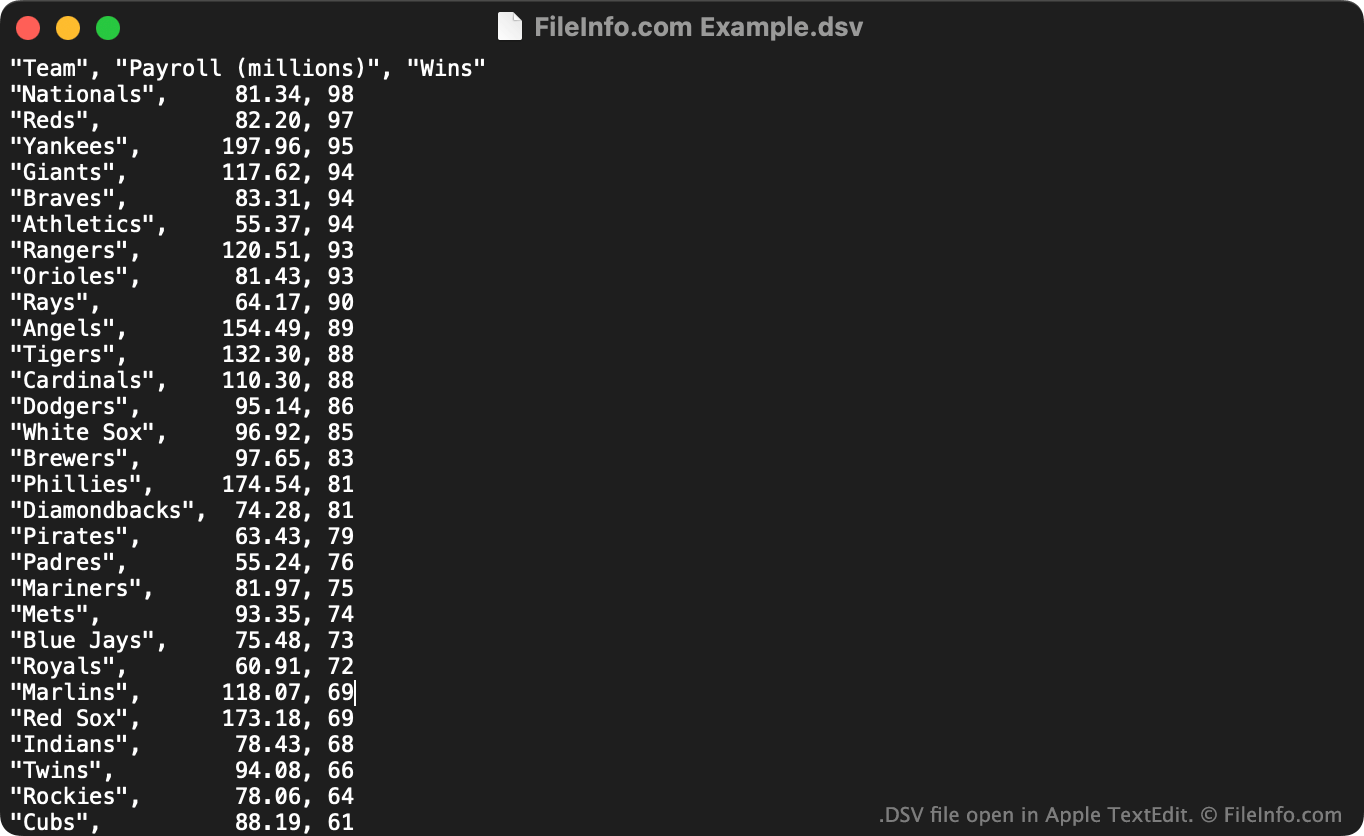
Les fichiers DSV sont utiles pour enregistrer de grands ensembles de données tabulaires dans un format en texte brut. Tout utilisateur peut ouvrir un fichier DSV dans un éditeur de texte pour afficher l'ensemble de données qu'il contient. Plus couramment, les utilisateurs importent les fichiers DSV dans des tableurs et des logiciels de statistique afin d'afficher les données qu'ils contiennent dans un format plus compréhensible.
La première ligne d'un fichier DSV définit généralement les données incluses dans chacune des colonnes de l'ensemble de données. Par exemple, la première ligne d'un fichier DSV peut être "Date","Vendor","Amount Paid". La ligne suivante (ainsi que les lignes suivantes) répertorie généralement les valeurs associées à ces colonnes, comme "October 29 2012","FileInfo.com","$5,125".
Contrairement aux fichiers CSV et TSV, qui contiennent toujours respectivement des valeurs séparées par des virgules et des valeurs séparées par des tabulations, les fichiers DSV peuvent contenir des données séparées par n'importe quel type de caractère spécial. Parmi les exemples courants figurent les deux-points (:), les points-virgules (;) et les barres verticales (|). Toutefois, la plupart des fichiers DSV utilisent des virgules ou des tabulations comme caractères de séparation.
Comment ouvrir un fichier DSV
Vous pouvez ouvrir un fichier DSV et afficher le texte qu'il contient dans n'importe quel éditeur de texte, comme Microsoft Notepad (Windows) ou Apple TextEdit (Mac).
Si votre fichier DSV contient des valeurs séparées par des virgules ou des valeurs séparées par des tabulations, vous pouvez également l'ouvrir dans Microsoft Excel (multiplateforme), Apple Numbers (Mac), LibreOffice Calc (multiplateforme) et d'autres tableurs. Pour ce faire, vous devez modifier l'extension du fichier de .dsv en .csv ou .tsv. Vous pouvez ensuite ouvrir le fichier comme n'importe quel fichier CSV ou TSV.