

.DSV Přípona souboru
Uložená hra DeSmuME
| Vývojář | DeSmuME |
| Popularita |
4,4 | 17 hlasů |
Co je soubor DSV?
Soubor DSV je uložená hra vytvořená emulátorem DeSmuME pro Nintendo DS, což je emulátor. Ukládá postup hráče až do posledního použití funkce ve hře. Soubory DSV jsou totožné se soubory .SAV, s výjimkou toho, že obsahují zápatí specifické pro DeSmuME.
Další informace
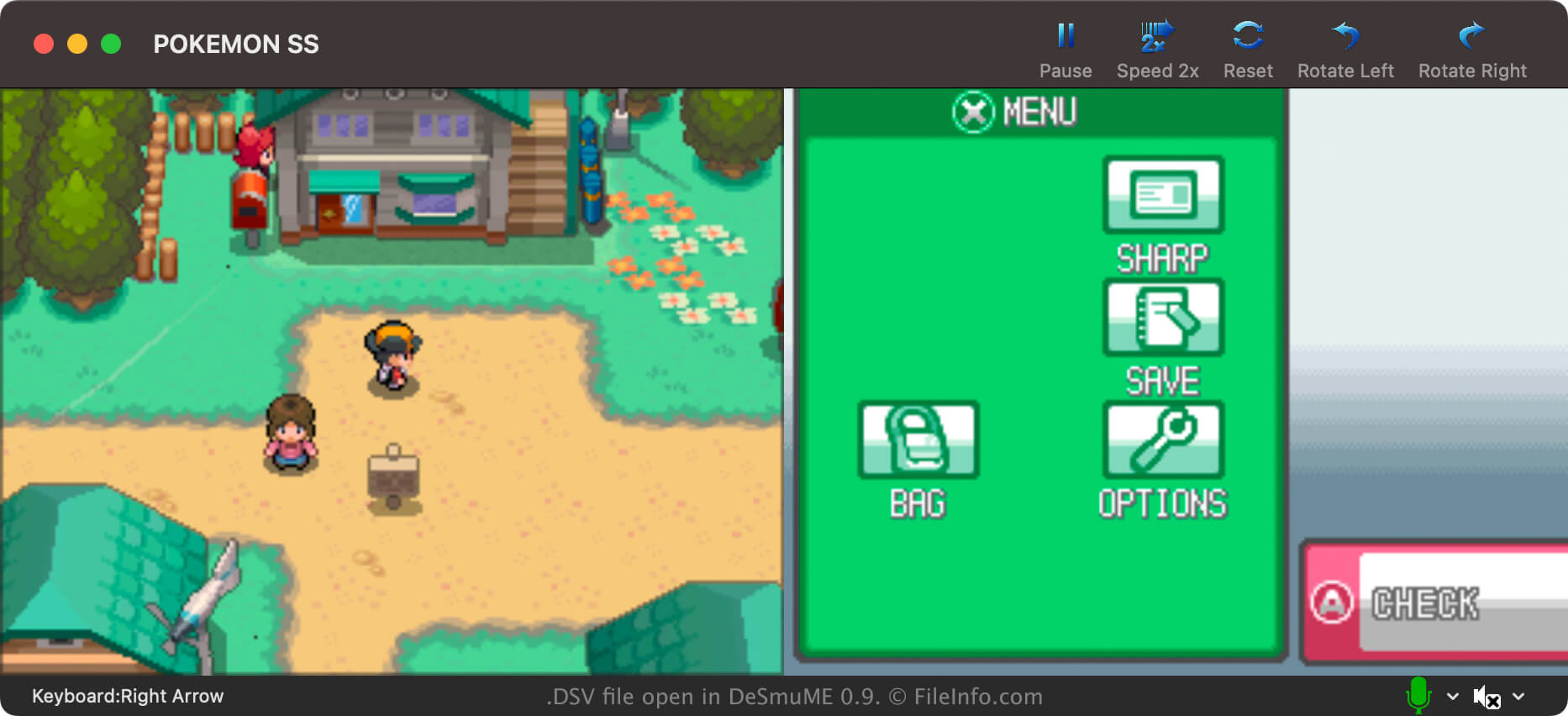
DeSmuME je open-source emulátor Nintendo DS dostupný pro Windows, macOS a Linux. Umožňuje hráčům hrát hry pro DS na počítačích.
Ve většině případů hráči DeSmuME ukládají postup ve hře do souborů .DST. Hráči mohou tyto soubory se stavem hry pohodlně vytvářet z vlastní nabídky DeSmuME kdykoli během hraní. Díky tomu mohou svůj postup uložit kdykoli, nejen v místech, kde lze ve hře ukládat.
Hráči DeSmuME však mohou svůj postup ve hře ukládat také do souborů DSV. Na rozdíl od souborů DST ukládají soubory DSV postup hráče pouze do posledního uložení ve hře. Hráči ukládají svůj postup jako soubory DSV především proto, aby jej mohli snadněji přenést do jiného emulátoru Nintendo DS. Formát DSV je téměř totožný s formátem SAV, který používá mnoho jiných emulátorů.
Jak vytvořit soubor DSV v DeSmuME
Chcete-li v DeSmuME uložit postup ve hře jako soubor DSV, vyberte . Nezapomeňte, že soubor DSV bude obsahovat pouze postup do posledního uložení ve hře.
Jak otevřít soubor DSV
Jak převést soubor DSV
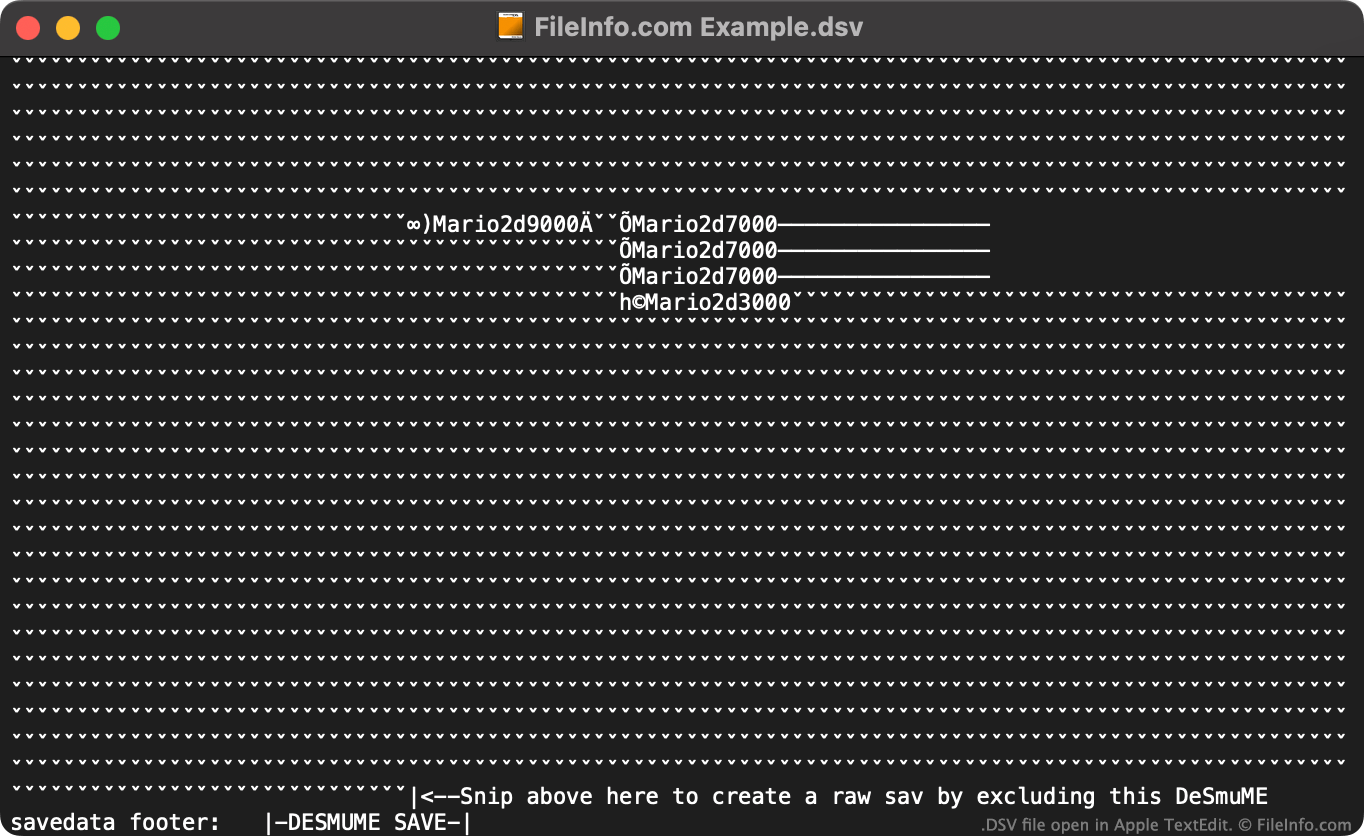
Pomocí online nástroje DeSmuME Save Converter můžete převést soubory DSV do formátu .SAV a použít je s jinými emulátory Nintendo DS.
Pokud nechcete použít online nástroj DeSmuME Save Converter, můžete soubor DSV ručně převést na soubor SAV takto:
- Otevřete soubor DSV v textovém editoru.
- Odstraňte zápatí souboru specifické pro DeSmuME (podle pokynů uvedených na konci souboru).
- Přejmenujte soubor tak, aby používal příponu .sav.
Nový soubor SAV pak můžete použít s libovolným emulátorem Nintendo DS, který podporuje formát SAV.
Programy, které otevírají soubory DSV
Soubor hodnot oddělených oddělovači
| Vývojář | Neuvedeno |
| Popularita |
3,0 | 2 hlasy |
DSV soubor je soubor hodnot oddělených oddělovači, který obsahuje datovou sadu ve formátu prostého textu rozdělenou na „sloupce“ a „řádky“. Sloupce jsou definovány pomocí čárky, tabulátoru, středníku nebo jiného speciálního znaku sloužícího jako oddělovač. Řádky jsou definovány pomocí nových řádků. Soubory DSV se častěji ukládají jako soubory .CSV (hodnoty oddělené čárkou) nebo .TSV (hodnoty oddělené tabulátory).
Další informace
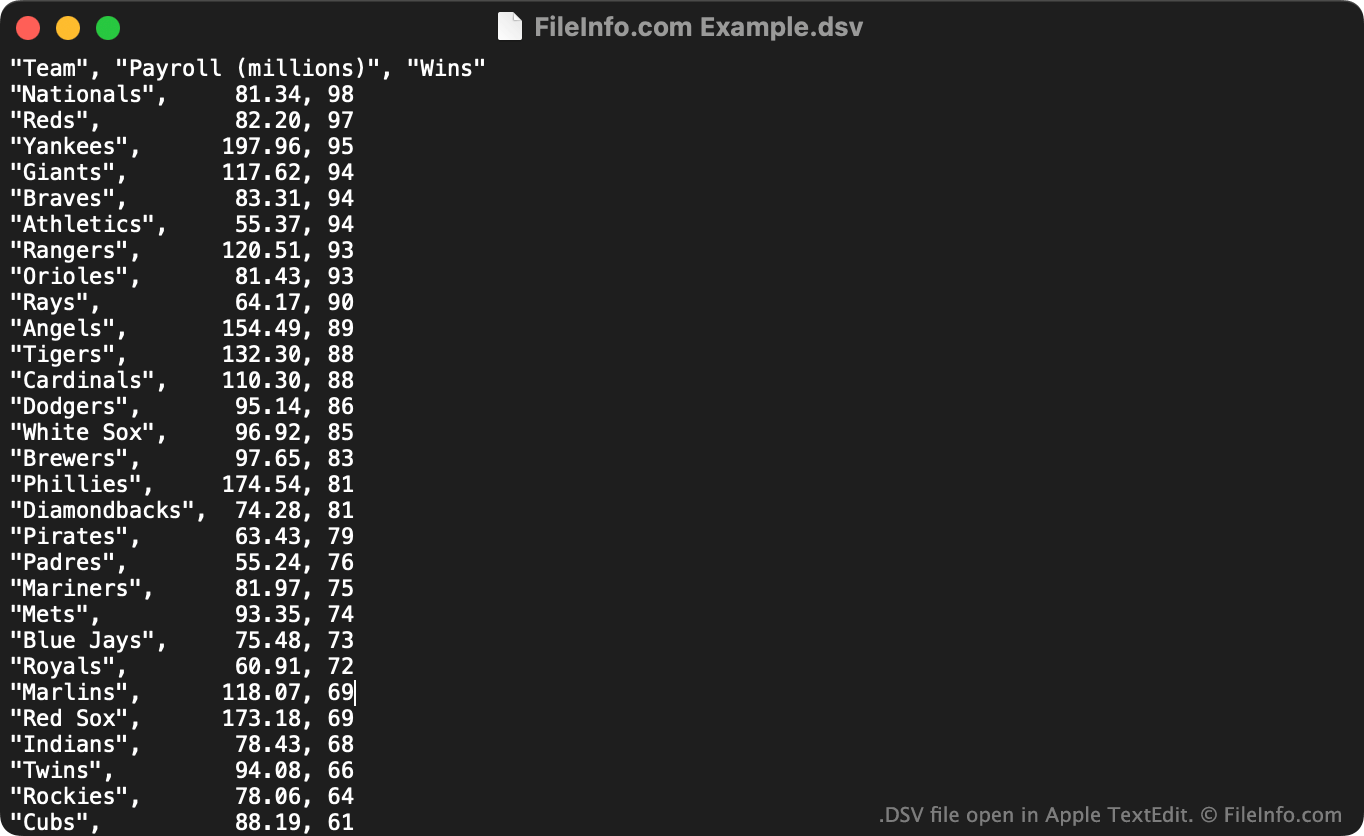
DSV soubory jsou užitečné pro ukládání velkých tabulkových datových sad ve formátu prostého textu. DSV soubor může otevřít v textovém editoru každý uživatel a zobrazit si datovou sadu, kterou obsahuje. Častěji uživatelé importují DSV soubory do tabulkových a statistických programů, aby si data, která obsahují, zobrazili v srozumitelnějším formátu.
První řádek v souboru DSV obvykle definuje data obsažená v jednotlivých sloupcích datové sady. Například první řádek souboru DSV může obsahovat "Date","Vendor","Amount Paid". Následující řádek (a další řádky) obvykle uvádějí hodnoty související s těmito sloupci, například "October 29 2012","FileInfo.com","$5,125".
Na rozdíl od souborů CSV a TSV, které vždy obsahují hodnoty oddělené čárkami, respektive tabulátory, mohou soubory DSV obsahovat data oddělená jakýmkoli speciálním znakem. Mezi běžné příklady patří dvojtečky (:), středníky (;) a svislé čáry (|). Většina souborů DSV však používá jako oddělovač čárky nebo tabulátory.
Jak otevřít soubor DSV
DSV soubor můžete otevřít a zobrazit text, který obsahuje, v libovolném textovém editoru, například v programu Microsoft Notepad (Windows) nebo Apple TextEdit (Mac).
Pokud váš DSV soubor obsahuje hodnoty oddělené čárkami nebo hodnoty oddělené tabulátory, můžete jej také otevřít v programech Microsoft Excel (pro více platforem), Apple Numbers (Mac), LibreOffice Calc (pro více platforem) a dalších tabulkových programech. Nejprve musíte změnit příponu souboru z .dsv na .csv nebo .tsv. Poté můžete soubor otevřít stejně jako jakýkoli soubor CSV nebo TSV.