.DSV 文件扩展名

DeSmuME Saved Game

开发者 DeSmuME
受欢迎程度
4.4  |  17 
 

什么是 DSV 文件?

A DSV file is a saved game created by DeSmuME, a Nintendo DS emulator. It stores a player's progress up to the last time they used a game's in-game Save feature. DSV files are identical to .SAV files, except that they contain a DeSmuME-specific footer.

更多信息

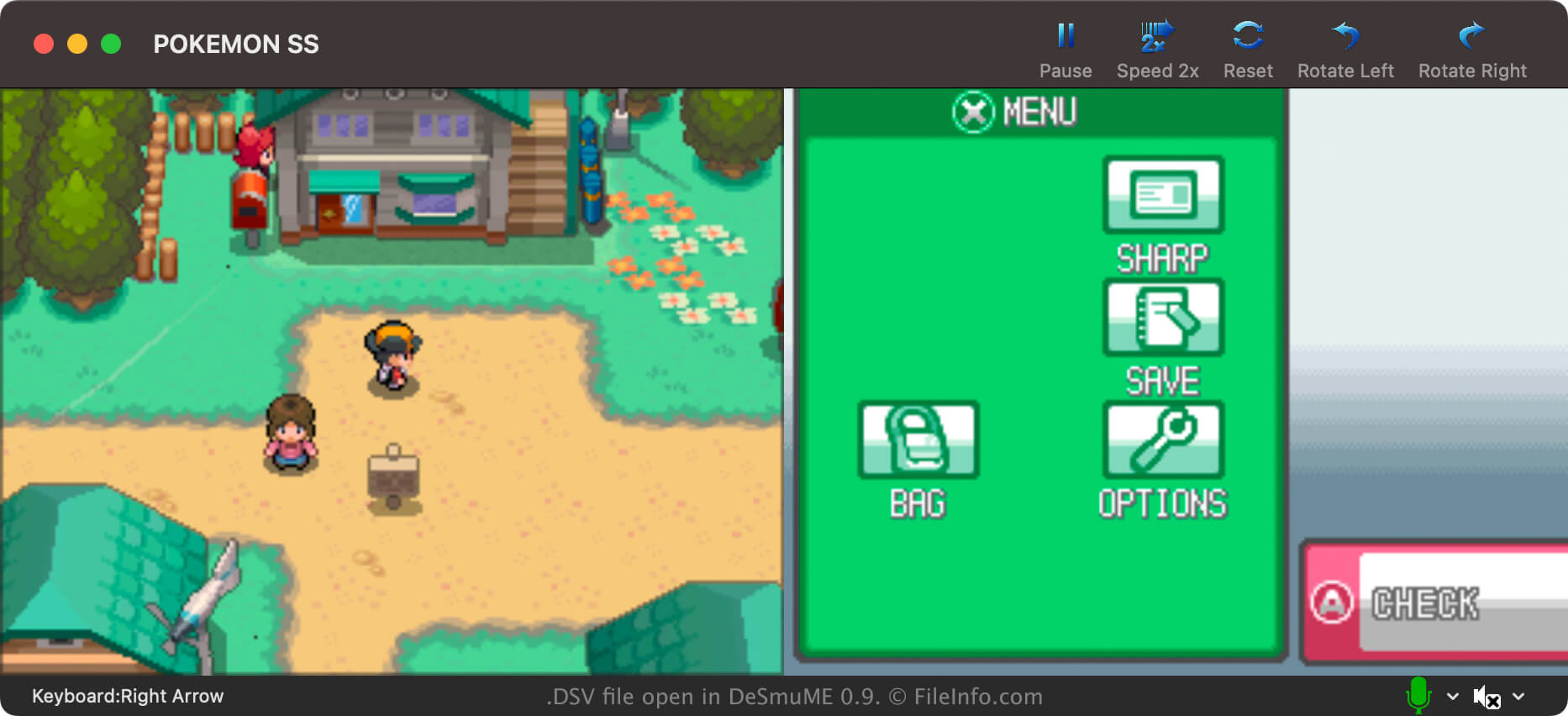
在 DeSmuME 中打开的 .dsv 文件截图
在 DeSmuME 中打开的 DSV 文件

DeSmuMe is an open-source Nintendo DS emulator available for Windows, macOS, and Linux. It allows players to play DS games on their PCs.

In most cases, DeSmuME players save their game progress in .DST files. Players can conveniently create these save state files from DeSmuME's own menu at any point during gameplay. This allows players to save their progress at any time, not just at in-game save points.

However, DeSmuME players can also save their game progress in DSV files. Unlike DST files, DSV files store a player's progress only up to their last in-game save. Primarily, players save their progress as DSV files to make it easier to transfer that progress to another Nintendo DS emulator. The DSV format is nearly identical to the SAV format, which many other emulators use.

How to create a DSV file in DeSmuME

To save your game progress as a DSV file in DeSmuME, select File → Export ROM Save File.... Remember, your DSV file will contain only your progress up to your last in-game save.

如何打开 DSV 文件

You can open a DSV file with DeSmuME. To do so:

  1. Load the game ROM (likely an .NDS file) from which your DSV file was created.
  2. From DeSmuME's menu, select File → Import ROM Save File....
  3. Navigate to and open your DSV file.

如何转换 DSV 文件

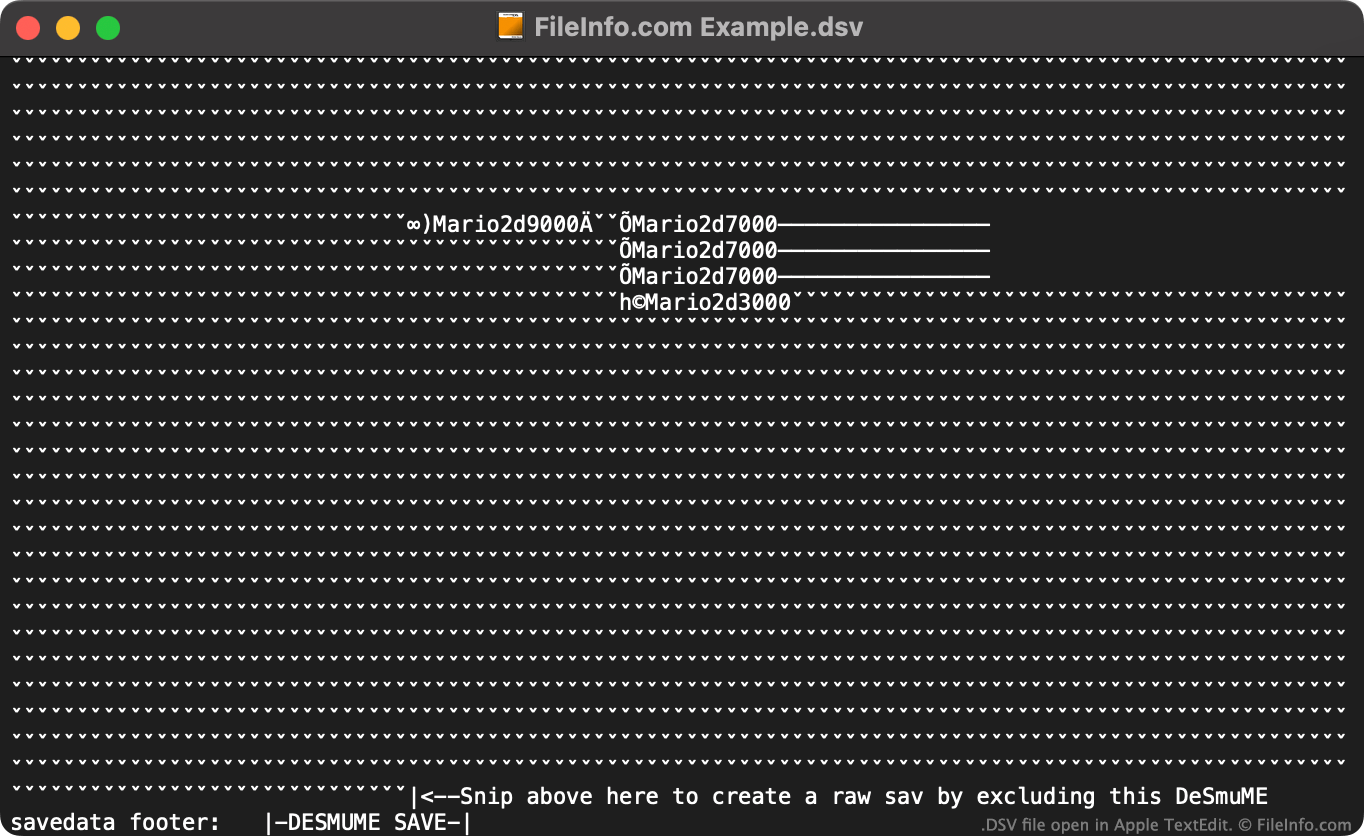
DSV file open in Apple TextEdit

You can use the online DeSmuME Save Converter to convert DSV files to the .SAV format, for use with other Nintendo DS emulators.

If you don't want to use the online DeSmuME Save Converter, you can manually convert a DSV file to a SAV file by:

  1. Opening the DSV file in a text editor.
  2. Deleting the file's DeSmuME-specific footer (using the instructions specified at the end of the file).
  3. Renaming the file to use the .sav extension.

Then, you can use your new SAV file with any Nintendo DS emulator that supports the SAV format.

使用File Viewer Plus打开 400 多种文件格式。免费下载

可打开 DSV 文件的程序

Windows
免费
Mac
免费
Linux
免费
分类: 游戏
更新时间: 2023-07-19

DAZ Studio UV Mapping File

开发者 DAZ Productions
受欢迎程度
4.3  |  4 
 

File created by DAZ Studio, a 3D character modeling application; contains UV map data for objects in the scene; referenced by the .DAZ 3D scene file and used with .DSO and .DSD files to comprise the scene.

更多信息

注: UV mapping is the process by which textures, or 2D graphics, are projected onto 3D surfaces. This process is used when applying graphics to skeletal meshes so that figures take on the appearance of a painted solid surface.

可打开或引用 DSV 文件的程序

Windows
分类: 3D 图像
更新时间: 2012-02-28

Delimiter-Separated Values File

开发者 不适用
受欢迎程度
3.0  |  2 
 

A DSV file is a delimiter-separated values file, which contains a plain text data set divided into "columns" and "rows." Columns are defined using a comma, tab, semi-colon, or other delimiting special character. Rows are defined using newlines. DSV files are more commonly saved as .CSV (Comma-Separated Values) or .TSV (Tab-Separated Values) files.

更多信息

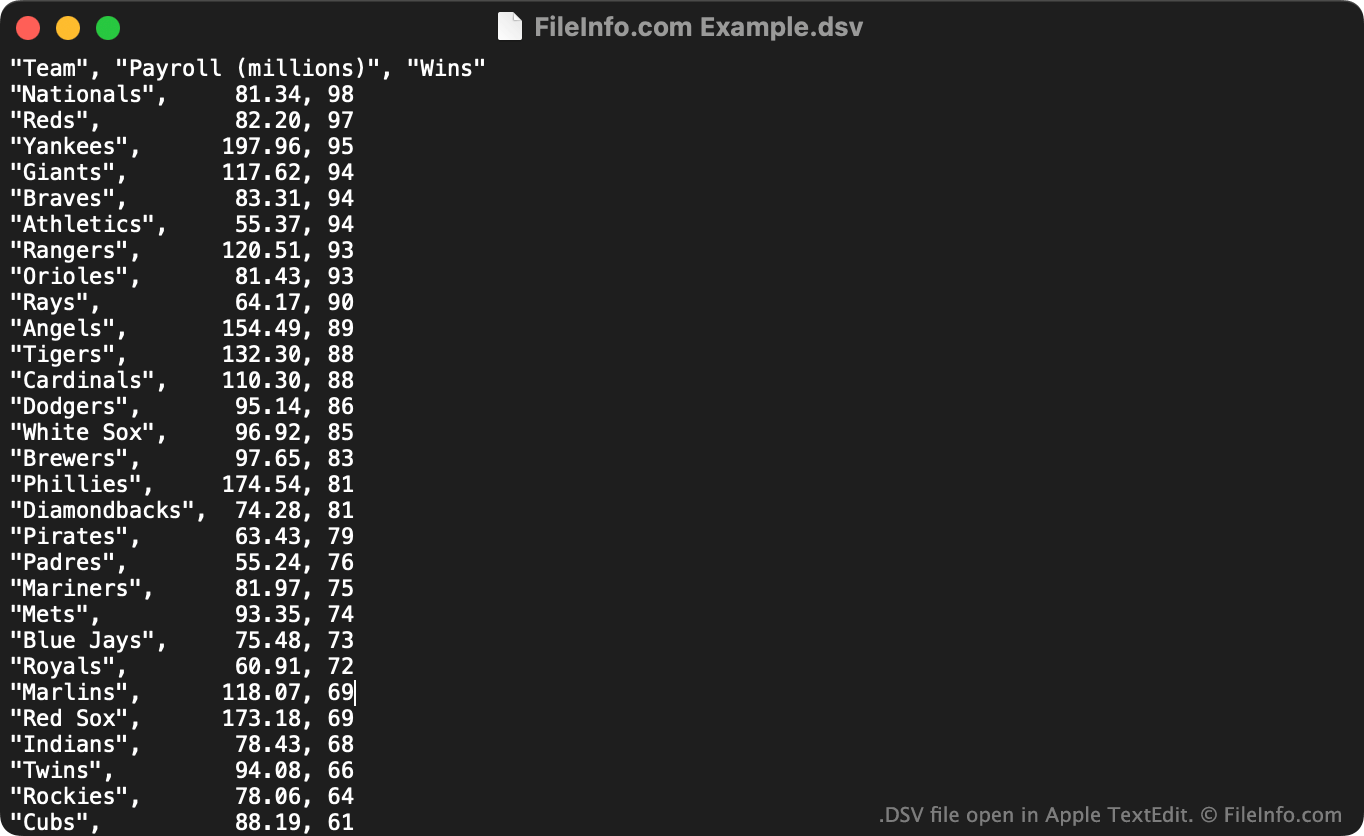
在 Apple TextEdit 中打开的 .dsv 文件截图
在 Apple TextEdit 中打开的 DSV 文件

DSV files are useful for saving large, tabular data sets in a plain text format. Any user can open a DSV file in a text editor to view the data set it contains. More commonly, users import DSV files into spreadsheet and statistic programs, to view the data they contain in a more intelligible format.

The first line in a DSV file typically defines the data included in each of the data set's columns. For example, the first line of a DSV file might read "Date","Vendor","Amount Paid". The next line (and following lines) typically list values associated with those columns, such as "October 29 2012","FileInfo.com","$5,125".

Unlike CSV and TSV files, which respectively always contain comma-separated and tab-separated values, DSV files can contain data separated by any sort of special character. Some common examples include colons (:), semi-colons (;), and pipes (|). However, most DSV files use commas or tabs as their delimiting character.

如何打开 DSV 文件

You can open a DSV file and view the text it contains in any text editor, such as Microsoft Notepad (Windows) or Apple TextEdit (Mac).

If your DSV file contains comma-separated values or tab-separated values, you can also open it in Microsoft Excel (multiplatform), Apple Numbers (Mac), LibreOffice Calc (multiplatform), and other spreadsheet programs. To do so, you must change the file's extension from .dsv to .csv or .tsv. Then, you can open the file as you would any CSV or TSV file.

可打开 DSV 文件的程序

Windows
操作系统自带
免费
免费
Mac
操作系统自带
免费
免费
Linux
免费
免费
免费
Chrome OS
操作系统自带
分类: 数据
更新时间: 2022-07-14

验证者 FileInfo.com

FileInfo.com 团队 独立研究了本页面列出的所有文件格式和软件程序。 我们的目标是达到 100% 的准确率,并且仅发布我们已验证过的文件类型信息。

如果您想为此页面提出新增或更新建议,请告诉我们