

.DSV 파일 확장자
DeSmuME 저장 게임
| 개발사 | DeSmuME |
| 인기도 |
4.4 | 17 표 |
DSV 파일이란 무엇인가요?
DSV 파일은 Nintendo DS 에뮬레이터인 DeSmuME으로 만든 저장 게임입니다. 이 파일에는 플레이어가 게임의 기능을 마지막으로 사용했을 때까지의 진행 상황이 저장됩니다. DSV 파일은 DeSmuME 전용 푸터가 포함되어 있다는 점을 제외하면 .SAV 파일과 동일합니다.
추가 정보
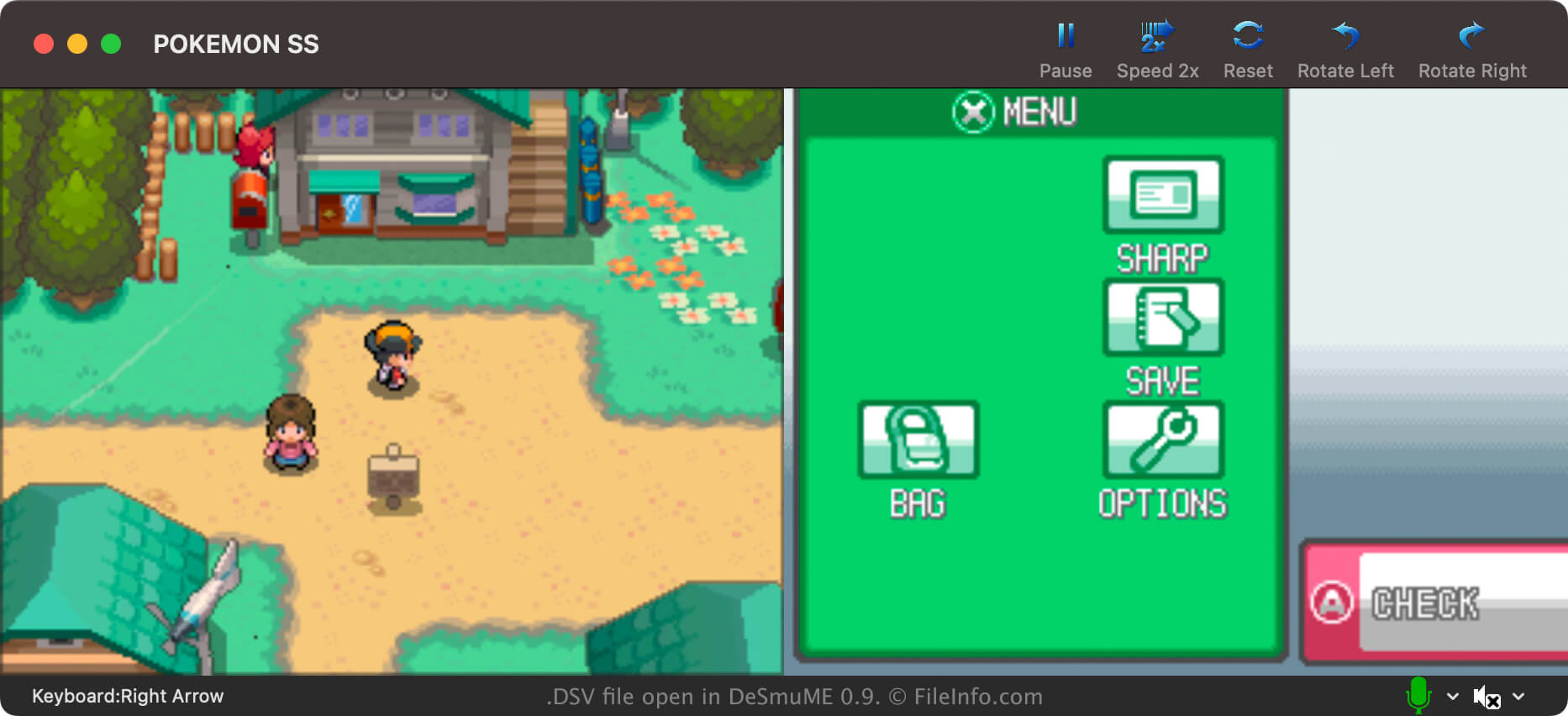
DeSmuMe는 Windows, macOS, Linux에서 사용할 수 있는 오픈 소스 Nintendo DS 에뮬레이터입니다. 플레이어는 이 프로그램을 사용해 PC에서 DS 게임을 플레이할 수 있습니다.
대부분의 경우 DeSmuME 플레이어는 .DST 파일에 게임 진행 상황을 저장합니다. 플레이어는 게임을 플레이하는 동안 언제든지 DeSmuME 자체 메뉴에서 이러한 저장 상태 파일을 편리하게 만들 수 있습니다. 따라서 게임 내 저장 지점에 도달했을 때뿐만 아니라 언제든지 진행 상황을 저장할 수 있습니다.
하지만 DeSmuME 플레이어는 게임 진행 상황을 DSV 파일에 저장할 수도 있습니다. DST 파일과 달리 DSV 파일에는 마지막 게임 내 저장 시점까지의 진행 상황만 저장됩니다. 주로 플레이어는 진행 상황을 다른 Nintendo DS 에뮬레이터로 더 쉽게 옮기기 위해 DSV 파일로 저장합니다. DSV 형식은 다른 많은 에뮬레이터에서 사용하는 SAV 형식과 거의 동일합니다.
DeSmuME에서 DSV 파일을 만드는 방법
DeSmuME에서 게임 진행 상황을 DSV 파일로 저장하려면 을 선택합니다. DSV 파일에는 마지막 게임 내 저장 시점까지의 진행 상황만 포함된다는 점을 기억하세요.
DSV 파일을 여는 방법
DSV 파일을 변환하는 방법
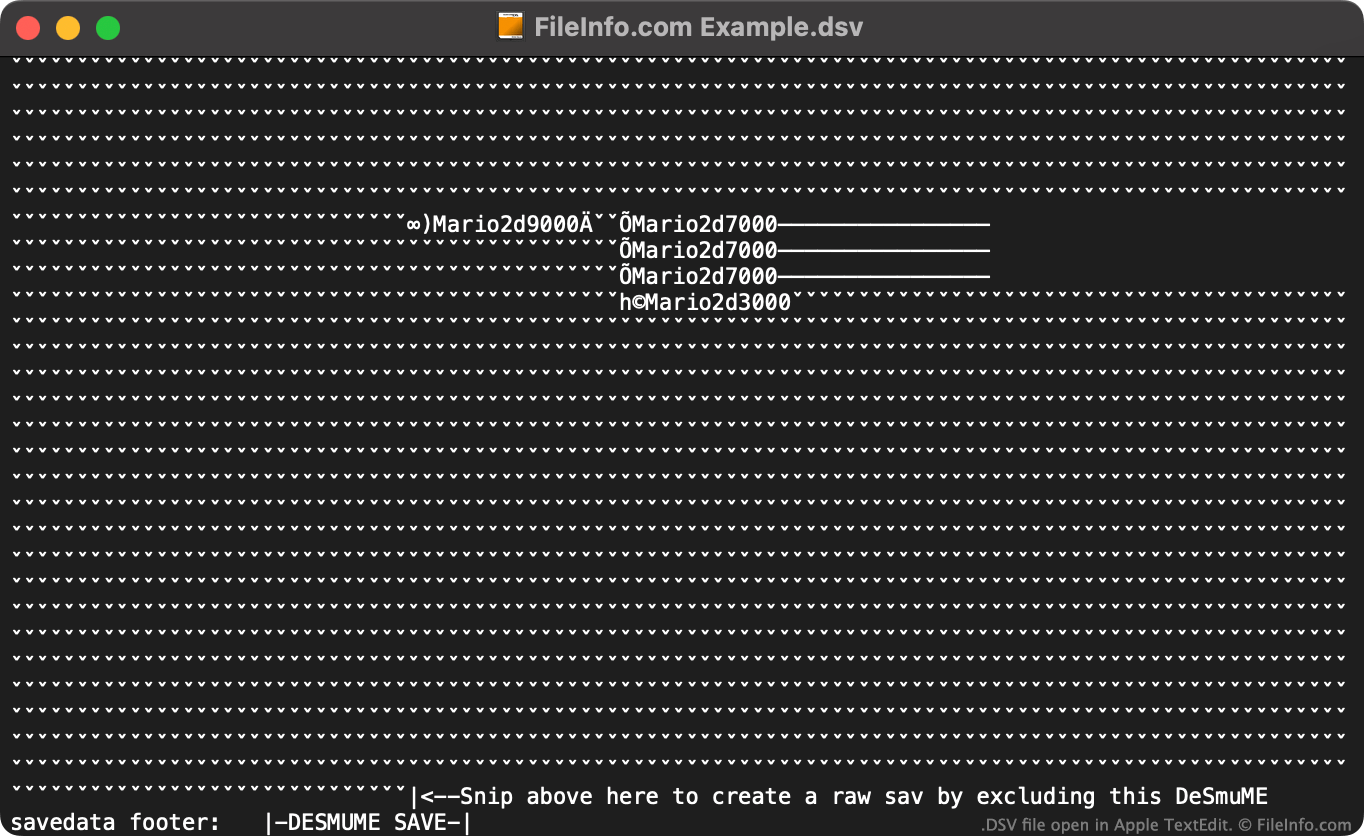
온라인 DeSmuME Save Converter를 사용해 DSV 파일을 다른 Nintendo DS 에뮬레이터에서 사용할 수 있는 .SAV 형식으로 변환할 수 있습니다.
온라인 DeSmuME Save Converter를 사용하지 않으려면 다음과 같이 DSV 파일을 수동으로 SAV 파일로 변환할 수 있습니다:
- 텍스트 편집기에서 DSV 파일을 엽니다.
- 파일 끝에 지정된 지침에 따라 파일의 DeSmuME 전용 푸터를 삭제합니다.
- .sav 확장자를 사용하도록 파일 이름을 변경합니다.
그런 다음 SAV 형식을 지원하는 모든 Nintendo DS 에뮬레이터에서 새 SAV 파일을 사용할 수 있습니다.
DSV 파일을 여는 프로그램
구분 기호로 분리된 값 파일
| 개발사 | 해당 없음 |
| 인기도 |
3.0 | 2 표 |
추가 정보
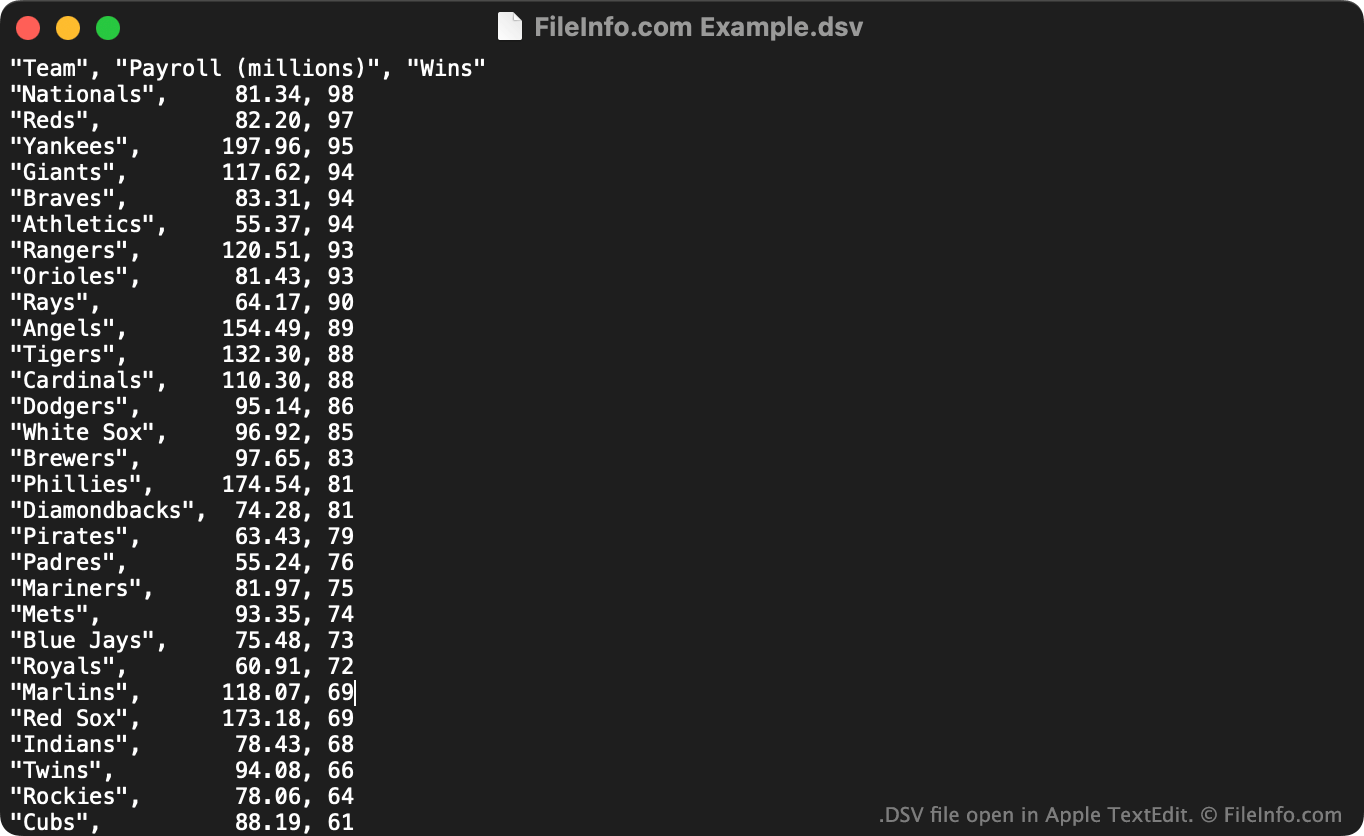
DSV 파일은 대규모 표 형식 데이터 집합을 일반 텍스트 형식으로 저장할 때 유용합니다. 누구나 텍스트 편집기에서 DSV 파일을 열어 파일에 포함된 데이터 집합을 확인할 수 있습니다. 일반적으로 사용자는 DSV 파일을 스프레드시트 및 통계 프로그램으로 가져와 포함된 데이터를 더 이해하기 쉬운 형식으로 확인합니다.
DSV 파일의 첫 번째 줄은 일반적으로 데이터 집합의 각 열에 포함된 데이터를 정의합니다. 예를 들어 DSV 파일의 첫 번째 줄은 "Date","Vendor","Amount Paid"와 같을 수 있습니다. 다음 줄(및 그 이후의 줄)에는 일반적으로 "October 29 2012","FileInfo.com","$5,125"와 같이 해당 열과 연결된 값이 나열됩니다.
각각 쉼표로 구분된 값과 탭으로 구분된 값을 항상 포함하는 CSV 및 TSV 파일과 달리, DSV 파일에는 모든 종류의 특수 문자로 구분된 데이터가 포함될 수 있습니다. 일반적인 예로 콜론(:), 세미콜론(;), 파이프(|) 등이 있습니다. 하지만 대부분의 DSV 파일은 쉼표 또는 탭을 구분 문자로 사용합니다.
DSV 파일을 여는 방법
텍스트 편집기라면 무엇이든 DSV 파일을 열고 포함된 텍스트를 확인할 수 있습니다. 예를 들어 Microsoft Notepad(Windows) 또는 Apple TextEdit(Mac)을 사용할 수 있습니다.
DSV 파일에 쉼표로 구분된 값이나 탭으로 구분된 값이 포함되어 있다면 Microsoft Excel(다중 플랫폼), Apple Numbers(Mac), LibreOffice Calc(다중 플랫폼) 및 기타 스프레드시트 프로그램에서도 열 수 있습니다. 이렇게 하려면 파일 확장자를 .dsv에서 .csv 또는 .tsv로 변경해야 합니다. 그런 다음 CSV 또는 TSV 파일을 여는 것처럼 파일을 열 수 있습니다.