

.ASL ファイル拡張子
Photoshopスタイル
| 開発元 | Adobe Systems |
| 人気度 |
4.0 | 40 票 |
ASLファイルとは?
ASLファイルは、プロ向け画像編集アプリケーションであるAdobe Photoshopで使用できるレイヤースタイルです。Photoshopユーザーがレイヤーに適用できる、1つ以上のプリセット視覚効果が含まれています。ASLファイルはオンラインで共有されることが多いため、Photoshopユーザーは他のユーザーのスタイルをダウンロードして、自分のレイヤーに適用できます。
詳細情報
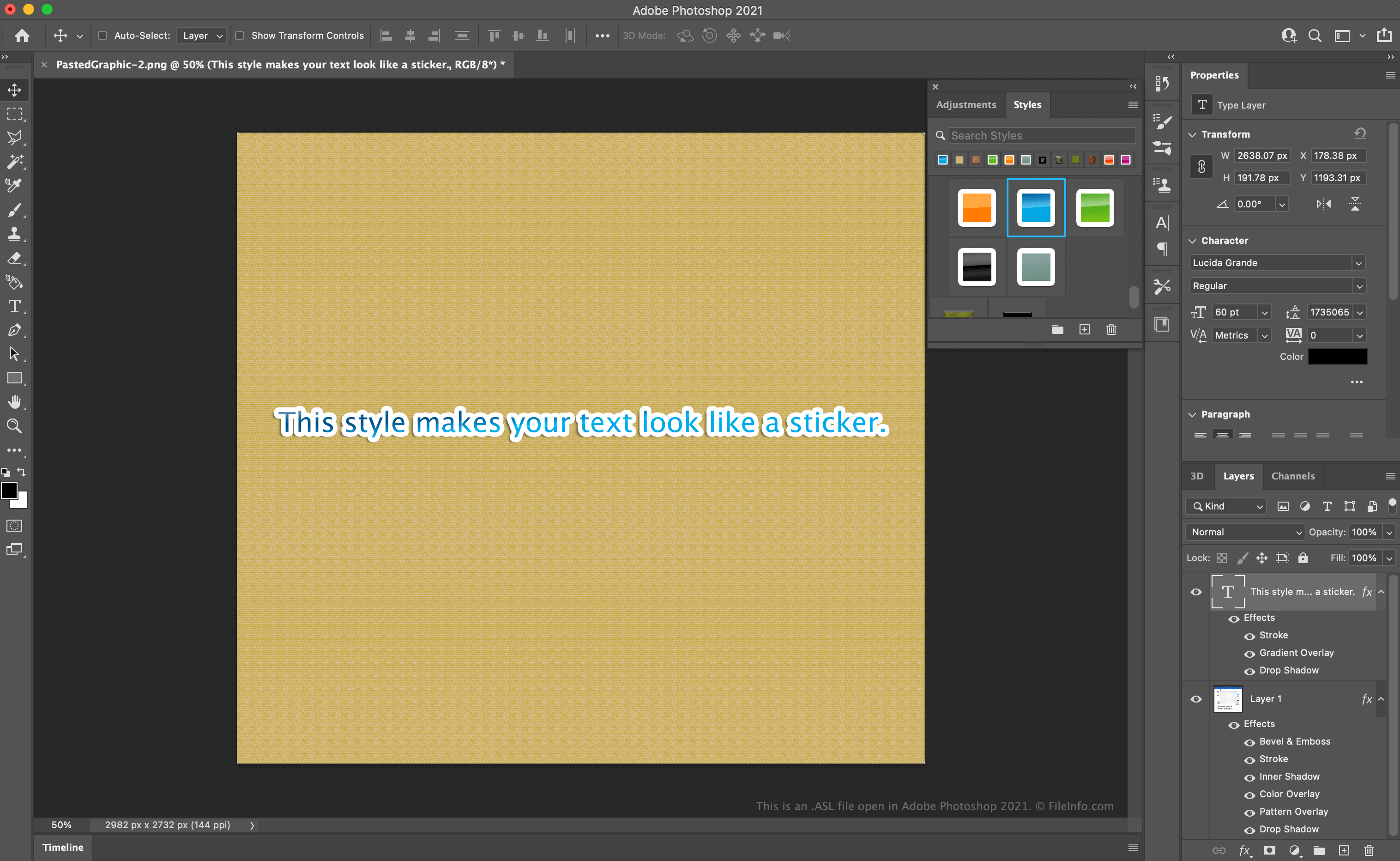
Photoshopユーザーは画像を編集する際、画像に含まれるレイヤーの見た目を変える視覚効果を適用できます。例えば、テキストレイヤーに輪郭線とドロップシャドウの効果を適用して、画像の他の部分からテキストを目立たせることができます。同じ効果のセットを複数のレイヤーに適用する予定がある場合、その効果のセットをレイヤースタイル、つまりASLファイルとして保存できます。
Photoshopのレイヤースタイルにアクセスして使用するには?
Photoshopのメニューバーからを選択すると、ユーザーがアクセスできるレイヤースタイルを確認できます。その後、PhotoshopにStylesウィンドウが表示されます。
レイヤーにスタイルを適用するには、Layersタブからレイヤーを選択し、Stylesウィンドウから適用するスタイルを選択します。スタイルに含まれる効果がレイヤーに適用されます。
新しいPhotoshopレイヤースタイルを作成するには?
効果のセットをレイヤースタイルとして保存するには、次の手順を実行します。
- Layersタブで、効果のセットを適用したレイヤーを選択します。
- Stylesウィンドウで、Create new styleボタンを選択します。
- New Styleウィンドウが表示されたら、スタイルに名前を付けてを選択します。
Photoshopのレイヤースタイルを書き出すには?
レイヤースタイルを書き出すには、Stylesウィンドウでスタイルを選択して右クリックします。次に、を選択します。Photoshopによって、書き出したスタイルの保存先を指定するよう求められます。
スタイルを書き出した後、他のPhotoshopユーザーと共有すると、そのユーザーが自分のPhotoshopレイヤーにそのスタイルを適用できるようになります。
ASLファイルの開き方
Adobe Photoshop(Windows、Mac)にASLファイルをインポートして、レイヤースタイルとして使用できます。レイヤースタイルをPhotoshopにインポートするには、次の手順を実行します。
- Photoshopのメニューバーからを選択します。
- ボタンをクリックし、ASLファイルが含まれるフォルダーに移動して、をクリックします。
- Export/Import PresetsウィンドウのSource Presetsセクションに、インポートできるプリセットが一覧表示されます。インポートするプリセットを選択し、ボタンをクリックしてPresets to Importセクションに移動します。
- ボタンを選択します。
次回、Photoshopのメニューバーからを選択してStylesウィンドウを開くと、インポートしたASLファイルが表示され、レイヤースタイルとして適用できるようになります。
ASLファイルを開く、または参照するプログラム
LiveSplitオートスプリッタースクリプト
| 開発元 | LiveSplit |
| 人気度 |
3.6 | 5 票 |
ASLファイルは、ビデオゲームのスピードランナーが使用するタイマープログラム、LiveSplitで使うために作成されたオートスプリッタースクリプトです。Auto Splitting Languageで書かれたコードが含まれており、LiveSplitにタイマーをリセットするタイミングや新しいゲームタイマーを開始するタイミングを指示します。ASLファイルを使うと、スピードランナーはスピードランの途中でタイマーを自動的に調整できるため、自分でタイマーを調整するために時間やクリック操作を無駄にする必要がありません。
詳細情報
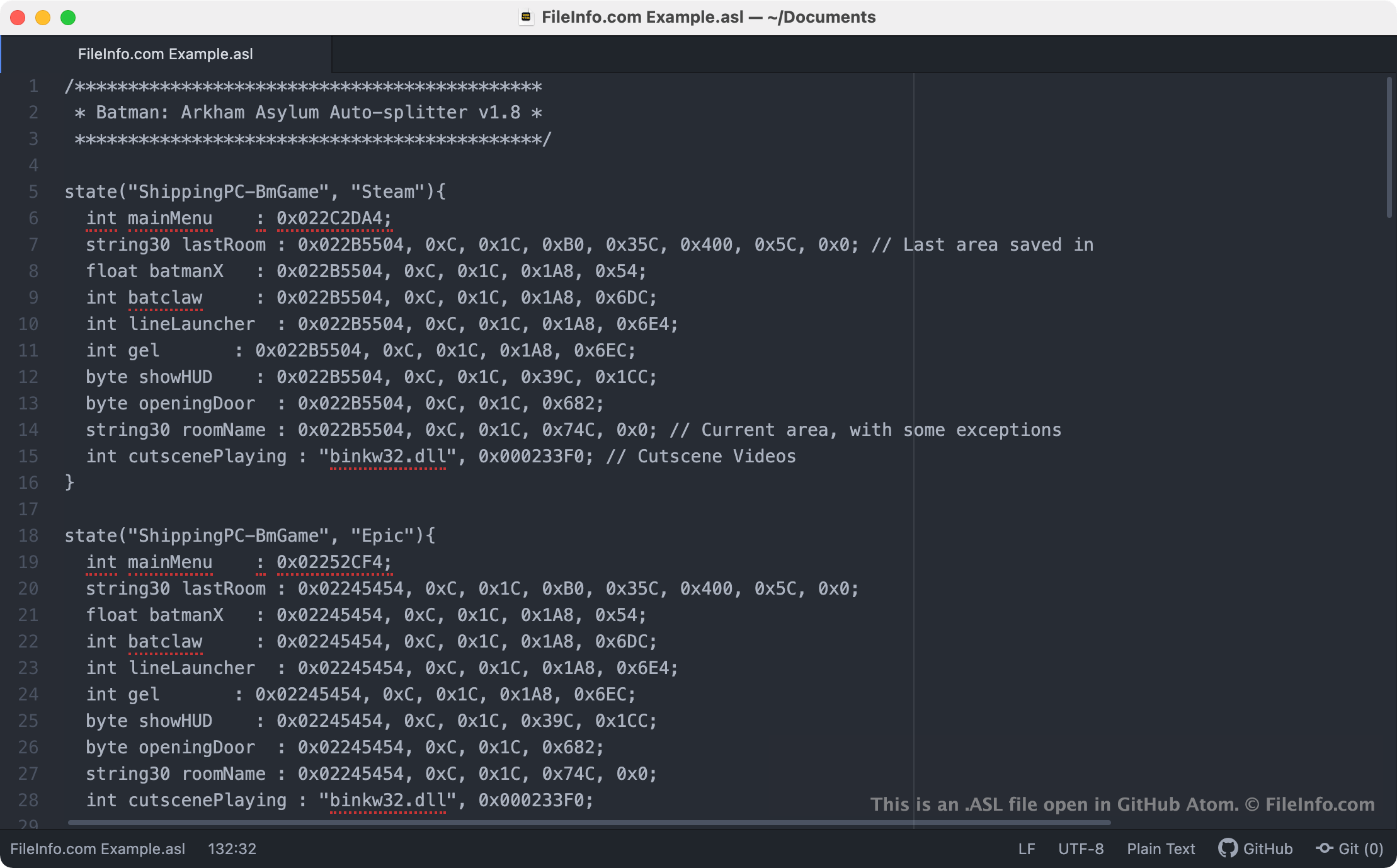
LiveSplitでは、スプリットを使ってスピードランの時間を計れます。スプリットとは、ゲームの特定のセクションやレベル用のサブタイマーです。ゲーマーは自分でスプリットを作成して手動で実行することも、オートスプリッターを使って、特定のレベルや場所に到達したとき、またはゲーム内で特定のアクションを実行したときにスプリットを自動的に実行することもできます。多くのオートスプリッターはLiveSplitのAuto Splitting Languageで書かれたスクリプトで、ASLファイルとして保存されます。
多くの既存のASLスクリプトはLiveSplitに同梱されており、スピードランナーは人気ゲームのスピードランにオートスプリットを追加できます。LiveSplitユーザーは、自分でASLスクリプトを作成し、プログラムのLayout Editorを使ってLiveSplitに手動で読み込むこともできます。
ASLファイルの開き方
ASL(Auto Splitter Script)ファイルは、任意のテキストエディターで開いて、含まれているスクリプトを編集できます。たとえば、Microsoft Notepad(Windows)、Apple TextEdit(Mac)、GitHub Atom(クロスプラットフォーム)などを使用できます。
ASLスクリプトをLiveSplit(Windows)に手動で読み込むには、次の操作を行います。
- LiveSplitウィンドウを右クリックし、を選択します。Layout Editorが表示されます。
- ボタンを選択します。次に、を選択します。
- Layout Editorに表示されたScriptable Auto Splitterの項目をダブルクリックします。次に、ASLファイルが保存されているパスを指定します。