

.ASK ファイル拡張子
2個のファイルタイプが.ask拡張子を使用しています。
Ableton Liveスキン
| 開発元 | Ableton |
| 人気度 |
2.7 | 7 票 |
詳細情報
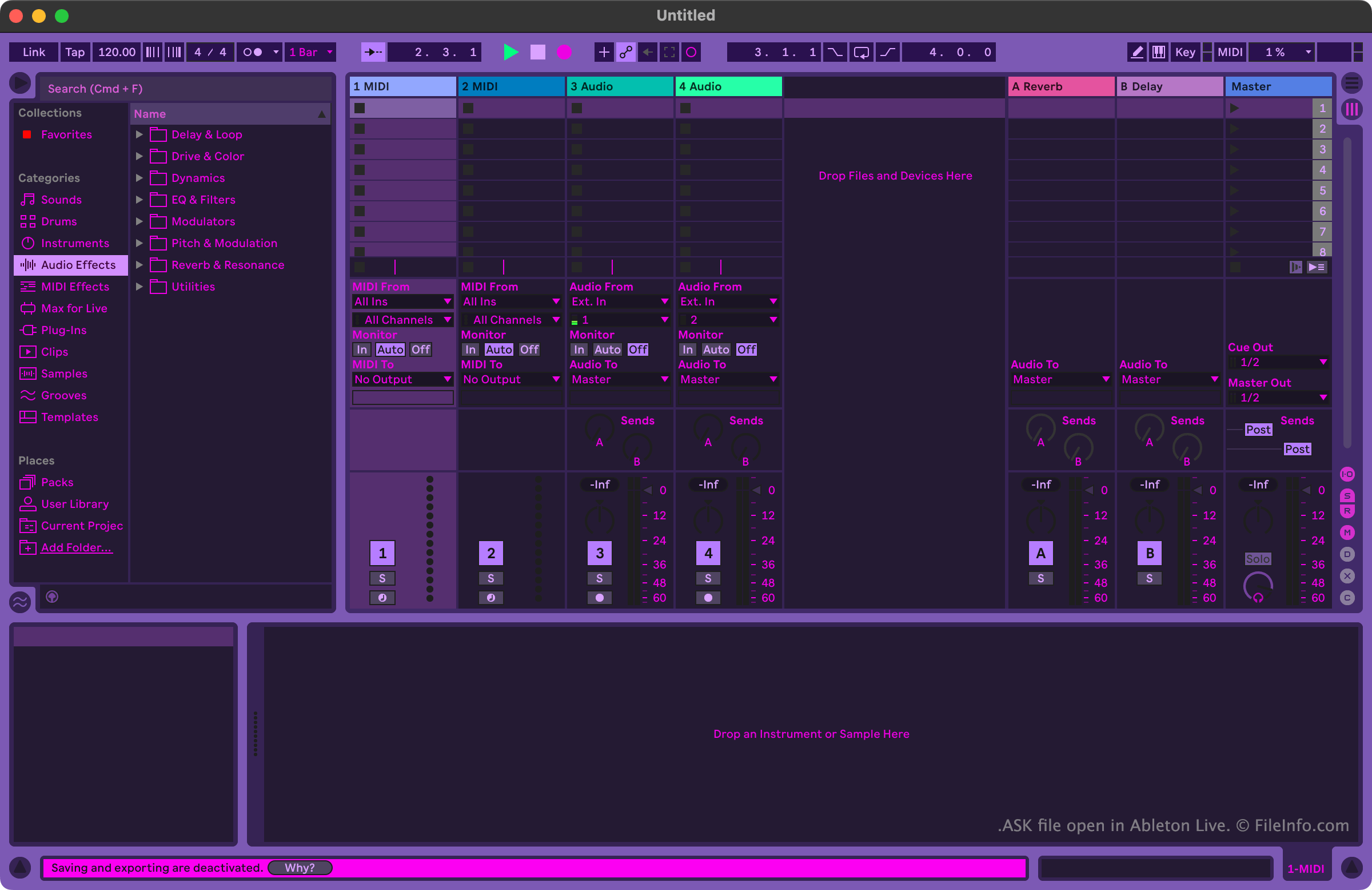
ミュージシャンや音楽プロデューサーは、Ableton Liveを使って音楽を作成、編集します。このプログラムには、ユーザーが音楽トラックを録音、インポート、アレンジし、エフェクトを適用してから、曲として書き出せる多くのツールが含まれています。
Ableton Liveの外観をカスタマイズしたいユーザーは、ASKファイルを使用できます。これらのファイルは、Ableton LiveスキンまたはAbleton Liveテーマとも呼ばれます。Ableton Liveには、明るいモードと暗いモードのバリエーションを選択できる、いくつかのデフォルトASKファイルが含まれています。より多様なテーマを含むその他のASKファイルは、さまざまなAbleton Live関連のWebサイトからオンラインで入手できます。
ASKファイルの開き方
Ableton Live(Windows、Mac)でASKファイルを開けます。開くには、まずファイルをプログラムのThemesディレクトリに配置します。Windowsでは、このディレクトリは次の場所にあります。
~/Ableton/Live # Suite/Resources/Themes
macOSでは、このディレクトリはAbleton Liveのアプリパッケージ内にあります。アクセスするには、ApplicationsフォルダーでAbleton Liveを見つけて右クリックし、を選択します。次に、表示されたウィンドウでApp-Resources/Themesに移動します。
ASKファイルをAbleton LiveのThemesディレクトリに配置したら、プログラム内からファイルに含まれるスキンを適用できます。手順は次のとおりです。
- Liveのメニューを開きます。
- Look Feelタブで、ドロップダウンメニューからASKファイルを選択します。
ASKファイルを開くプログラム
Windows
無料体験版
Mac
無料体験版