

.ASK Extensão de arquivo
Tema do Ableton Live
| Desenvolvedor | Ableton |
| Popularidade |
2,7 | 7 Votos |
Um arquivo ASK é um tema usado pelo Ableton Live, uma estação de trabalho de áudio digital (DAW). Ele contém configurações usadas para alterar a aparência do programa. Por exemplo, um arquivo ASK pode mudar as cores dos botões, menus e outros elementos da interface do usuário (interface do usuário) do Ableton Live.
Mais informações
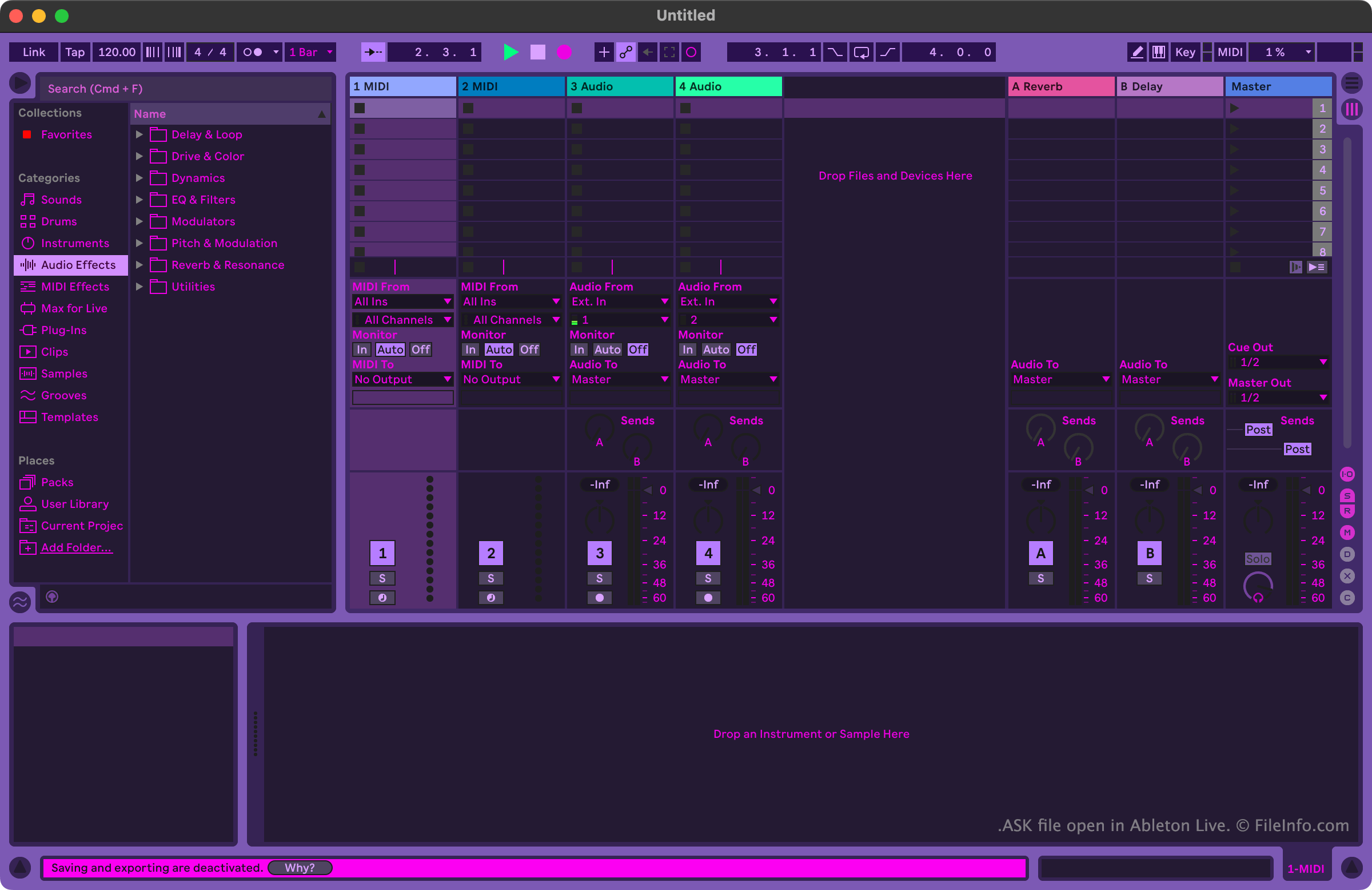
Músicos e produtores musicais usam o Ableton Live para criar e editar músicas. O programa inclui muitas ferramentas que permitem aos usuários gravar, importar, organizar e aplicar efeitos a faixas musicais antes de exportá-las como uma música.
Os usuários que querem personalizar a aparência do Ableton Live podem fazer isso usando arquivos ASK. Esses arquivos também são chamados de temas do Ableton Live. O Ableton Live inclui alguns arquivos ASK padrão, que permitem aos usuários escolher entre variações dos modos claro e escuro. Outros arquivos ASK, que contêm temas mais variados, estão disponíveis online em vários sites relacionados ao Ableton Live.
Como abrir um arquivo ASK
Você pode abrir um arquivo ASK com o Ableton Live (Windows, Mac). Para fazer isso, primeiro coloque seu arquivo no diretório Themes do programa. No Windows, esse diretório está localizado em:
~/Ableton/Live # Suite/Resources/Themes
No macOS, esse diretório está localizado no pacote do aplicativo do Ableton Live. Para acessá-lo, localize o Ableton Live na pasta Applications, clique nele com o botão direito do mouse e selecione . Em seguida, na janela exibida, navegue até App-Resources/Themes.
Depois de colocar seu arquivo ASK no diretório Themes do Ableton Live, você pode aplicar o tema que ele contém dentro do programa. Para fazer isso:
- Abra o menu do Live.
- Na guia Look Feel, selecione seu arquivo ASK no menu suspenso .