

.ASK Přípona souboru
Vzhled Ableton Live
| Vývojář | Ableton |
| Popularita |
2,7 | 7 hlasů |
Další informace
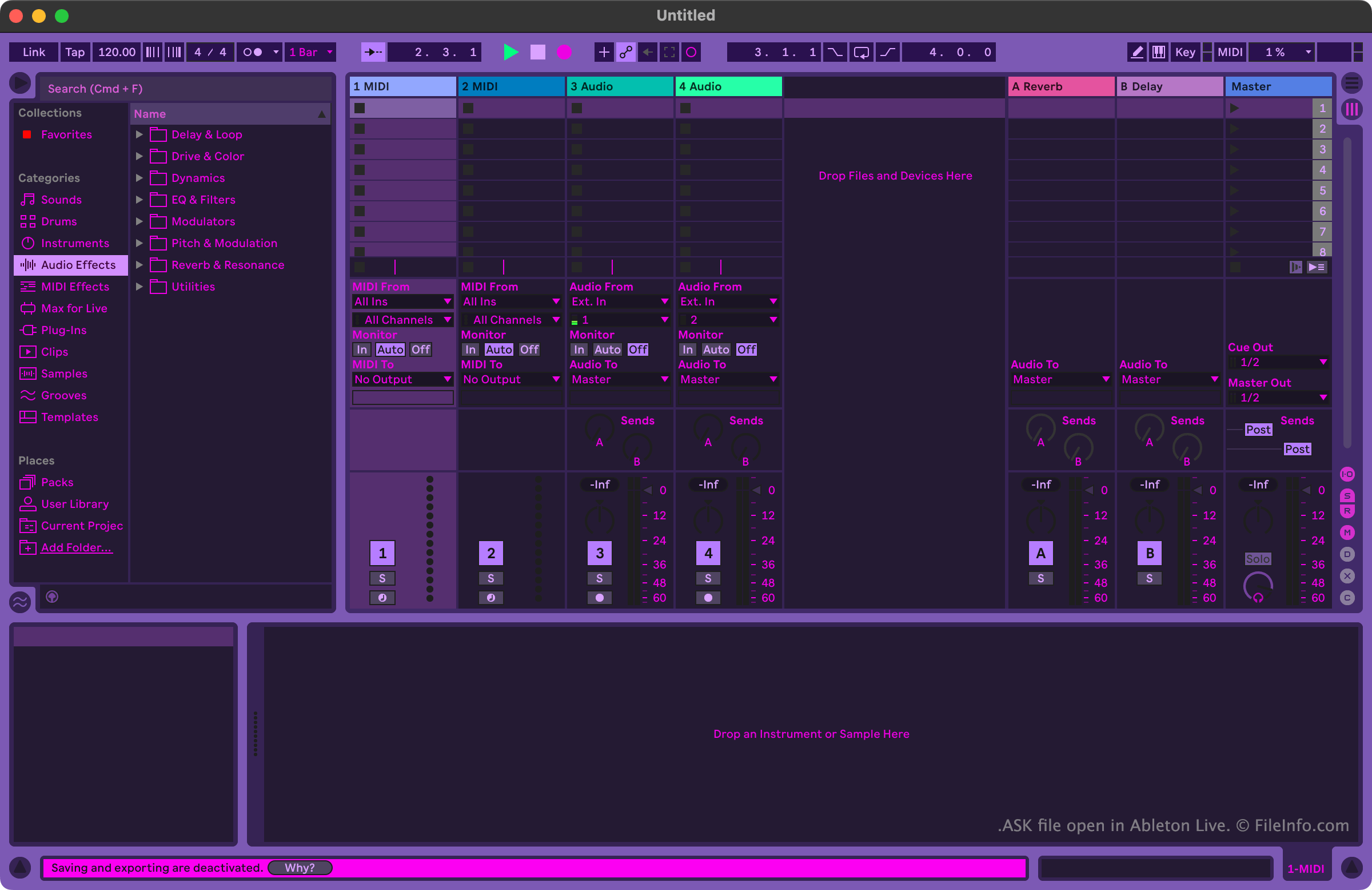
Hudebníci a hudební producenti používají Ableton Live k tvorbě a úpravě hudby. Program obsahuje mnoho nástrojů, které uživatelům umožňují nahrávat, importovat, uspořádávat a upravovat hudební stopy pomocí efektů, než tyto stopy exportují jako skladbu.
Uživatelé, kteří chtějí přizpůsobit vzhled programu Ableton Live, tak mohou učinit pomocí souborů ASK. Tyto soubory se také označují jako vzhledy Ableton Live nebo motivy Ableton Live. Ableton Live obsahuje několik výchozích souborů ASK, které uživatelům umožňují vybírat mezi variantami světlého a tmavého režimu. Další soubory ASK s rozmanitějšími motivy jsou k dispozici online na různých webových stránkách zaměřených na Ableton Live.
Jak otevřít soubor ASK
Soubor ASK můžete otevřít pomocí programu Ableton Live (Windows, Mac). Nejprve soubor umístěte do složky Themes programu. Ve Windows se tato složka nachází zde:
~/Ableton/Live # Suite/Resources/Themes
V macOS se tato složka nachází v balíčku aplikace Ableton Live. Chcete-li se k ní dostat, vyhledejte Ableton Live ve složce Applications, klikněte na něj pravým tlačítkem a vyberte možnost . V okně, které se zobrazí, přejděte do složky App-Resources/Themes.
Po umístění souboru ASK do složky Themes programu Ableton Live můžete v programu použít vzhled, který obsahuje. Postupujte takto:
- Otevřete nabídku programu Live.
- Na kartě Look Feel vyberte soubor ASK z rozevírací nabídky .